.png&w=3840&q=75)
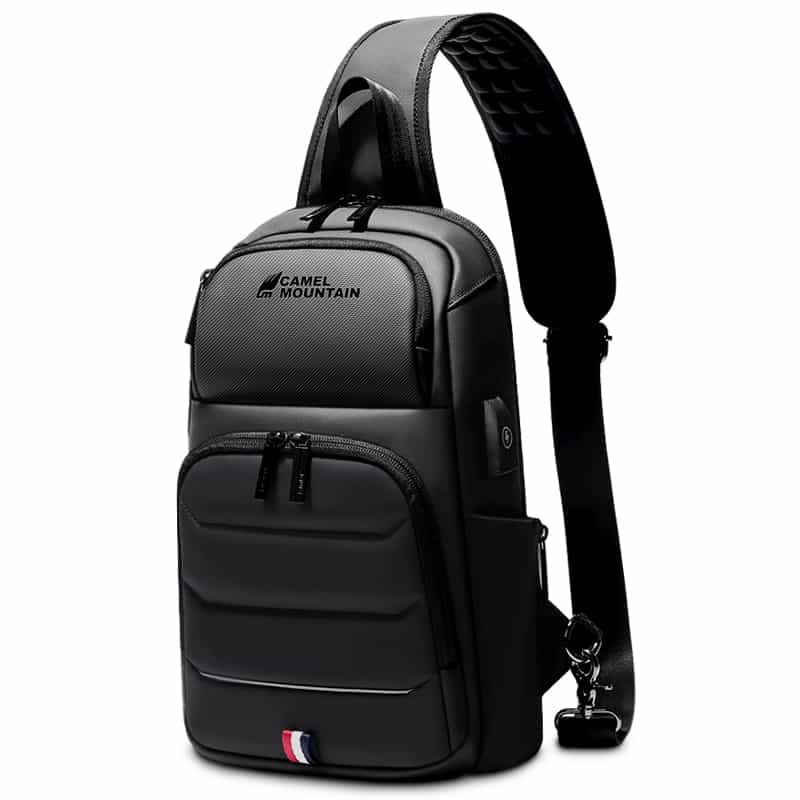
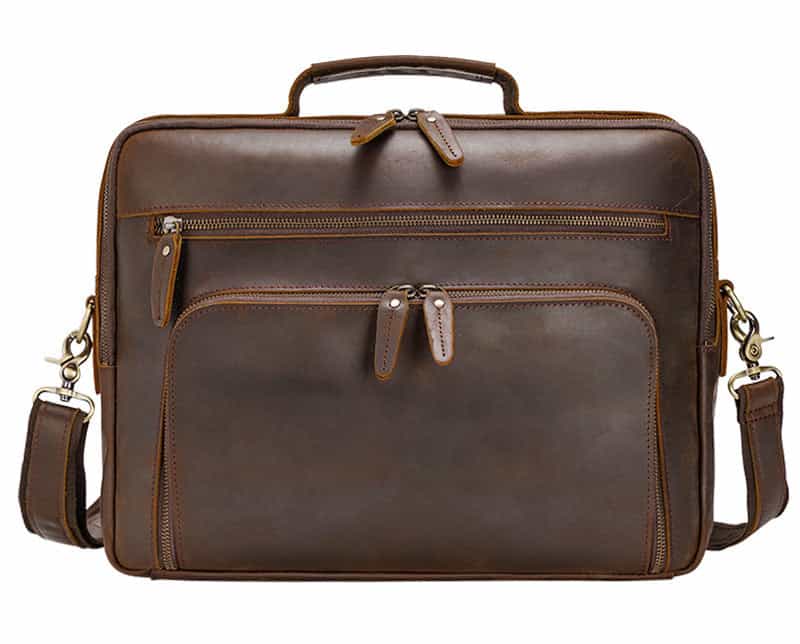
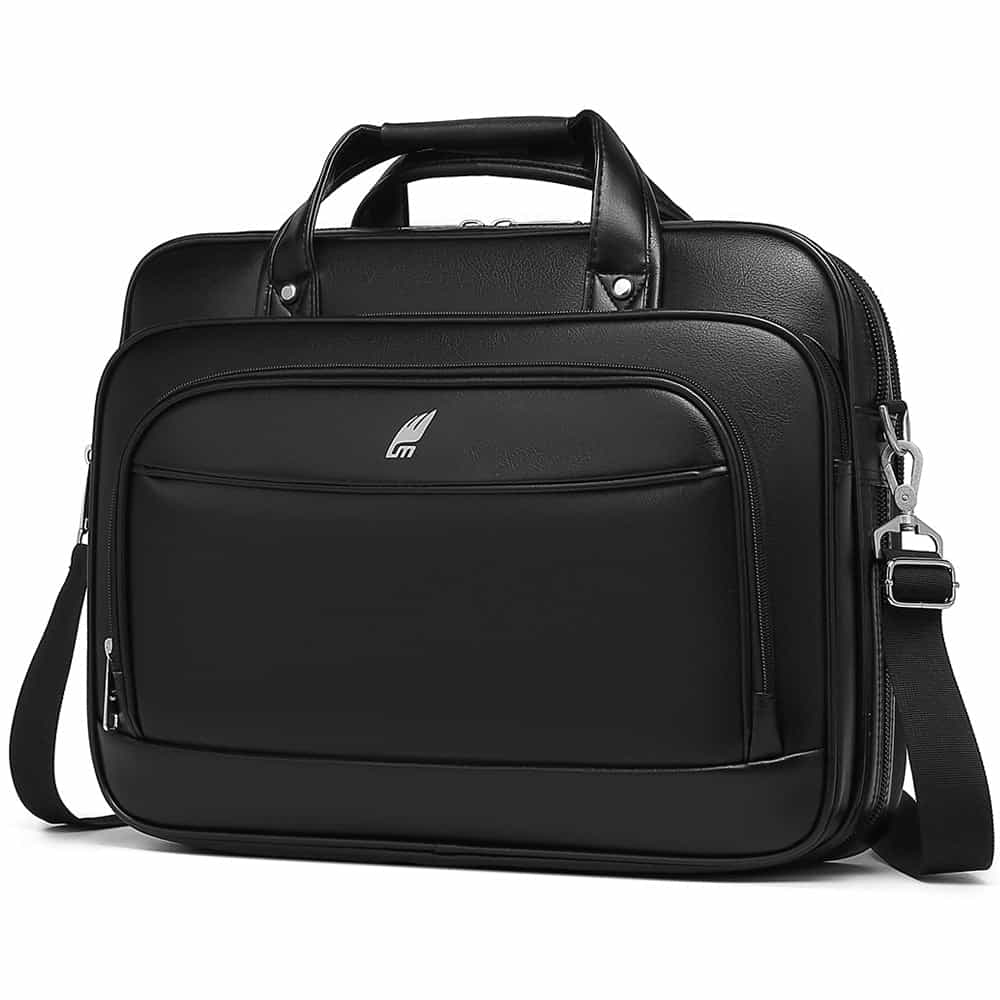

Discover the Latest Top-Rated Business Laptop Backpacks
October 24, 2026

A business laptop backpack is not just about looks. It has to serve you on workdays and business trips alike, through busy airports and rushed mornings, keeping you organized and comfortable. Here is what to look for, and two backpacks from our range that fit the bill.
Key features to consider
- A padded laptop compartment that protects your computer from daily bumps.
- Water-repellent materials to protect electronics from rain and spills.
- An ergonomic design with padded shoulder straps and back support, to ease heavy loads.
- Multiple compartments for chargers, cables and documents.
- A ventilated back panel for long commutes.
- Security features such as hidden pockets and concealed zippers.
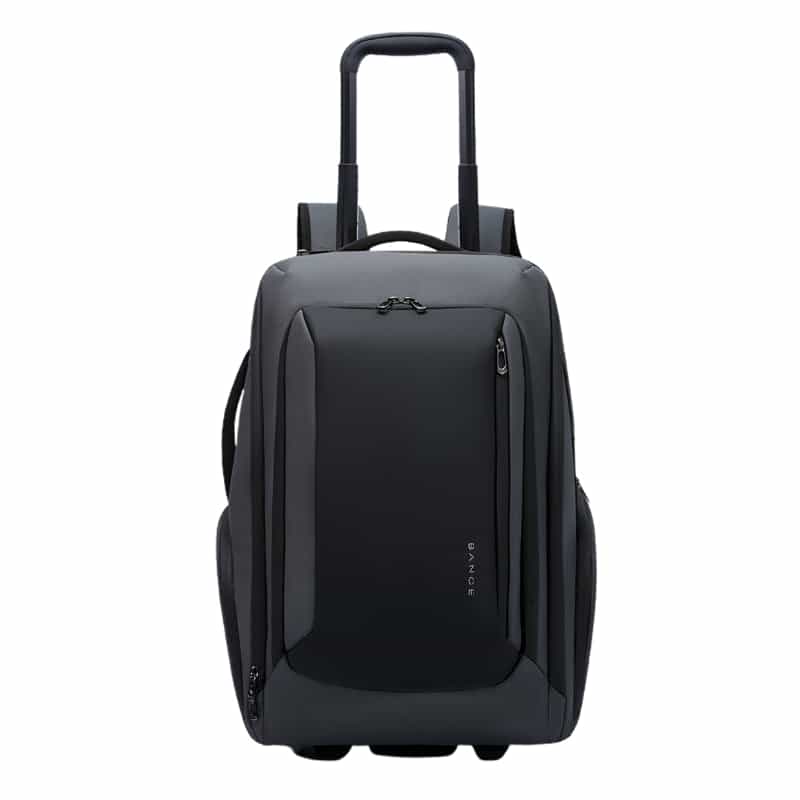
- A luggage strap that slides over a suitcase handle, for frequent flyers.
Style meets function
Business backpacks should be as stylish as they are practical. Minimal designs in neutral colors work with office clothes; more rugged models suit people who split their time between the office and the outdoors. Either way, you no longer have to choose between looking professional and carrying comfortably.
Two picks from our range
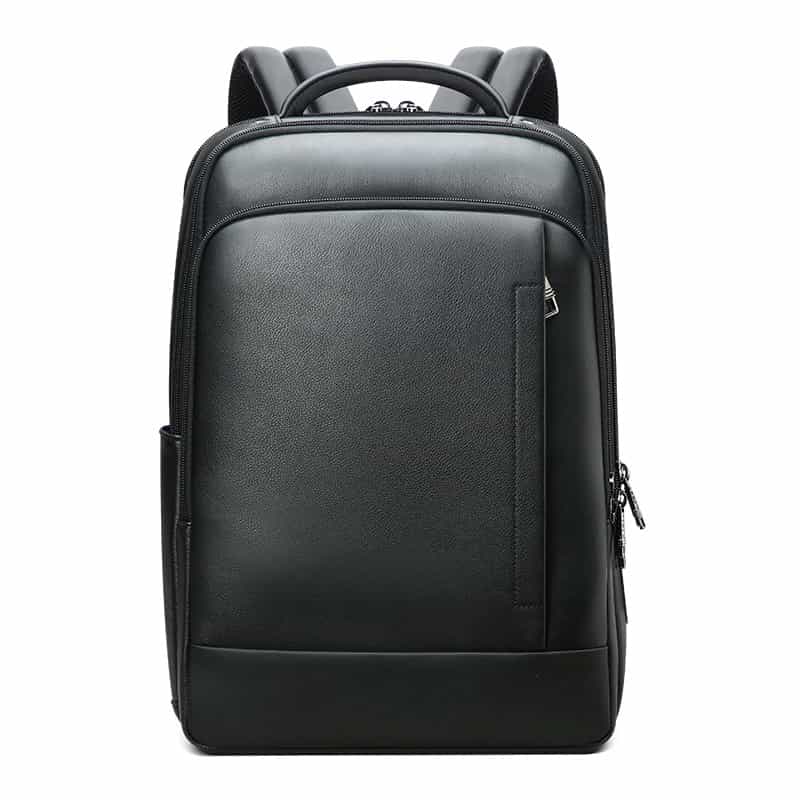
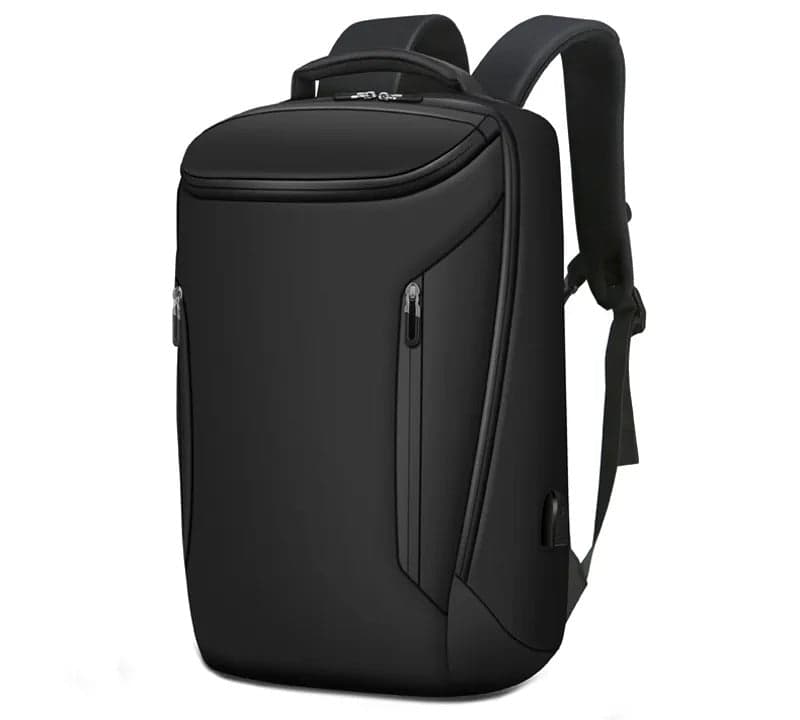
- Corona X Xtreme 20L Anti-Theft Laptop Backpack: 20 L, a padded compartment for laptops up to 16 inches, hidden pockets for your valuables and a USB port for charging from your own power bank (not included).
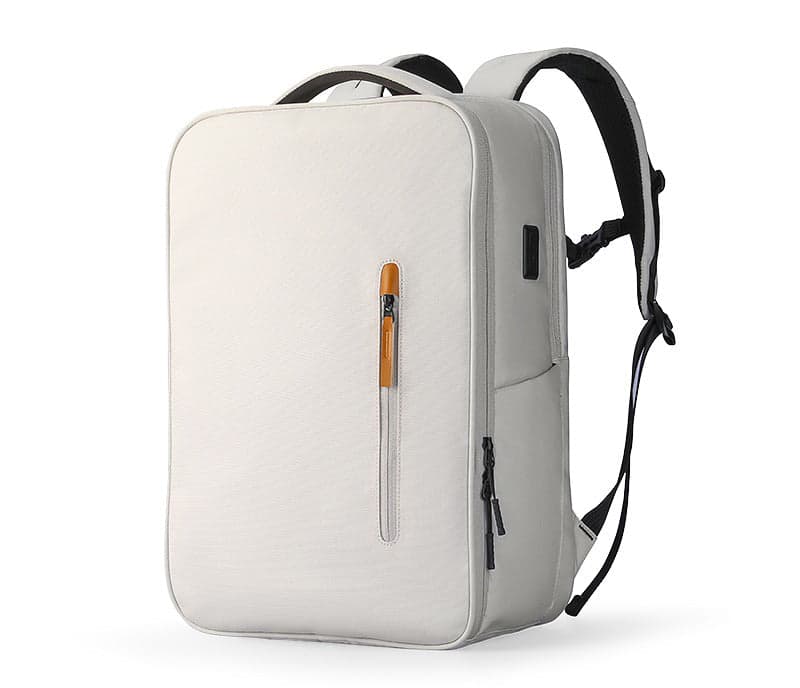
- Insert Pro Business Laptop Backpack: about 22 L, hidden anti-theft zippers, a pocket with RFID protection for your cards, water-resistant polyester and room for laptops up to 16 inches.
Durability and materials
How long a backpack lasts depends mostly on its materials and construction. Dense nylon or Oxford fabric resists wear, reinforced stitching holds the straps on, and quality zippers keep working for years. A water-repellent finish protects laptops and papers on rainy commutes.
Choose the right size for your laptop
- 13 to 14 inch laptops: a compact, slim backpack with room for a few extras.
- 15.6 to 16 inch laptops: a medium backpack that also fits documents, chargers and maybe a tablet.
- 17 inch laptops: a larger bag with a compartment made for them.
Keep your backpack in good shape
- Wipe the outside with a damp cloth regularly.
- Empty and shake out the inside every few weeks.
- Do not overload it; strain on the seams and on the laptop is what breaks bags.
- Store it upright and dry when you are not using it.
Every Camel Mountain bag ships free with tracking and is covered by a 12-month warranty against manufacturing defects. Browse our laptop bags, or read about the best business travel laptop bags for 2026.
Products in this guide
Frequently asked questions
What features are essential in a business laptop backpack?
A padded laptop compartment, water-repellent materials, comfortable padded straps, enough pockets for chargers and documents, and ideally some security features such as hidden pockets.
How do I choose the right size laptop backpack?
Match the laptop compartment to your screen size. A bag for 15.6 inches usually fits laptops up to 16 inches; 17 inch laptops need a bag made for them.
How do I care for a laptop backpack?
Wipe it with a damp cloth, empty it out regularly, avoid overloading it and store it dry and upright.