.png&w=3840&q=75)

How Do I Know What Size My Laptop Is in Inches? The Complete, Easy Guide
October 23, 2026

To find out how many inches your laptop is, use a measuring tape to measure the screen diagonally, from the bottom left corner to the top right corner (not including the plastic frame). Divide the result in centimeters by 2.54 to get the exact size in inches. Alternatively, you can find the size on the sticker on the bottom of the laptop or in the operating system's system information.
The physical method: how to measure your laptop screen diagonally
To get the most accurate measurement, the simplest and most reliable way is to measure physically. All you need is a flexible measuring tape (like a sewing tape) or even a simple long ruler. The most common mistake travelers and our customers make when they come to choose a laptop backpack at Camel Mountain is measuring the laptop across, from side to side. The computer industry measures screens only diagonally.
Here are the correct measuring steps:
- Open the laptop and set it on a flat, stable surface.
- Take the measuring tape and place the 0 end at the bottom left corner of the screen itself, at the exact point where the lit pixels begin, not on the plastic or aluminum frame around the screen.
- Stretch the tape diagonally straight to the top right corner of the screen (again, only up to the edge of the active display area).
- Write down the result in centimeters.
- Now divide the number of centimeters by 2.54 (since one inch equals exactly 2.54 cm). The number you get is your screen size in inches.
For example, if the diagonal measurement showed about 39.6 cm, dividing by 2.54 gives you exactly 15.6 inches, the most standard and popular laptop size today.

The digital method: checking the screen size in the system settings
If you don't have a measuring tape at hand, don't worry. You can find the exact information straight from your laptop's operating system in a few simple clicks. This method also avoids human measuring errors and helps you know exactly which model you have.
On Windows laptops:
To find the laptop's model and size in Windows, follow these steps:
- Press the Windows key on the keyboard or the Start button on the screen.
- Go to Settings, the familiar gear icon.
- Choose the System category and then click About at the bottom of the side menu.
- Here you will see your exact laptop model (for example: Dell XPS 15 or Lenovo ThinkPad T14).
- Once you have the exact model name, a quick Google search will immediately show you the full technical specifications, including the exact screen size in inches.
On macOS (Mac / Apple):
Apple's operating system makes life even easier and shows the size directly:
- Click the Apple menu icon in the top corner of the screen.
- Choose the first option: About This Mac.
- In the window that opens, you will immediately see the exact screen size and model year on the first line. For example: 'MacBook Pro (16-inch, 2023)'. No calculations or extra Google searches needed.
Quick conversion table: from centimeters to common inch sizes
To save you the calculator and the guesswork, we have gathered the most common laptop sizes on the market, including the diagonal length in centimeters and the recommended bag for each:
| Screen size in inches | Diagonal in centimeters (approx.) | Common use | Recommended Camel Mountain bag size |
|---|---|---|---|
| 13.3" | 33.8 cm | Light ultrabooks, students on the go | A compact bag or a 13 to 14 inch sleeve |
| 14.0" | 35.6 cm | Business laptops, the perfect balance | A 14 inch backpack or a compact dedicated compartment |
| 15.6" | 39.6 cm | The global standard for work, the office and studies | A classic 15.6 inch business backpack |
| 16.0" | 40.6 cm | New Apple laptops and modern gaming laptops | An advanced 16 inch backpack with an extended padded compartment |
| 17.3" | 43.9 cm | Heavy workstations, graphics and gaming | A large dedicated backpack (30L volume and up) |
Why it matters to tell screen size apart from the laptop's physical size
This is where our rich family experience, since 1975, comes in. Many customers are sure that if they have a 15.6 inch laptop, they must buy a bag marked exactly 15.6 inches. In practice, the picture is much more complex and dynamic.
A laptop's inch size refers only to the display screen itself. It doesn't take into account the thickness of the frame (bezel), the thickness of the laptop when closed, or the battery "bulge" on some models. In recent years, laptop makers have managed to shrink the screen frame almost completely. The result is that a new 16 inch laptop may have smaller outer dimensions than an old 15.6 inch laptop from five years ago!
So when you are looking for a laptop backpack or sleeve, don't rely only on the screen's inch number. Check the laptop's real outer dimensions (length, width and thickness) and compare them with the inner dimensions of the laptop compartment in the bag you want to buy.
Tips for choosing the right backpack or sleeve for your laptop
Once you have found your laptop's exact size, it is time to protect it properly. A laptop is an expensive investment, and it holds your whole professional and personal life. Here are a few critical points to help you choose the perfect bag:
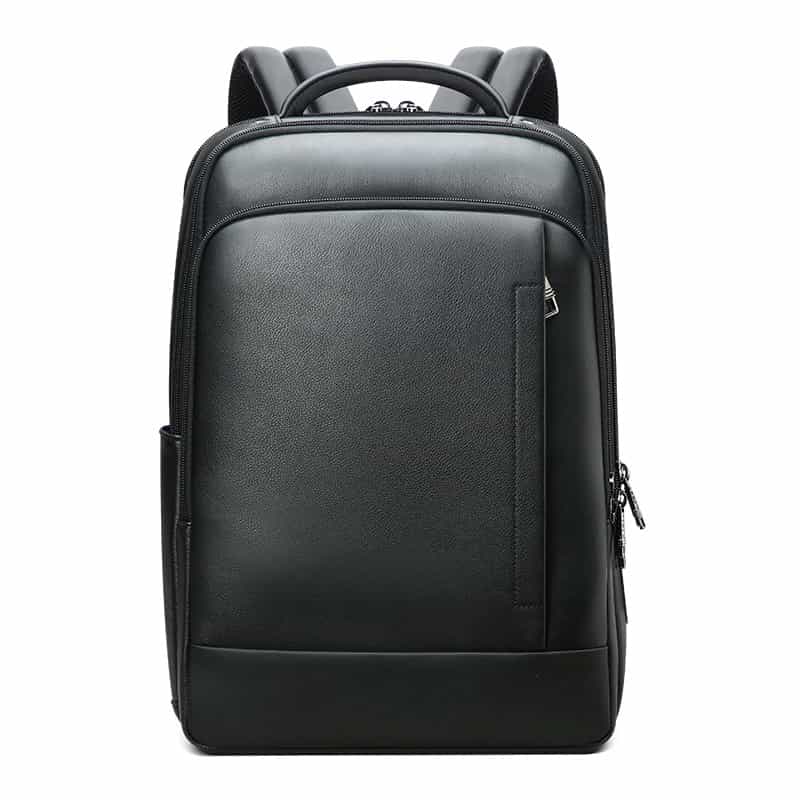
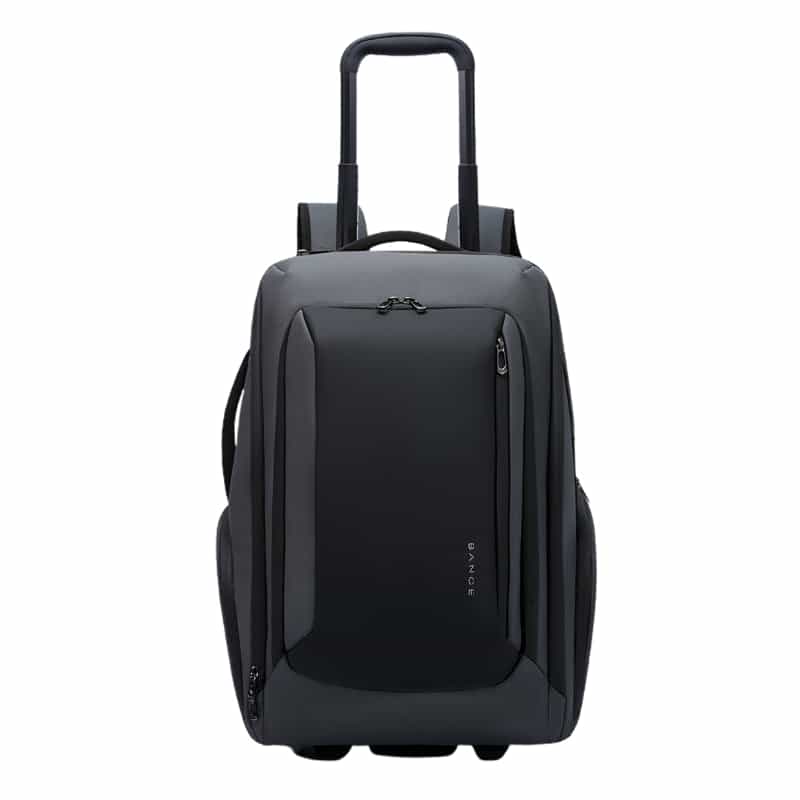
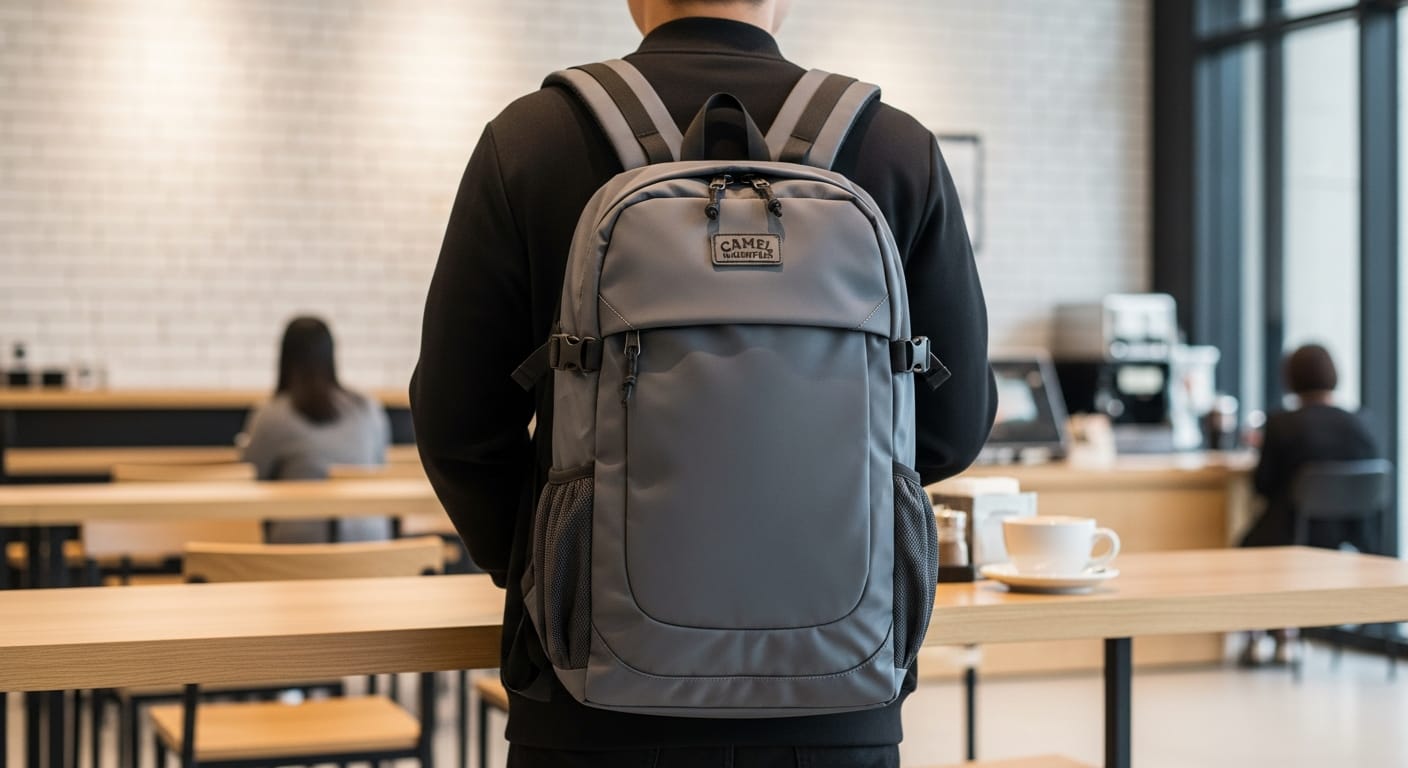
- The padding of the dedicated compartment: make sure the backpack has a completely separate laptop compartment with thick padding on both sides and at the bottom. At Camel Mountain we put special emphasis on a protected bottom, to prevent direct impact when the bag is put down hard on the floor.
- A security strap: a quality laptop compartment includes a Velcro or elastic strap that locks the laptop in place and stops it from moving or sliding out when the bag is fully open.
- Water resistance: even in a mostly sunny climate, a sudden rain shower or a water bottle that spills inside the bag can ruin a laptop in a moment. Choose a bag made of water-repellent fabrics such as treated canvas, ballistic nylon or water-resistant polyester.
- Ergonomics and weight distribution: a laptop, together with the charger, the mouse and other accessories, weighs quite a bit. Wide, padded shoulder straps and a breathable back system will look after your back on the way to class, to work or on business trips abroad.
Choosing a bag matched exactly to your laptop's dimensions will give you peace of mind for years, maximum everyday comfort and protection for your most valuable gear against unexpected knocks and damage.
Products to help you on the way
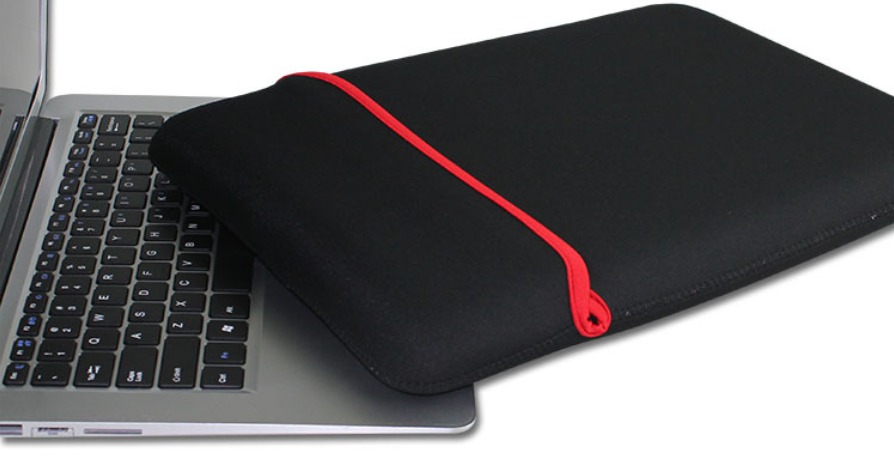
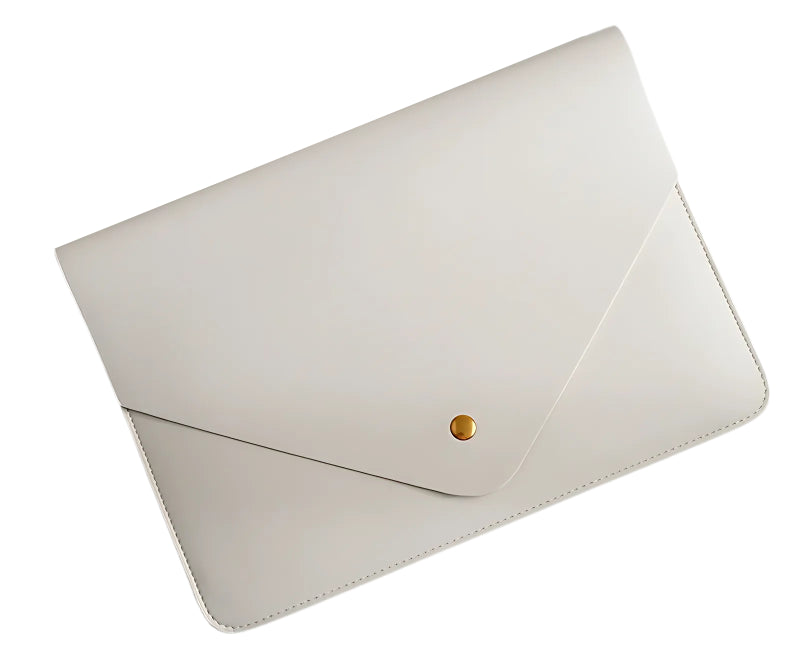
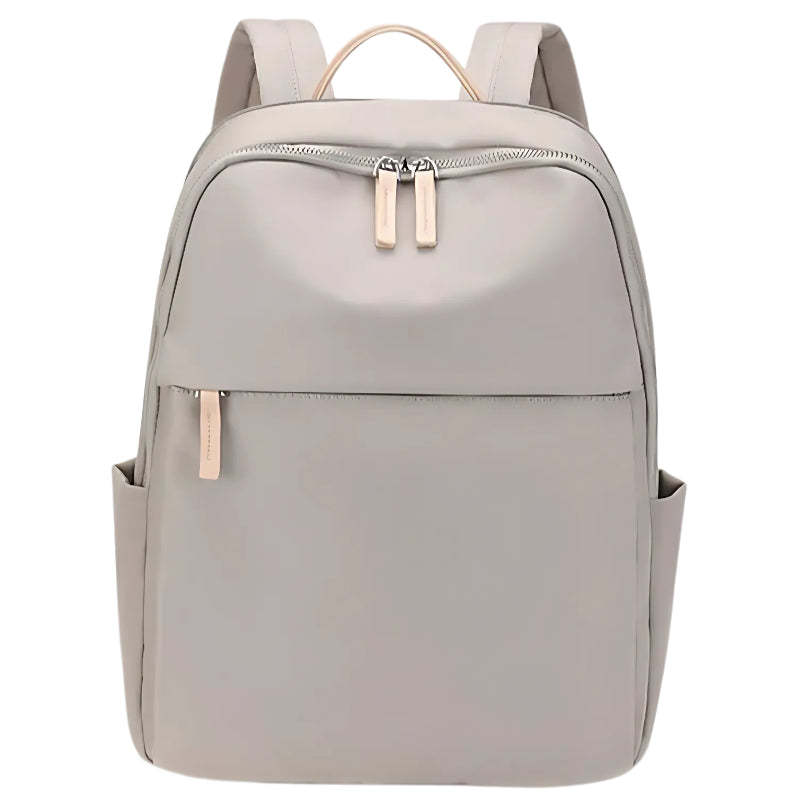
Products in this guide

Frequently asked questions
Does the plastic frame around the screen count when measuring inches?
No. The official inch measurement of laptops, and of screens in general, refers only to the active display area (the glass that shows the image). Don't include the plastic or aluminum frame around the screen when measuring the diagonal.
How do I know if a 15.6 inch laptop will fit in a 15 inch bag?
It depends a lot on the laptop model and the bag's design. Newer laptops with an especially thin screen frame (thin bezel) may easily fit bags originally designed for older 15 inch laptops. Always compare the laptop's physical dimensions in centimeters with the bag's specifications.
Should I buy a bag bigger than my laptop size?
Yes. Buying a bag with a laptop compartment slightly larger than your laptop (for example, a 16 inch bag for a 14 inch laptop) is completely safe, especially if the bag has a security strap that holds the laptop in place. It also lets you upgrade to a bigger laptop in the future without replacing the bag.
Where is the screen size written on the laptop itself?
On some models, mainly from companies like HP, Lenovo or Dell, you will find a small spec sticker on the bottom of the laptop or next to the keyboard. The sticker usually contains the model name and the number of inches (for example: '14.0 FHD' or '15.6').
What is the difference between a laptop backpack and a sleeve?
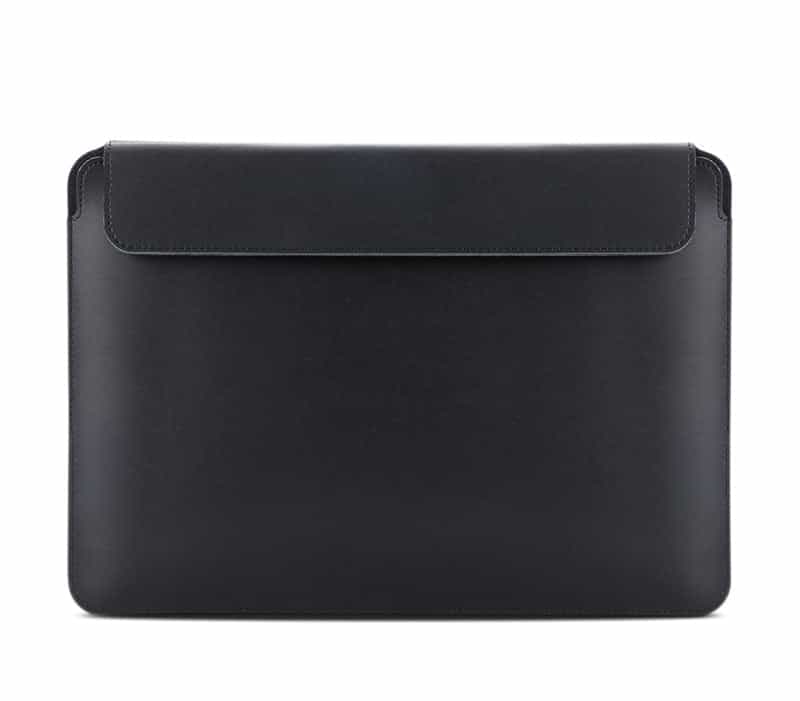
A sleeve is designed for basic protection against scratches and light knocks inside another bag, while a dedicated laptop backpack offers advanced all-around protection, organized compartments for the charger and accessories, and ergonomic comfort for carrying on your back over time.


