.png&w=3840&q=75)
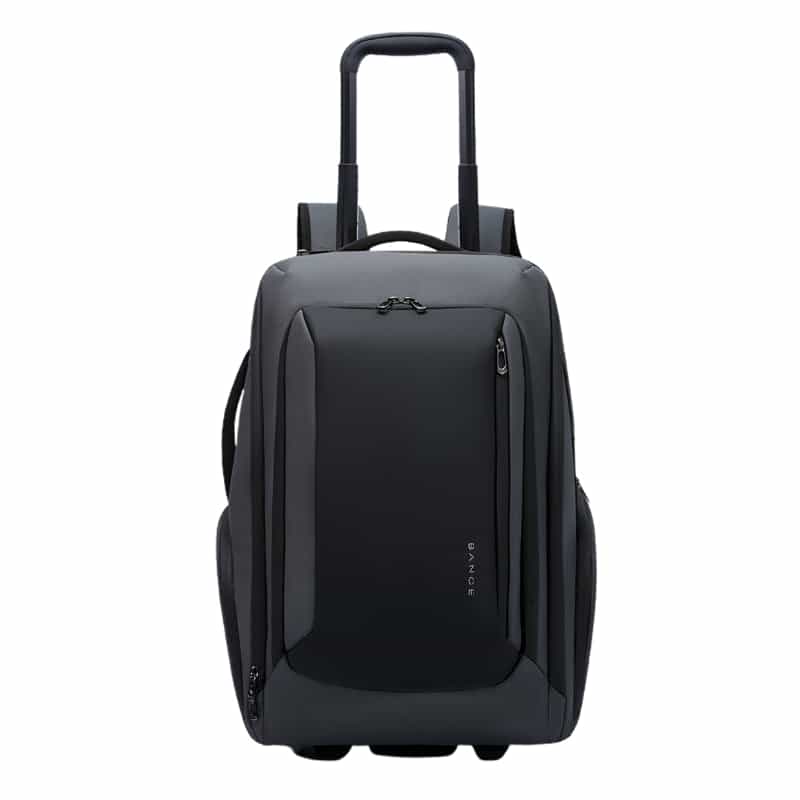
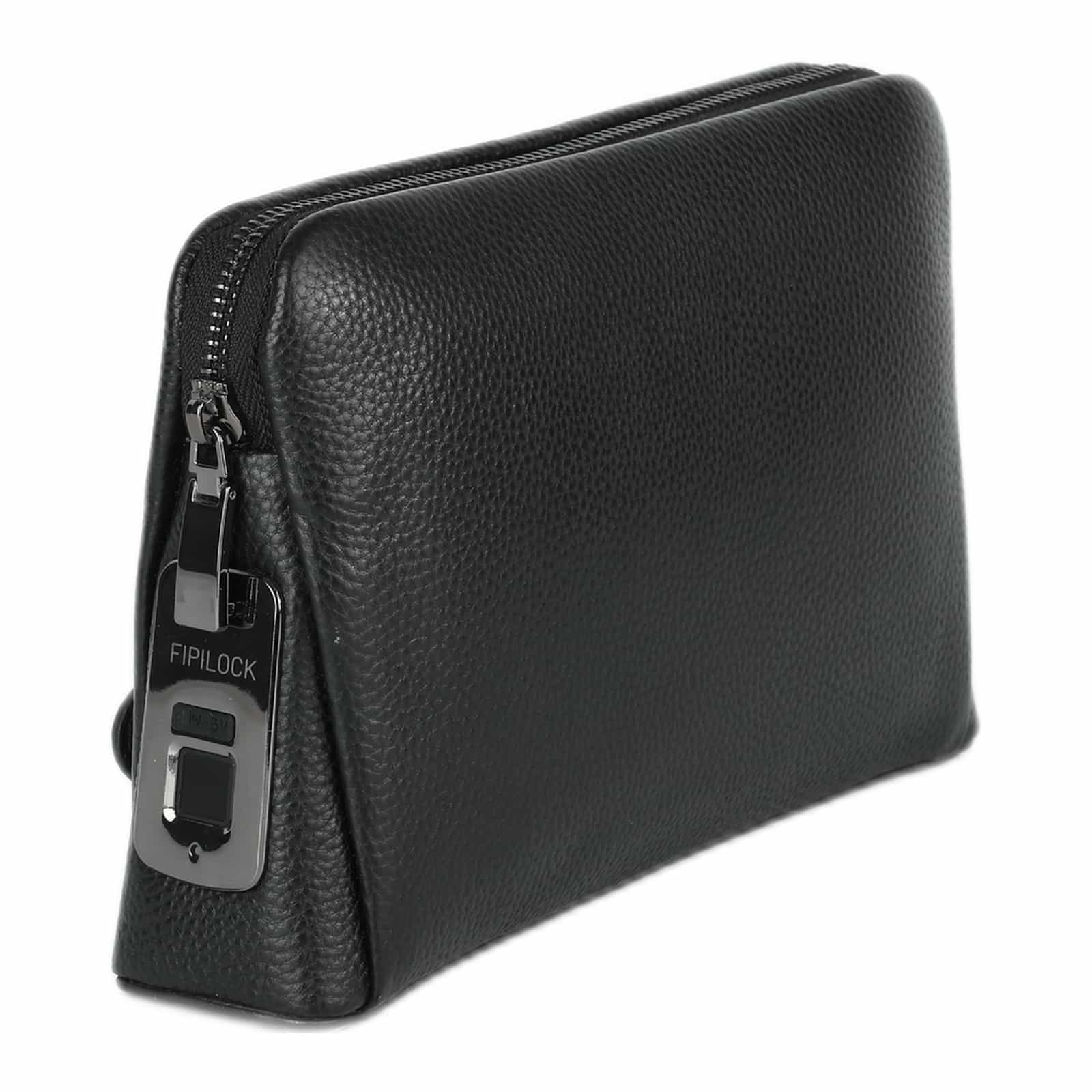
How to Choose a Laptop Backpack: The Professional Guide to Buying Smart
October 23, 2026

To choose a laptop backpack, first make sure the dedicated laptop compartment matches your screen size exactly (13 to 17 inch). Choose a bag with thick shock-absorbing padding (ideally EVA or high-density foam), an ergonomic back system with padded shoulder straps for correct weight distribution, and security features such as hidden zippers or a TSA lock for protection against theft.
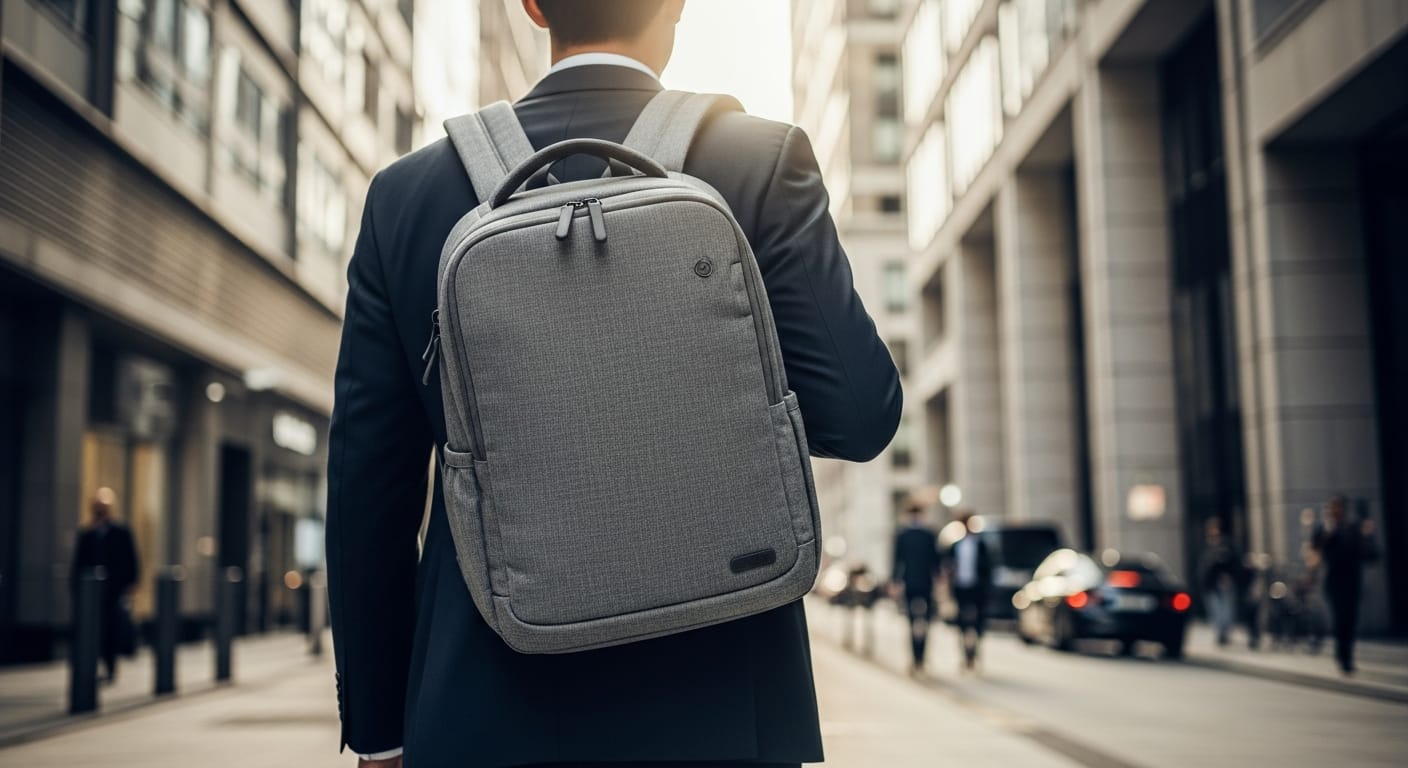
Matching the bag size to the laptop screen (13 to 17 inch)
The most common mistake when buying a laptop backpack is choosing the wrong size. A laptop that does not sit snugly in its compartment can shift from side to side as you walk, which increases the risk of scuffs, knocks and even cracks in the screen. On the other hand, trying to squeeze a large laptop into a compartment that is too small puts constant pressure on its body and wears out the bag's zippers.
When bag makers state that a bag fits "15.6 inch" or "17 inch", they mean the laptop's diagonal screen size. However, the thickness of the laptop and its bezel vary from model to model. A thick 15.6 inch gaming laptop will often need a compartment designed for thin 16 or 17 inch laptops.
| Laptop screen size | Recommended bag volume (liters) | Typical users | Main use |
|---|---|---|---|
| 13 to 14 inch | 12 to 18 liters | Students, marketers, writers | Easy mobility, cafes, short meetings |
| 15 to 16 inch | 20 to 28 liters | Tech workers, engineers, managers | Everyday office use, short business trips |
| 17 inch and up | 30 to 40 liters | Gamers, video editors, programmers | Carrying heavy gear, mobile workstations |
Protection and padding: the beating heart of a laptop bag
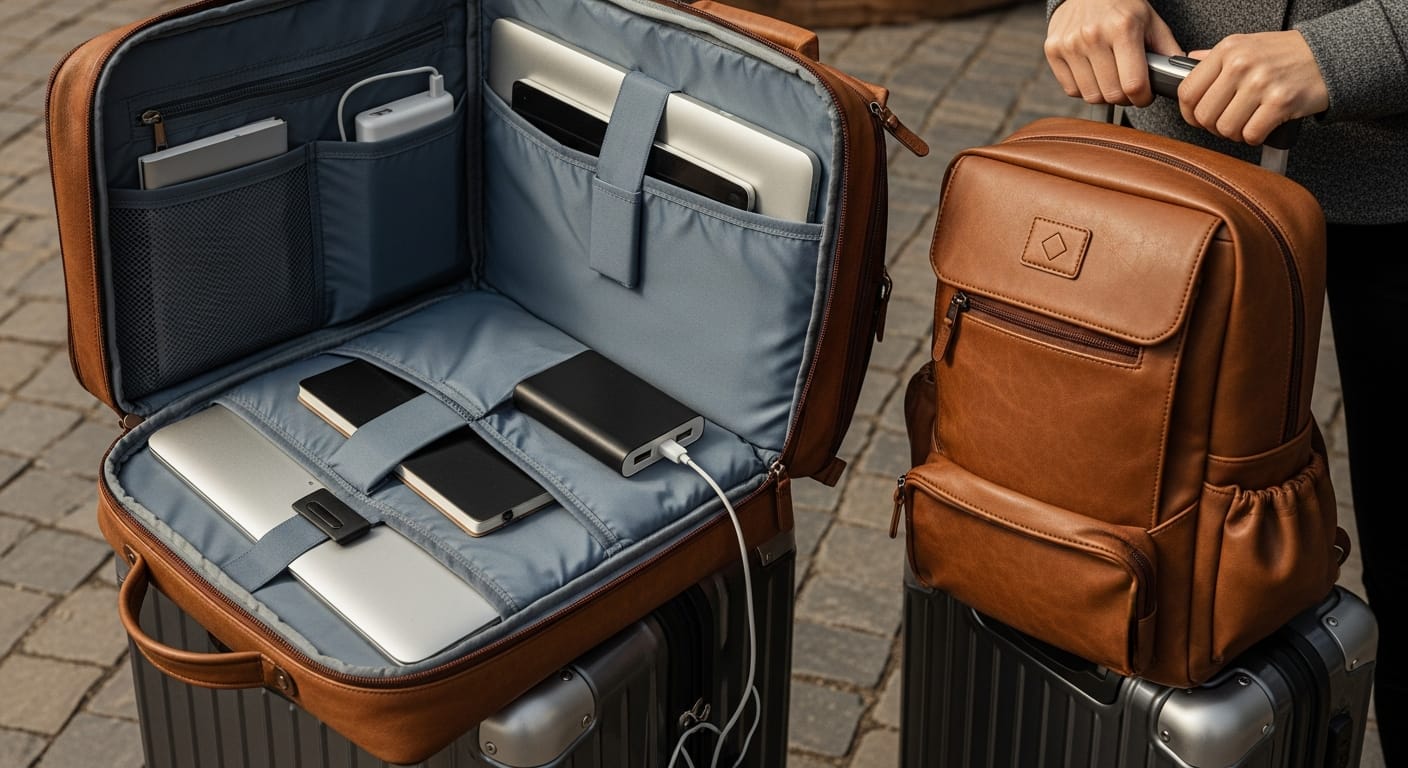
A laptop is an expensive investment, and the data on it is often even more valuable. So the quality of the padding is the most important parameter for protecting the device. Do not settle for a simple piece of fabric separating the laptop from the other compartments. Look for the following features:
- High-density foam: this material absorbs shocks efficiently and spreads the force of the impact if the bag slips from your hand or hits the floor.
- A raised bottom (suspended pocket): in quality bags, the laptop compartment does not reach the bottom of the bag. It stops about 2 to 3 centimeters above the bottom. That way, when you put the bag down hard, the laptop does not take the direct hit from the ground.
- Soft inner lining (microfiber or velvet): prevents scratches on the laptop's aluminum or plastic casing, especially around the ports and connectors.
Carrying comfort and back health: no compromise on ergonomics
Carrying a laptop, a charger, a water bottle and accessories puts a considerable weight of 3 to 6 kilos on your shoulders. Without the right back system, you may suffer from neck, shoulder blade and lower back pain in the long run.
Wide, padded shoulder straps: the straps should be ergonomically S-shaped, fitted to the body's natural structure, spreading the load evenly across the shoulders and chest. Straps that are too thin will cut into your skin and quickly become uncomfortable.
A ventilated back panel: look for a back panel with a 3D mesh that allows free airflow. In hot climates, ventilation channels in the back of the bag are critical to prevent excessive sweating on even a short walk from the train or the parking lot to the office.
Anti-theft features: keeping your peace of mind
In crowded cities, on public transport or in cafes, backpacks are an easy target for pickpockets. A modern laptop backpack must offer smart security solutions:
- Hidden zippers: the main compartment's zipper sits close to your back, so it cannot be opened while you are wearing the bag.
- Hidden pockets in the back panel: a small pocket at the bottom of the back panel, perfect for keeping a passport, wallet or phone. The pocket is only reachable when you take the bag off your back.
- Cut-resistant materials: high-density fabrics that prevent the bag from being opened quickly with a box cutter or a sharp object.
Water resistance and advanced materials
A sudden downpour or a cup of coffee spilled on the bag can knock out your laptop in an instant. Make sure the bag is made of water-repellent materials such as ballistic nylon, PU-coated (polyurethane) polyester or Cordura. These materials make water drops slide off the surface instead of soaking in. Also pay attention to the zippers: water-resistant zippers prevent moisture from getting in through the zipper teeth, the most common weak point in simple bags.
Products to help you on the way
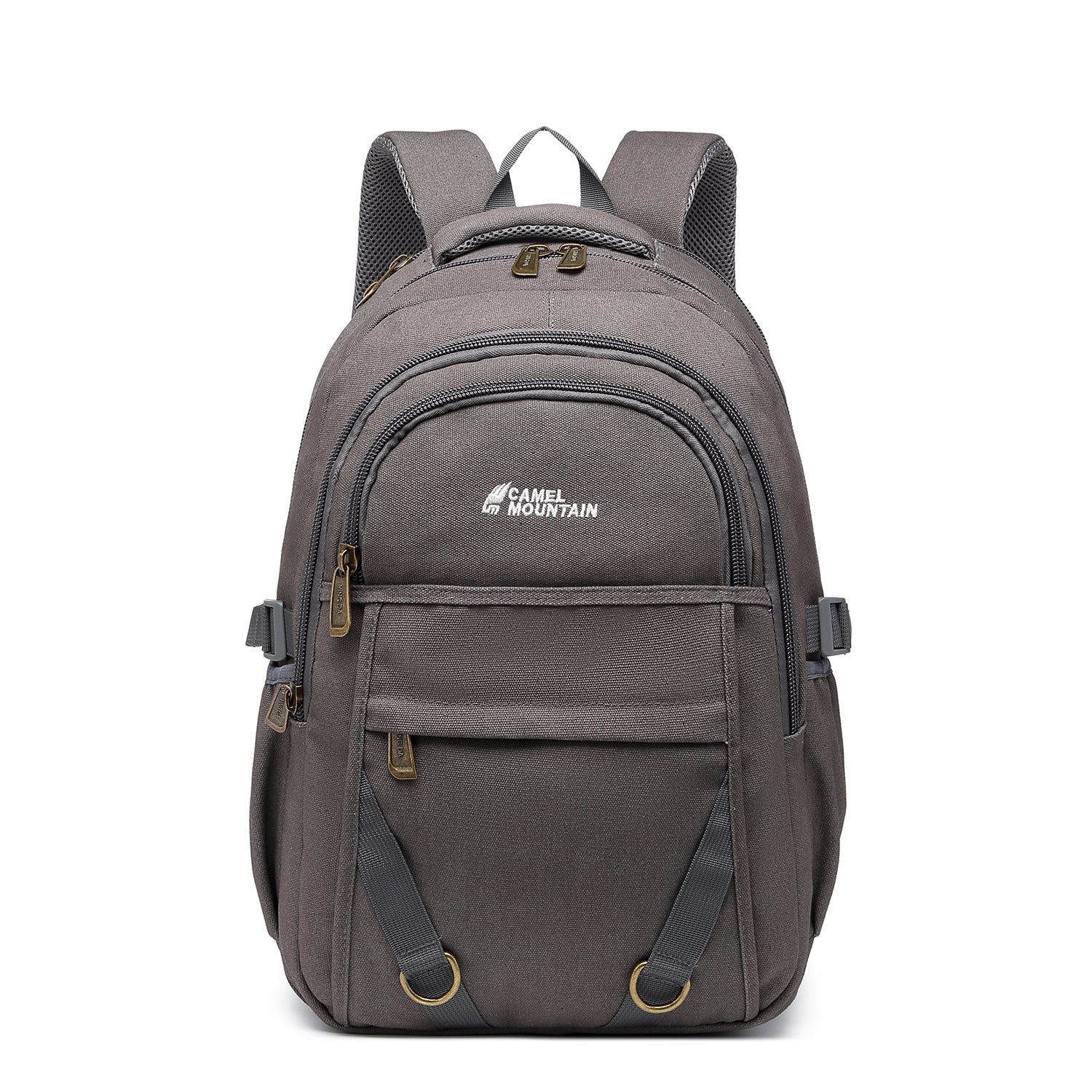
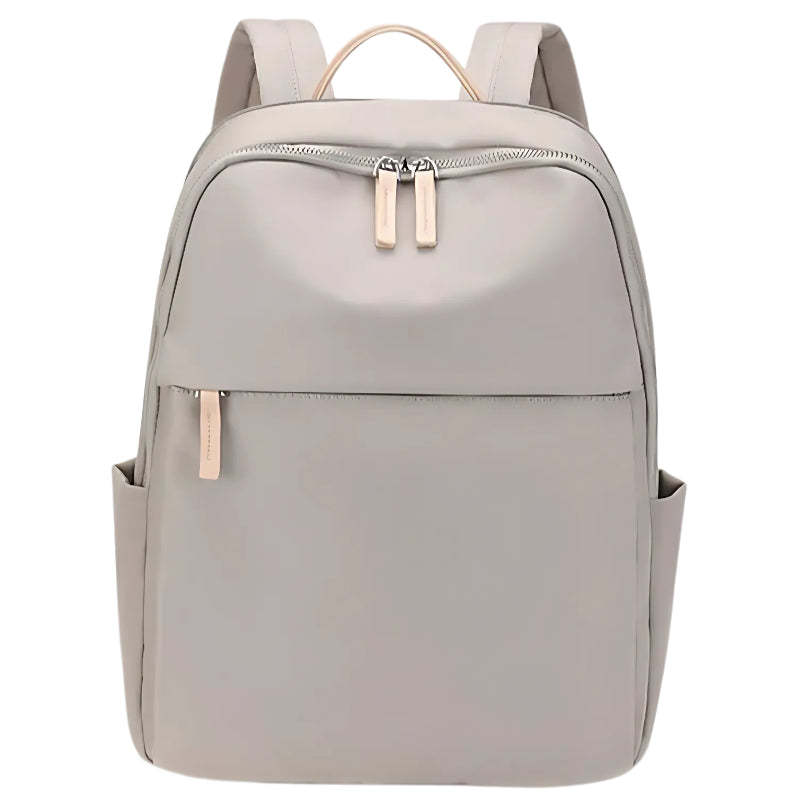
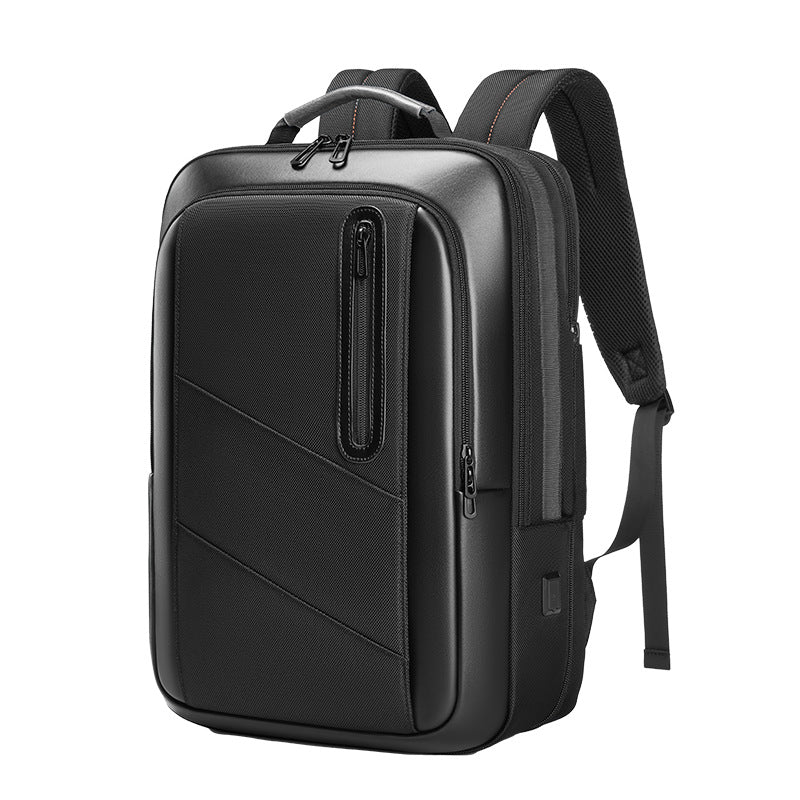
Products in this guide
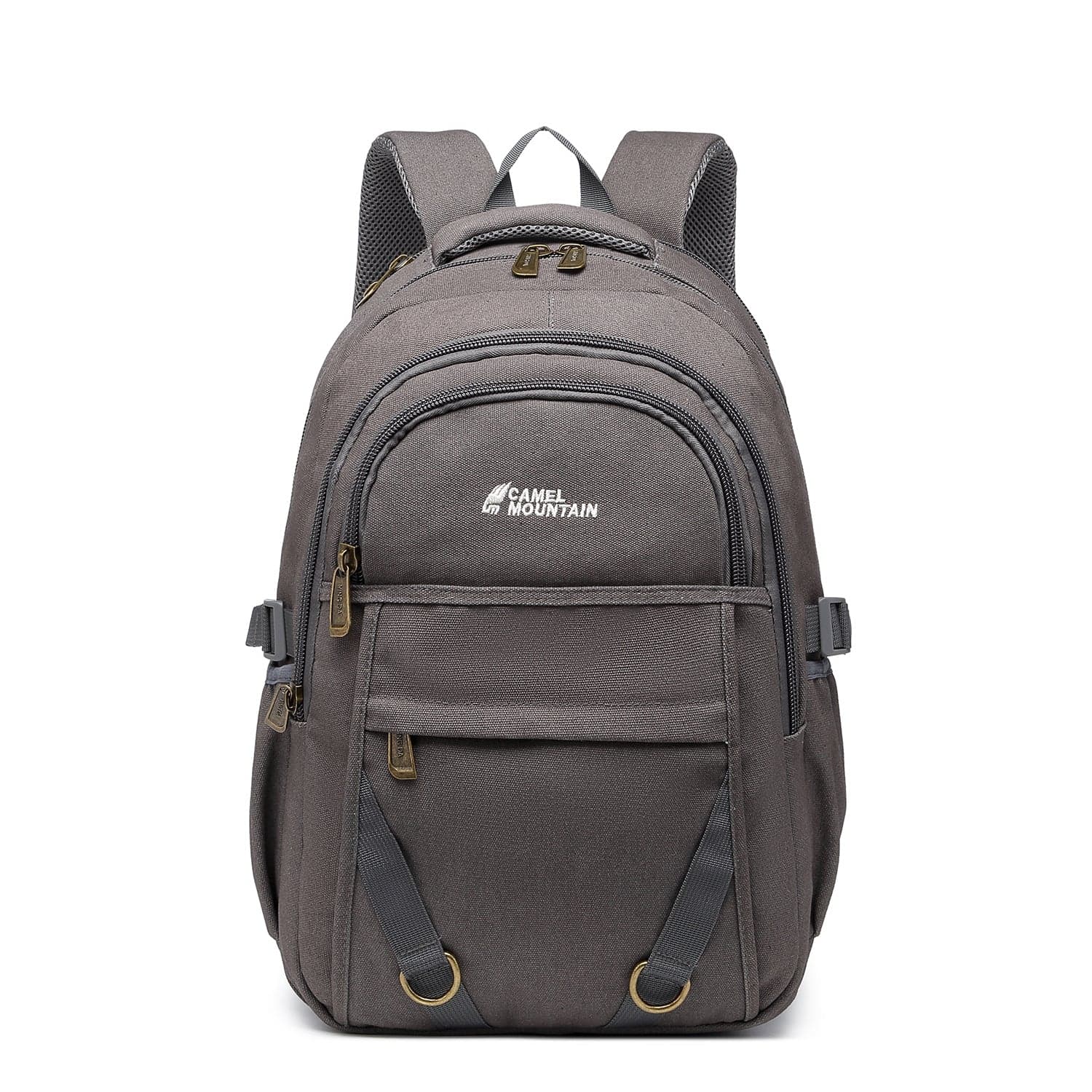
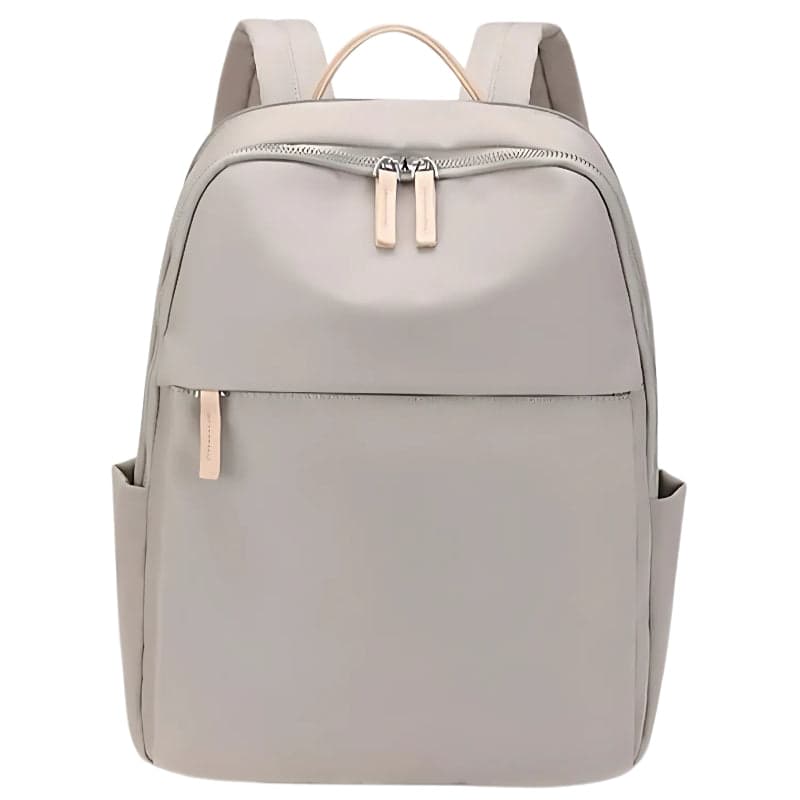
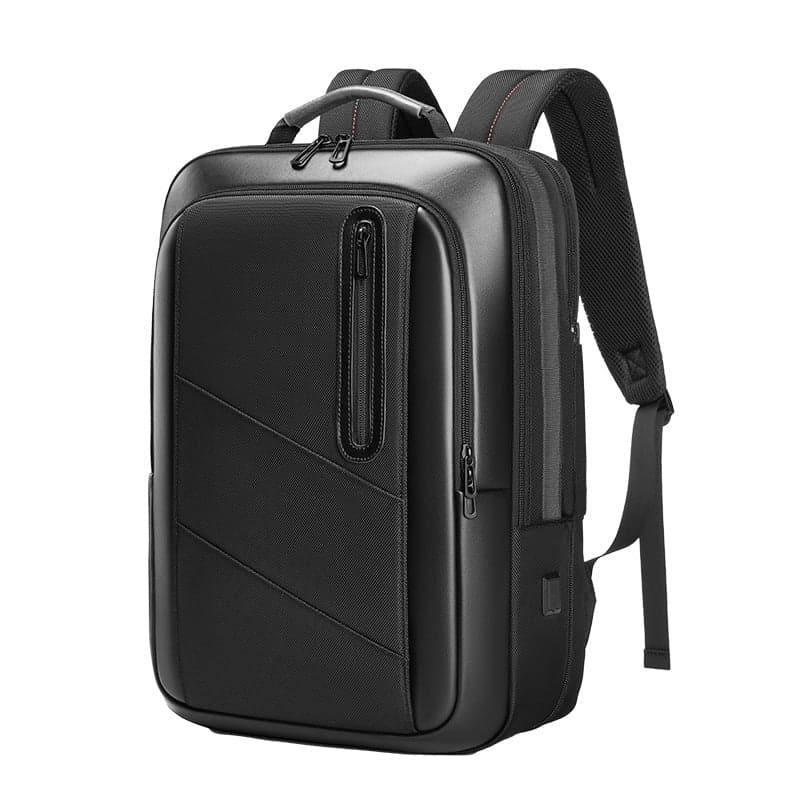
Frequently asked questions
Should I buy a bag bigger than my laptop?
It is not recommended to buy a bag with a laptop compartment much bigger than your laptop. A small laptop in a compartment that is too big will move and shake as you walk, which reduces the padding's effectiveness and increases the risk of physical damage.
What is the difference between a water-repellent bag and a waterproof bag?
A water-repellent bag protects against light rain and splashes, and water slides off it. A fully waterproof bag is designed for extreme conditions and can withstand immersion in water, but it is usually heavy and less suited to everyday office use.
What is a 'floating' laptop compartment and why is it critical?
A floating compartment is an inner compartment that does not reach the bottom of the bag. This design ensures that when you put the bag on the floor, the laptop stays suspended and does not take the direct impact from the ground.
How do I clean a laptop backpack safely?
Never put a laptop bag in a washing machine or a dryer. The best way is to clean it by hand with a damp cloth, lukewarm water and a little mild soap, then let it dry in the shade in a well-ventilated place.


