Backpack for a 17 Inch Gaming Laptop: What to Check When It's Thick and Heavy
November 26, 20265 min read
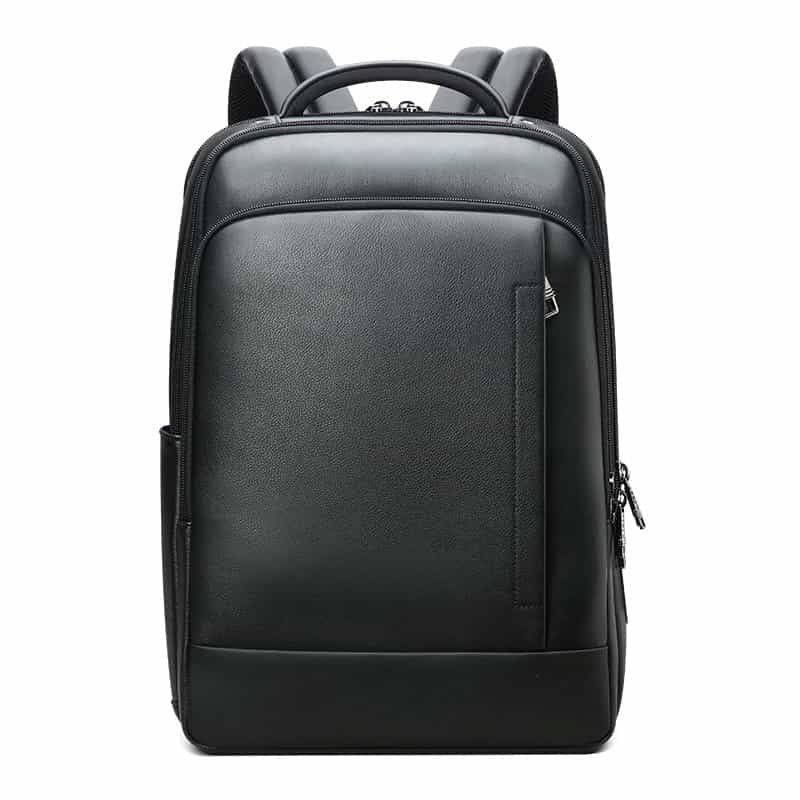
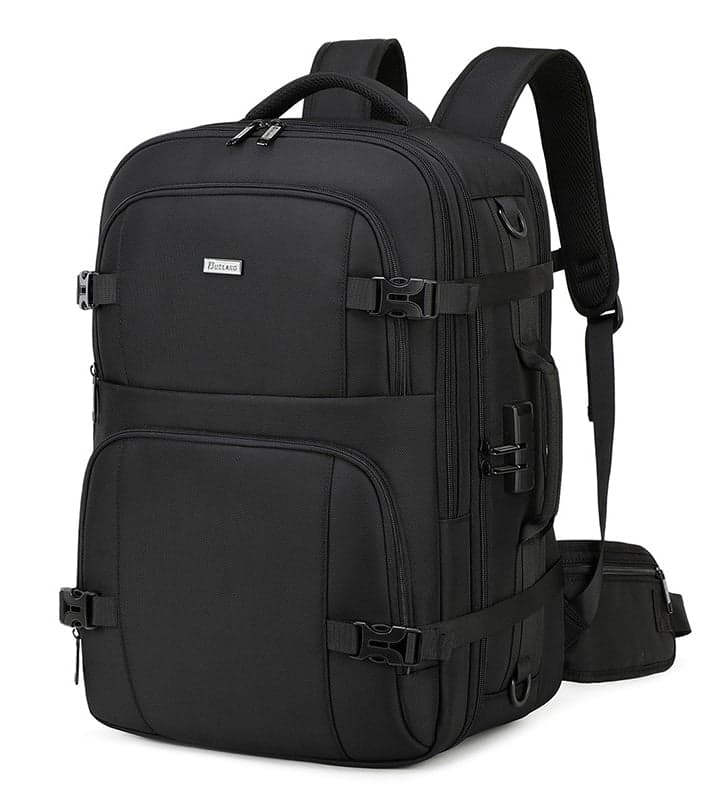
A bag labelled "up to 17 inch" isn't always enough for a 17 inch gaming laptop. Check three numbers in your laptop's spec sheet (width, depth and thickness) and pick a bag a few centimeters longer than the laptop and deep enough for the charger too. For a thick laptop a big bag with several compartments works best, like the Electron 45L or the Gravion 35L, and if the laptop is tight in its padded sleeve, put it in the main compartment.
Products in this guide
Why "fits up to 17 inch" isn't always enough
A laptop's inches are the diagonal of the screen, not a measurement of the laptop itself. A 17.3 inch screen in the usual 16:9 ratio is about 38.3 by 21.5 cm (15.1 by 8.5 in), and that's only the screen: the body is wider, and many gaming laptops are thicker as well. So two 17 inch laptops can differ by a few centimeters. Our support team tells customers the same thing: 17 inch laptops differ a little in size, and in some of them the dedicated sleeve sits very tight. Not sure what size your screen is? There's a short guide on how to tell how many inches your laptop is.
Three measurements to check before you buy
You'll find them on the manufacturer's spec page, under the model name printed on the sticker under the laptop. Write down three numbers and compare them with the bag:
- Width: the long side of the laptop. The bag should be a few centimeters longer, because padding and seams take up room inside. In a bag 40 cm (15.7 in) long, a 17.3 inch laptop fits snugly at best.
- Depth: the short side. It's usually less of a problem, but make sure it's smaller than the bag's width.
- Thickness: this is where gaming laptops stand out. A thick laptop needs a deep bag, especially if the charger, mouse and headphones go in the same bag.
The same method, with a smaller laptop, is in our guide does a 16 inch laptop fit a 15.6 inch bag.
Which of our backpacks suit a thick laptop
The sizes in the table are the bags' outside dimensions, from the product pages. The laptop compartment itself is a little smaller.
| Backpack | Outside size | Bag weight | Good for |
|---|---|---|---|
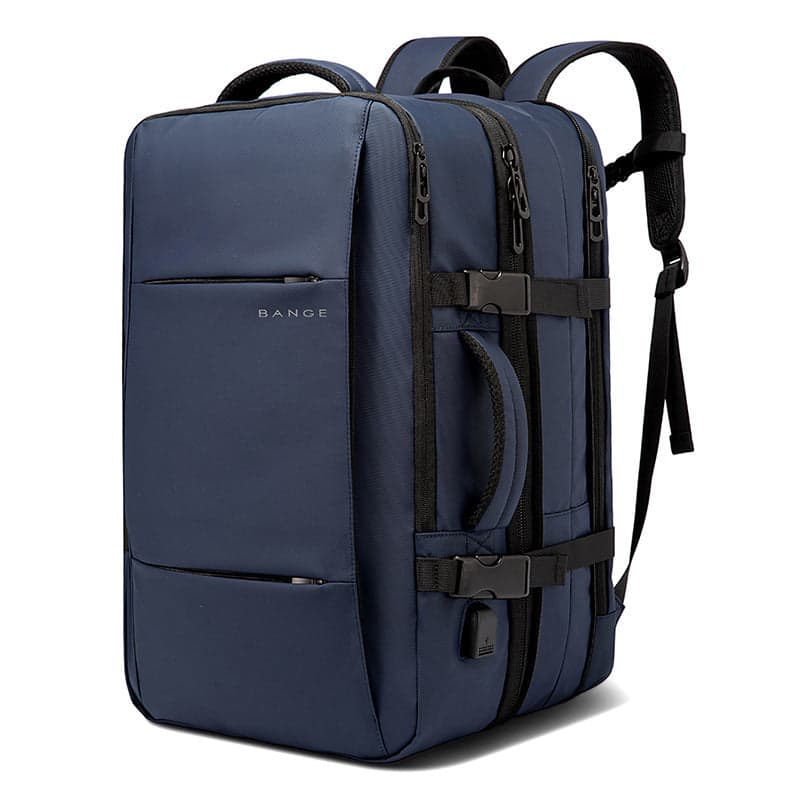
| Electron 45L | 52×34×27 cm | 1.45 kg | The deepest on the list, waterproof, three main compartments. A thick laptop with all its gear |
| The Connoisseur Luxe 35L | 53×33×25 cm | 1.6 kg | Long and deep, four compartments including a wet and dry split |
| Gravion 35L | 51×33×23 cm | 2.1 kg | Three main compartments and a ventilated one for shoes or clothes. Heavier, with a mesh padded back |
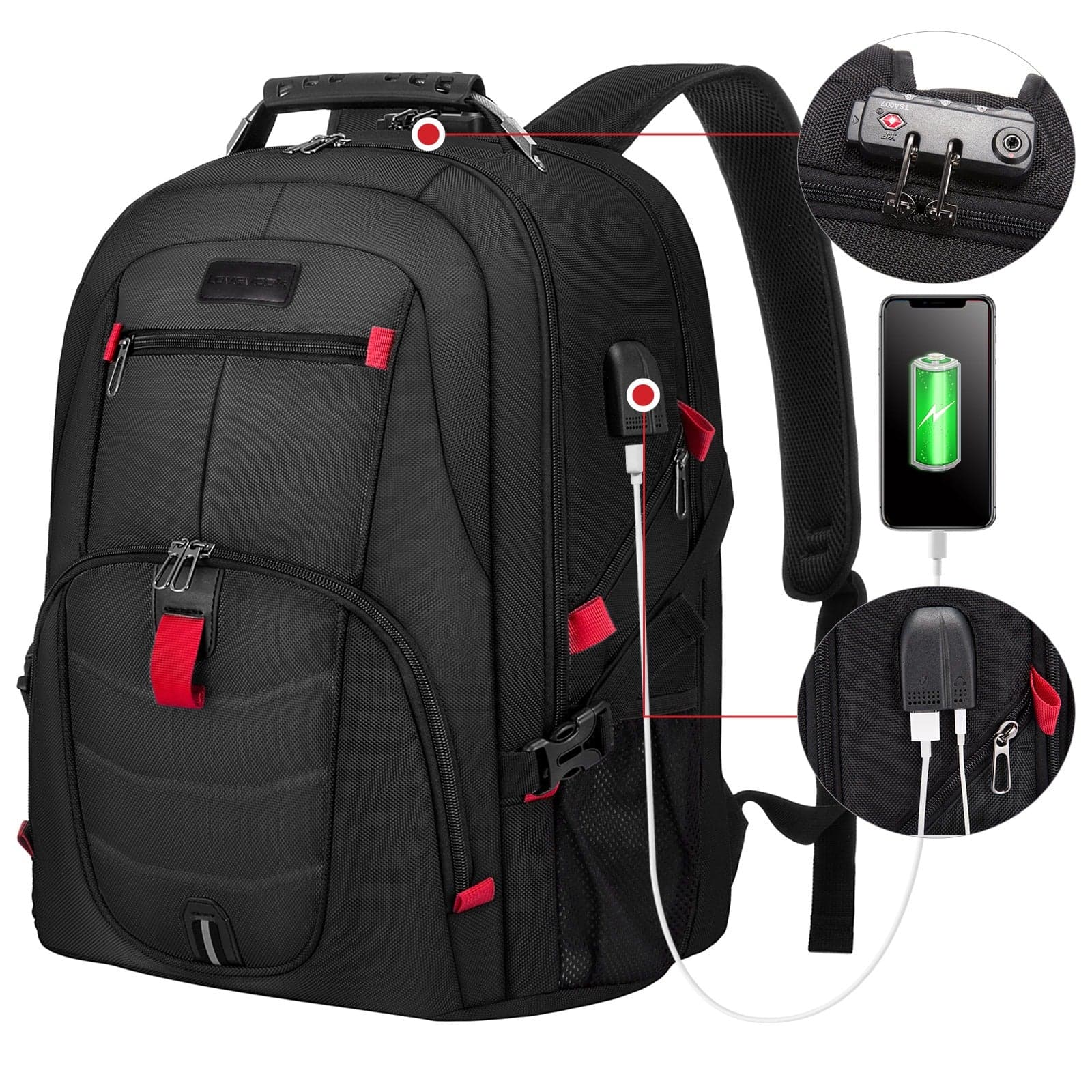
| Quinox Platinum 17" | 48×35×21 cm | 1.3 kg | Two main compartments and a TSA lock. If the laptop is tight in the sleeve, the main compartment holds it |
| Nimbus Max 22L | 46×31×16 cm | 900 g | Slim and light, better for a regular 17 inch laptop than a thick gaming one |
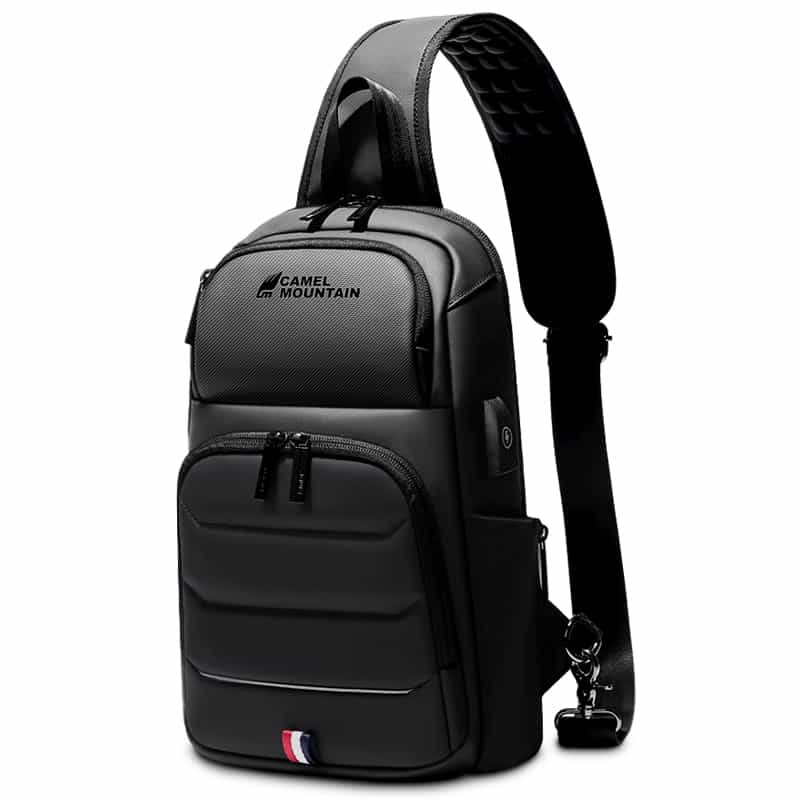
There are slimmer bags too, like the RoamPack Edge or the TrailPod Prime, that work well for a thin 17 inch laptop. All the bags in this size are on the 17 inch laptop backpacks page.
Where the charger and the rest of the gear go
With a gaming laptop, the gear around it takes as much room as the laptop. The big charger needs its own space, and so do the mouse and headphones, sometimes with a controller. If it all gets pushed into the laptop compartment, it presses on the laptop from inside. So choose a bag with more than one main compartment: the laptop in its own, the charger and accessories in the second one or the front pocket. The Gravion has three main compartments plus a separate ventilated one, the Electron three main compartments, and the Quinox two.
Some of the bags in the table have an outside USB port. It's handy for charging your phone on the go, but it doesn't charge anything by itself: you connect a power bank inside, and the port just carries the power out.
How much it all weighs on your back
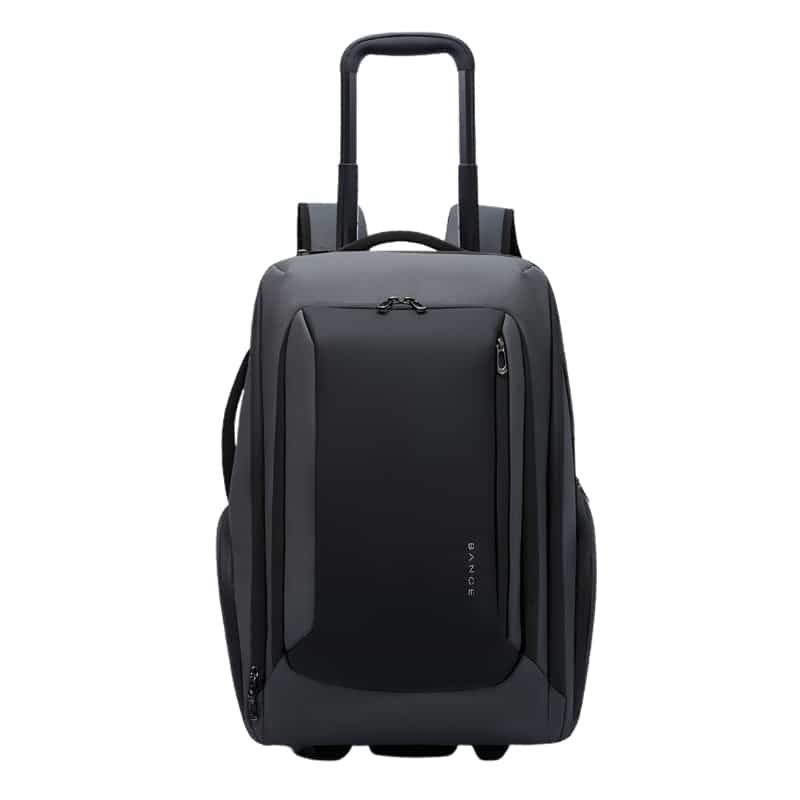
A gaming laptop with its charger is heavy on its own, and the bag adds another kilo or two. If you carry it every day to class or work you'll feel every gram, so choose a bag with a padded back and straps, and tighten the straps so the bag sits high on your back. If you take it through airports or over long distances, consider a wheeled backpack like the Salamanca, which has a double compartment for a laptop up to 17.3 inch and a tablet. The pros and cons of wheels are in our guide laptop bags on wheels.
Laptop tight in its sleeve? Here's what to do
A snug sleeve protects a laptop that fits it well, but a laptop forced in strains the zipper and the seams. If that's the case, there are two ways around it:
- Put the laptop in the bag's main compartment, on the side closest to your back, and fill around it with clothes or the charger so it doesn't move.
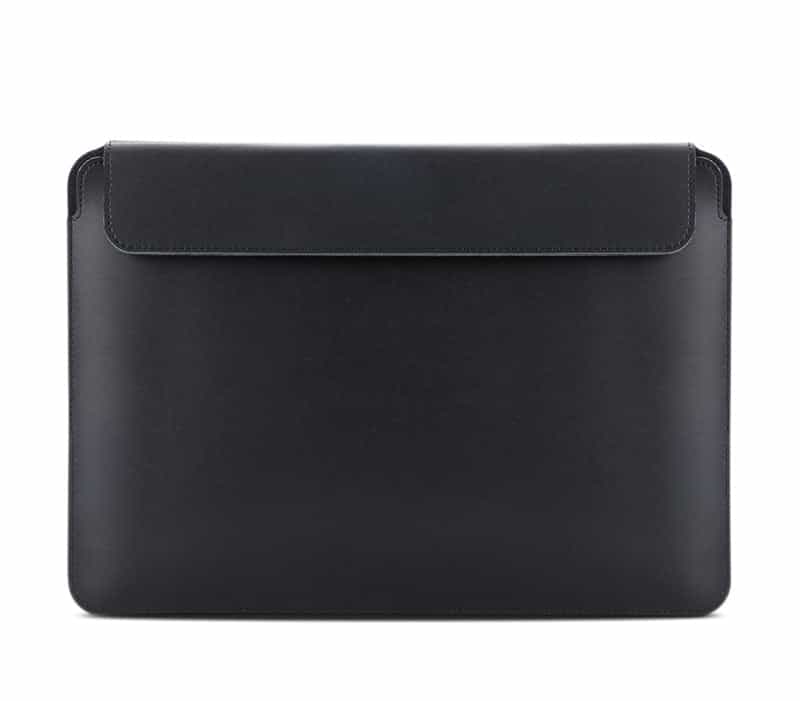
- Slip it into a padded sleeve first, then into the main compartment. We have 17 inch laptop sleeves; check their size against your laptop the same way.
Want us to check before you buy? Send us your laptop's model name or its measurements, thickness included, and we'll tell you which bag it fits.
Flying with the laptop?
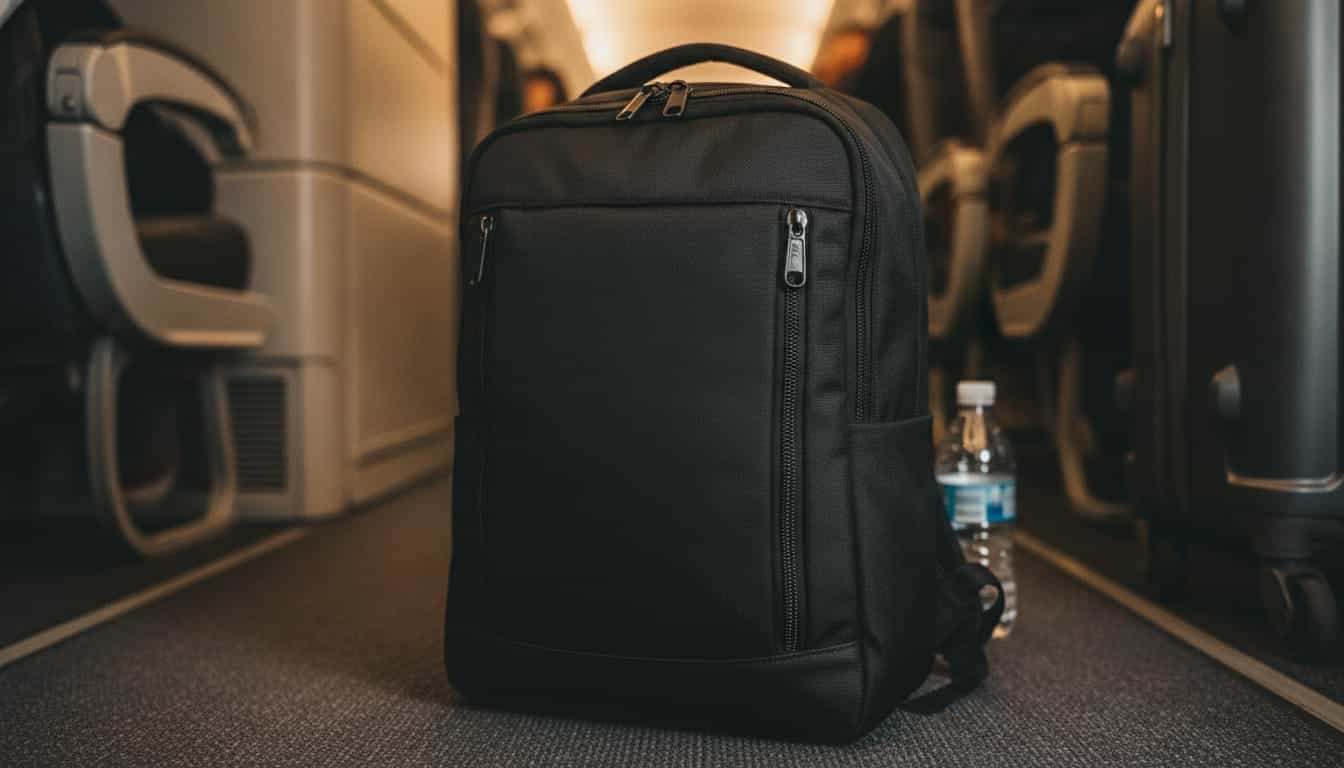
A deep 17 inch backpack is already the size of a large cabin bag, not of the free personal item. Going by the sizes in our catalog, every backpack we sell for a 16 inch laptop is longer than 40 cm, so a personal item limit of 40×30×20 cm, as on Ryanair and Wizz Air, won't take a big laptop in a backpack, let alone a 17 inch bag. The details by airline, and which bag does fit under the seat, are in our guide laptop bags for flights.
Frequently asked questions
Does a bag that says up to 17 inch fit a 17.3 inch laptop?
Not necessarily. The number on the bag tells you which screen size the compartment was designed for, but laptops with the same screen differ in width and thickness, and many gaming laptops are thicker. Compare your laptop's width and thickness with the bag's size before you buy.
Where do I find my laptop's exact measurements?
There's a sticker with the model name under the laptop. Look it up on the manufacturer's website and open the spec page, which lists every measurement including thickness, and sometimes the weight with the charger.
Is it fine to put the laptop in the main compartment instead of the padded sleeve?
Yes, as long as it doesn't move around. Put it on the side closest to your back and fill around it with clothes, or slip it into a padded sleeve first. That way it's protected even without the dedicated compartment.
Which bag works for both the laptop and clothes for a weekend?
A bag with several main compartments, like the Electron 45L or the Gravion 35L. The laptop goes in its own compartment, and the clothes and shoes go in the others along with the charger, so the laptop isn't squeezed between things.
Share this guide
Keep shopping
Our collections related to this guide