Will a 16 Inch Laptop Fit a 15.6 Inch Bag? How to Check
November 15, 20264 min read
Sometimes it does, and the inch number doesn't decide it: the size of the laptop's body against the size of the bag's compartment does. A MacBook Pro 16, for example, is 35.57 cm wide and 24.81 cm deep, so it fits a 36 × 26 cm compartment in a bag made for 15.6 inches. Measure width, depth and thickness, and compare them with the product page.
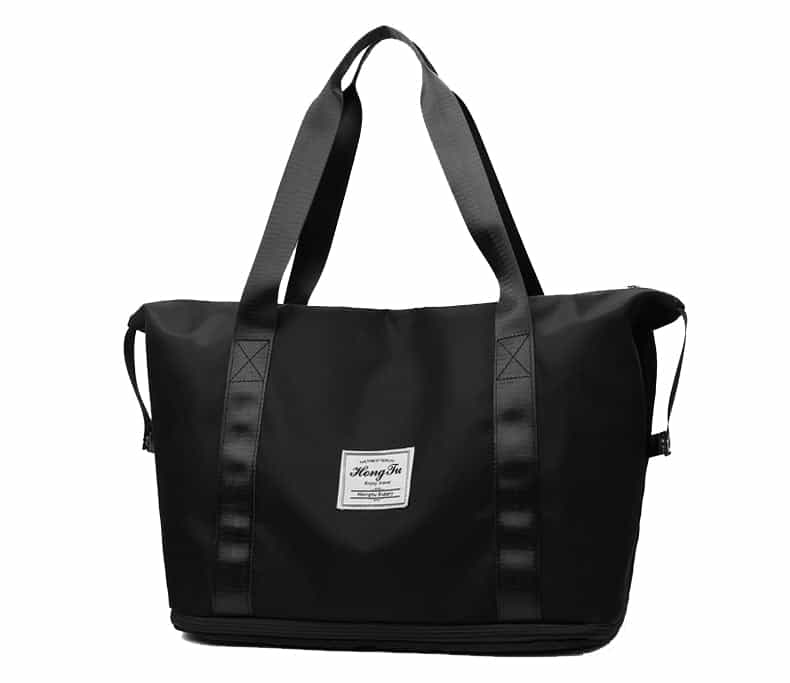
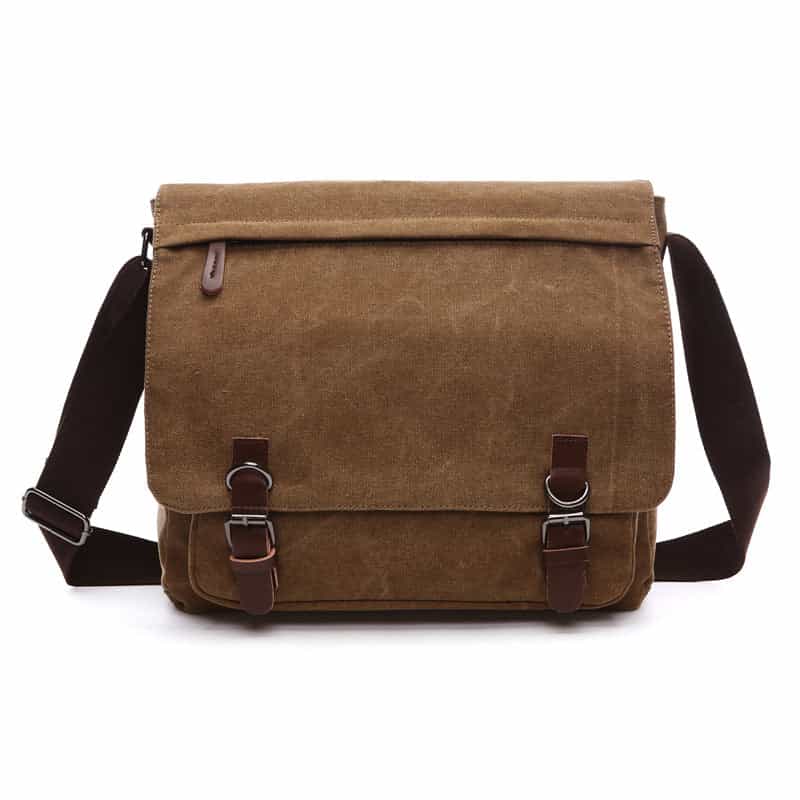
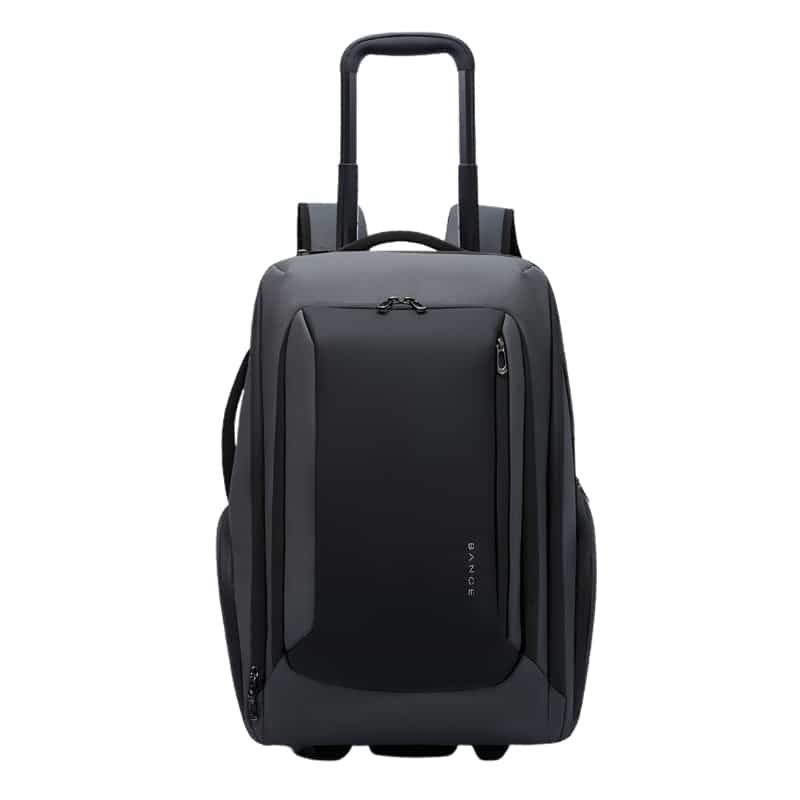
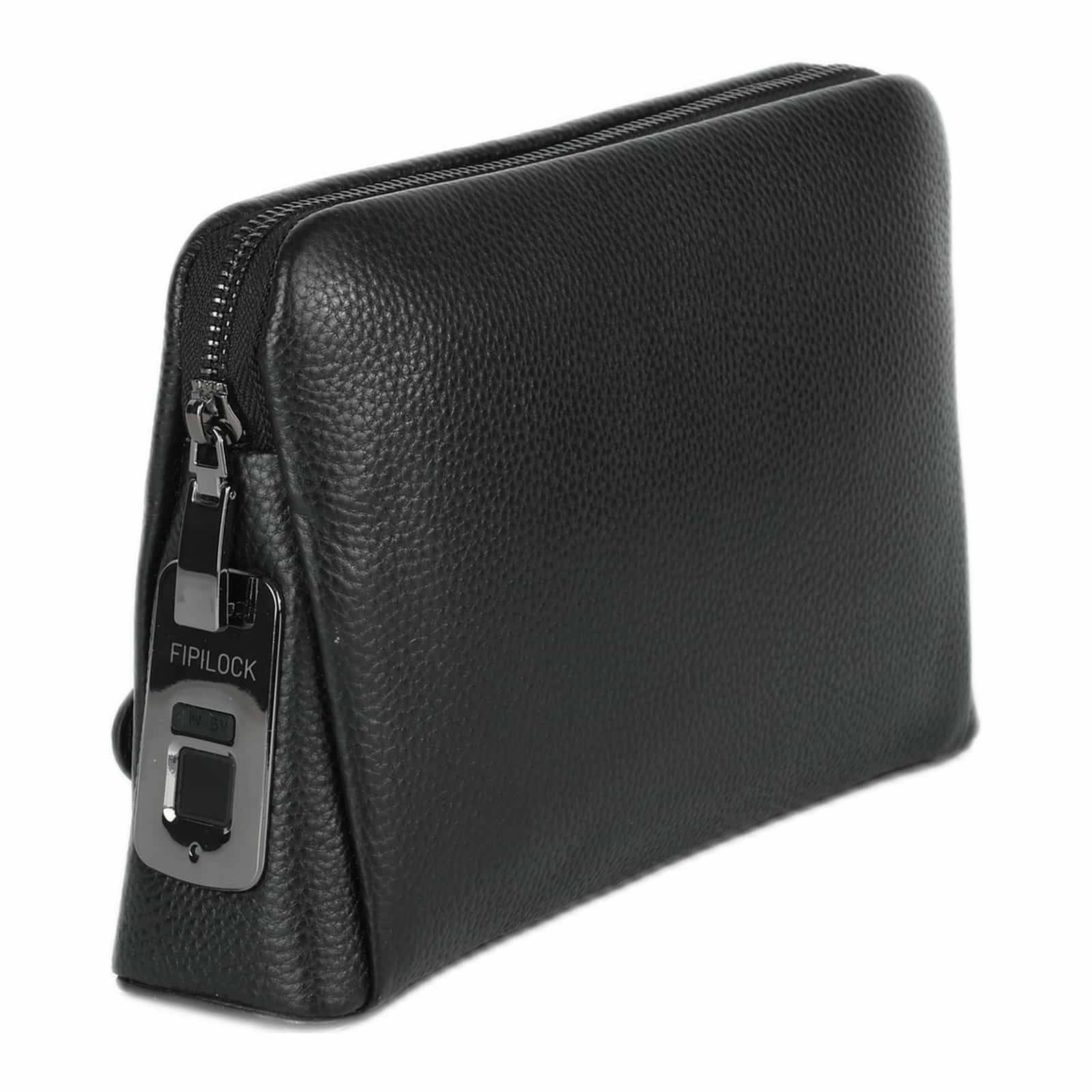
Products in this guide


Why screen size doesn't tell you how big the laptop is
The inch figure only measures the screen's diagonal. It leaves out the frame around the screen, the hinges and the lid's thickness. Two laptops with the same screen can differ in width by a few centimeters, and a laptop with a bigger screen and a thin frame can be smaller than an older one with a smaller screen.
What we actually see in customer messages is the opposite mistake: a laptop that doesn't fit because the 13 to 14 inch version of a bag that comes in two sizes was ordered for a wider laptop. With bags that come in two sizes, check which size is selected before you pay.
How to measure your laptop in two minutes
- Width: side to side, with the laptop closed, including anything that sticks out at the sides.
- Depth: from the edge nearest you to the hinges at the back.
- Thickness: at the thickest point, usually near the hinges or the feet.
No ruler nearby? Search for the exact model name and the word "specifications" on the maker's website, and the three measurements will be there. How to find the model name and the screen size, with a ruler or through the settings, is in our guide to finding your laptop's screen size.
Measure the charger separately. It doesn't go in the laptop compartment but in another pocket, so make sure the bag has a pocket it fits without pressing on the laptop.
Where to find the compartment size
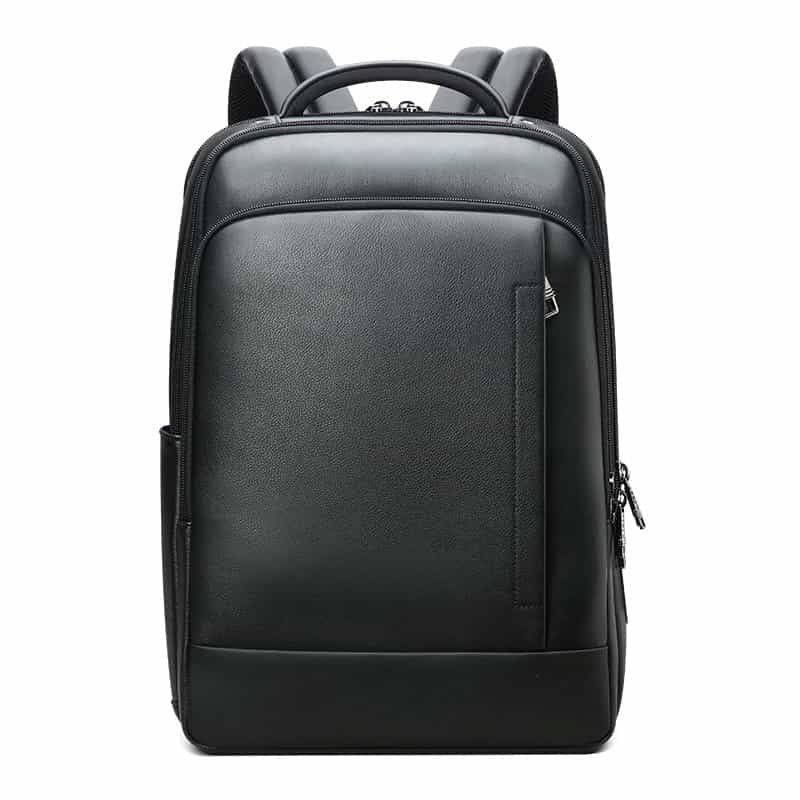
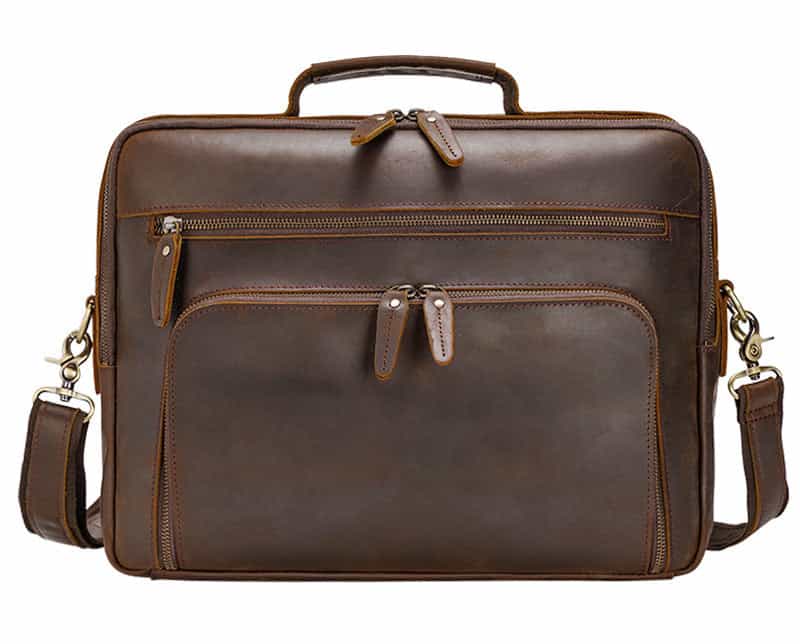
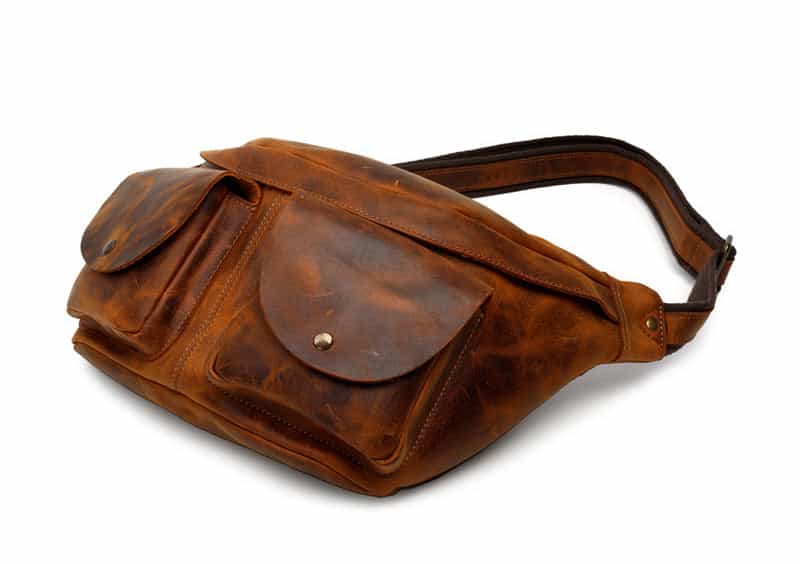
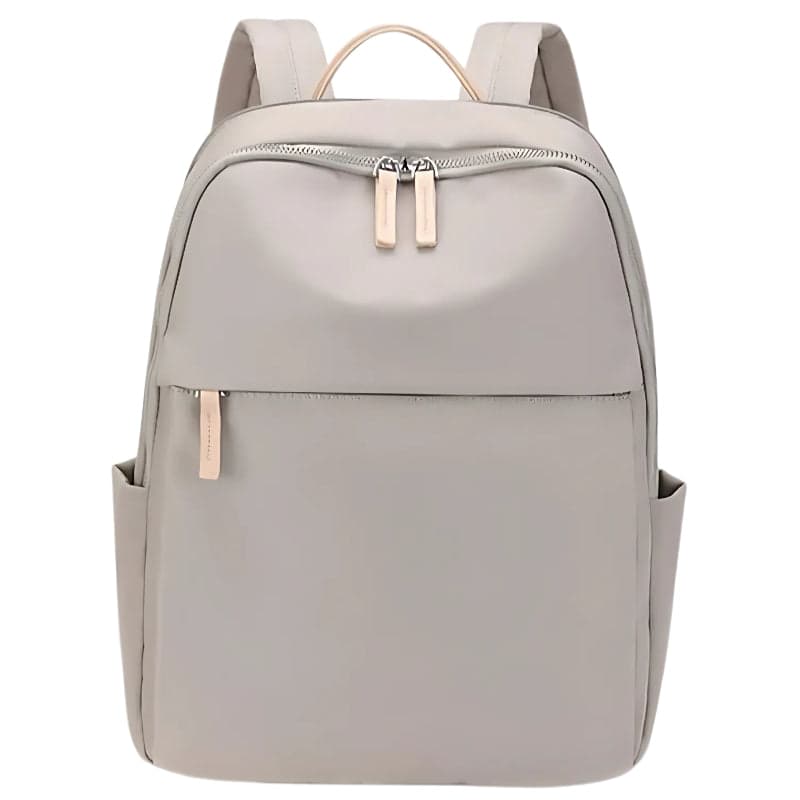
A product page gives two kinds of measurements, and it is worth keeping them apart. The size of the bag itself (say 42 × 29.5 × 15 cm) is the outside. The compartment is smaller, because of padding, seams and the zipper. When the compartment is stated, as on The Rolvik (up to 15.6 inches, 36 × 26 cm) or the large Adelaide Pro (up to 16 inches, up to 36.5 × 26.2 × 2.5 cm), compare against it directly.
If the page only says "up to 15.6 inches" with no compartment size, send us your laptop's measurements and the bag you are looking at, and we will check before you order.
How much room to leave
A laptop that goes in tight comes out tight, and the compartment zipper is stretched every time you close it. Leave half a centimeter to a centimeter in width and depth. Too much room is the opposite problem: the laptop moves around inside, so in a roomy compartment a securing strap matters, like the one in The Rolvik's compartment.
Going by the measurements Apple publishes, this is how it looks for its common laptops:
| Laptop | Width × depth | Thickness | Bag size on our site |
|---|---|---|---|
| MacBook Air 13 | 30.41 × 21.5 cm | 1.13 cm | 13.3 to 14 in |
| MacBook Pro 14 | 31.26 × 22.12 cm | 1.55 cm | 13.3 to 14 in |
| MacBook Air 15 | 34.04 × 23.76 cm | 1.15 cm | 15.6 to 16 in |
| MacBook Pro 16 | 35.57 × 24.81 cm | 1.68 cm | 15.6 to 16 in |
The Pro 16 fits a 36 × 26 cm compartment, but with less than half a centimeter to spare in width. If you want more comfortable room, pick a compartment rated for 16 inches. For a MacBook in a thin sleeve with no bag, there is a separate MacBook sleeve size guide.
Why 15.6 and 16 inches are one group on our site
We sort bags into three sizes: 13.3 to 14 inches, 15.6 to 16 inches, and 17 inches. 15.6 and 16 sit together because laptops of those two sizes are very close in body size, as the table shows. 17 inches stands alone: those laptops are a few centimeters wider and a 16 inch bag won't be enough.
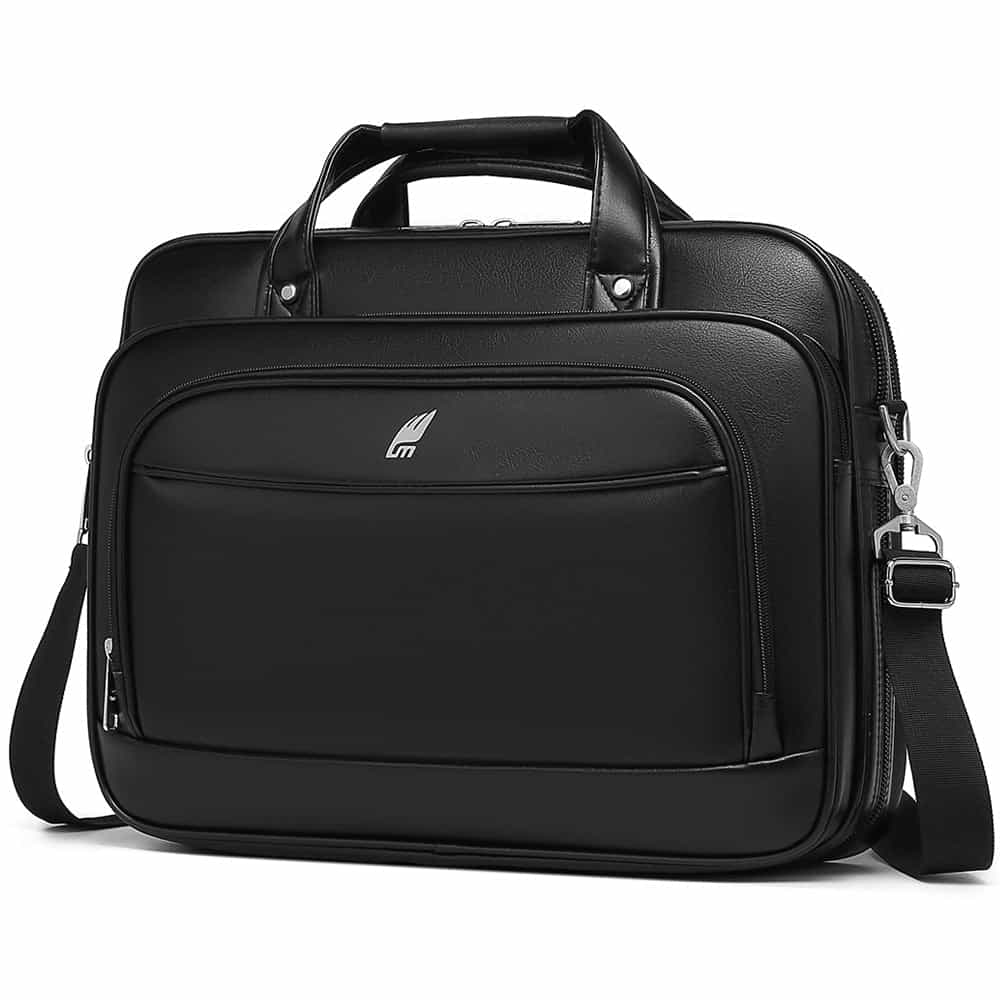
You can filter by size straight away: backpacks for 15.6 to 16 inch laptops, backpacks for 13.3 to 14 inch laptops and backpacks for 17 inch laptops. Prefer a shoulder bag? There are also laptop bags for 15.6 to 16 inches.
Shoulder bags and sleeves: less room to play with
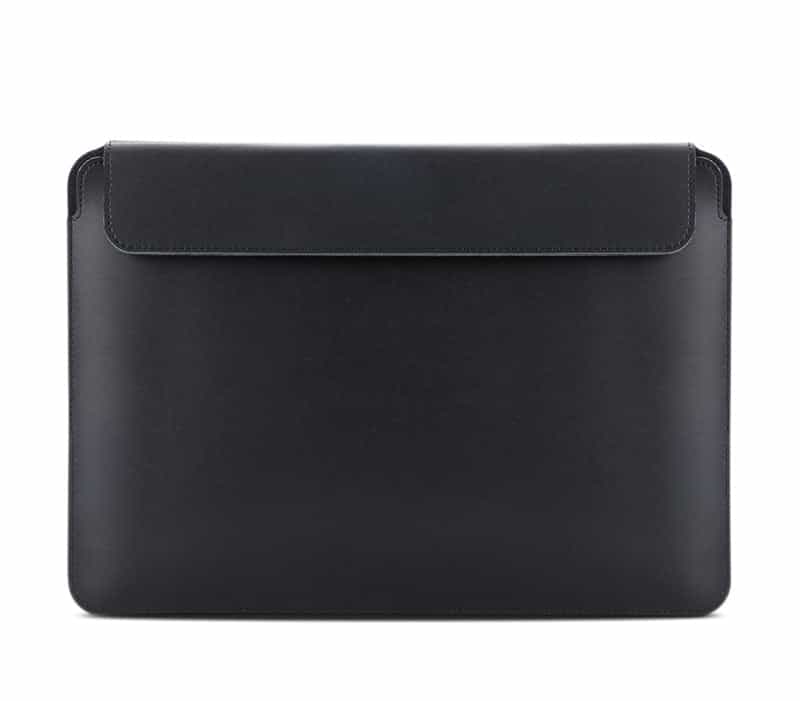
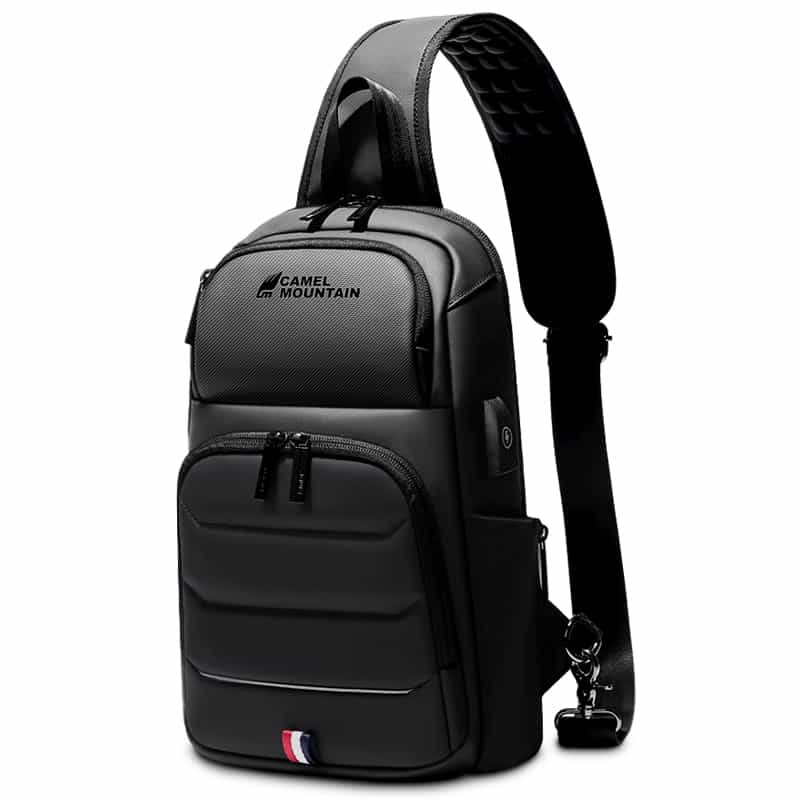
A backpack usually has some space around the compartment, and when things are tight the fabric gives a little. A slim shoulder bag or a sleeve is different: the outside measurements are very close to the laptop itself. The Citrate sleeve in its 15.6 inch version, for example, is 40 × 29.5 × 2 cm on the outside, and the Glacior Prime shoulder bag in its up to 16 inch version is 40 × 29.5 × 14 cm. With outside sizes like these, take off about two centimeters each way for padding and the zipper, and only then compare with your laptop.
If you keep the laptop in a hard case or a sleeve inside the bag, measure the laptop with the case on. A few millimeters of case on each side are exactly the difference between a compartment that closes smoothly and one you have to force.
And thickness
Most thin laptops won't come near a compartment's thickness limit. Gaming laptops and older laptops are thicker, and sometimes they pass on width but don't go in because of their thickness or their feet. If your laptop is thicker than 2.5 cm, look for a compartment whose thickness is stated and check it has room.
For choosing the bag itself once the size is clear, see our guide to choosing a laptop backpack, and for women there is a guide to laptop bags for women.
Frequently asked questions
Will a 15.6 inch laptop fit a 15 inch bag?
Sometimes. A bag made for 15 inches is usually built around laptops of that size, and a 15.6 inch laptop can be tight in it. Compare your laptop's width and depth with the compartment, and if there is less than half a centimeter to spare, choose a bag rated for 15.6 or 16 inches.
Will a 14 inch laptop fit a 15.6 inch bag?
Yes, it will go in, but it will have room to move. In a roomy compartment a securing strap or good side padding matters. If you carry the laptop every day, a 13.3 to 14 inch bag will feel more comfortable, and it is smaller and lighter too.
Does the charger go in the laptop compartment?
Better not. The laptop compartment is padded and sized for the laptop alone, and a charger pressed against it puts strain on the screen. Put it in the main or the front pocket, and check on the product page how many pockets the bag has.
I don't know my laptop model. How do I check?
Most laptops have a sticker underneath with the model name. You can also look in the system settings, on the screen that shows the computer's details. With the model name you can find the measurements on the maker's website, or simply measure with a ruler while the laptop is closed.
Share this guide
Keep shopping
Our collections related to this guide