.png&w=3840&q=75)







How to Check In Online for an El Al Flight to London: A Quick Guide
October 23, 2026

To check in online for an El Al flight to London, go to the El Al website or app from 24 hours up to 3 hours before departure. Enter your last name and booking code (PNR), choose seats, declare your baggage, and confirm your passport details. When you're done, you'll receive a boarding pass on your phone or by email.
Why you should check in online for London
The flight to London is one of the most popular routes from Israel, whether you're flying to Heathrow (LHR) or Luton (LTN). Checking in from home isn't just a recommendation, it's a key tool for saving precious time at Ben Gurion Airport. When you arrive at the airport with the boarding pass already on your phone, you skip the long lines at the regular check-in counters.
If you're flying with carry-on only (a trolley or a backpack), you can go straight to the fast security screening area (the W-Zone at Ben Gurion Airport) and from there straight to duty free and the boarding gate. Even if you have a large suitcase for the hold, El Al provides passengers who checked in online with fast "Drop-off" counters, where handing over the suitcase takes just a few minutes.
Step-by-step guide: how to do it right
El Al's check-in process is simple and user friendly, but it requires accurate details. Here are the exact steps for a smooth process:
- Step 1: Prepare the details in advance. Before you start, make sure you have your booking code (a 6-character code made up of letters and numbers, shown in your purchase confirmation) and the passports of all the passengers on the booking. Note that your passport must be valid for at least 6 months from your planned return date.
- Step 2: Log in. Go to El Al's official website or open the app on your phone. Click the "Check-in" tab and enter the passenger's last name (in English, as it appears in the passport) and the booking code.
- Step 3: Verify passenger details. The system will show all the passengers linked to this booking. You'll be asked to confirm their passport details, including passport number, date of birth and passport expiration date.
- Step 4: Choose seats. This is the stage where you can see the aircraft seat map. If you bought a ticket that includes advance seat selection, you can confirm your seats. If not, the system will assign seats to you automatically, and you can change them (sometimes for an extra fee, depending on your fare).
- Step 5: Declare your baggage. The system will ask you to declare how many suitcases and carry-on bags you're bringing. This is also the best time to add another suitcase if you find you need one, since buying baggage online is significantly cheaper than buying it at the airport counter.
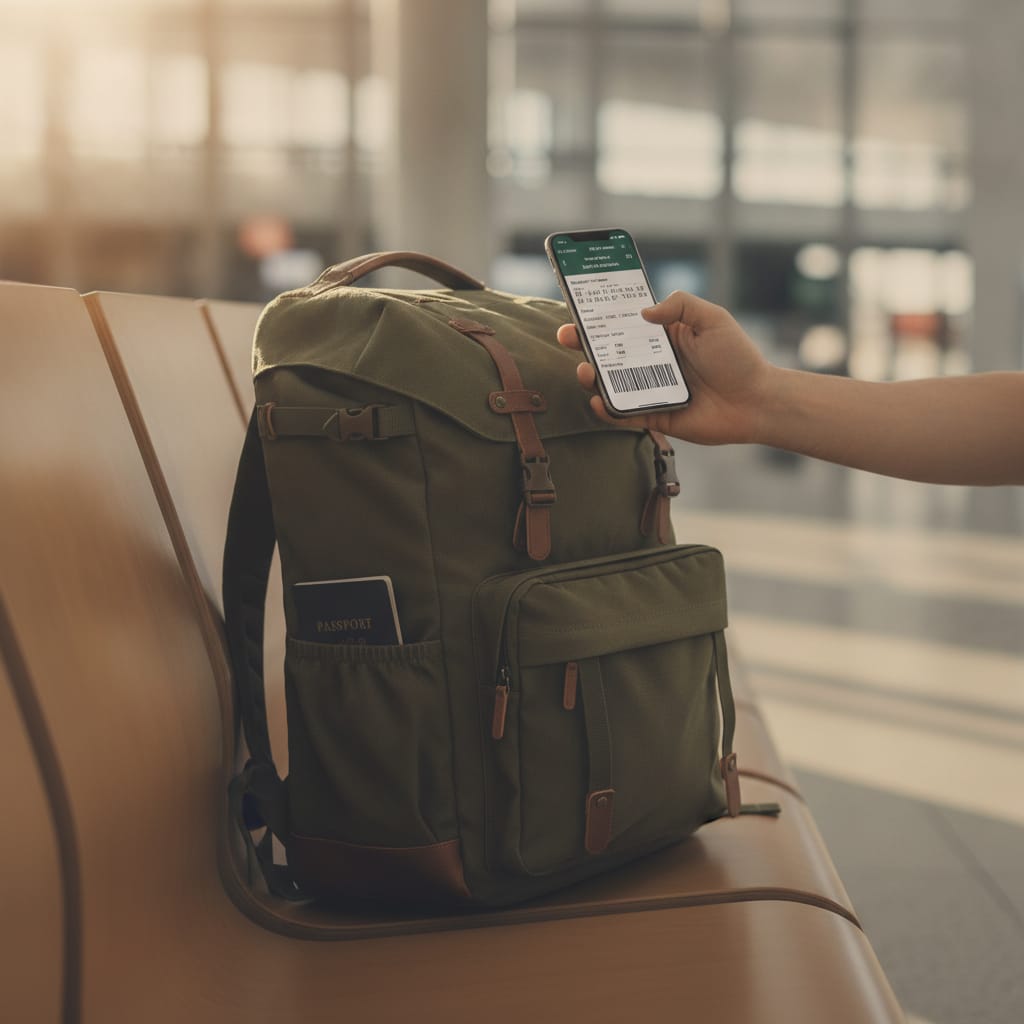
- Step 6: Get your boarding passes. At the end of the process, the system will issue your boarding passes. It's a good idea to save them as a PDF on your phone, add them to your digital wallet (Apple Wallet / Google Pay) or send them to your email as a backup.
El Al's baggage policy to London: what can you take on board?
To avoid unpleasant surprises at the boarding gate (which can cost heavy fees), it's important to know El Al's baggage rules. The policy varies according to the fare you bought (Lite, Classic or Flex). Here's a clear comparison table to help you sort it out:
| El Al fare | Carry-on / trolley for the cabin | Checked suitcase (up to 23 kg) |
|---|---|---|
| Lite | One personal item only (a backpack or a small crossbody bag) under the seat | For an extra fee only |
| Classic | One personal item + one trolley (up to 8 kg, maximum dimensions: 56x45x25 cm) | One suitcase included in the ticket price |
| Flex | One personal item + one trolley (up to 8 kg) with flexibility for changes | One suitcase included in the price (or two, depending on the cabin class) |
Pro tips for getting through Ben Gurion Airport and London's airports quickly
A trip to London is exciting, but getting through the airports can be stressful. Here are a few tips to help you get through the process like a pro:
1. Use the El Al app: the app gives you real-time updates on your gate, flight delays and boarding times. It's also easier to show the boarding pass barcode directly on the screen than to search for a PDF in your email.
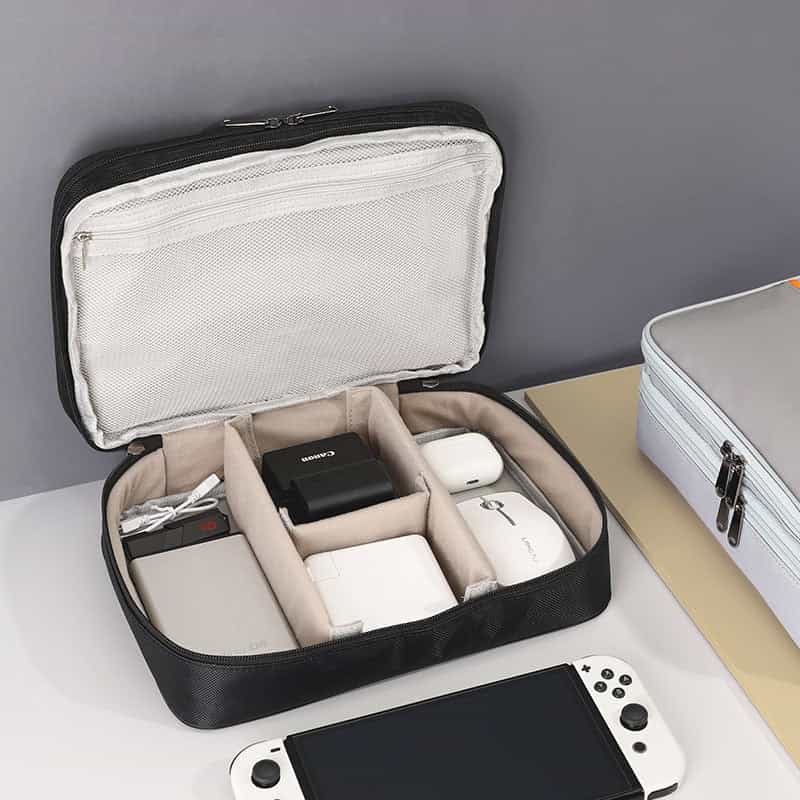
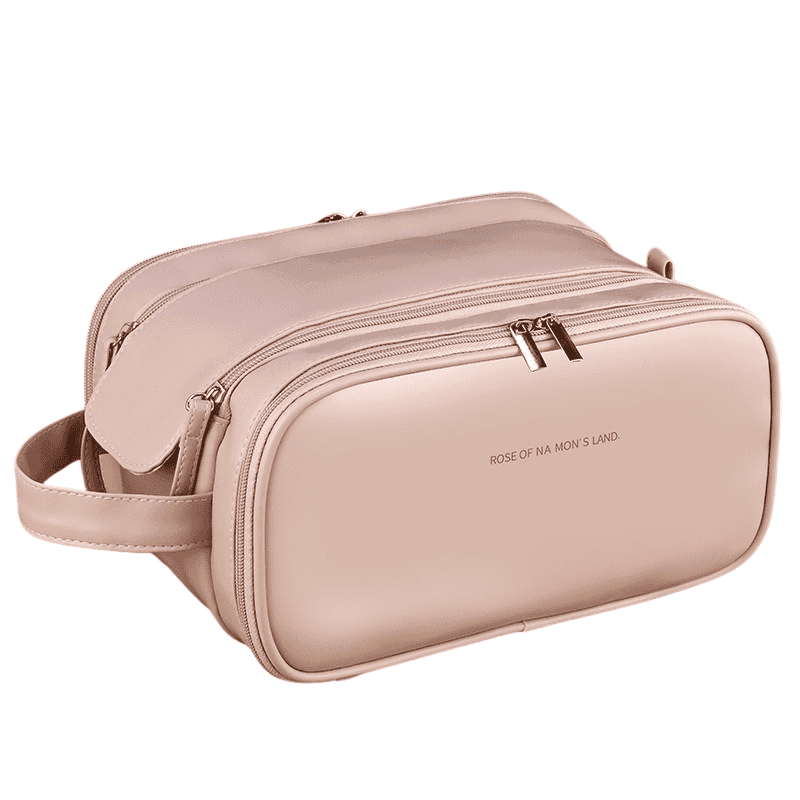
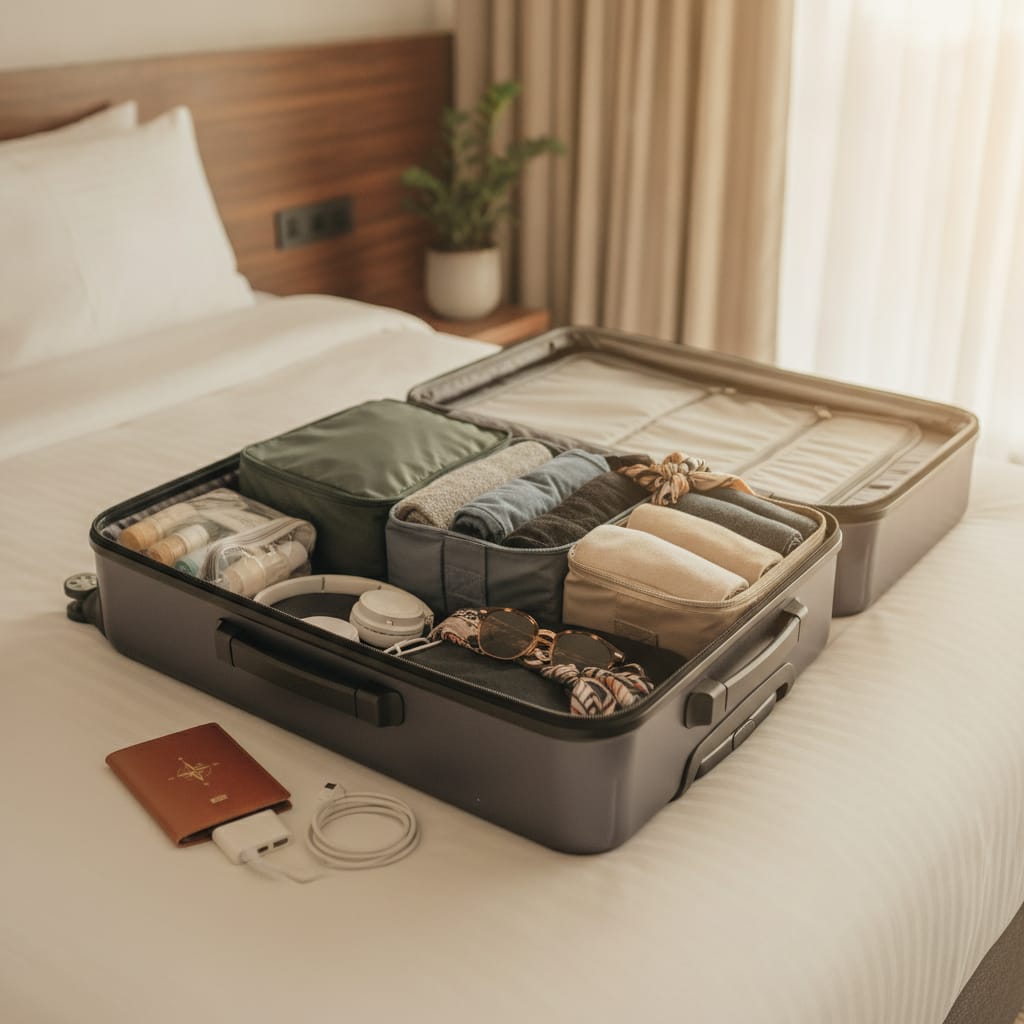
2. Pack your carry-on smartly: make sure all the liquids you take on the plane (up to 100 ml per item) are packed in a clear bag that's easy to pull out. In London (especially at Heathrow) they're very strict about this, and an organized bag will save you precious time at security on the way back.
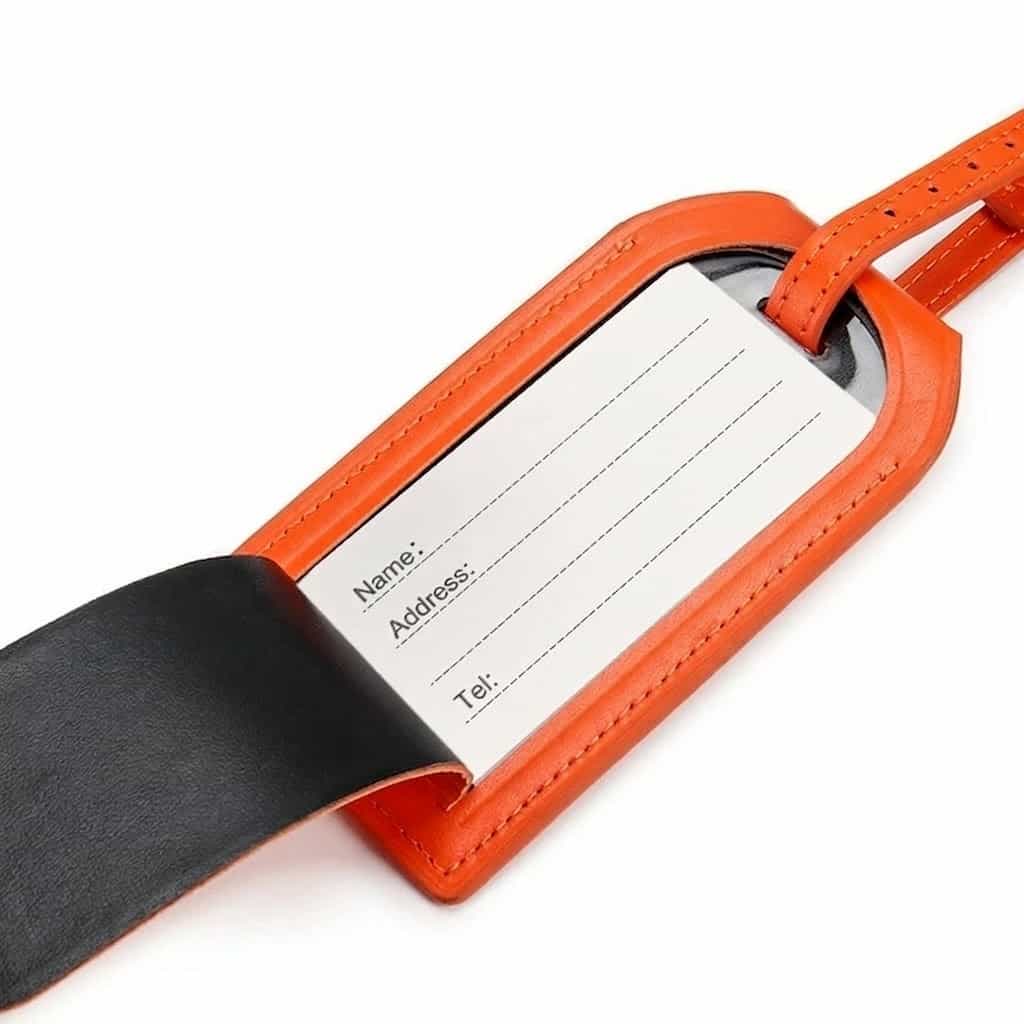
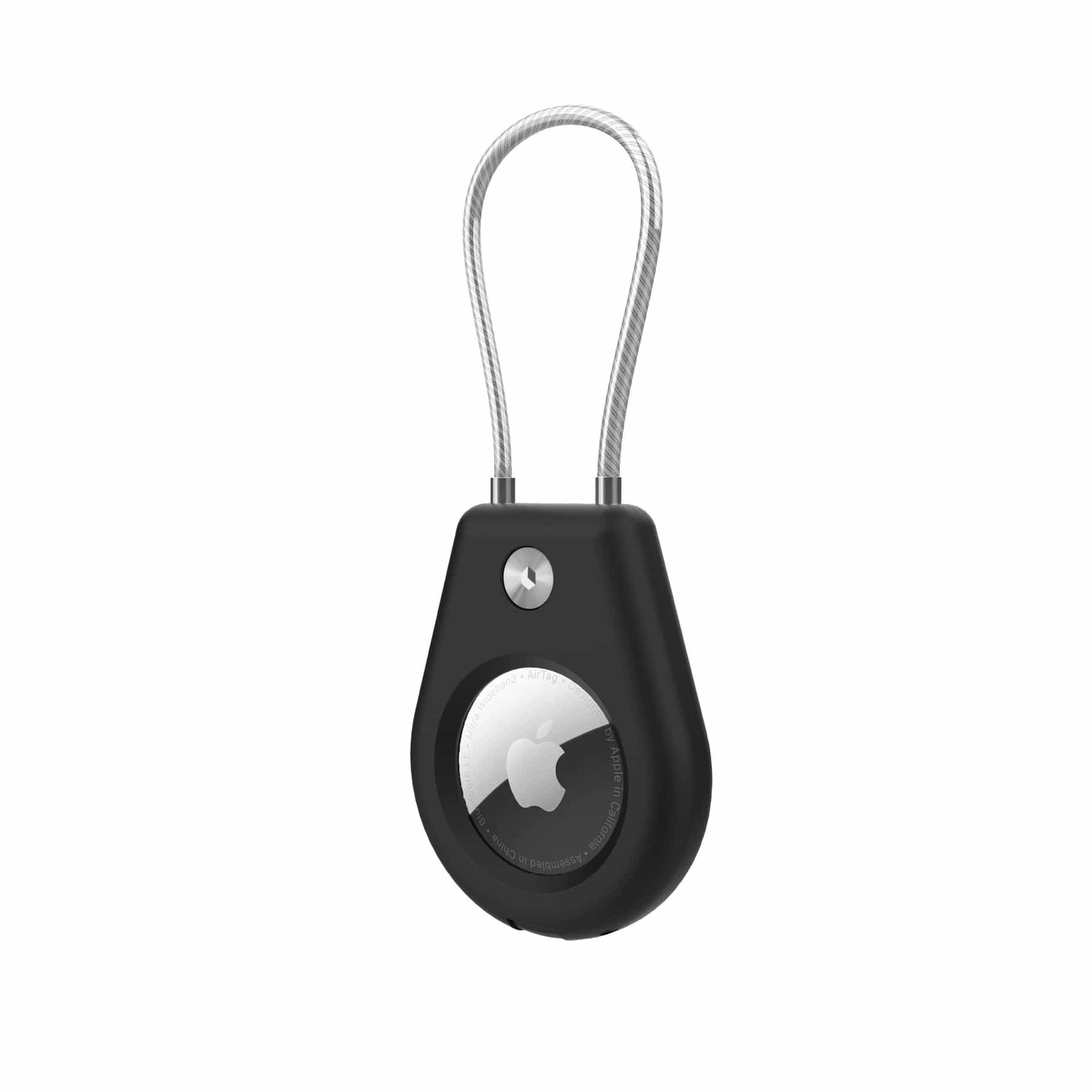
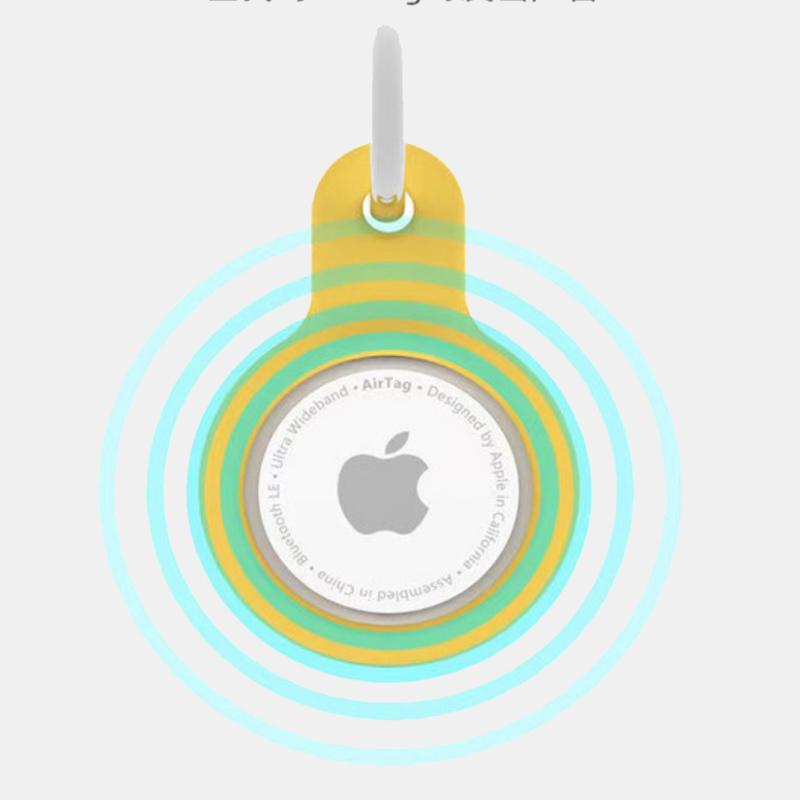
3. Track your suitcases: if you're checking a suitcase, it's highly recommended to use clear ID tags and tracking technology (such as smart trackers). That way you'll know exactly when your suitcase reached the baggage belt in London or, heaven forbid, locate it if it gets lost.
4. Arrive on time: even if you checked in online, it's best to arrive at Ben Gurion Airport about 3 hours before the flight, especially in peak seasons (summer and holidays). The lines for the initial security check can be long, and it's better to wait calmly in duty free than to run to the gate at the last minute.
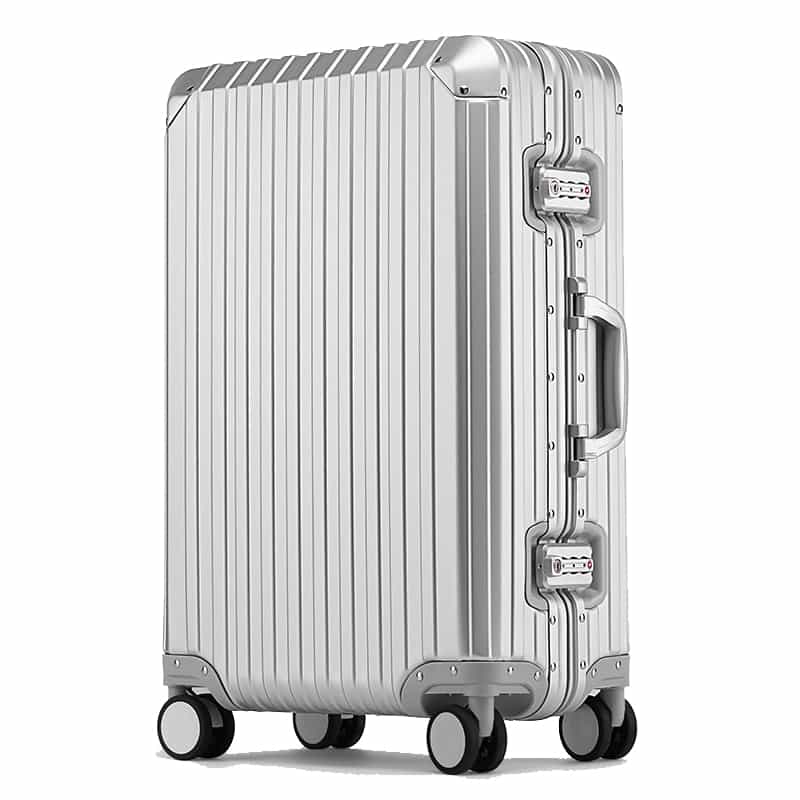
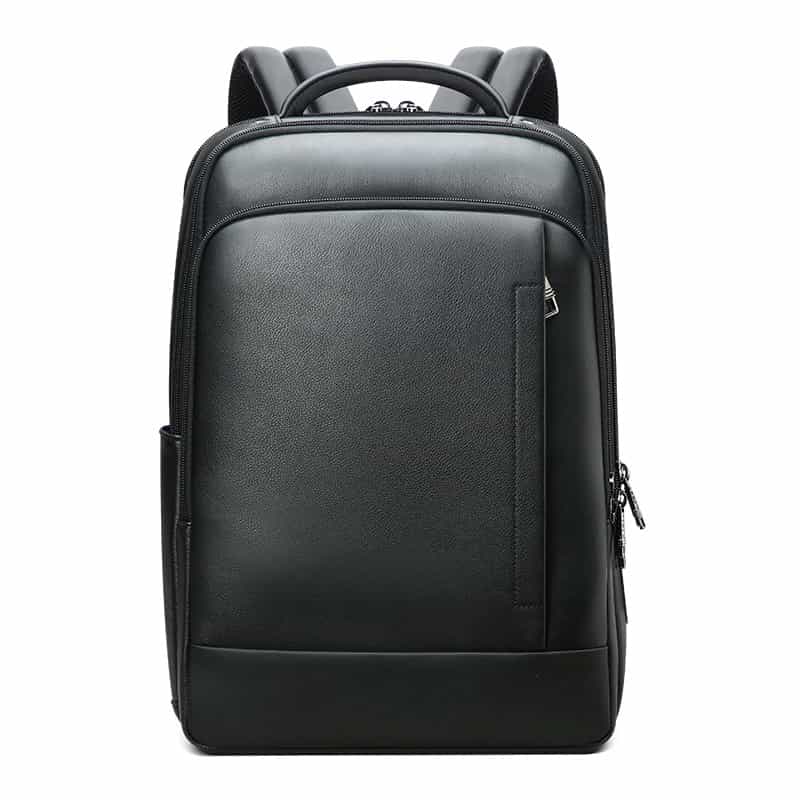
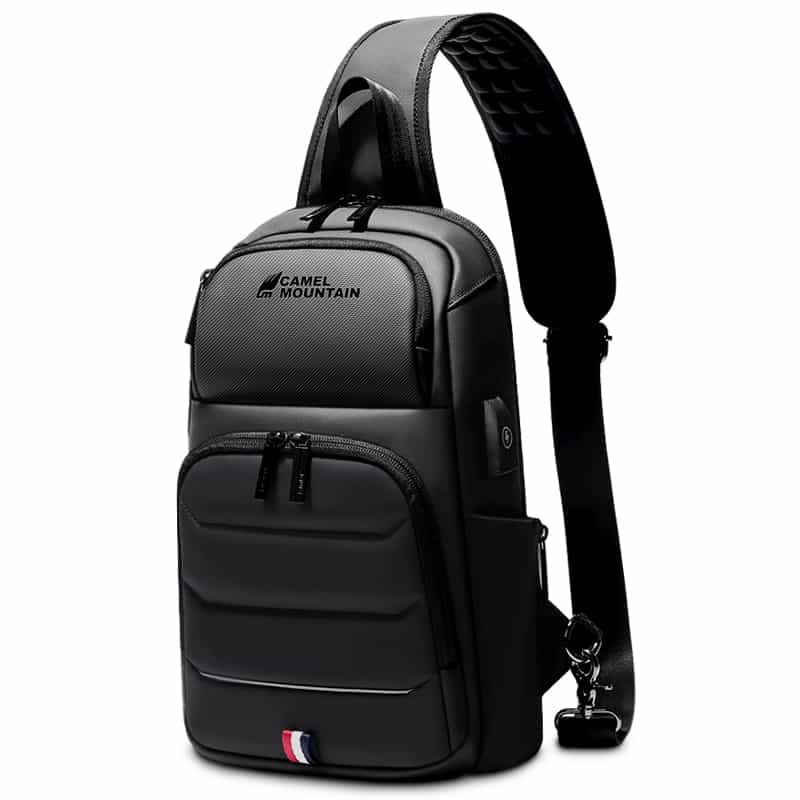
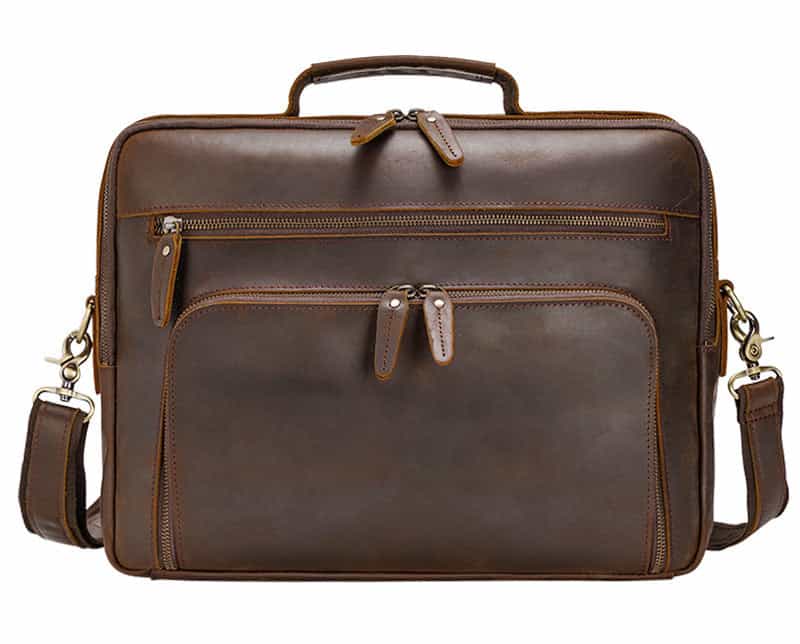
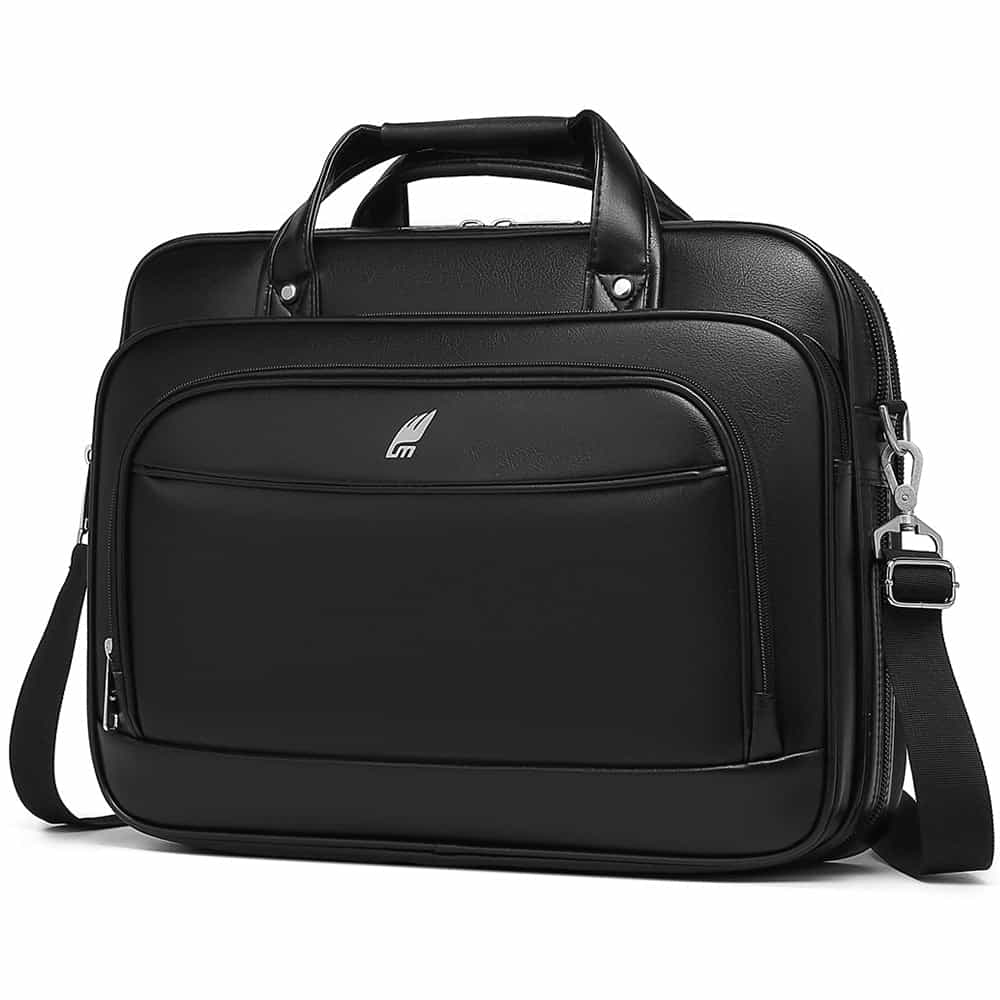
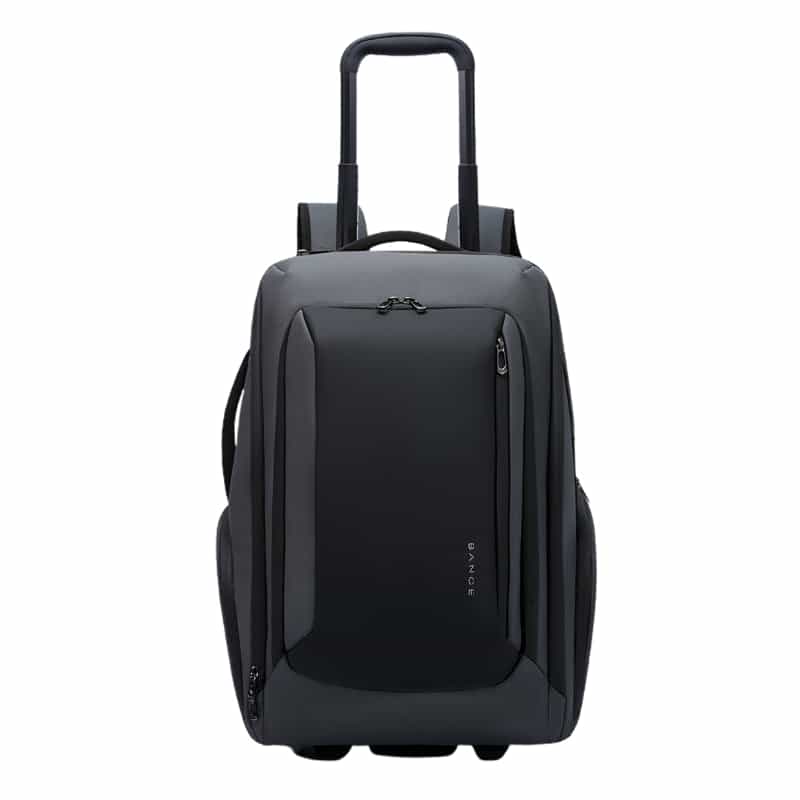
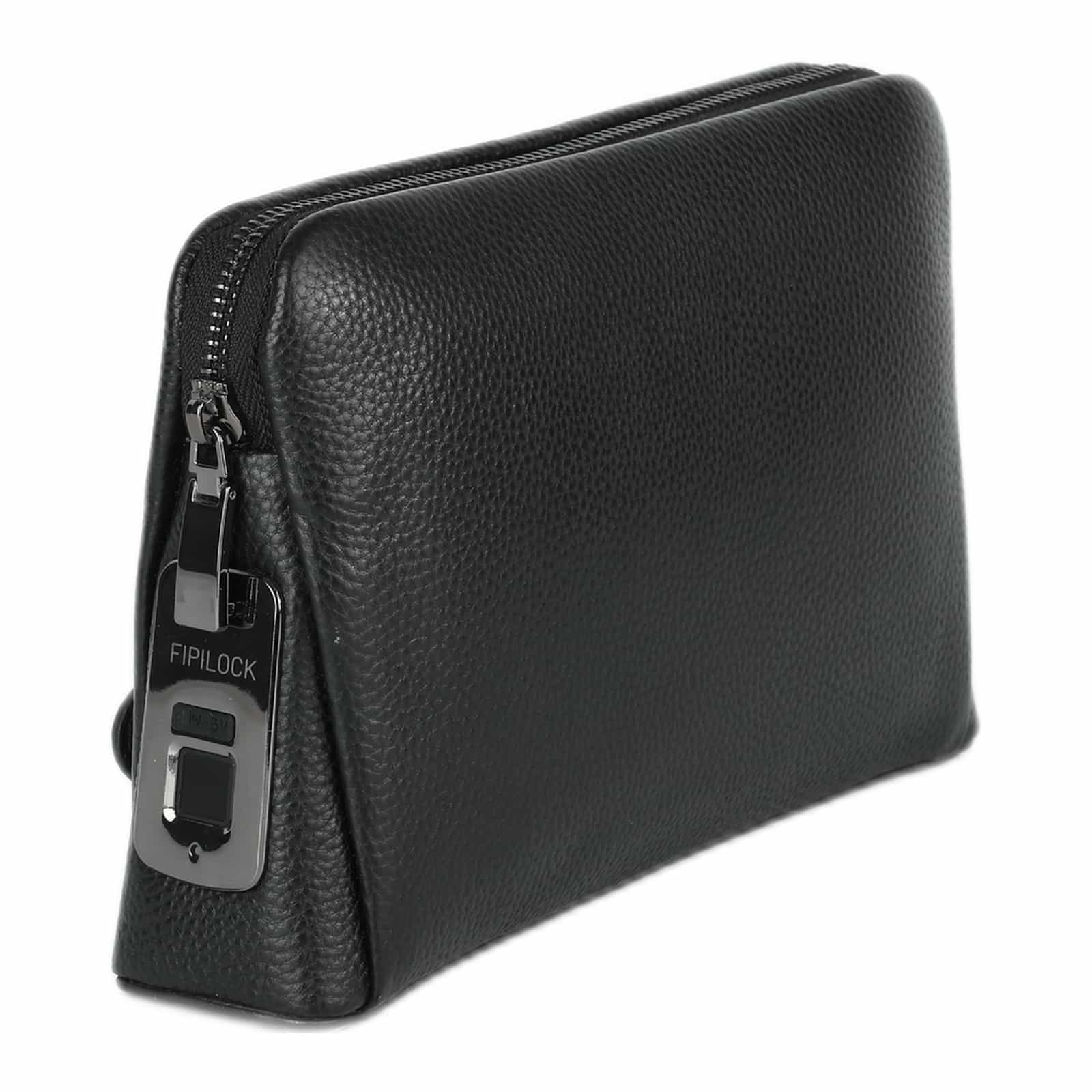
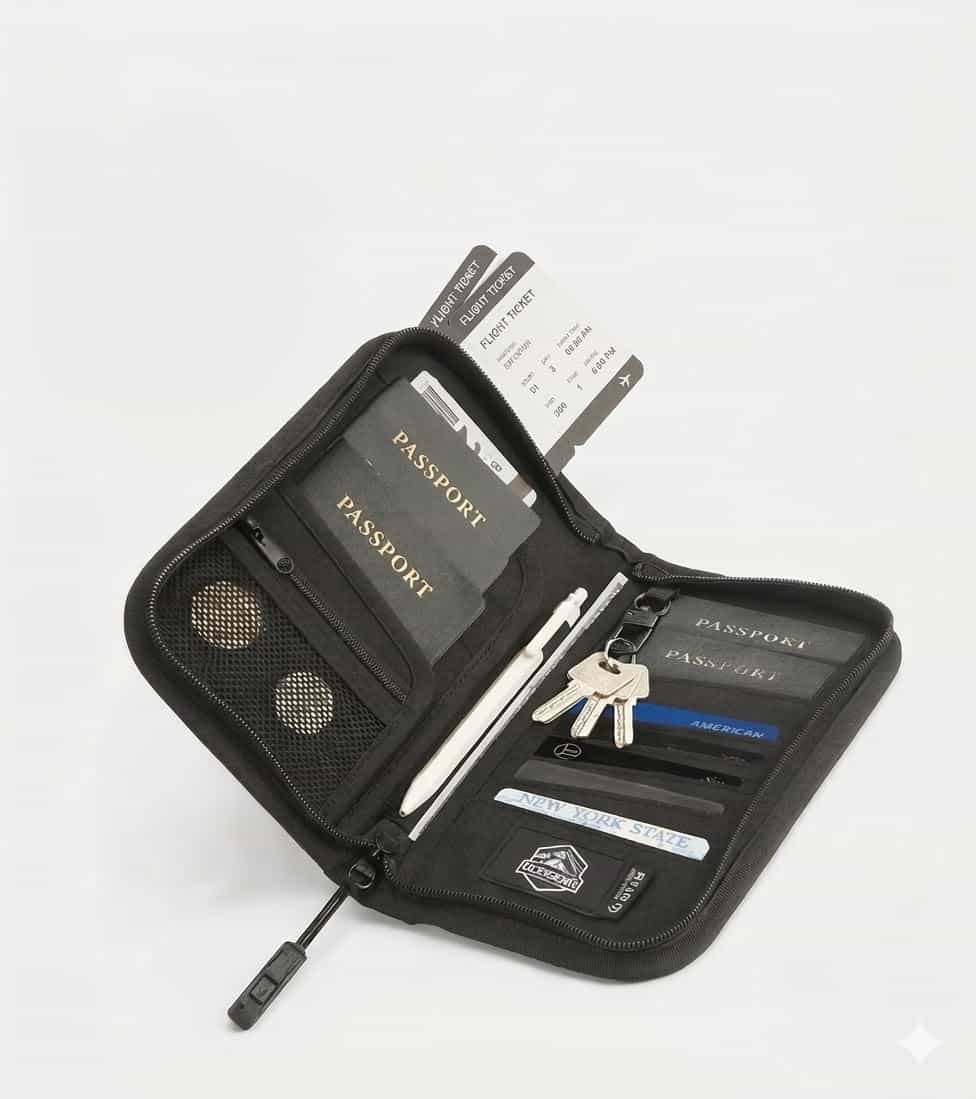
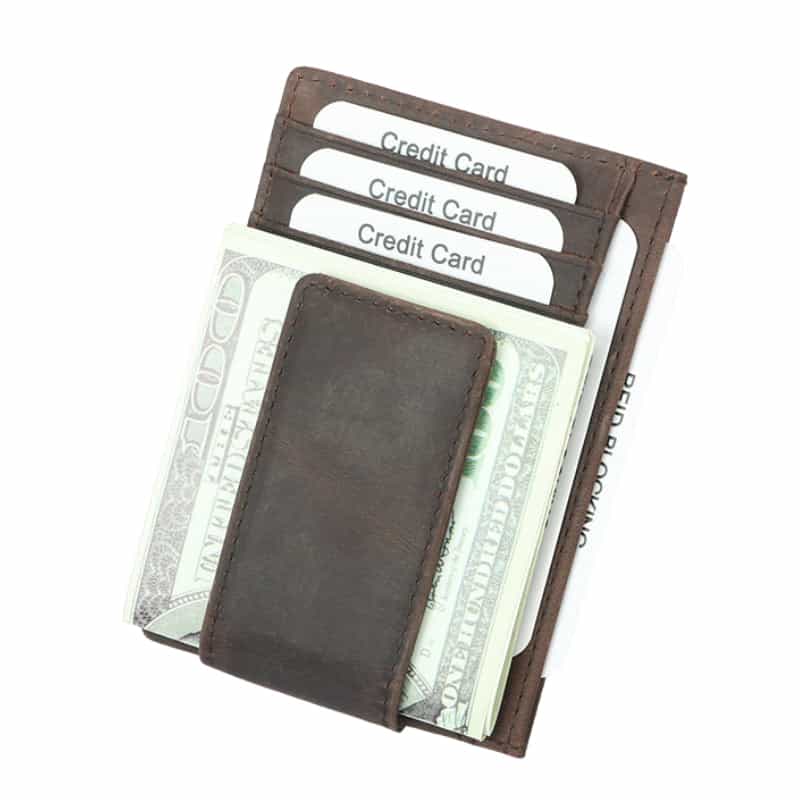
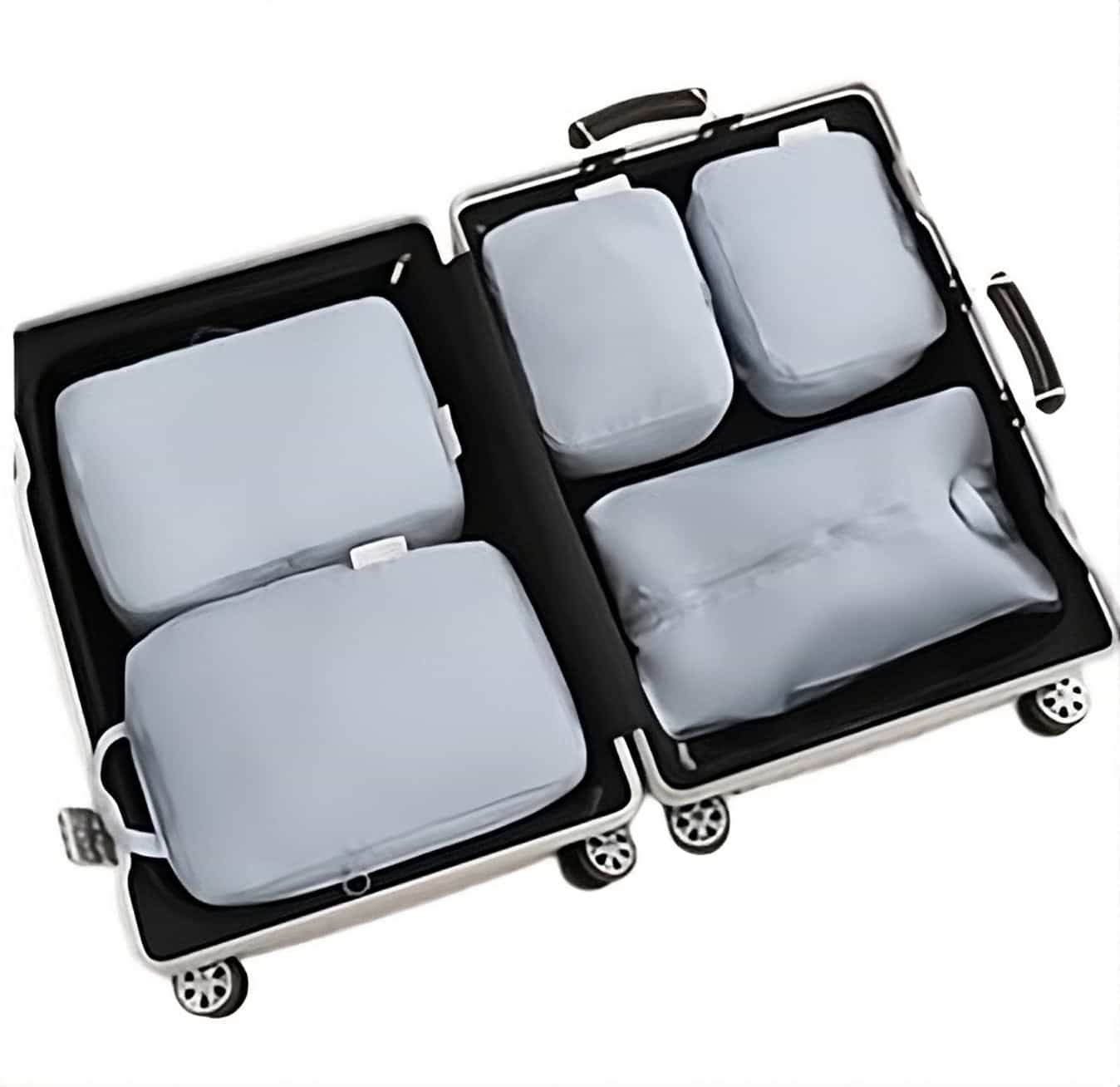
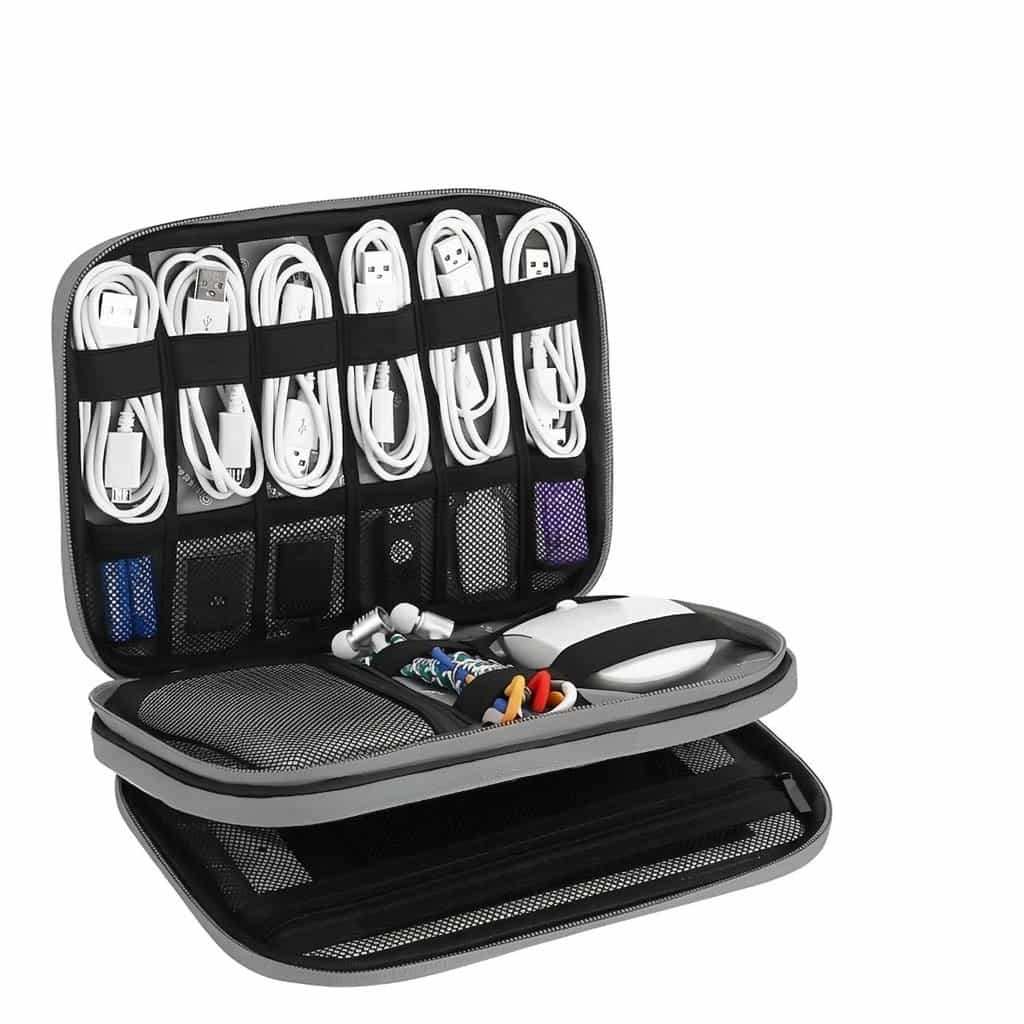
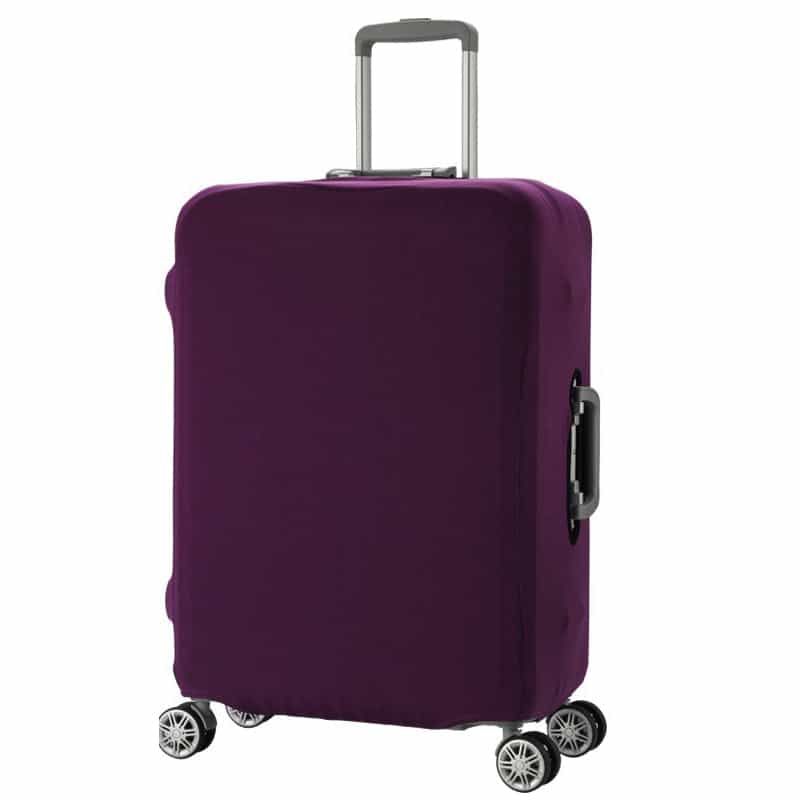
Products to help you on the way

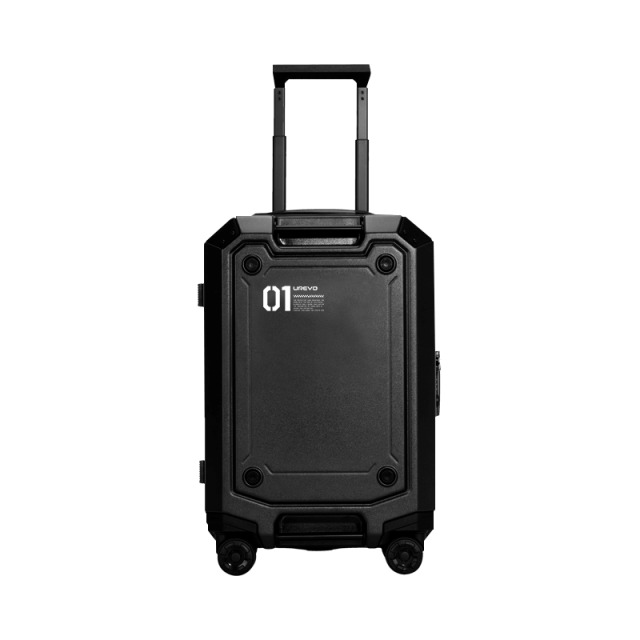
Products in this guide


Frequently asked questions
When does online check-in open for El Al flights to London?
The service opens exactly 24 hours before the scheduled departure of the flight and closes about 3 hours before departure. It's best to do it as early as possible to secure preferred seats.
What do I do with my large suitcase after checking in online?
When you arrive at Ben Gurion Airport, go to El Al's dedicated Drop-off counters. These counters are only for dropping off the suitcases of passengers who have already checked in online, and the line there is much shorter and faster.
Do I have to print my boarding pass?
No, there's no need to print the pass. The airports at Ben Gurion and in London are fully equipped to scan barcodes directly from your phone screen. Still, it's always a good idea to keep a screenshot of the pass in case there's no internet reception at the airport.
Can I check in online for several passengers together?
Yes, definitely. If all the passengers are listed under the same booking code (PNR), you can complete check-in for all of them at once, choose seats next to each other and get boarding passes for everyone together.


