.png&w=3840&q=75)



How to Book an El Al Flight to London with a Seat and a Suitcase
August 25, 2026Updated October 23, 20265 min read
To book an El Al flight to London that includes a seat and a suitcase, choose a Classic or Flex fare when booking on the website. Both include a suitcase of up to 23 kg and standard seat selection at no extra cost. Alternatively, if you choose the cheaper Lite fare, you'll need to add the suitcase and seat for a separate payment at the add-ons stage or through Manage Booking.
Products in this guide


London is one of the most popular destinations on El Al's network. Whether you're flying to shop on Oxford Street, see a West End show or attend a business meeting in the City, the way you book your ticket can decide how relaxed and on budget you arrive. Since El Al moved to a branded fares pricing model, many passengers find themselves confused at the payment stage: what's included in the ticket? How do you make sure the suitcase is in the price? And how do you make sure you sit next to your partner or family?
Understanding El Al's pricing model: Lite, Classic and Flex
To avoid paying unnecessary fees at the airport, the first step is to understand the three fare types El Al offers on flights to Europe in general and to London (Heathrow and Luton) in particular. Your choice at this stage automatically decides whether you'll have to pay extra for baggage and seats.
| Fare type | Hand luggage / carry-on (cabin) | Checked suitcase (up to 23 kg) | Advance seat selection | Changes and cancellations |
|---|---|---|---|---|
| Lite | Included (carry-on up to 8 kg + personal item) | Extra charge (about $40-$70 each way) | Extra charge (from about $15 each way) | Very high change fees, no cancellation option |
| Classic | Included (carry-on up to 8 kg + personal item) | Included (one suitcase up to 23 kg) | Included (free standard seat) | Reduced change fees |
| Flex | Included (2 hand bags, up to 12 kg in total) | Included (one suitcase up to 23 kg) | Included (including preferred seats) | Maximum flexibility (free changes, low-cost cancellation) |
How to book step by step on the El Al website
Booking a flight is a simple process, but it takes attention to the small details so you don't miss the right add-ons. Here is the practical guide:
Step 1: search for the flight and enter your destination
Go to El Al's official website. Enter your departure point (Tel Aviv, TLV) and your destination. Note that El Al flies both to Heathrow (LHR), which is closer to and more accessible from the city center, and to Luton (LTN), which is often used for cheaper flights. Choose your dates and click search.
Step 2: choose the fare type (the secret to saving)
Once you choose convenient flight times for both directions, the system will show you the three fare options (Lite, Classic, Flex).
Our recommendation: if you know in advance that you need to send a large suitcase to the hold and want to choose seats together, go straight for the Classic fare. In 90% of cases, upgrading to Classic at the time of booking is significantly cheaper than buying a Lite ticket and adding a suitcase and seat separately in later steps.
Step 3: enter passenger details
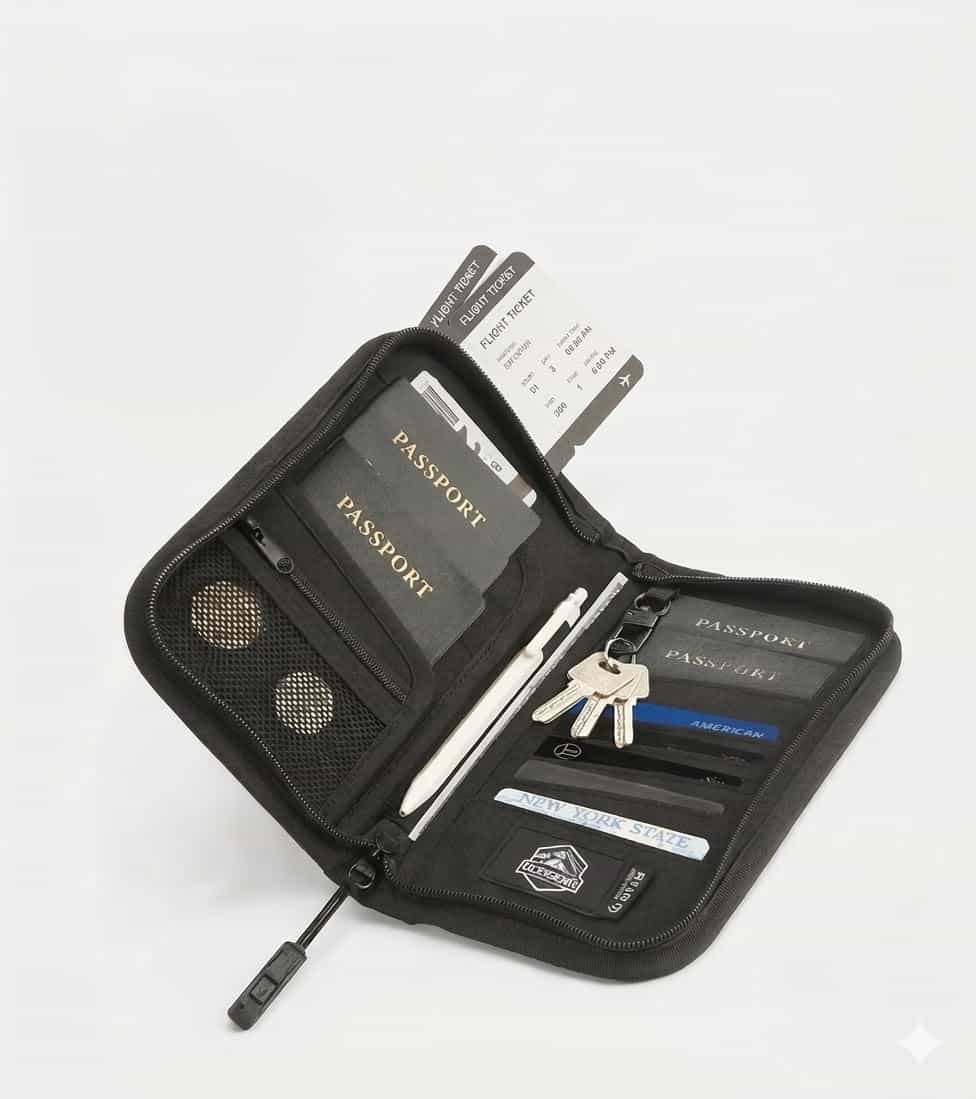
Fill in your personal details exactly as they appear in your passport (in English). Make sure your passport is valid for at least 6 months beyond your planned return date from London.
Step 4: choose seats
If you chose a Classic fare, the system will take you to the seat map. You can choose a standard seat (window, aisle or middle) at no extra charge. Note: preferred seats (such as front-row seats or seats with extra legroom at the emergency exits) still cost extra, even for Classic passengers.
If you chose a Lite fare, you can skip this step and the system will assign you a random seat at check-in (24 hours before the flight), or you can pay from $15 each way to choose a specific seat.

El Al baggage rules to London: what can you bring?
London is a city of lots of walking and changeable weather, so packing right is critical. El Al is very strict about baggage dimensions and weights, especially on full flights.
- Hand luggage (carry-on): you can bring one carry-on suitcase of up to 8 kg on board. The maximum dimensions are 56X45X25 cm (including wheels and handles).
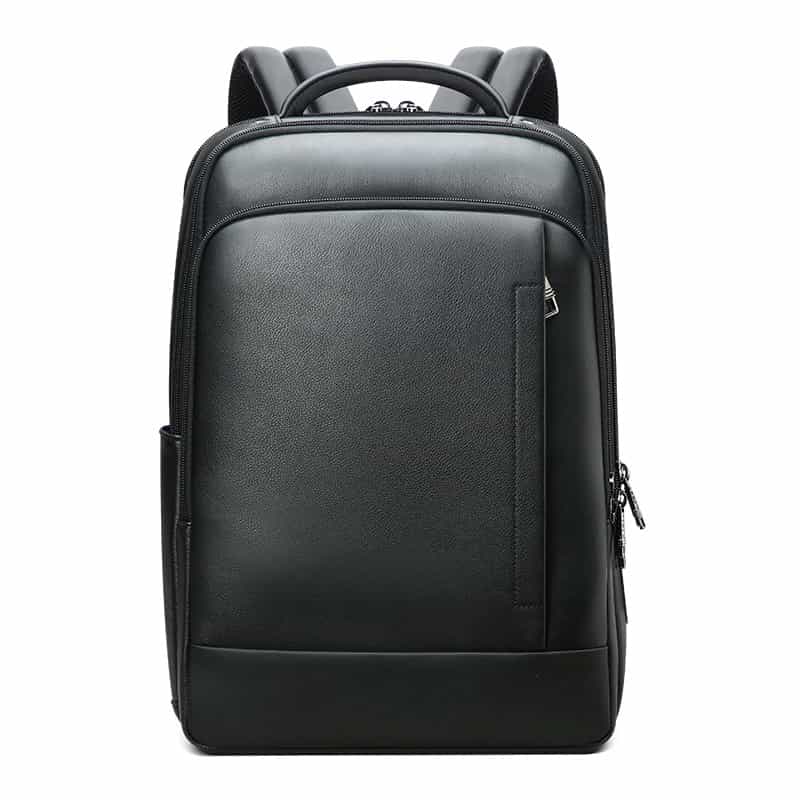
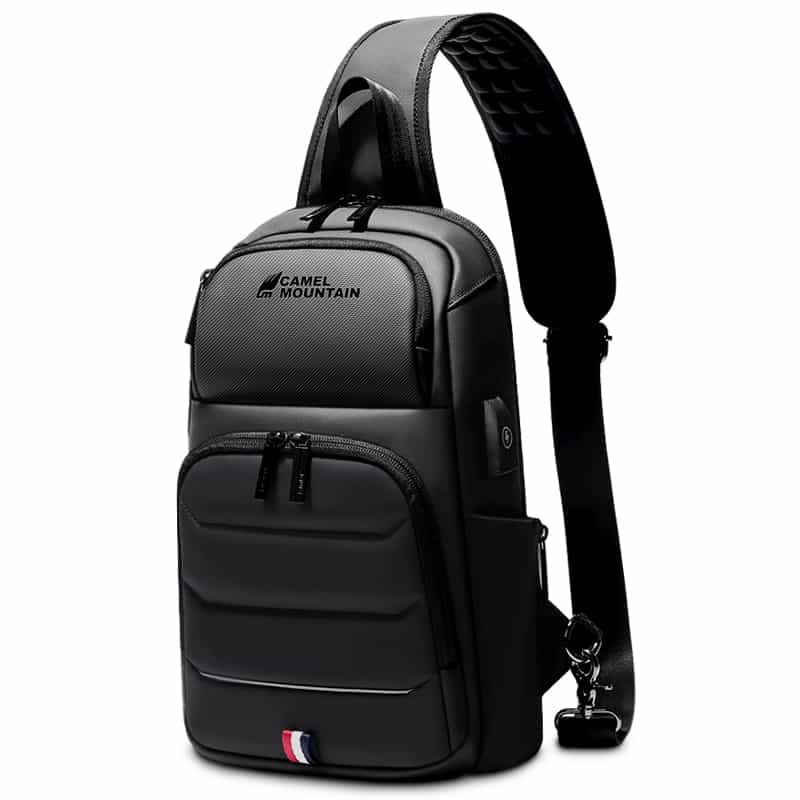
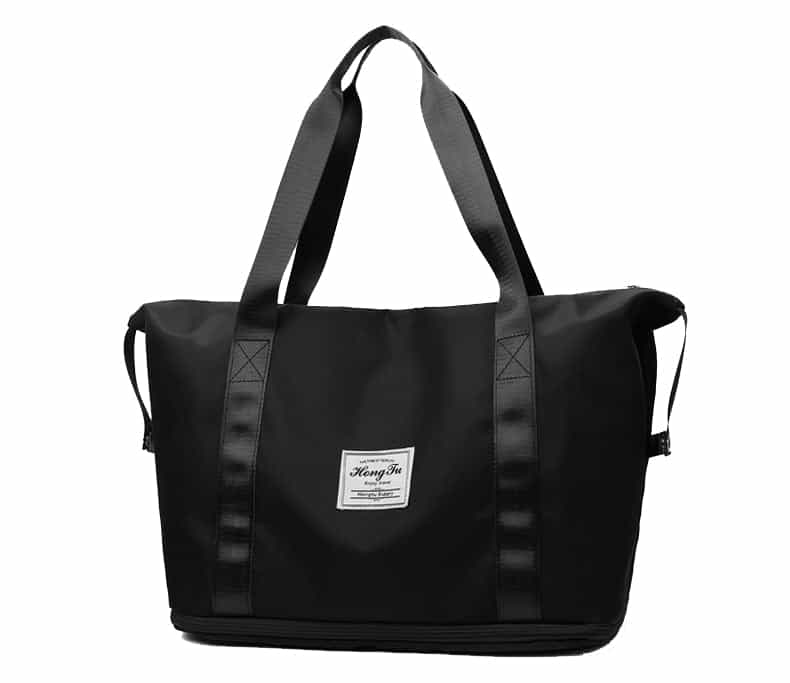
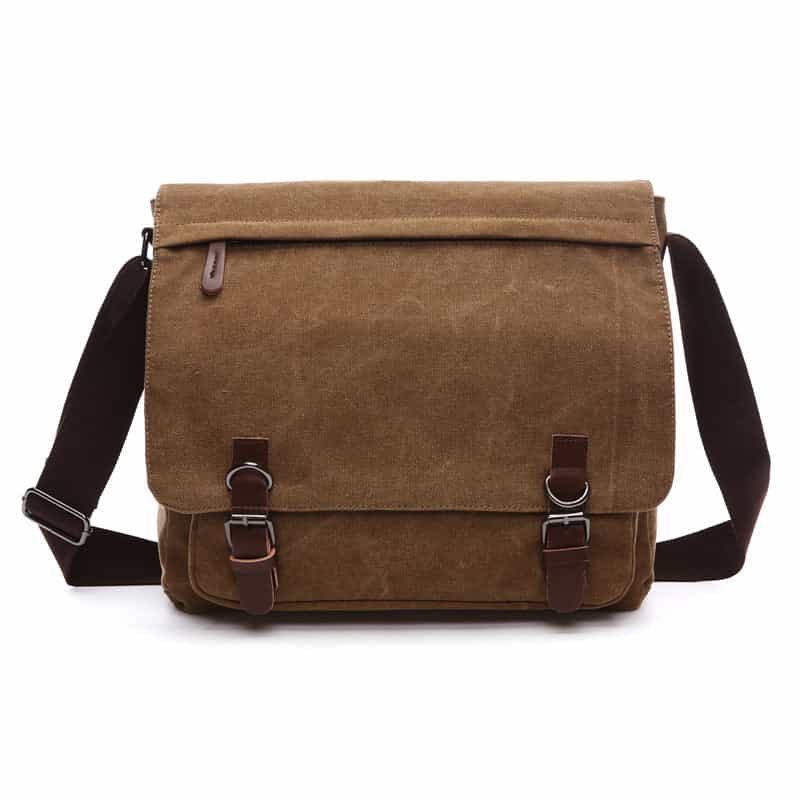
- Personal item: in addition to the carry-on, every passenger may bring a small personal item (such as a laptop backpack, a shoulder bag or a handbag) of up to 30X40X18 cm. This item must fit under the seat in front of you.
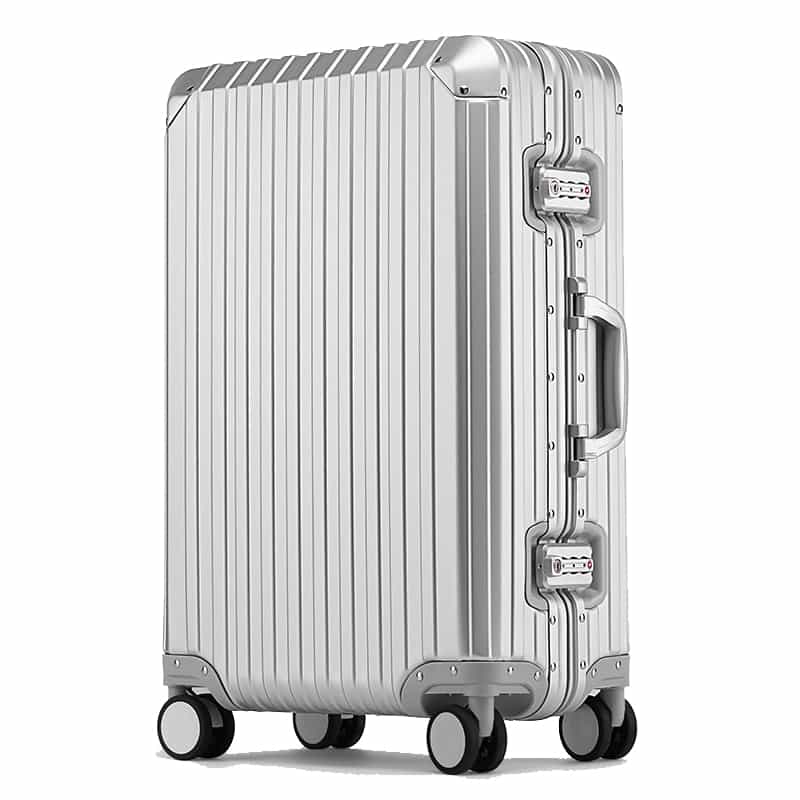
- Checked baggage (suitcase for the hold): a maximum weight of 23 kg. The maximum dimensions are a total of length + width + height that does not exceed 158 cm. Going over the weight (even by one kilogram) can mean a hefty fee at the check-in desk.
Winning tips from Camel Mountain's experts for a smooth flight
As a family business that has been accompanying travelers since 1975, we've seen it all at airports. Here are a few tips that will upgrade your flight to London:
- Don't trust luck with the weight: buy a small handheld luggage scale and weigh your suitcase in your London hotel room before you head home. London shopping is tempting, and it's very easy to go over the 23 kg mark.
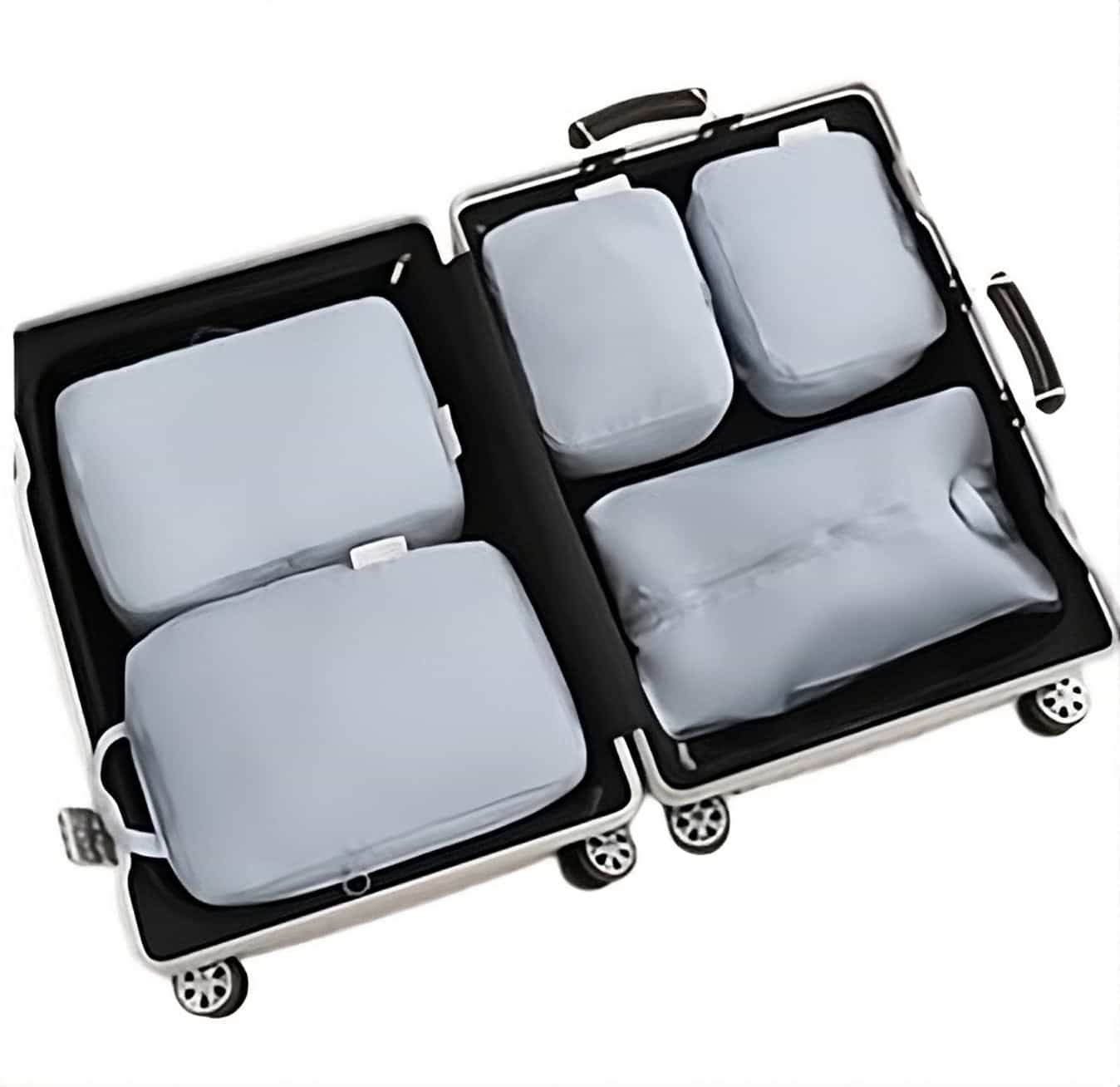
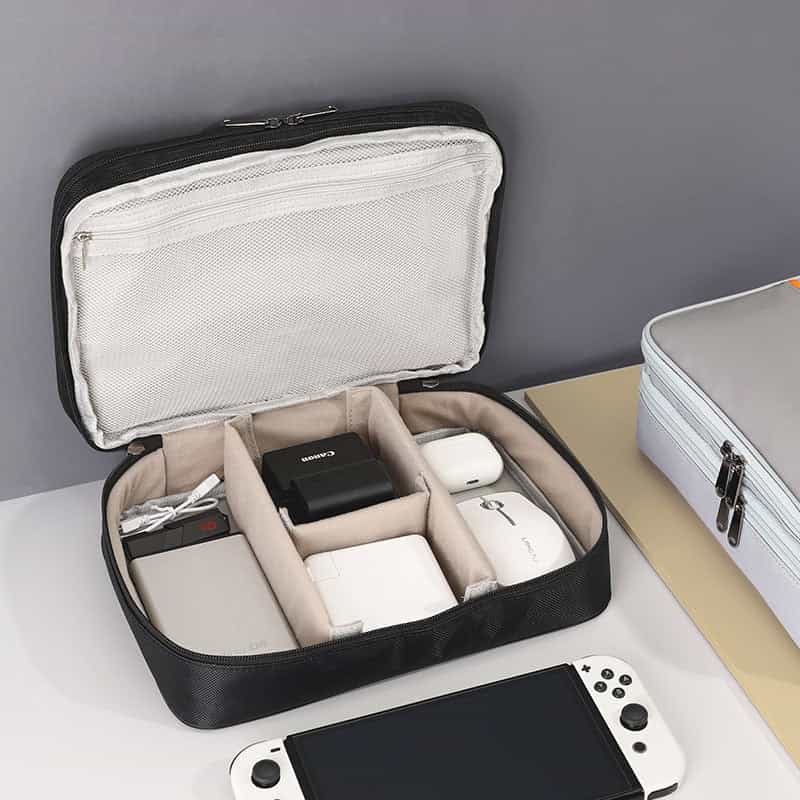
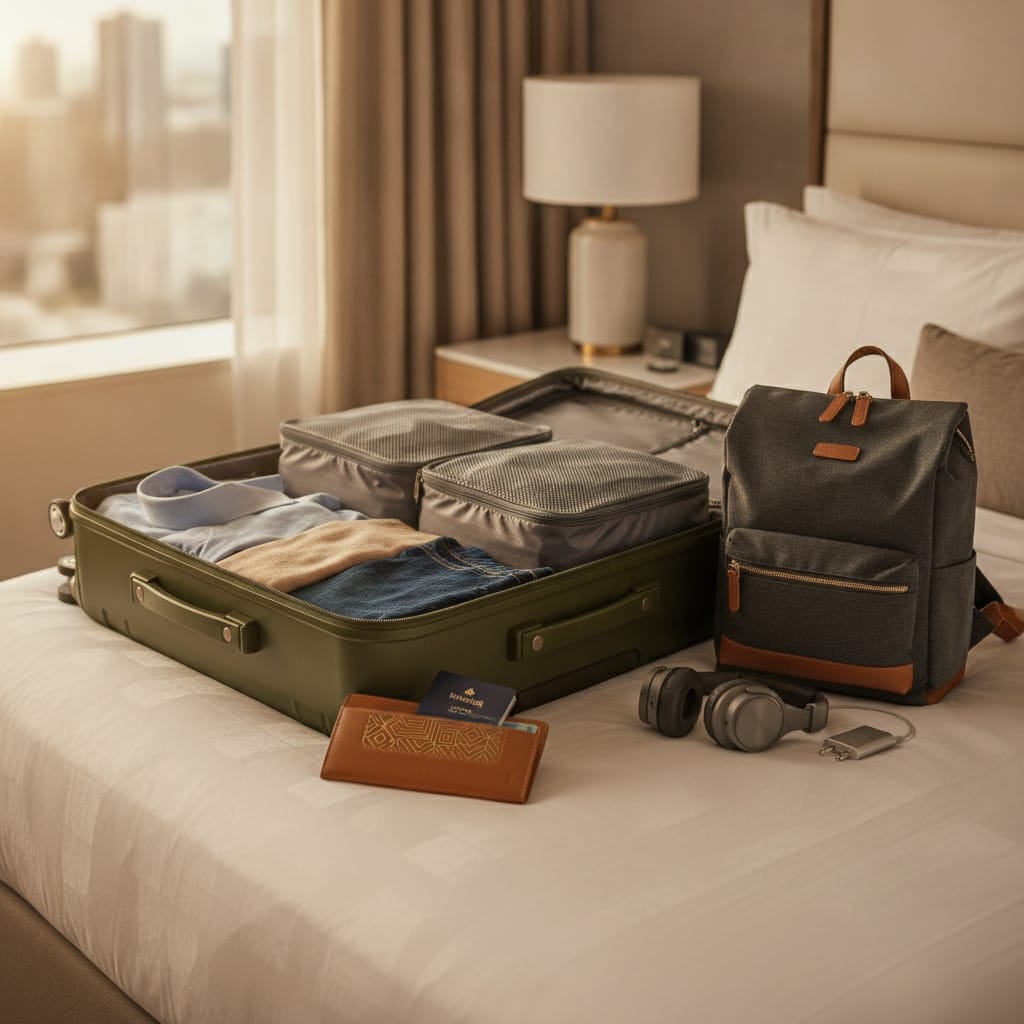
- Use packing organizers (packing cubes): they don't just save space in the suitcase, they also let you pull out items quickly if you're asked to open your suitcase for a thorough security check at Heathrow.
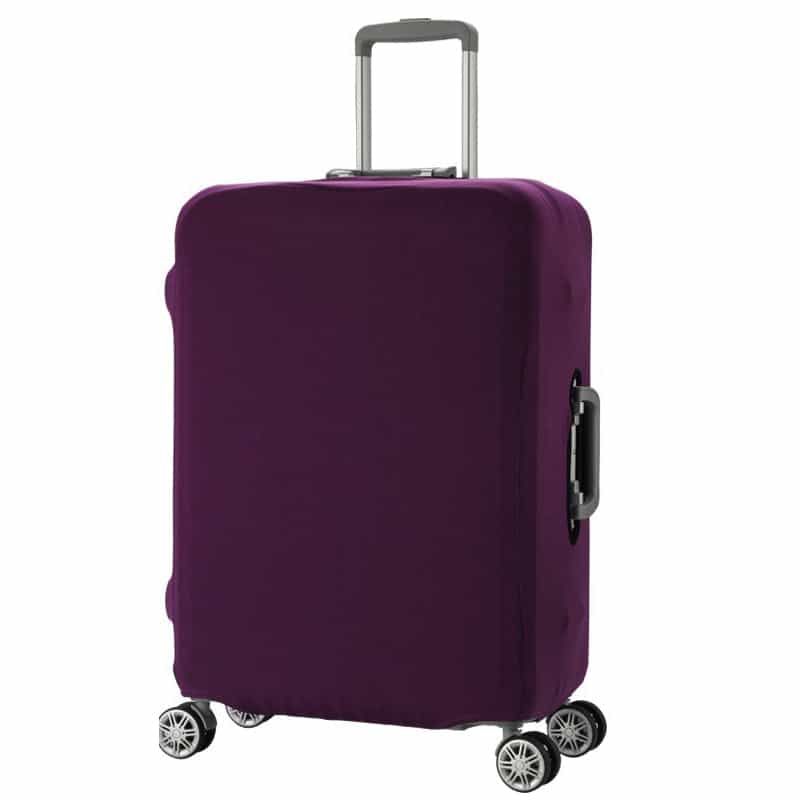
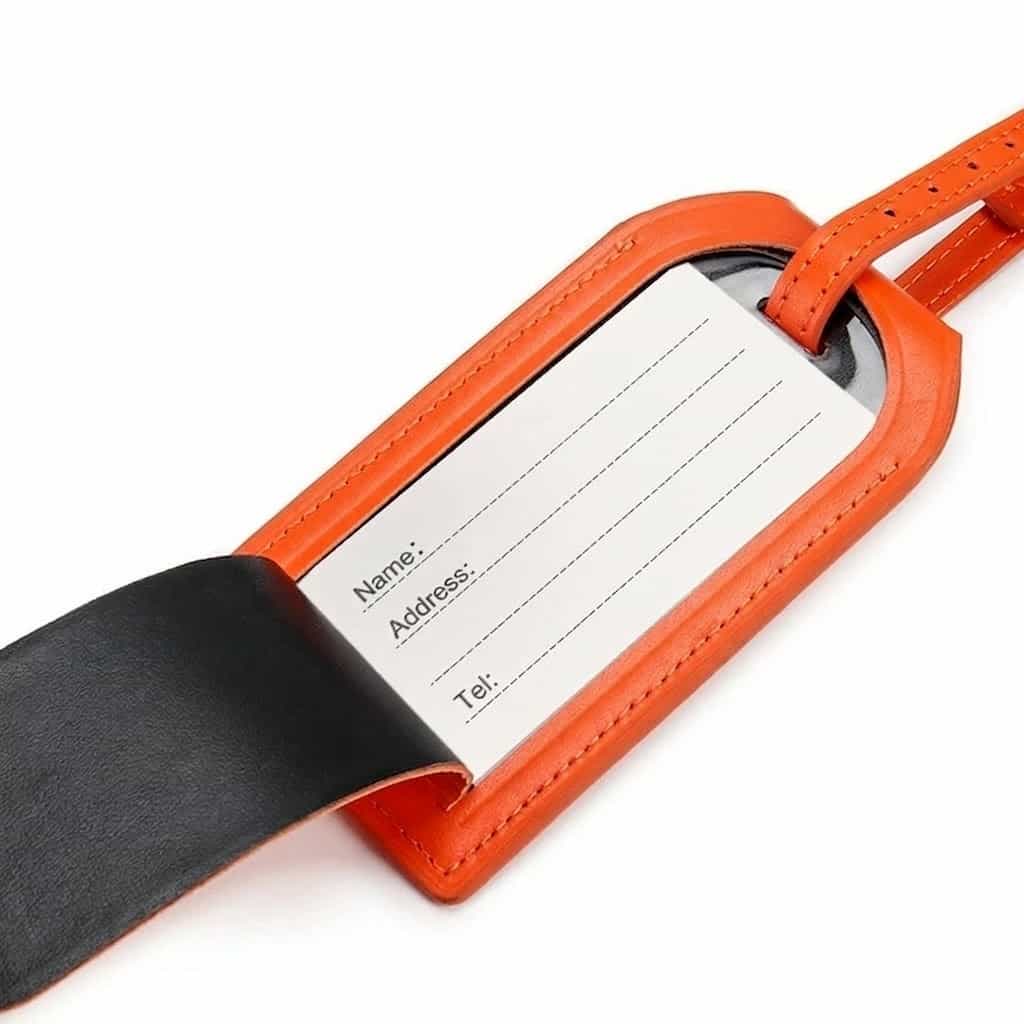
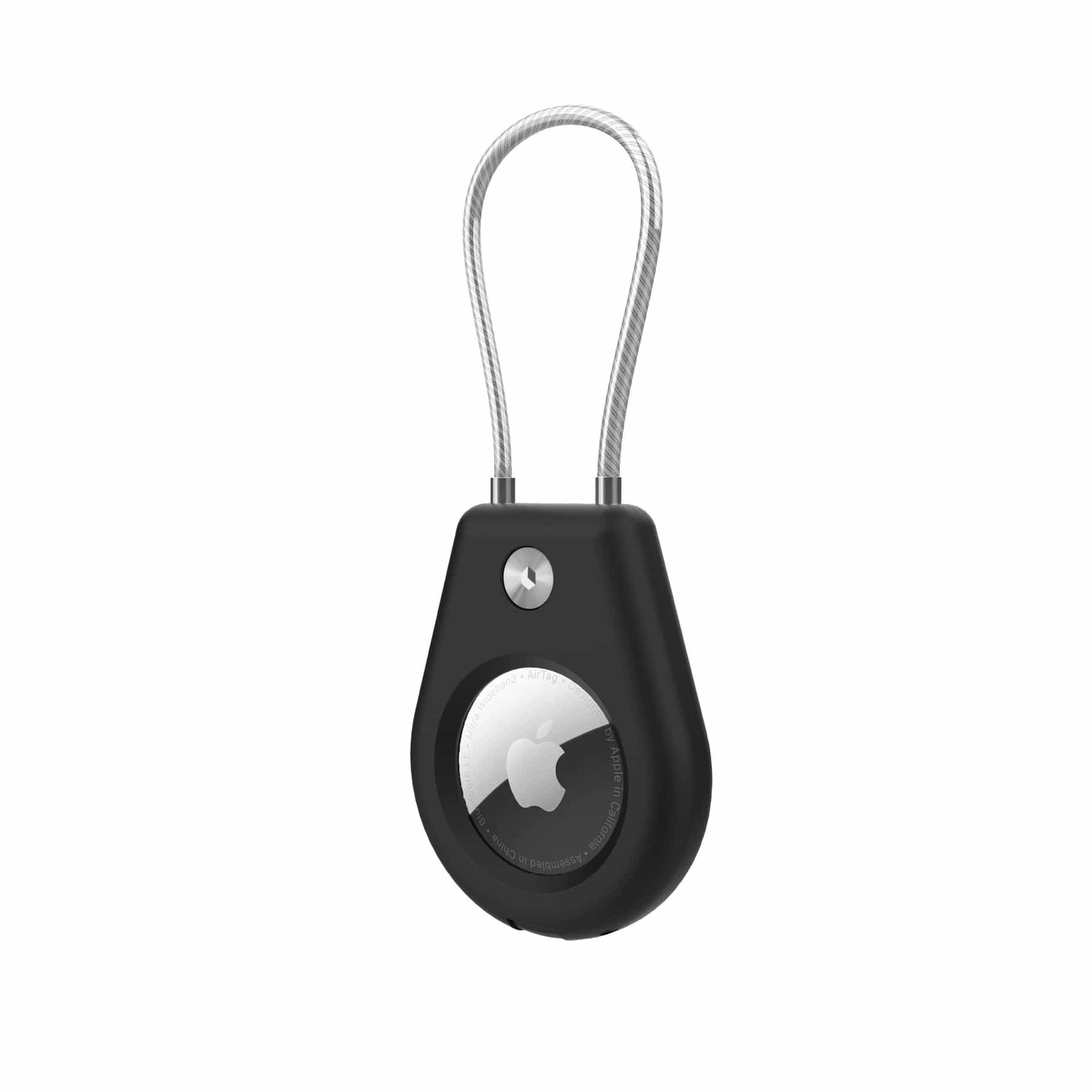
- Mark your suitcase: hundreds of similar black suitcases come down the carousel in London. A quality leather ID tag or a distinctive suitcase cover will stop others from taking your suitcase by mistake, and save you precious time.
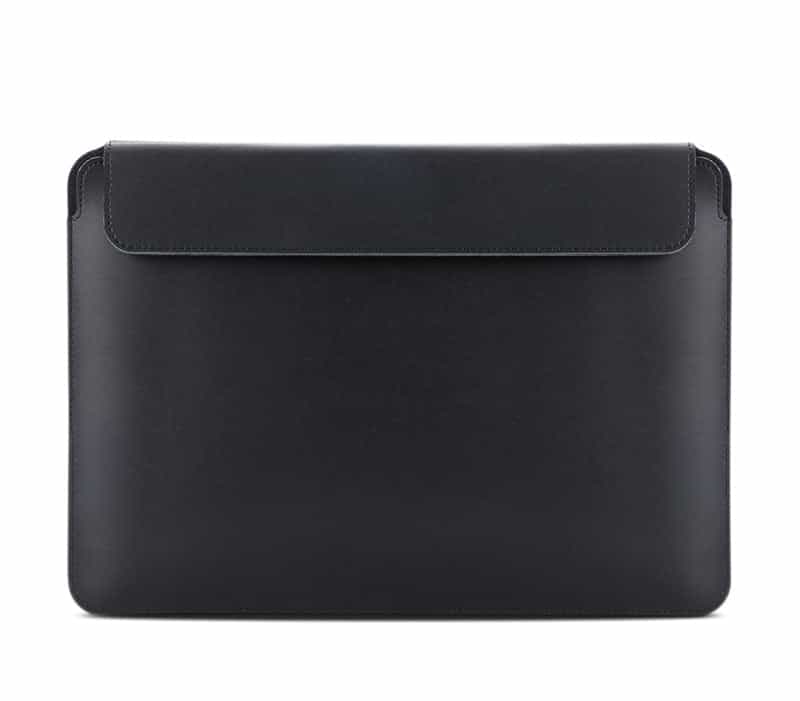
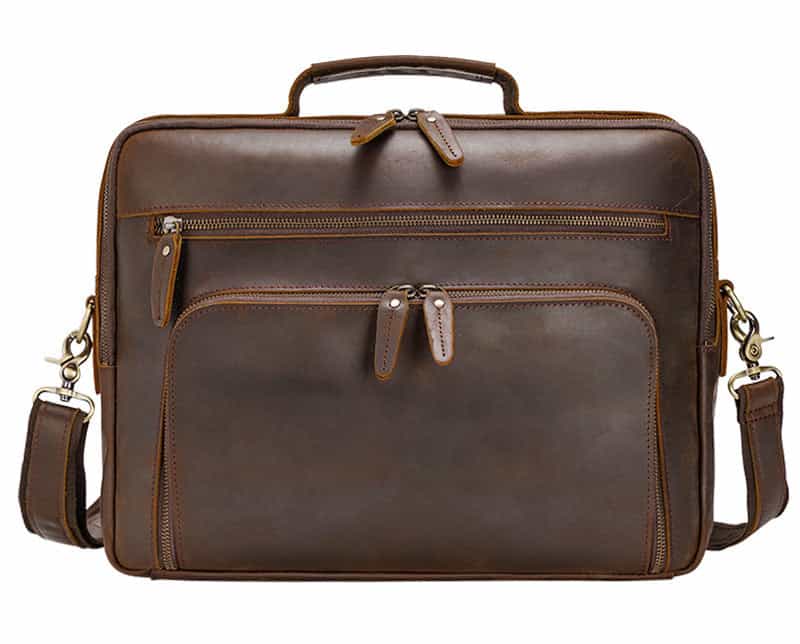
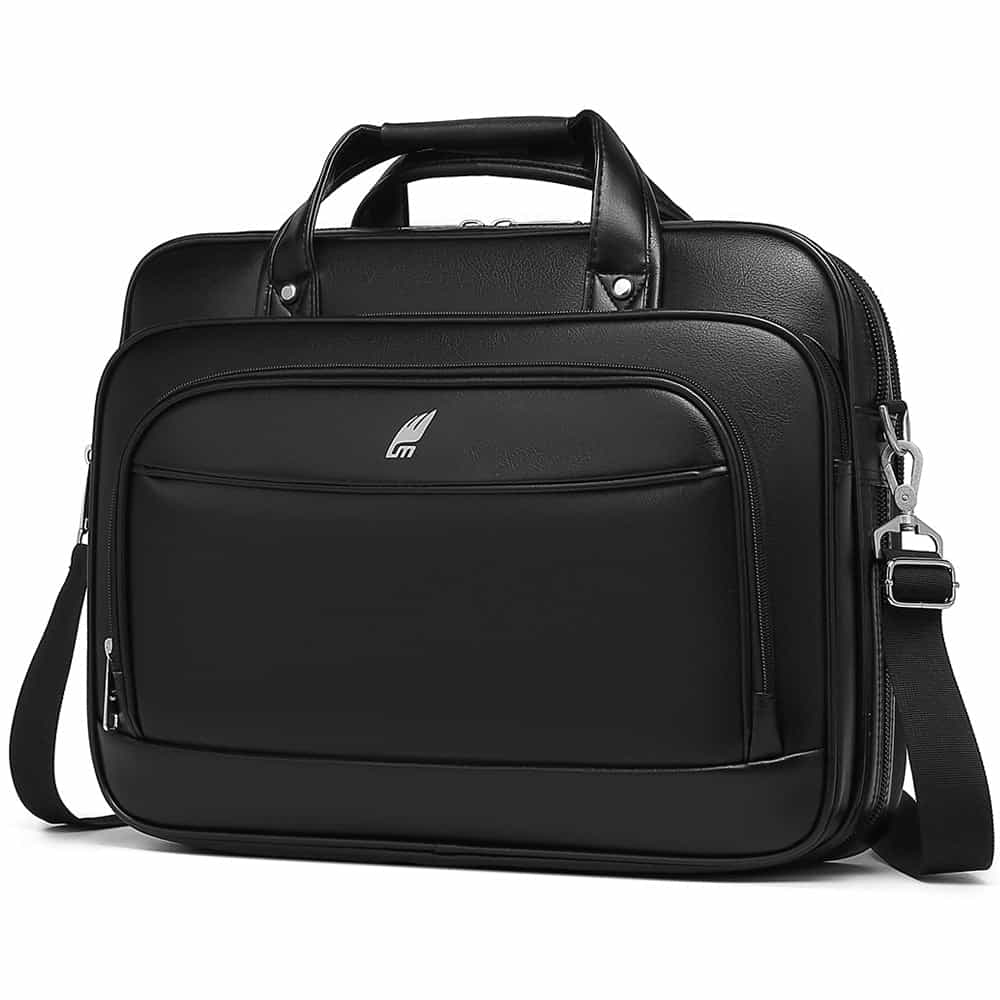
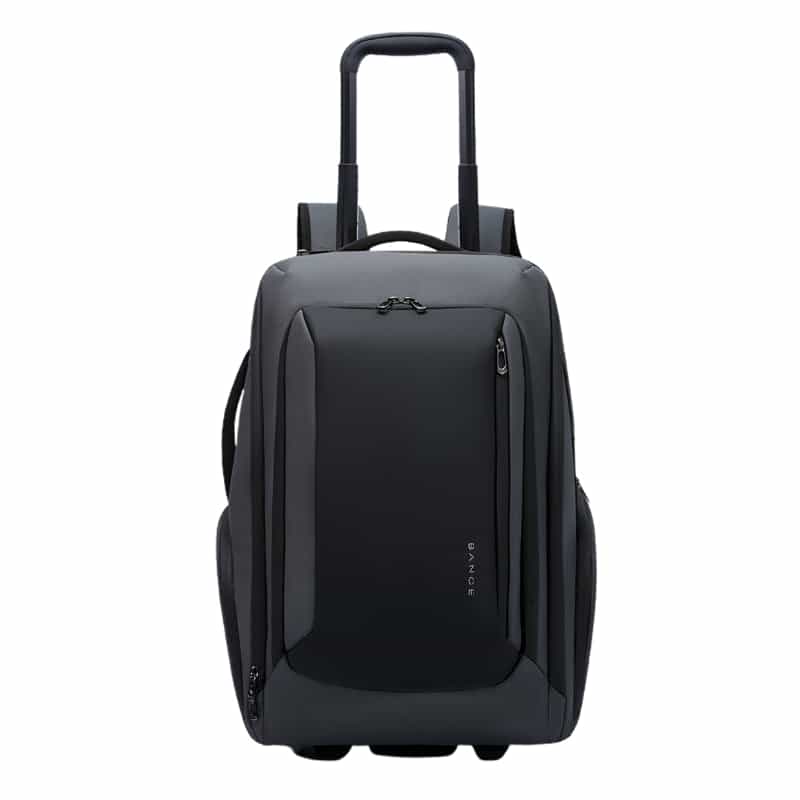
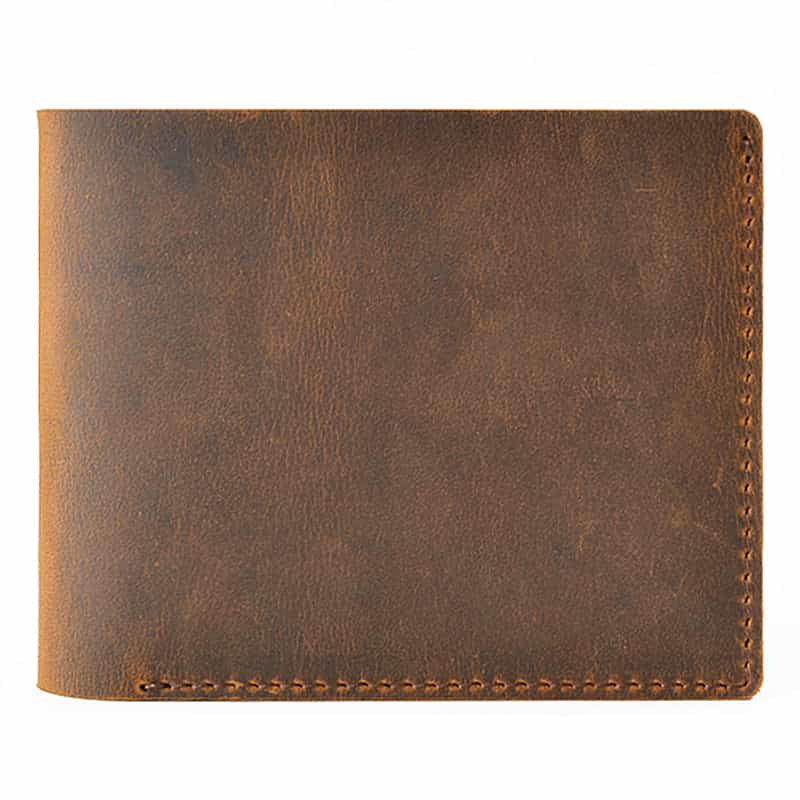
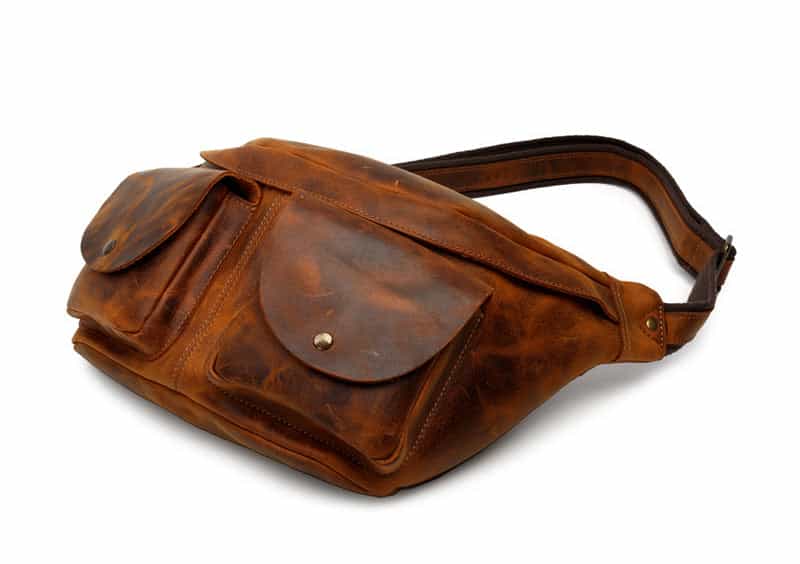
- Bring a smart backpack as your personal item: a backpack with a USB port and good internal organization for a laptop and documents is the perfect flight companion. It fits easily under the seat on El Al and keeps your passport, wallet and power bank within reach.
Products that will help you on the way


Frequently asked questions
Can you add a suitcase to an El Al flight after buying the ticket?
Yes, definitely. You can add a suitcase through Manage Booking on the El Al website or app up to three hours before takeoff. It's best to do it online in advance, because buying a suitcase at the airport counter is significantly more expensive.
What happens if my suitcase weighs 24 kg instead of 23 kg?
El Al enforces a maximum of 23 kg per suitcase in economy. Going over by even a kilogram or two can mean an overweight baggage fee at the airport. Use a handheld luggage scale before you leave home, or move heavy items to your personal backpack.
Which seats are included free with a Classic fare?
A Classic fare lets you freely choose standard seats (window, aisle or middle) in the rear and middle of the plane. Preferred seats, such as front-row seats or seats with extra legroom (exit row), cost extra even with this fare.
Can you bring both a carry-on and a small backpack on an El Al flight to London?
Yes. All El Al fare types (including Lite) let you bring two items into the cabin: a carry-on of up to 8 kg stored in the overhead bin, and a small personal item (such as a laptop backpack or a shoulder bag) placed under the seat in front of you.
Is it worth buying a Lite fare and adding a seat and suitcase separately?
In most cases, no. The difference between Lite and Classic is lower than the cost of adding a suitcase (about $40-70 each way) and choosing a seat (about $15-30 each way) separately. If you know in advance you need these services, a Classic fare will be cheaper and simpler.
Share this guide
Keep shopping
Our collections related to this guide


