.png&w=3840&q=75)





How to Check That Your El Al Flight Booking to London Went Through
October 23, 2026

To make sure your El Al flight booking to London went through, look in your email inbox for a booking confirmation containing a 6-character code (letters and numbers) called a PNR. Then go to the El Al website or app, click "Manage Your Booking", enter the code and your last name, and make sure the ticket status shows as Confirmed.
The excitement before a flight to London is always huge. Whether you're flying for shopping on Oxford Street, a West End show or an important business meeting in the City, the last thing you want is to arrive at Ben Gurion Airport and find out there's a problem with your ticket. El Al, Israel's national airline, operates regular daily flights to London Heathrow (LHR) and Luton (LTN). For peace of mind, it's a good idea to proactively check that the booking went through right after the purchase, and of course a few days before the flight.
How to find your PNR code
The PNR (Passenger Name Record) code, also known as the "booking code" or "booking reference", is your key to all your flight information. It's a unique code made up of six characters (a combination of letters and numbers). This code is created the moment your booking is recorded in the airline's global computer system.
Where should you look for it?
- In the booking confirmation email: look for a message from El Al (or from the travel agency you booked with) with the subject "Booking Confirmation" or "Your El Al Booking Confirmation". The code usually appears at the top of the page under "Booking Reference".
- In your credit card charge: sometimes the charge details in your bank or credit card app show a 6-character code next to the merchant name (EL AL).
- On the electronic ticket (E-Ticket): if a ticket has already been issued to you, the code will appear clearly next to the ticket number (which usually starts with 090 on El Al flights).
Three simple ways to make sure your booking went through with El Al
Once you've found your PNR code, there are three main, quick ways to make sure the booking exists and is confirmed in El Al's systems:
1. Check it yourself on the El Al website (Manage Your Booking)
This is the fastest and most reliable way. Go to El Al's official website and click the "Manage Your Booking" tab in the main menu. The system will ask you to enter just two details: the booking code (PNR) and the passenger's last name (in English, exactly as it was typed when booking). If the system shows your London flight details, including date, time and flight number, the booking went through successfully.
2. Use the El Al mobile app
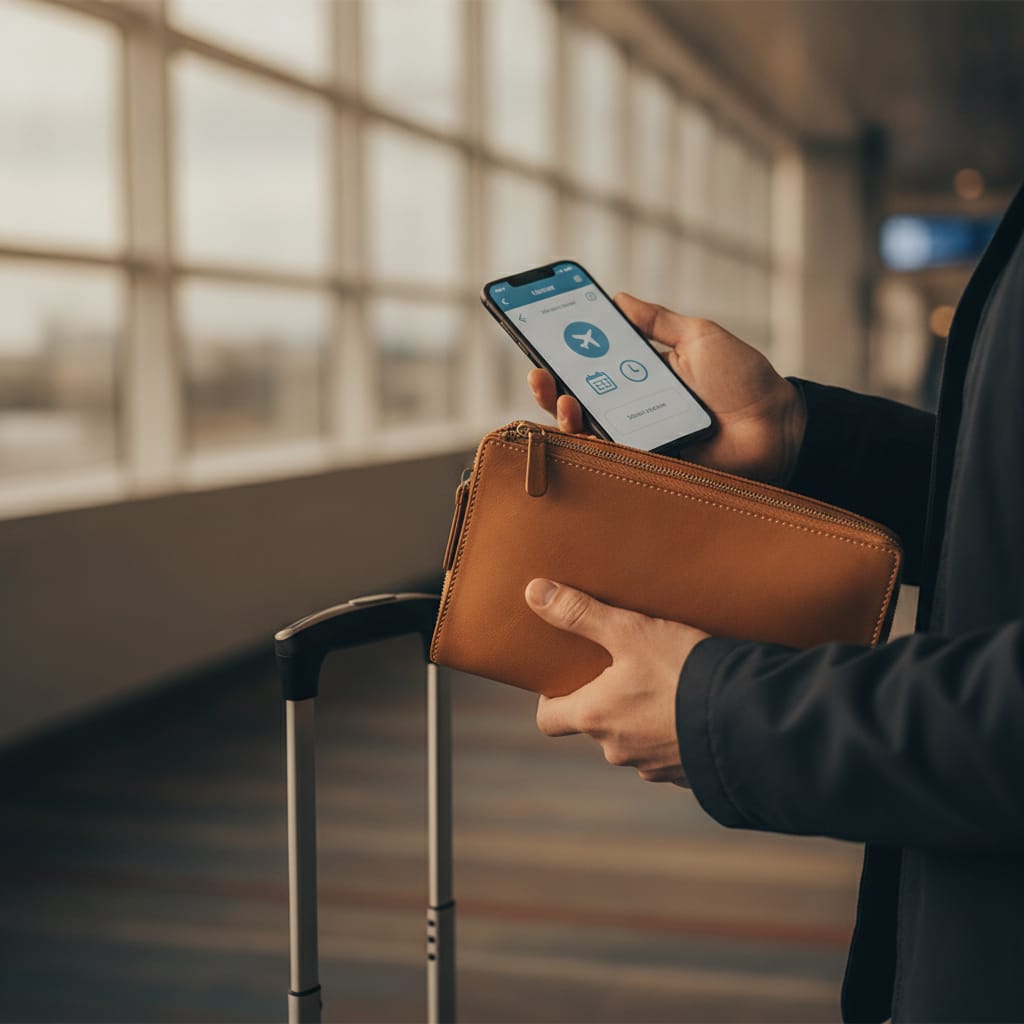
If you prefer to manage the trip from your phone, download El Al's official app. After a quick login (or continuing as a guest), you can enter the booking code and last name. The advantage of the app is that it saves your flight in your personal area, sends you alerts about schedule changes, and lets you check in quickly 24 hours before departure to London.
3. Check that you received an electronic ticket number (e-Ticket Number)
It's important to understand: a booking confirmation (PNR) is not a final ticket. To make sure the payment went through and the ticket was issued, you need to confirm that you received an electronic ticket number. This is a long number (13 digits). On El Al, this number always starts with 090. If you have both a PNR code and an electronic ticket number, you can be 100% sure and your seat on the flight is guaranteed.
Comparison table: ways to check your El Al booking
| Channel | Details needed | Estimated time | Main advantage |
|---|---|---|---|
| El Al website (Manage Your Booking) | PNR code and last name in English | Less than a minute | Available from any computer or browser, lets you add baggage and meals. |
| El Al mobile app | PNR code and last name in English | A minute and a half | Saves the details on your phone and allows quick check-in later. |
| Customer service (WhatsApp / phone) | Full name, flight date or booking number | 5 to 15 minutes (depending on demand) | A human answer for solving complex problems or special questions. |
What if the booking isn't found in the system?
If you tried to check your booking on the El Al website and got an error message saying the booking doesn't exist, don't panic. There are a few common reasons for this, and simple ways to solve them:
- Spelling mistakes: make sure the last name was typed in English exactly as it appears in your passport and in the booking (for example, watch out for spaces or hyphens in double last names). Also make sure you didn't confuse the digit zero (0) with the letter O in the PNR code.
- Booking through a third-party agent: if you bought the ticket through a third-party travel website (such as Skyscanner or a travel agency), it sometimes takes their system up to 24 hours to issue the final ticket with El Al. Check the email you received from the agent and look for the "Airline Ref" code, not just the agent's own system code.
- A payment problem: sometimes the credit card company blocks large transactions or foreign currency transactions as a security measure. Check your bank app to see whether the charge was actually approved or shows as "pending". If there's no charge, the transaction may not have been completed.

Final preparations for your flight to London: baggage and documents
Once you've confirmed that your booking went through and was approved, it's time to prepare for the flight itself. El Al operates flights to London with a pricing model of three fare categories: Lite (which includes a personal item only, and a trolley bag subject to availability), Classic (which also includes a large checked suitcase and a trolley), and Flex (which allows maximum flexibility for changes and cancellations). Check in Manage Your Booking which fare you bought, to avoid unnecessary charges at the airport.
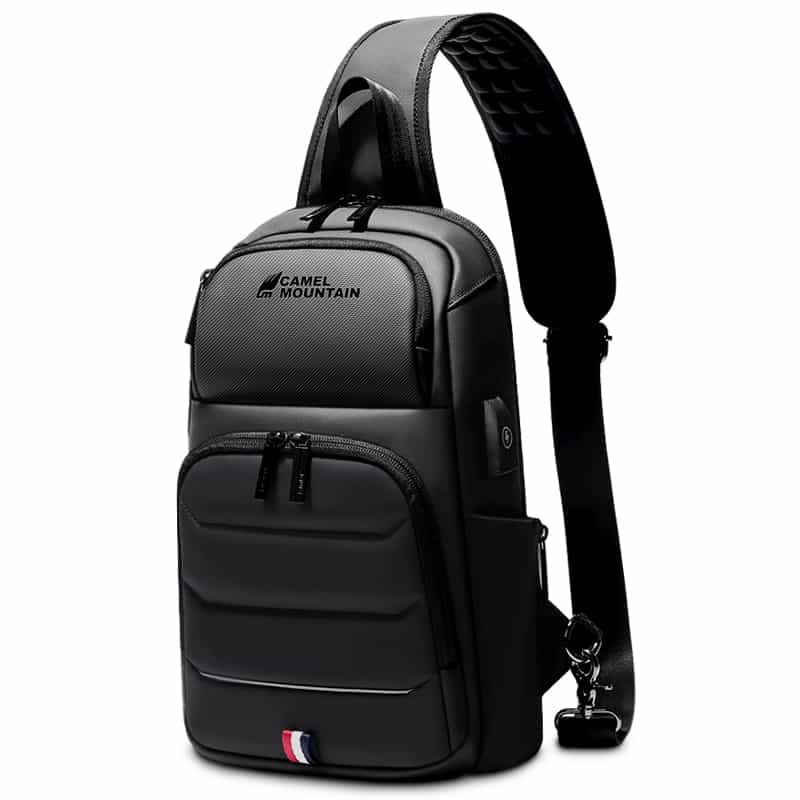
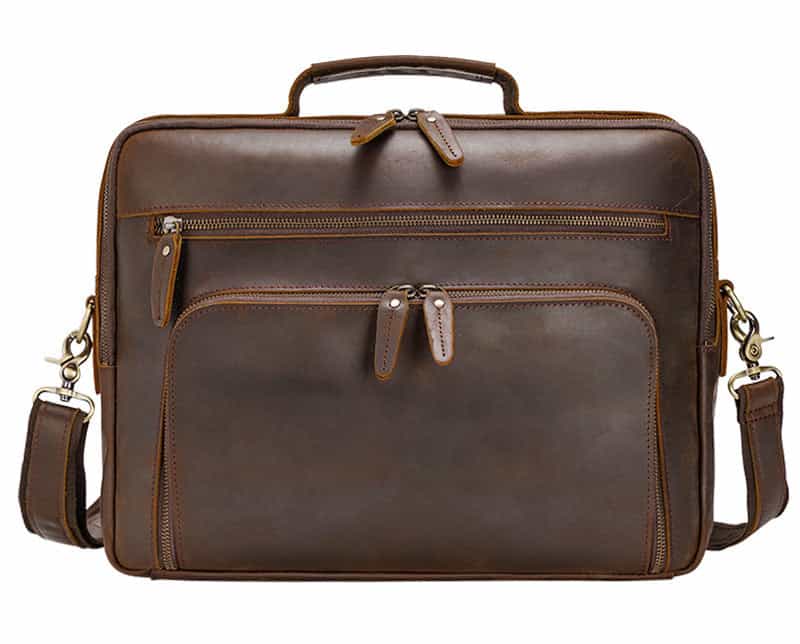
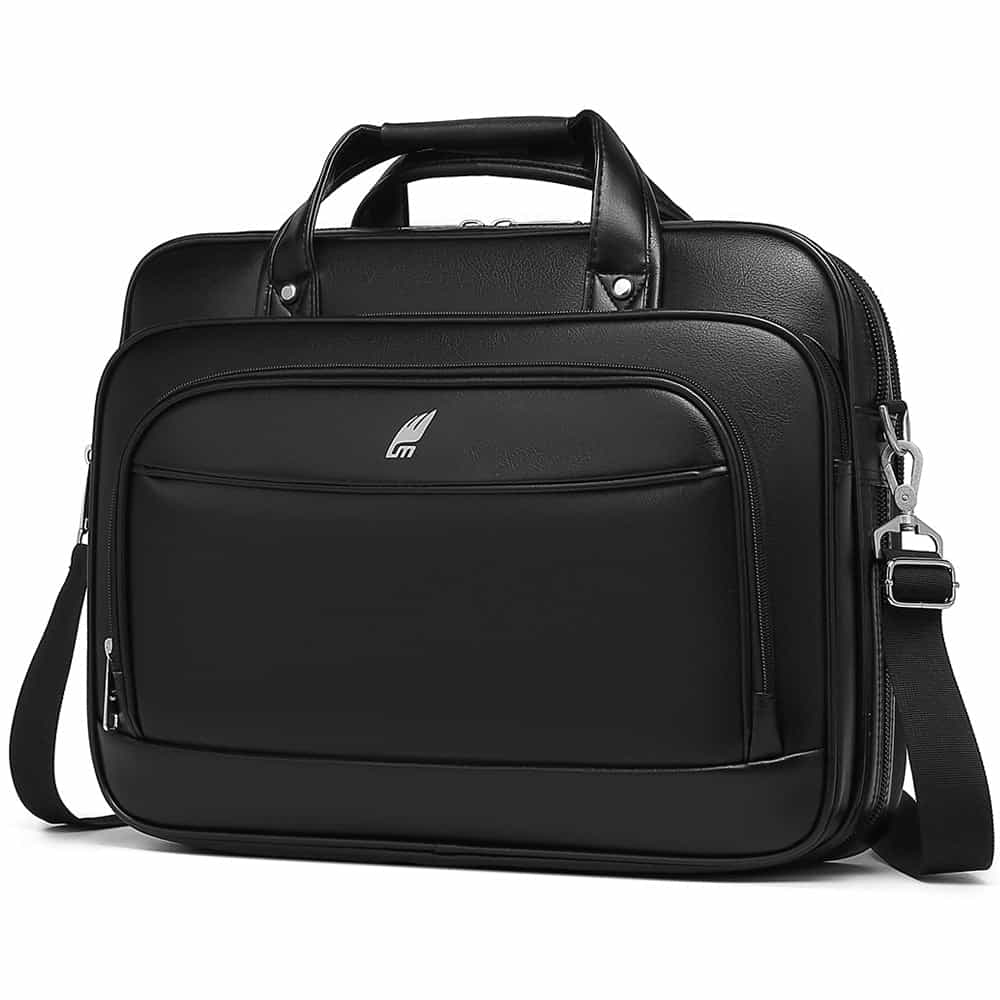
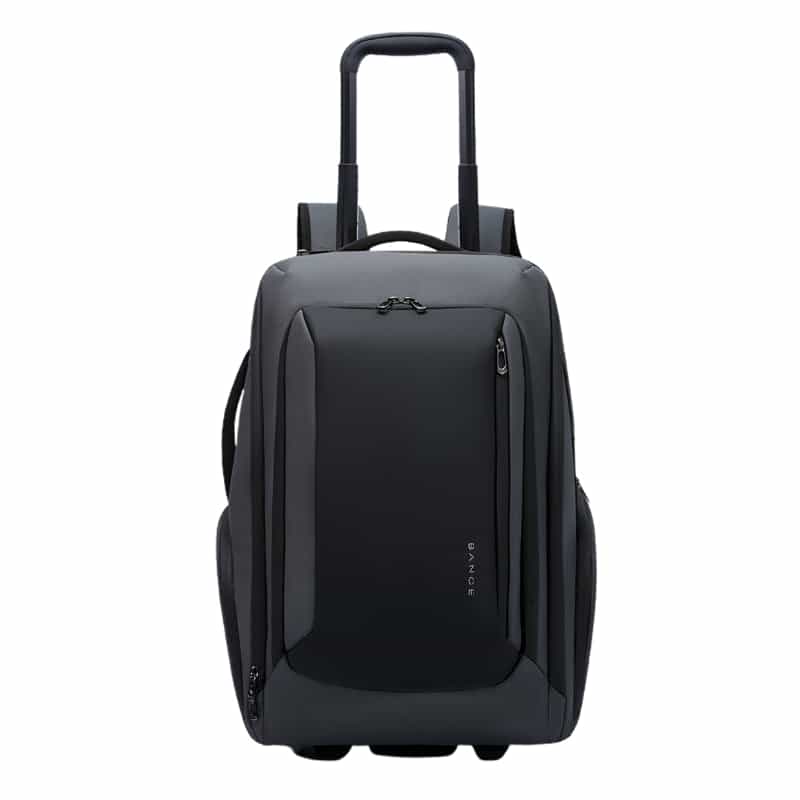
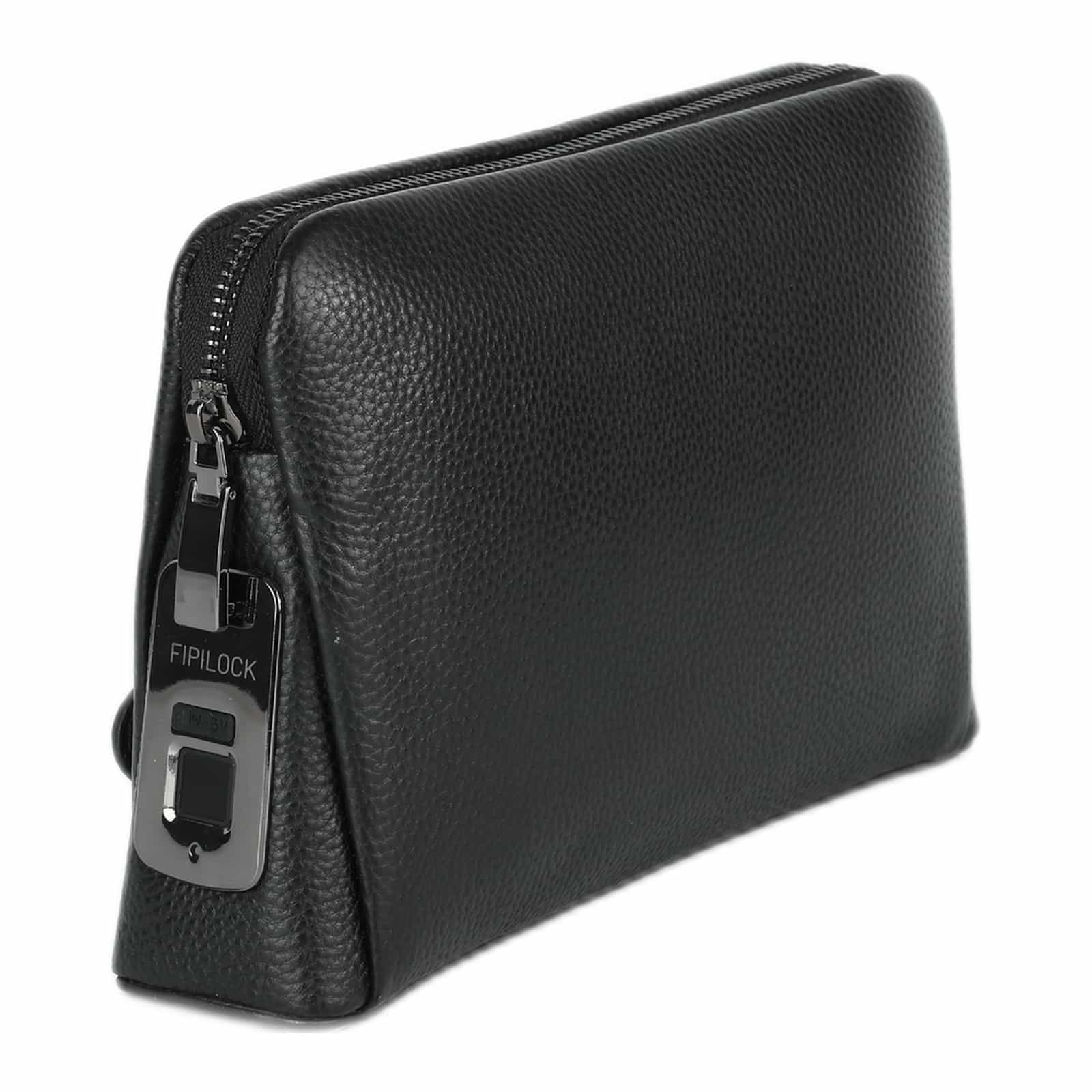
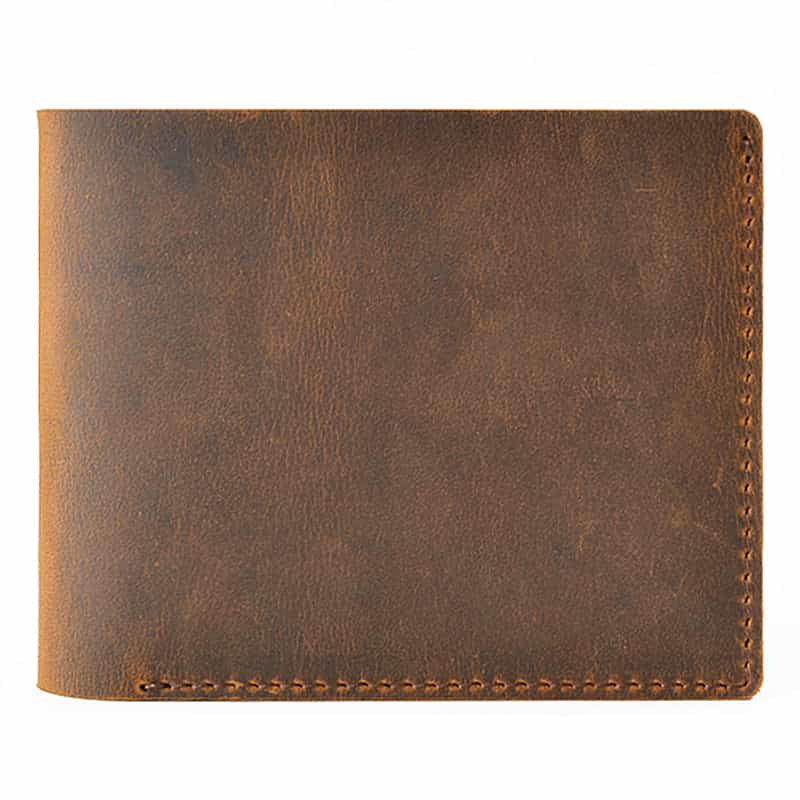
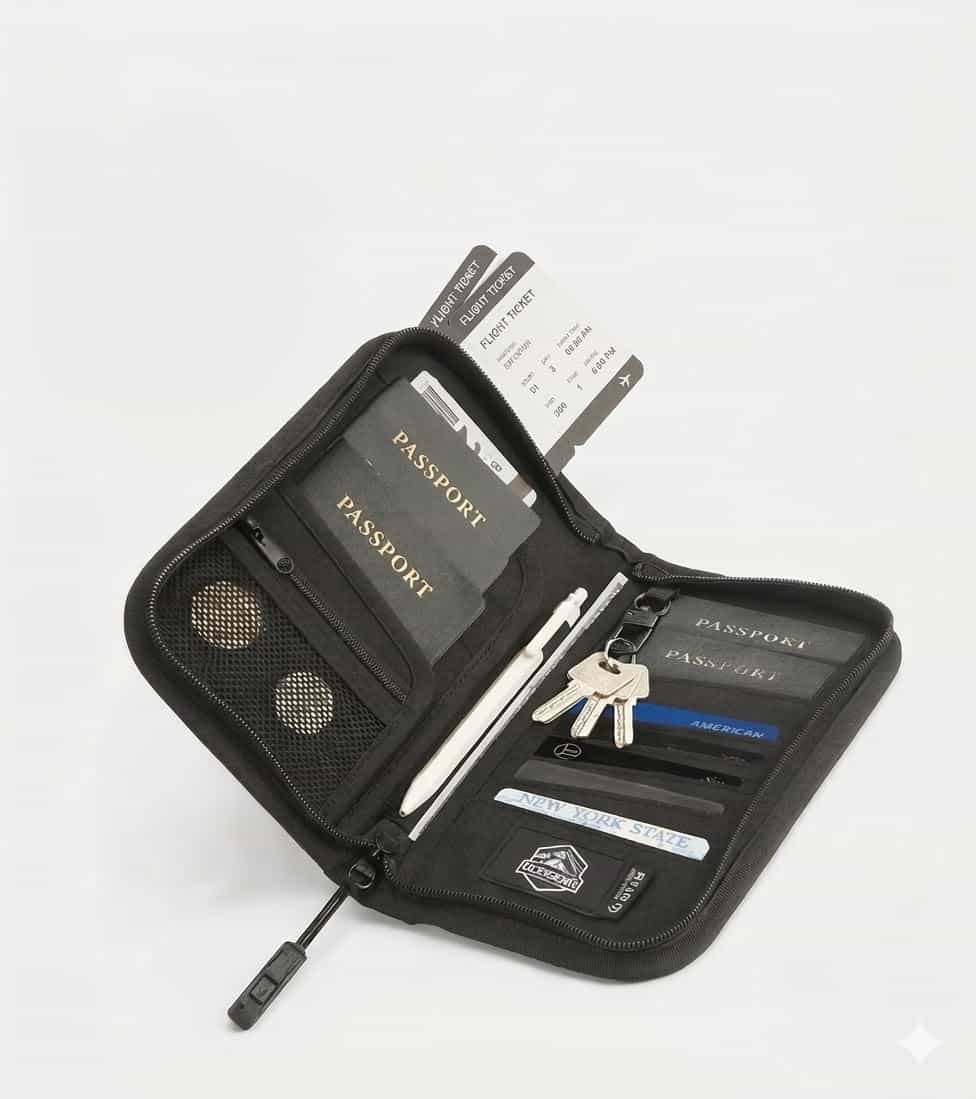
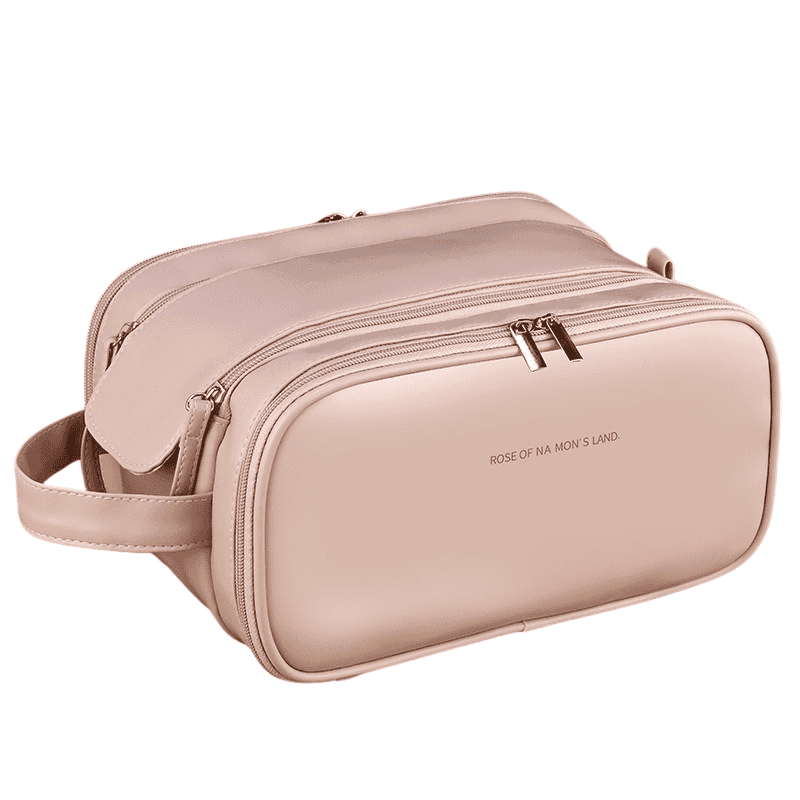
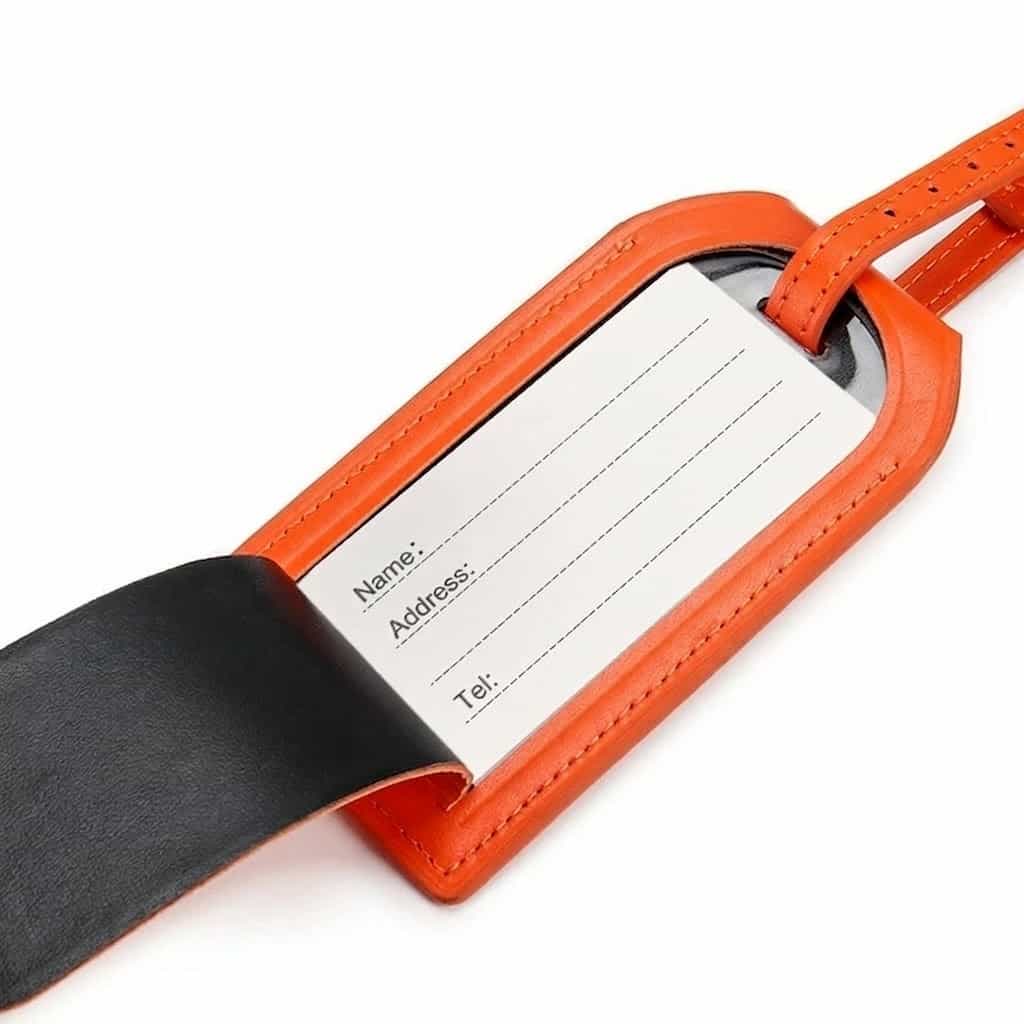
It's also a good idea to keep all your travel documents (passports valid for at least six months, hotel confirmations, printed or digital boarding passes and travel insurance) in a dedicated crossbody bag or an accessible travel pouch. Organizing your personal items and baggage properly will ensure a quick, smooth passage through duty free and London's strict border control.
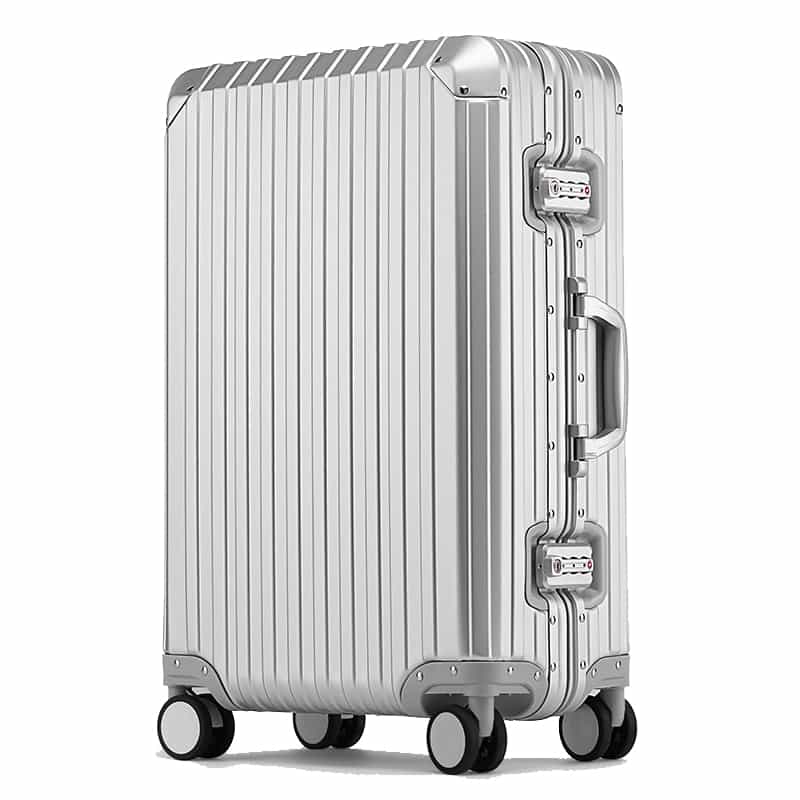
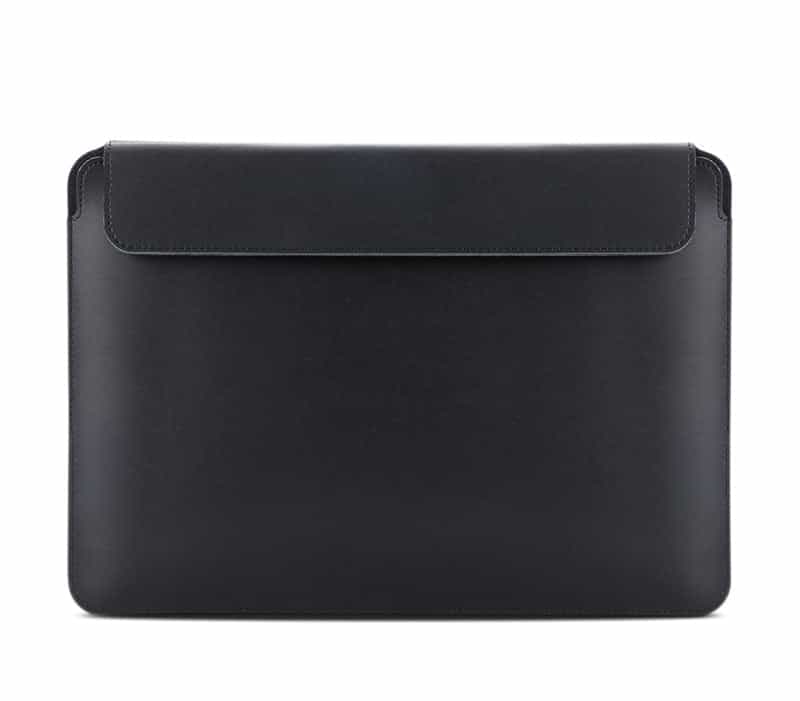
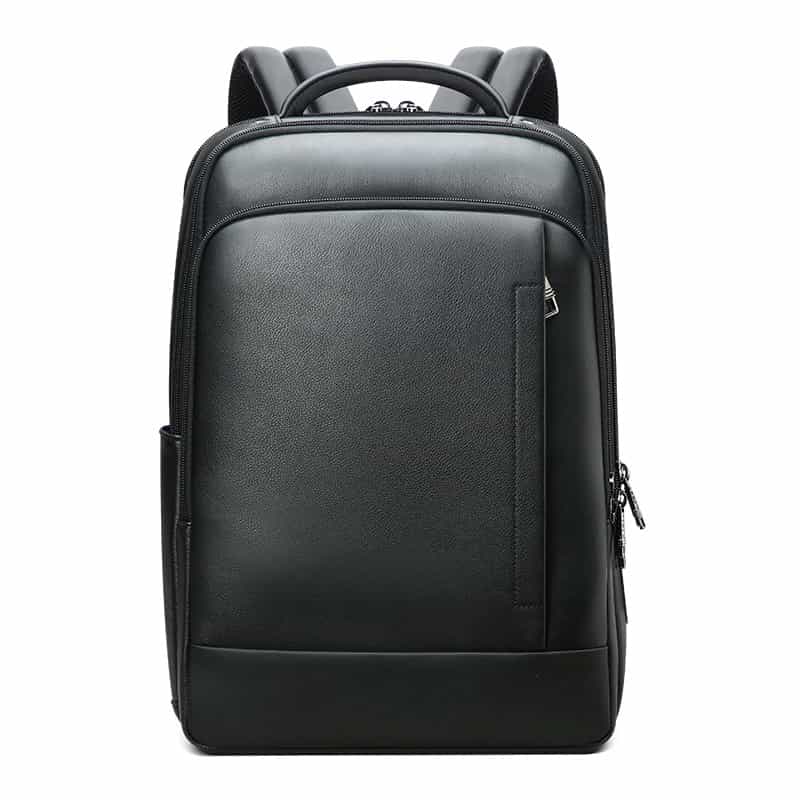
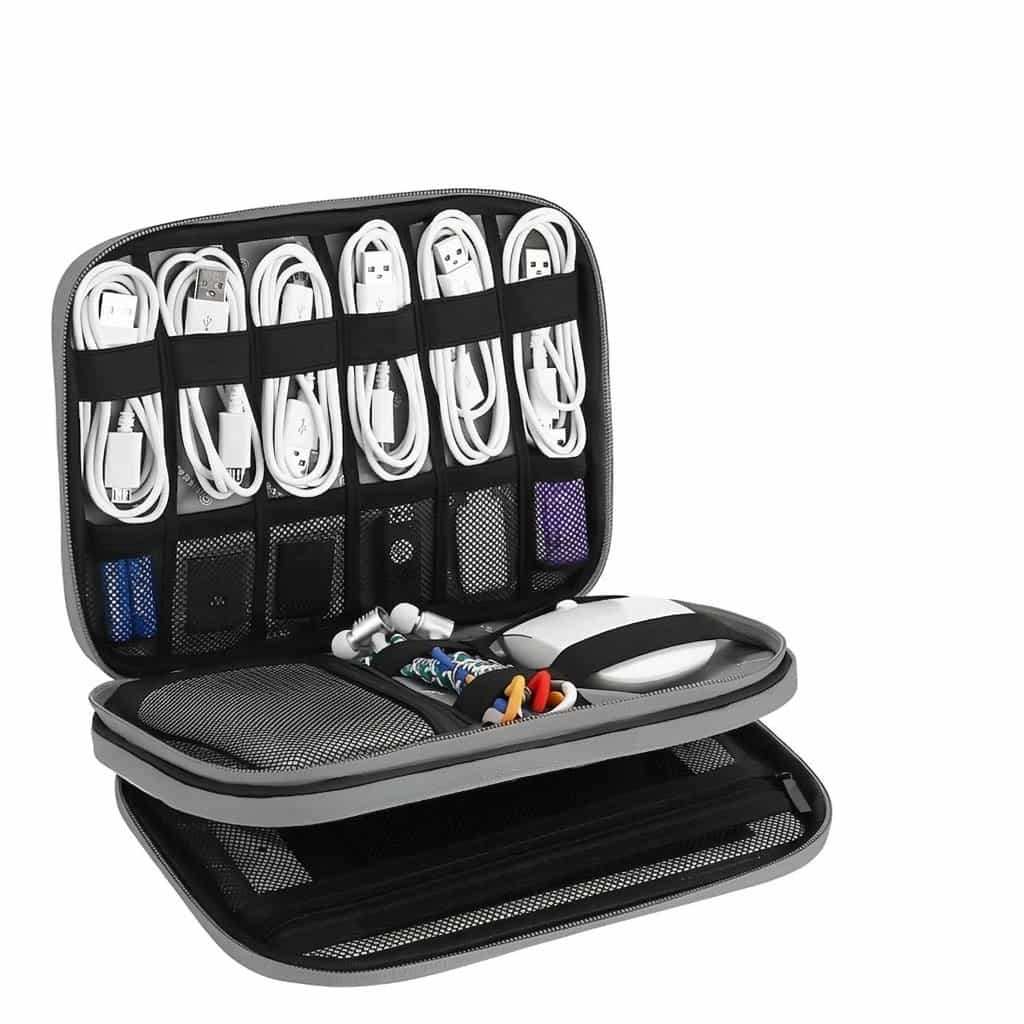
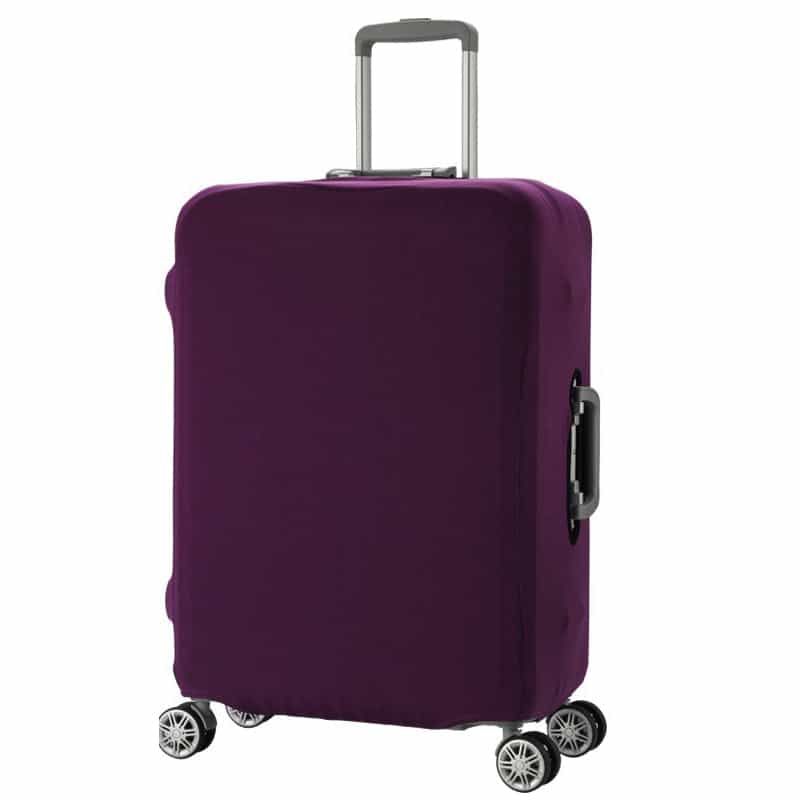
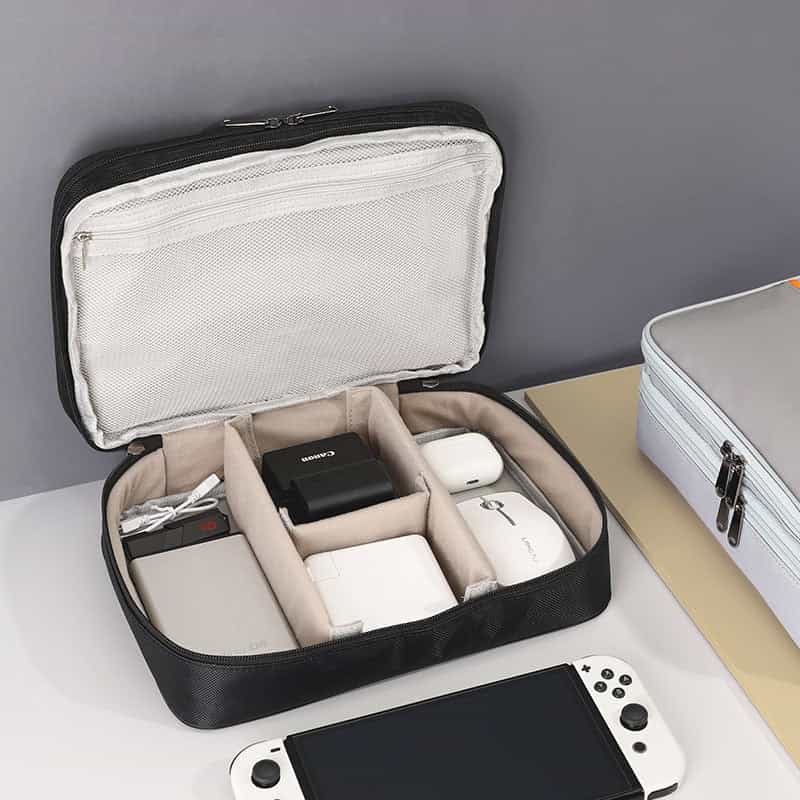
Products to help you on the way
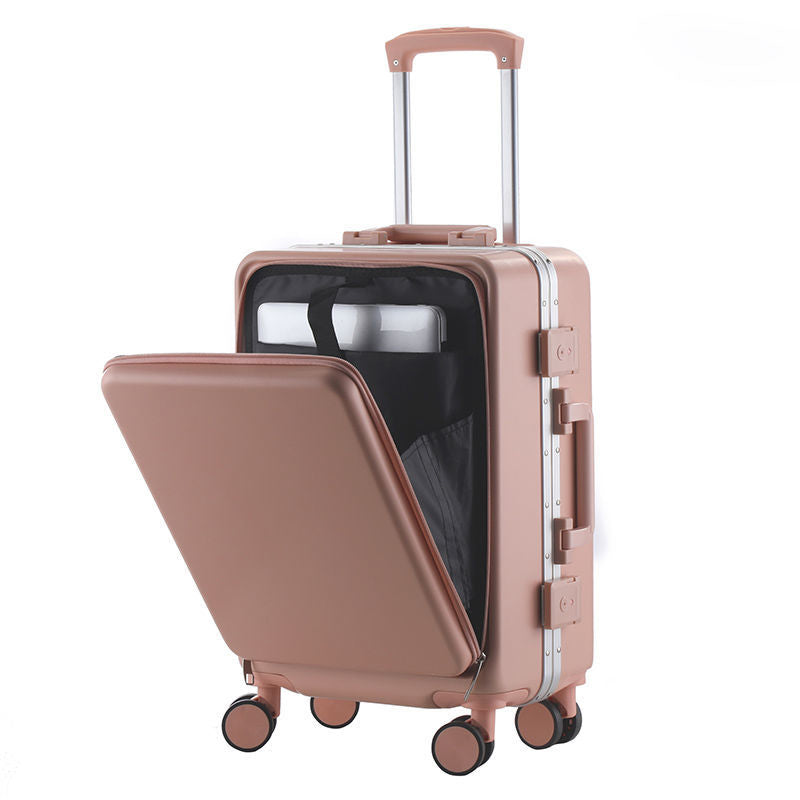
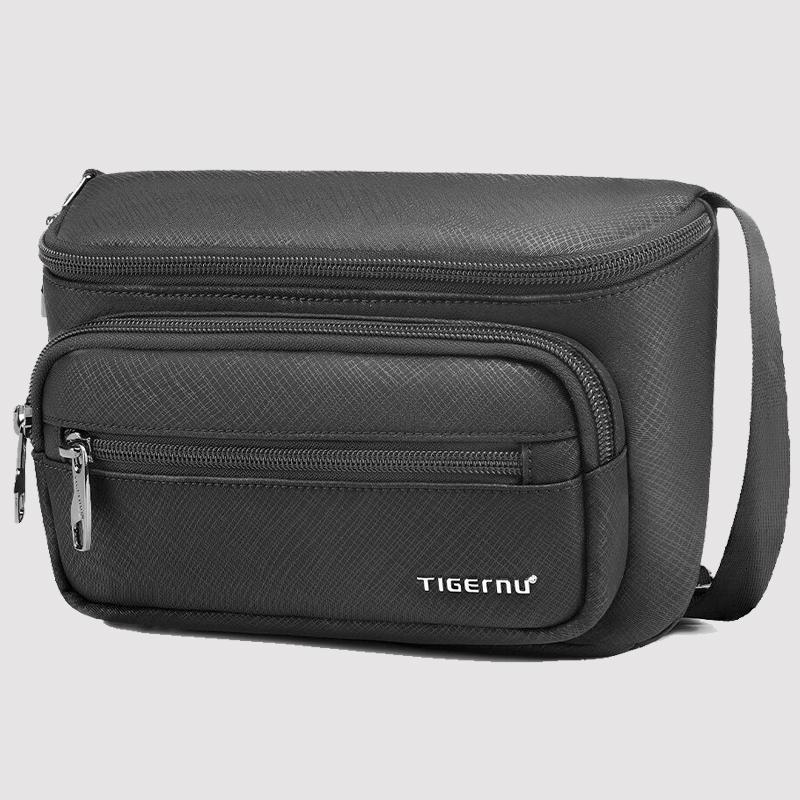

Products in this guide

Frequently asked questions
What is a PNR code and where do I find it?
A PNR code is a 6-character code (letters and numbers) that serves as your unique booking identifier in El Al's system. You can find it in the booking confirmation email you received right after the purchase, or in the charge details from your credit card company.
I booked through a third-party website and didn't get an El Al code. What should I do?
Travel agencies and third-party websites sometimes send their own internal code. Look in the email you received from them for a section labeled 'Airline Reference'. If you can't find it, contact the customer service of the agency you booked with to get the El Al code.
How long before a flight to London does El Al check-in open?
Online check-in on El Al's website and app opens exactly 24 hours before the scheduled departure of your flight to London and closes about 3 hours before departure.
What's the difference between a booking confirmation and an electronic ticket?
A booking confirmation (PNR) shows that your seat is reserved in the system, but only receiving an electronic ticket number (starting with 090 on El Al) confirms that the payment went through in full and the ticket was actually issued.
What should I do if my bank charged me but I didn't receive a confirmation email from El Al?
First, check your spam folder. If the email isn't there, wait about an hour. If no confirmation arrives, contact El Al customer service on WhatsApp or by phone before making another booking, to avoid being charged twice.


