
MacBook Sleeve Size: Which Sleeve Fits the Air and the Pro
November 14, 20264 min read
The MacBook Air 13 and MacBook Pro 14 take a 13 to 14 inch sleeve, and the MacBook Air 15 and MacBook Pro 16 take a 15.6 to 16 inch sleeve. Before you order, compare your laptop's width and depth with the measurements on the sleeve's product page. For a Pro, go a little roomier: it is wider and thicker than an Air with the same screen size.
Products in this guide
Which sleeve size fits each MacBook
Apple measures the screen diagonally, so the current Air is "13.6 inches" and the Pro is "14.2 inches". For a sleeve that matters less. What decides the fit is the size of the laptop's body. These are the figures Apple publishes on its spec pages (checked in November 2026):
| Model | Screen | Width × depth | Thickness | Weight | Sleeve size |
|---|---|---|---|---|---|
| MacBook Air 13 | 13.6 in | 30.41 × 21.5 cm | 1.13 cm | 1.23 kg | 13 to 14 in |
| MacBook Pro 14 | 14.2 in | 31.26 × 22.12 cm | 1.55 cm | from 1.55 kg | 13 to 14 in, the roomier version |
| MacBook Air 15 | 15.3 in | 34.04 × 23.76 cm | 1.15 cm | 1.51 kg | 15.6 to 16 in |
| MacBook Pro 16 | 16.2 in | 35.57 × 24.81 cm | 1.68 cm | from 2.14 kg | 15.6 to 16 in, the roomier version |
Got an older model and not sure which one? Our guide to finding your laptop's screen size shows both ways to check, with a ruler or in the settings. All our sleeves are sorted by the same sizes on the laptop sleeves page.
Why the screen size isn't enough
Two laptops with a 14 inch screen can differ by a few centimeters. The Pro 14 is almost a centimeter wider than the Air 13 and close to half a centimeter thicker. In a snug sleeve you feel that: the laptop goes in with a push and the zipper strains.
So the rule is simple. Look at the measurements on the sleeve's page and make sure they are larger than your laptop. If the sleeve's figure is almost the same as the laptop's width, say 31.3 cm against the Pro 14's 31.26 cm, pick a roomier model. A sleeve's listed size is usually its outside size, and the padding takes a little of that on the inside.
Three sleeves that fit a MacBook
Each comes in two sizes, so there is a version for all four models:
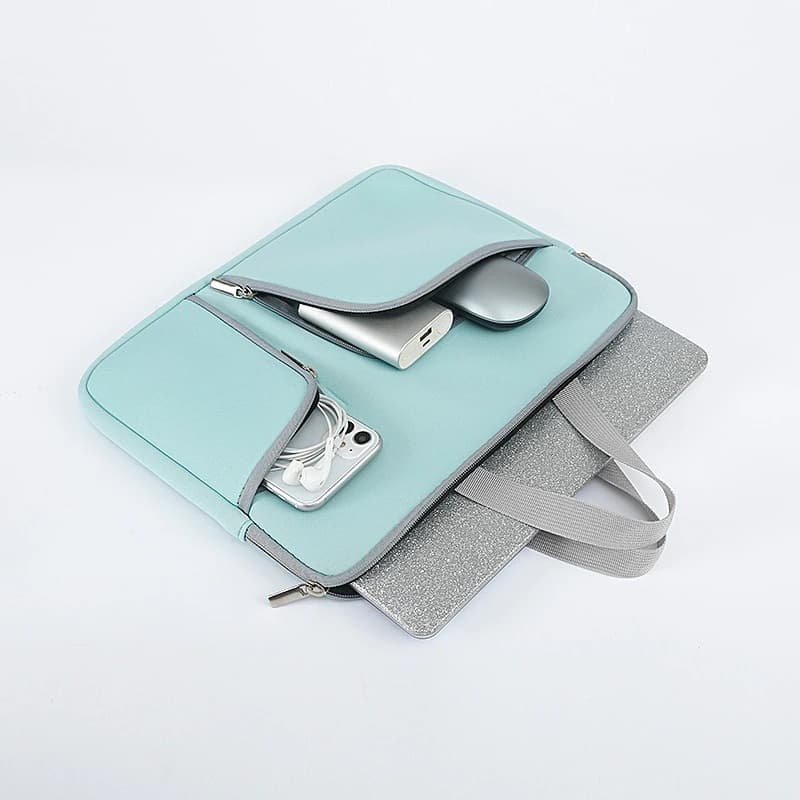
- Citrate: a padded neoprene sleeve with two zippered front pockets for the charger and mouse. The small size goes up to 14.6 inches (37.5 × 27 × 2 cm), so a Pro 14 fits easily. The 15.6 inch size (40 × 29.5 × 2 cm) suits the Air 15 and the Pro 16.
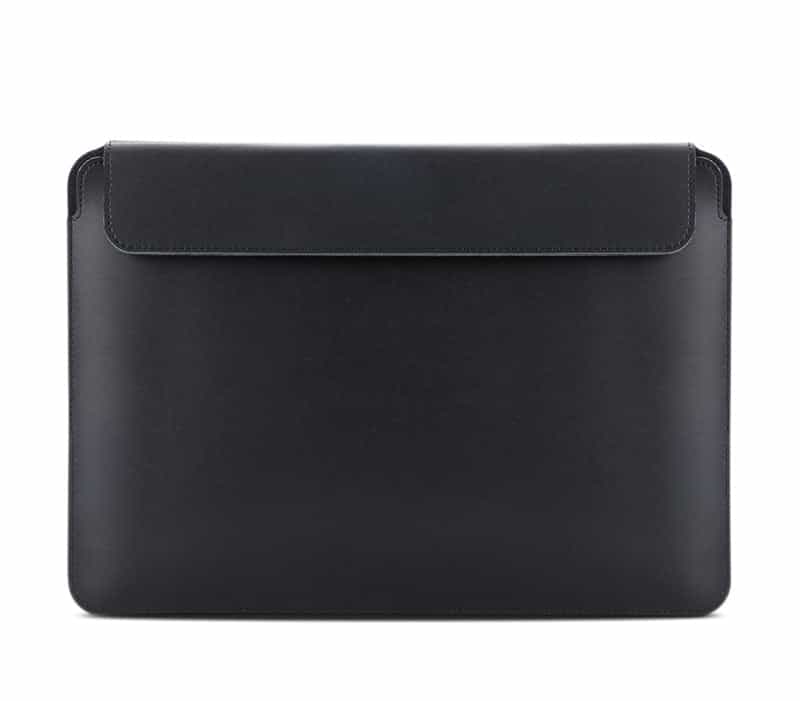
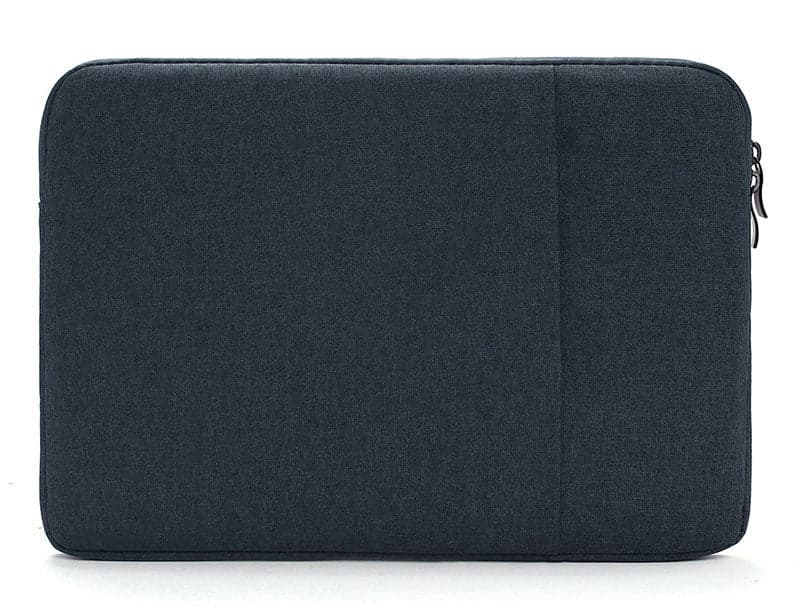
- Apocalypse: a slim envelope case in Oxford fabric with a water repellent PU coating, 250 g in the large size (41 × 29 × 2.5 cm). It comes in an up to 14 inch size and an up to 15.6 inch size.
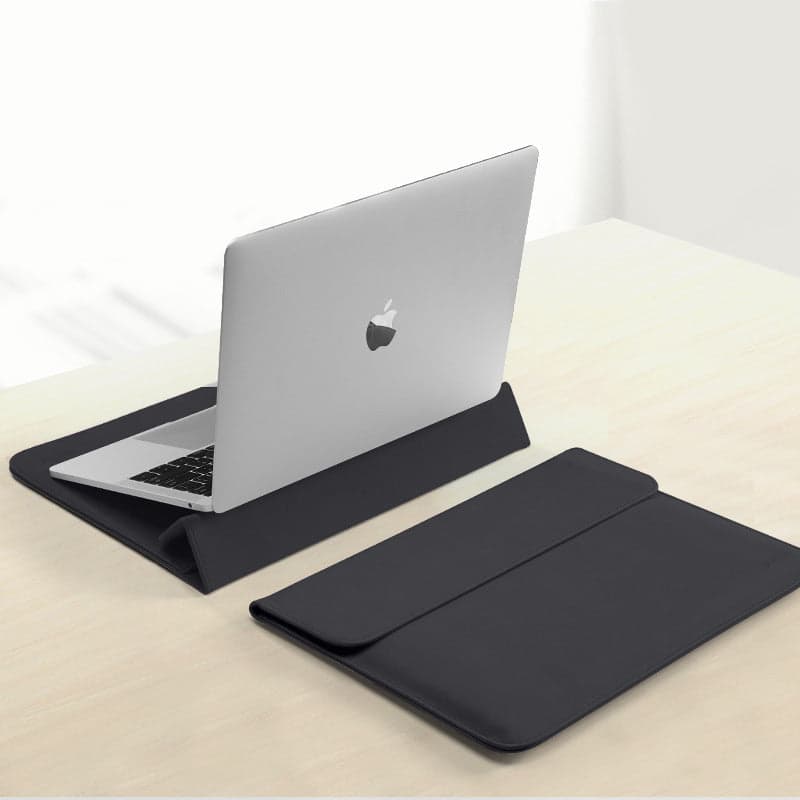
- Nova Plus: a PU leather envelope with a folding stand that turns it into a small workstation on the desk. 33 × 23 cm in the 13 to 14 inch size and 38 × 27 cm in the 15 to 16 inch size.
The product cards at the top show which colors are in stock now in each size. You can also filter straight away: sleeves for 13 to 14 inch or sleeves for 15.6 to 16 inch.
Air or Pro: what changes
The Air is thin and light, so almost any sleeve in the right size will fit it, snug ones too. The Pro is heavier (the 16 weighs over 2 kg) and thicker, so think about two things:
- Room: choose a sleeve whose measurements are a few centimeters larger than the laptop, like the Citrate up to 14.6 inches for a Pro 14.
- Handles: if the sleeve will also go out on its own, without a bag around it, handles help with a heavy laptop. On the Citrate they fold away when the sleeve is inside a backpack.
A sleeve on its own or inside a bag
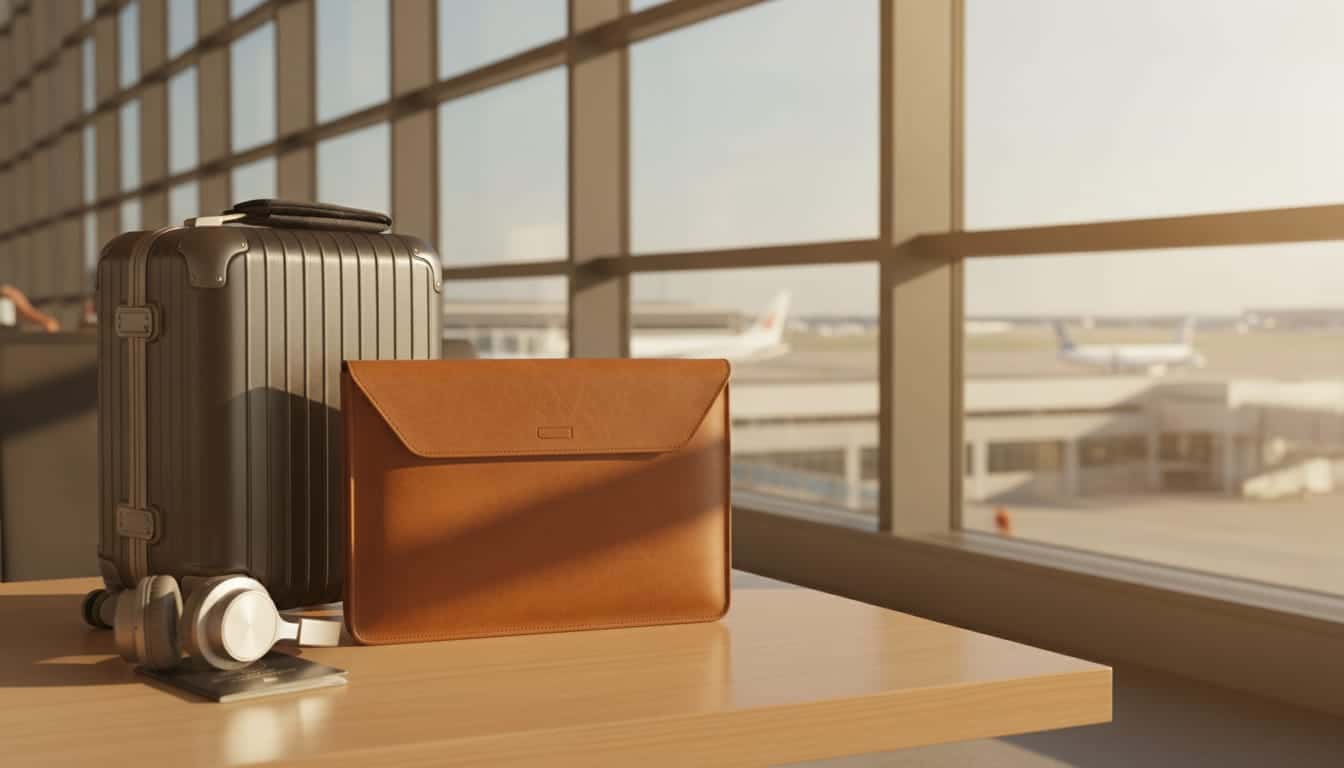
A sleeve protects the laptop from scratches and light knocks, and it is handy when the laptop moves between bags: from your backpack to your work bag, or into a suitcase for a flight. It doesn't replace a bag if you also carry a charger, papers and a bottle every day. Then the sleeve goes inside the bag and the two work together. There is a full comparison of backpacks, shoulder bags and sleeves in our guide to choosing a laptop bag, and if you are already looking at backpacks, in our laptop backpack guide.
What about the charger
A MacBook charger is small, but it shouldn't sit pressed against the screen. In a sleeve without a pocket, put it in another compartment of your bag. The Citrate has two zippered front pockets, so the charger and mouse stay apart from the laptop without opening its compartment. In the Apocalypse and the Nova Plus the laptop sits alone, and the charger goes in a bag pocket.
Before you order
Measure your laptop once, or check the model in your Mac's settings ("About This Mac"). Then open the product page of the laptop sleeve you picked and choose the size by the table above. That way the laptop slides in the first time, no pushing.
Frequently asked questions
Does a 14 inch sleeve fit a MacBook Air 13?
Yes. The Air 13 measures 30.41 by 21.5 cm, smaller than any of our 13 to 14 inch sleeves. In a sleeve made for 14 inches it has a little spare room, but the padding holds it in place.
Will a MacBook Pro 14 fit a 13.3 inch sleeve?
Better not. The Pro 14 is 31.26 cm wide and 1.55 cm thick, more than most 13.3 inch laptops. Choose a 14 inch sleeve whose measurements are larger than the laptop's, or one that goes up to 14.6 inches like the Citrate.
Does a MacBook Air 15 need a 15.6 or a 16 inch sleeve?
Either will do. The Air 15 is 34.04 by 23.76 cm and very thin, so it fits any 15.6 to 16 inch sleeve. If you'd like room for a Pro 16 later, pick the roomier version.
Are the sleeves waterproof?
Most are made of a water repellent material that protects against light rain and splashes, as each product page says. None is made to be submerged, so in a downpour keep the sleeve inside a bag.
Share this guide
Keep shopping
Our collections related to this guide


