.png&w=3840&q=75)






Backpack with a USB Port: How It Works and What to Check Before You Buy
October 23, 2026
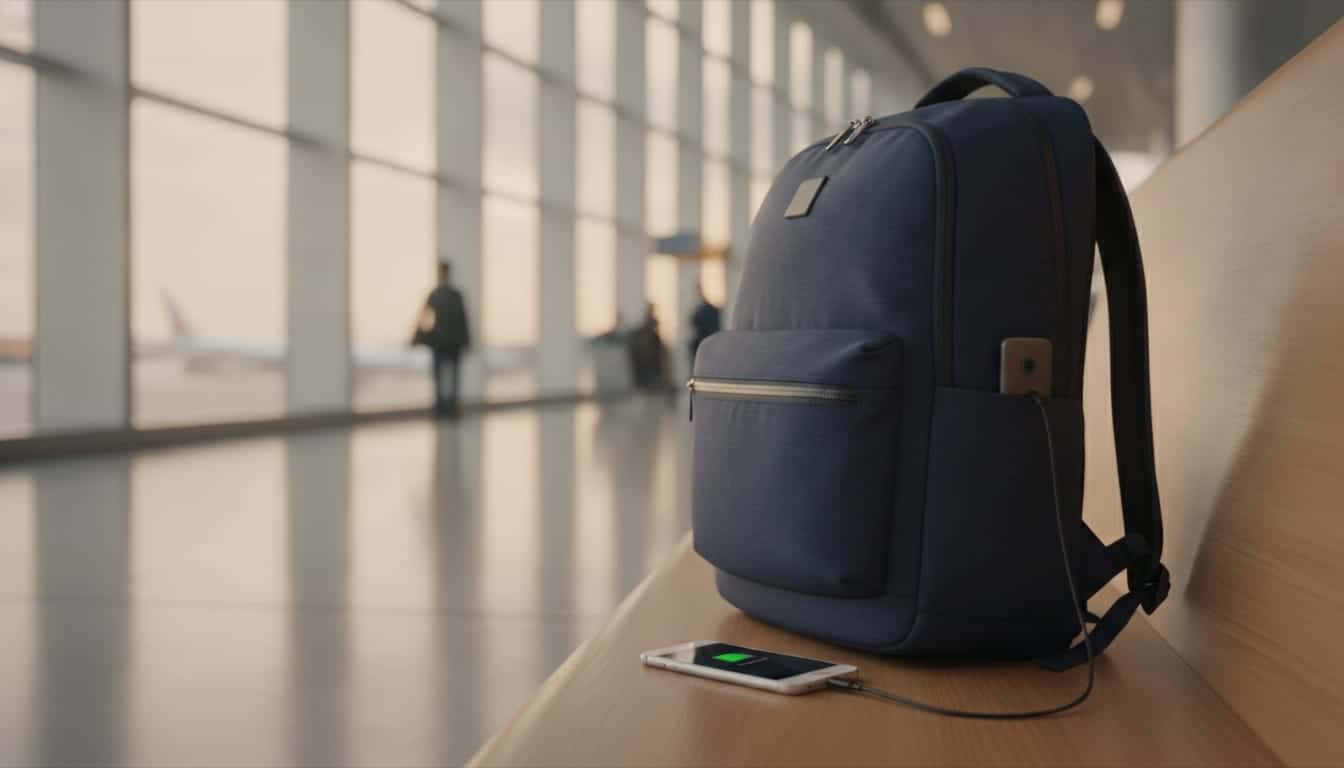
A USB port on a backpack is a pass-through, not a charger: inside the bag there's a cable you connect to a power bank, and outside there's a port where you plug in your phone cable. The power bank isn't included with the bag, and without it the port charges nothing. The benefit: your phone charges on the go without opening the bag or digging for the power bank at the bottom.
How to connect it, step by step
On most of our USB backpacks the connection works the same way, and this is also the explanation our customer service sends to anyone who asks:
- Inside: find the built-in cable, usually in the inner compartment or in a pocket near the back panel, and plug it into the power bank's output port.
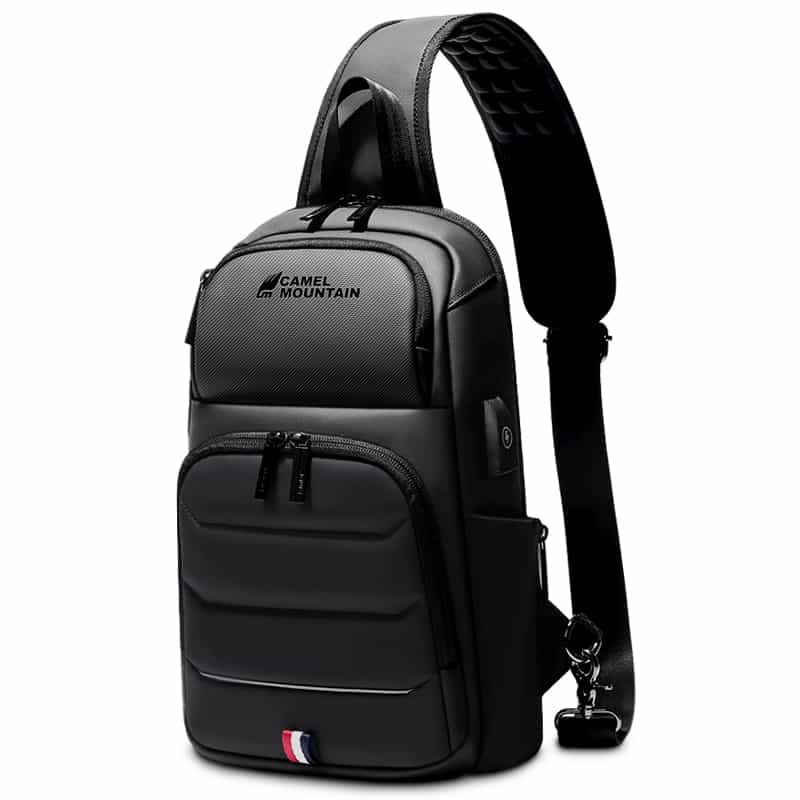
- Outside: plug your phone's charging cable into the external USB port on the side of the bag or on the strap.
- That's it: the phone should start charging. If it doesn't, check that the power bank is charged and switched on (some power banks need a button press).
It's worth leaving the power bank connected inside the bag all the time, so when your phone runs low you simply plug in a cable from the outside.
Which cable do you need?
Your phone's own cable. On most models the external port is a regular USB (the rectangular one), so you need a cable with regular USB on one end and your phone's connector on the other: USB-C for most newer devices, or Lightning for older iPhones. Some models have two ports, for example The Mulhens business bag with both USB and Type-C, and on the Roxy backpack the port sits on the shoulder strap with a headphone port next to it.
What about the laptop?
The port passes along whatever the power bank provides, and the descriptions of our models talk about charging a phone, tablet or earbuds. It's better to charge your laptop the usual way, from its own charger. And when choosing the bag, what really matters is the laptop compartment. We group our bags into three classes by what the compartment is designed to hold:
| Screen size | Where to find them |
|---|---|
| 13.3 to 14 inches | Backpacks for 13.3 to 14 inch laptops |
| 15.6 to 16 inches | Backpacks for 15.6 to 16 inch laptops |
| 17 inches | Backpacks for 17 inch laptops |
Not sure how many inches your laptop is? We have a short guide that explains how to check.
What to check before buying a USB backpack
- Where the port sits. A port on the side of the bag is handy when your phone is in a front pocket or in your hand. A port on the strap, like on the Roxy, suits people who keep the phone close to the chest, for example with earphones.
- Where the power bank goes. Look for an inner pocket close to the cable, so the power bank doesn't roll around between your books.
- Size and capacity. For work and study, 16 to 25 liters is usually enough. For flights and long days there are models of 30 liters and up, like the Orogeny 35L.
- Rain. Most of our bags are made of water-repellent fabric, and some are water-resistant. The difference matters in winter, and we wrote a separate guide about it. Either way, the port is a small opening, and in heavy rain it's better to unplug the cable and put the phone inside.
- Warranty. Backpacks come with a 12-month warranty on all components, unless the product page says otherwise.
For everything else, from padding to ergonomics, see the complete guide to choosing a laptop backpack.
Can you fly with a USB backpack?
Yes. The bag itself has no battery, only a cable and a port, so it doesn't count as a "smart bag". What is restricted is the power bank. According to the guidelines of IATA, the International Air Transport Association:
- A power bank counts as a spare battery, and it may only be carried in your carry-on, never in a suitcase that goes in the hold.
- A battery of up to 100 watt-hours (Wh) needs no approval. Between 100 and 160 watt-hours you need the airline's approval, and up to two such batteries.
- The battery terminals should be protected from short circuits, for example in the original packaging or in a separate pouch.
Airlines may add their own restrictions, and some limit the use of power banks during the flight, so check the airline's website before you fly. Everything else is in our guide to what you can bring in your carry-on.
Who really benefits from it?
Anyone whose phone is their main tool on the go: train and bus commuters, students who spend the whole day on campus, and travellers who use their phone for the boarding pass and navigation. If you already carry a power bank anyway, you get the convenience with no extra weight.
How big is your power bank? A quick calculation before a flight
Most power banks show their capacity in milliamp-hours (mAh), while flight rules talk about watt-hours (Wh). The conversion is simple: multiply the milliamp-hours by the voltage (usually 3.7 volts, printed on the battery) and divide by a thousand.
- A 10,000 mAh power bank at 3.7 volts: about 37 watt-hours.
- A 20,000 mAh power bank at 3.7 volts: about 74 watt-hours.
Both are under the 100 watt-hour threshold, so under IATA guidelines they need no special approval, as long as they're in your carry-on. If the watt-hours are printed on the power bank itself, go by that number.
A few examples from our models
The figures come from the product pages on our site. Stock and prices are updated on the cards at the top of the article and on the product pages.
| Model | Laptop up to | Capacity | What's special about it |
|---|---|---|---|
| Epic Deluxe Commute | 15.6 inches | 16 liters | Compact for work, with a built-in combination lock |
| Xavier Pro | 15.6 inches | 22 liters | A classic everyday bag with an external port |
| Roxy | 15.6 inches | 22 liters | Water-resistant, port on the shoulder strap and a headphone port |
| Orion | 16 inches | 24 liters | Expandable, with a digital scale built into the side handle |
| Orogeny | 16 inches | 35 liters | Large capacity for long days and short trips |
| Quinox Platinum | 17 inches | Up to 45 liters | The biggest of the group, for 16 to 17 inch laptops |
You'll find all the models, with a filter by laptop size, on the backpacks with a USB port page.
Products in this guide
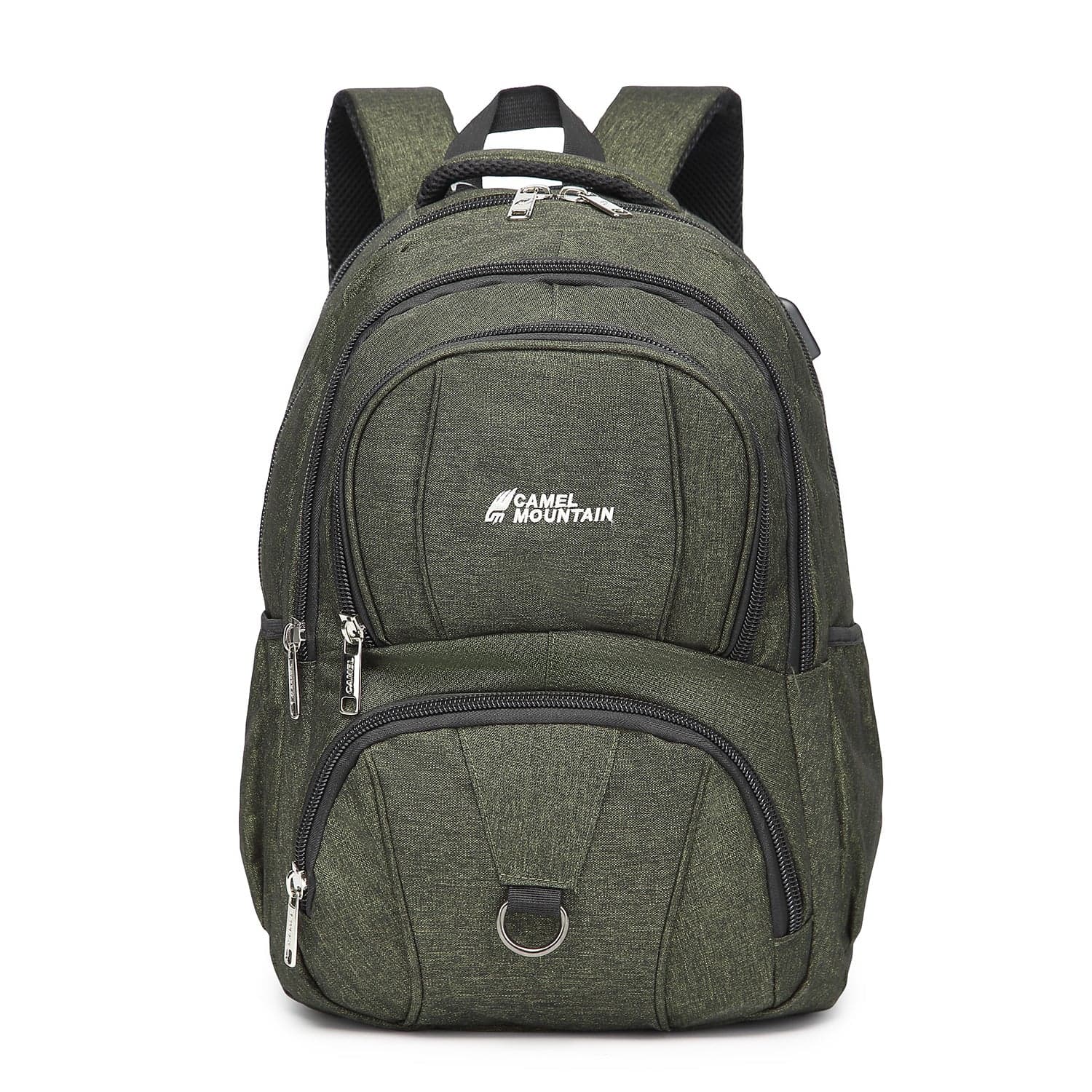
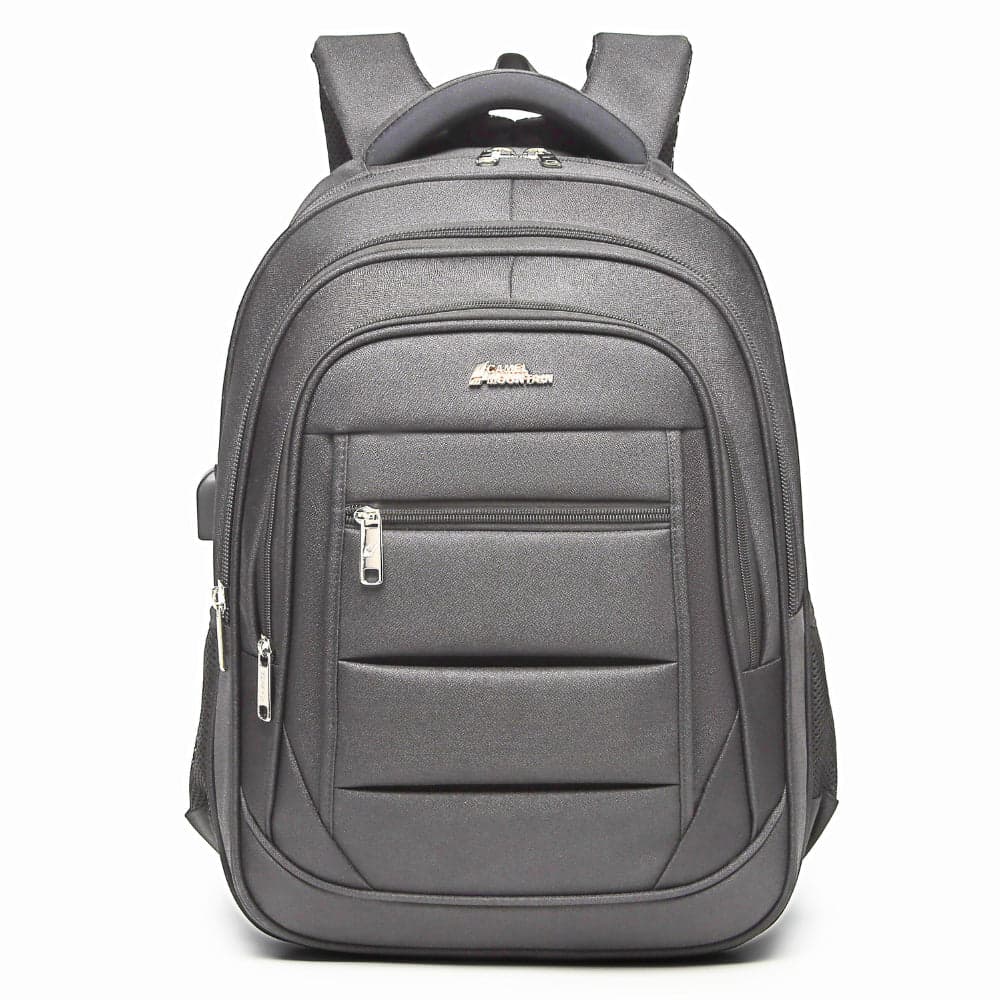
Frequently asked questions
Is the power bank included with the bag?
No. The bag comes with the built-in cable and the external port, and the power bank is bought separately. You can use one you already have at home.
Does the port work without a power bank?
No. The port only carries power from the power bank inside the bag to the cable outside. Without a connected, charged power bank, there's no charging.
My phone isn't charging through the bag. What should I check?
First check that the power bank is charged and switched on and that the inner cable is fully plugged into it. Then try a different phone cable. If it still doesn't work, message us on WhatsApp: backpacks have a 12-month warranty on all components.
Can the bag go in the aircraft hold?
The bag itself, yes, since it has no battery. The power bank must be taken out and kept in your carry-on, because spare batteries are not allowed in the hold.
Are there bags with a Type-C port?
Yes, on some models, for example The Mulhens business bag, which has both a USB and a Type-C port. On most bags the port is regular USB, so you connect your phone with a USB to USB-C or Lightning cable.


