.png&w=3840&q=75)


How to Choose a Laptop Bag: Size, Protection and Type of Bag
October 23, 2026
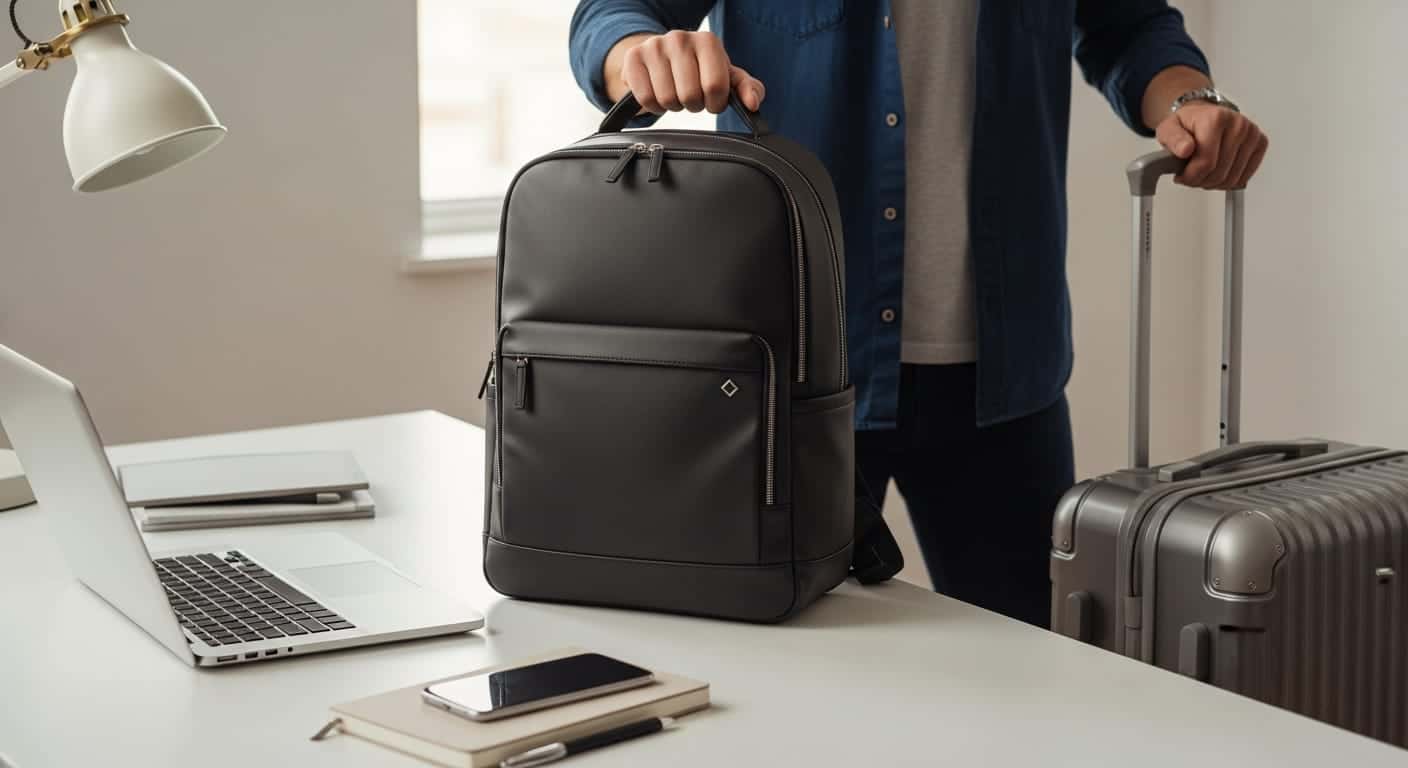
Choose a laptop bag first by the compartment: a padded compartment rated for your screen size (13.3 to 14, 15.6 to 16 or 17 inches), and only then by the type of bag. If you walk or take public transport you will benefit from a backpack, if you move between meetings from a shoulder bag or briefcase, and if you already have a bag you only need a padded sleeve. Water-repellent fabric and wide straps complete the picture.
Size: which inch size to choose a bag by
The number on the laptop is the screen diagonal, not the size of the laptop itself. That is why bags aren't sold for each size separately, but in groups. On our site, every bag is assigned to the group its compartment is rated for:
| Your laptop | Which bag to look for | Note |
|---|---|---|
| 13, 13.3 or 14 inches | Laptop bags for 13.3" to 14" screens | A bigger bag works too, but the laptop will move around inside it |
| 15.6 or 16 inches | Laptop bags for 15.6" to 16" screens | The largest group on the site, in backpacks, shoulder bags and briefcases |
| 17 or 17.3 inches | Laptop bags for 17" screens | You need a compartment explicitly rated for 17, a 16-inch bag won't do |
Not sure how many inches your laptop is? We have a short guide that explains how to check. And if your laptop is especially thick or comes with an external keyboard, also compare the compartment dimensions listed on the product page.
Backpack, shoulder bag, briefcase or sleeve?
| Type | Suits you when... | Watch out for |
|---|---|---|
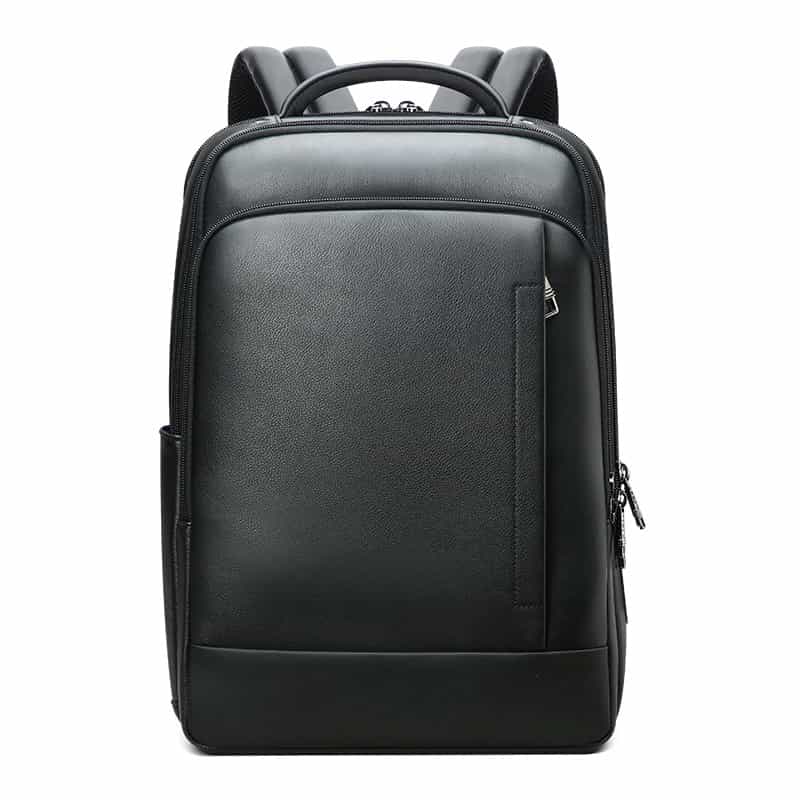
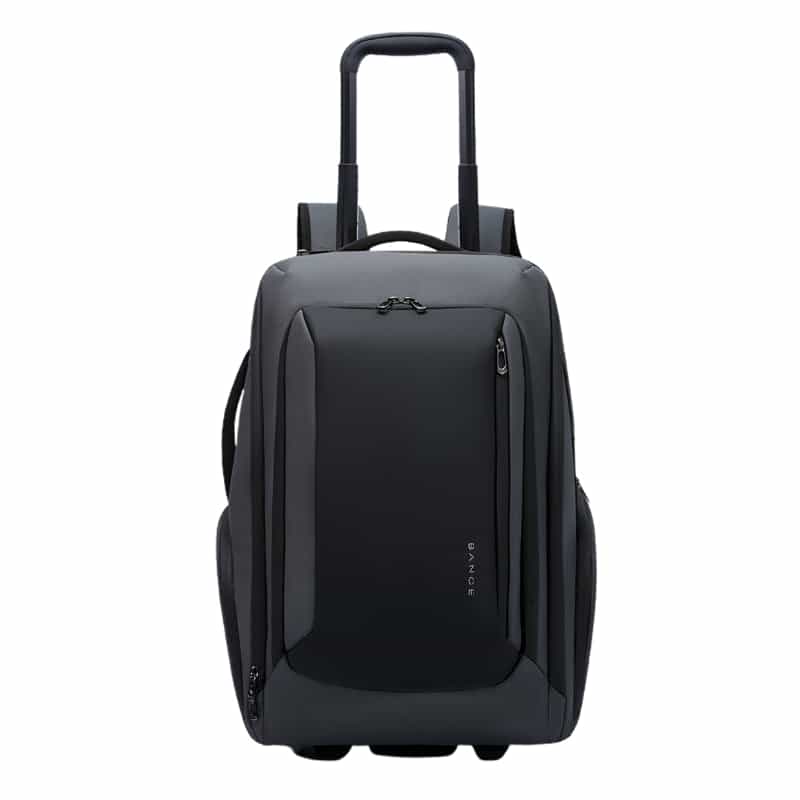
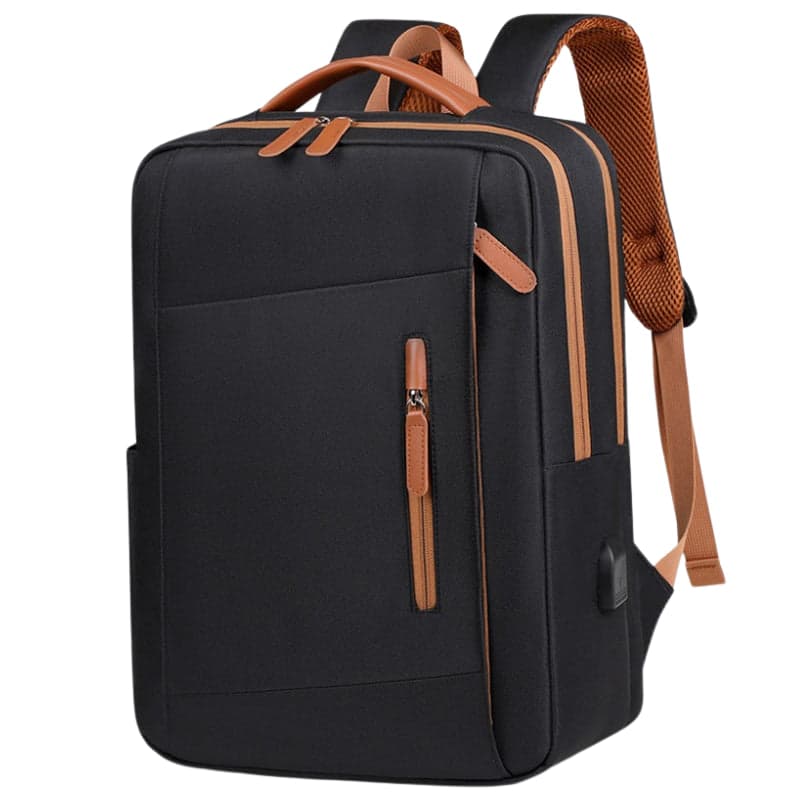
| Backpack | You walk a lot, take the bus or train, and also carry a bottle, charger and books | Padded shoulder straps and a ventilated back |
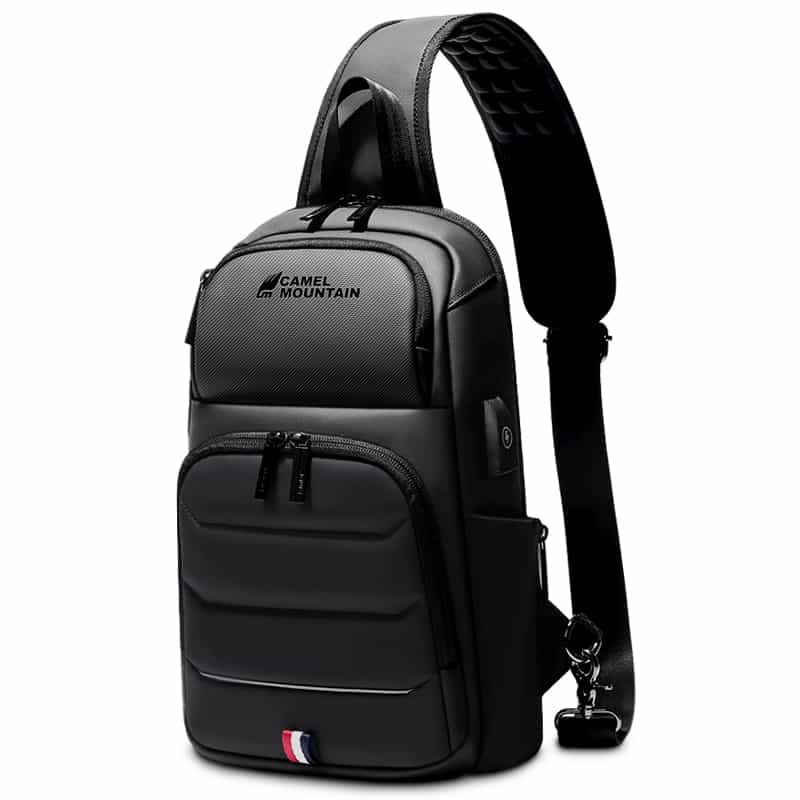
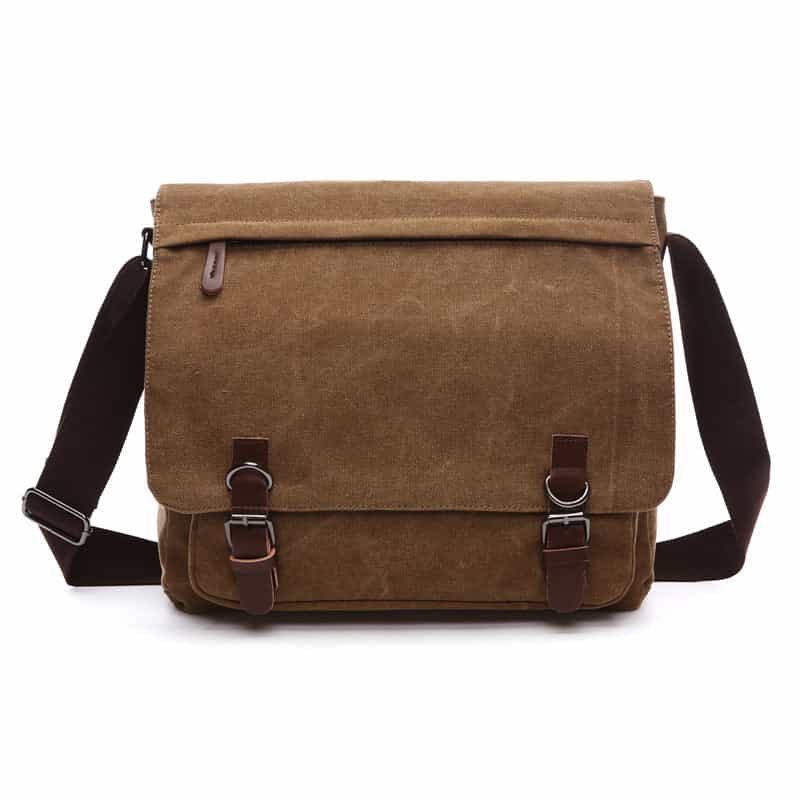
| Shoulder bag | You want to take the laptop out without taking the bag off, and carry little gear | A wide, adjustable strap, because all the weight is on one shoulder |
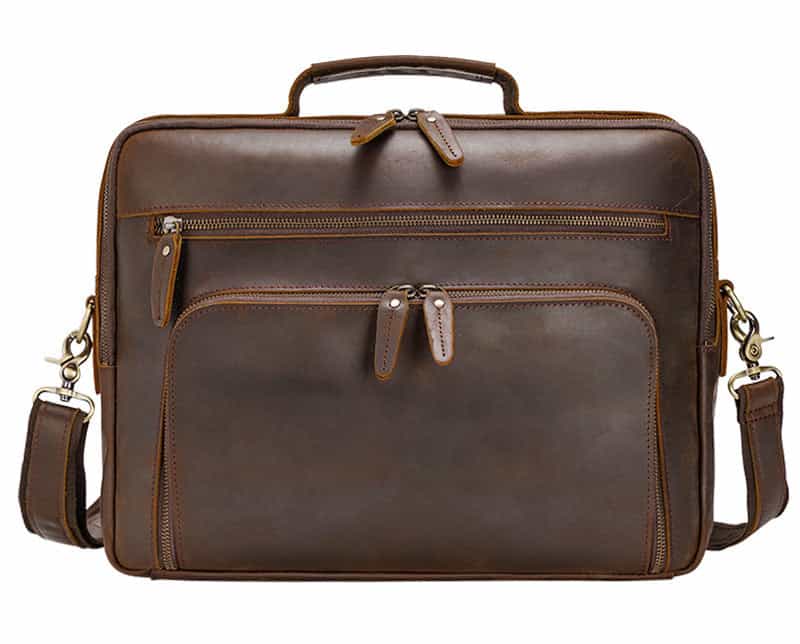
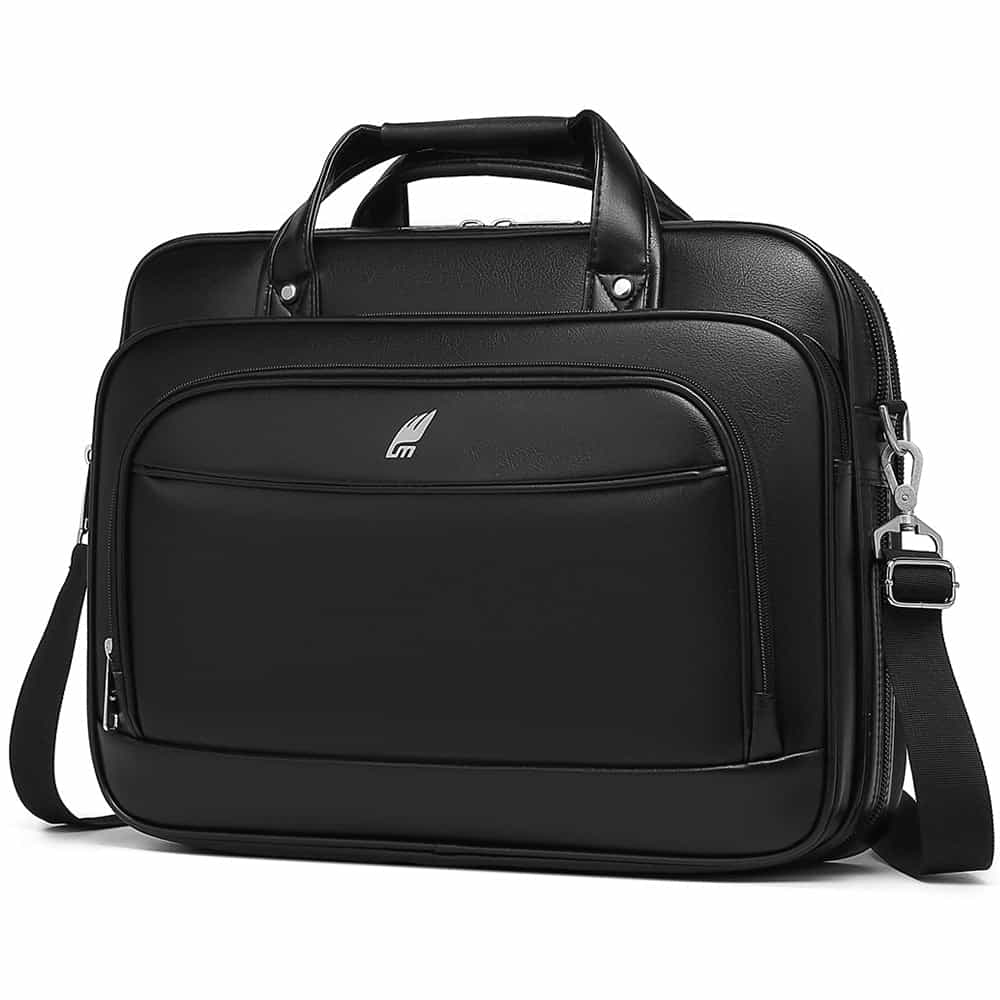
| Briefcase | Meetings, the office, a neater look | A carry handle plus a removable shoulder strap |
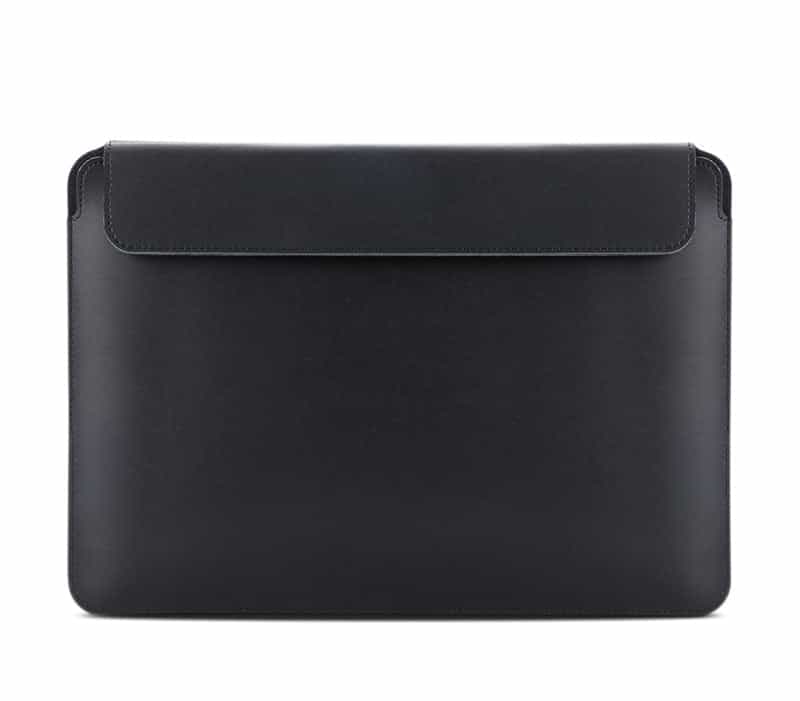
| Sleeve | You already have a bag or suitcase and only need protection for the laptop | Usually not much room for a charger and accessories |
If you are torn between the first two, we wrote a separate guide on it: shoulder bag or backpack for a work laptop. You can see all the options by type: laptop shoulder bags, laptop briefcases and laptop sleeves.
What to check in the laptop compartment
- Padding on all sides, including the bottom. That is the part that takes the hit when you put the bag down on the floor.
- A separate compartment from the main one, so keys and chargers don't scratch the lid.
- A securing strap or closure that holds the laptop in place, especially in a bag larger than the laptop.
- Strong zippers on the main compartment. The zipper works harder than any other part of the bag, which is why zipper pulls are covered by our warranty.
Rain: water-repellent doesn't mean submersible
Most laptop bags are made of fabric treated to repel water: it protects your gear in light rain and splashes, but isn't meant to be submerged. Our product pages say so explicitly. If you cycle or walk a lot in winter you will want a denser fabric or a model defined as water resistant, and we have grouped those on the water-resistant laptop bags page.
How much the bag itself weighs
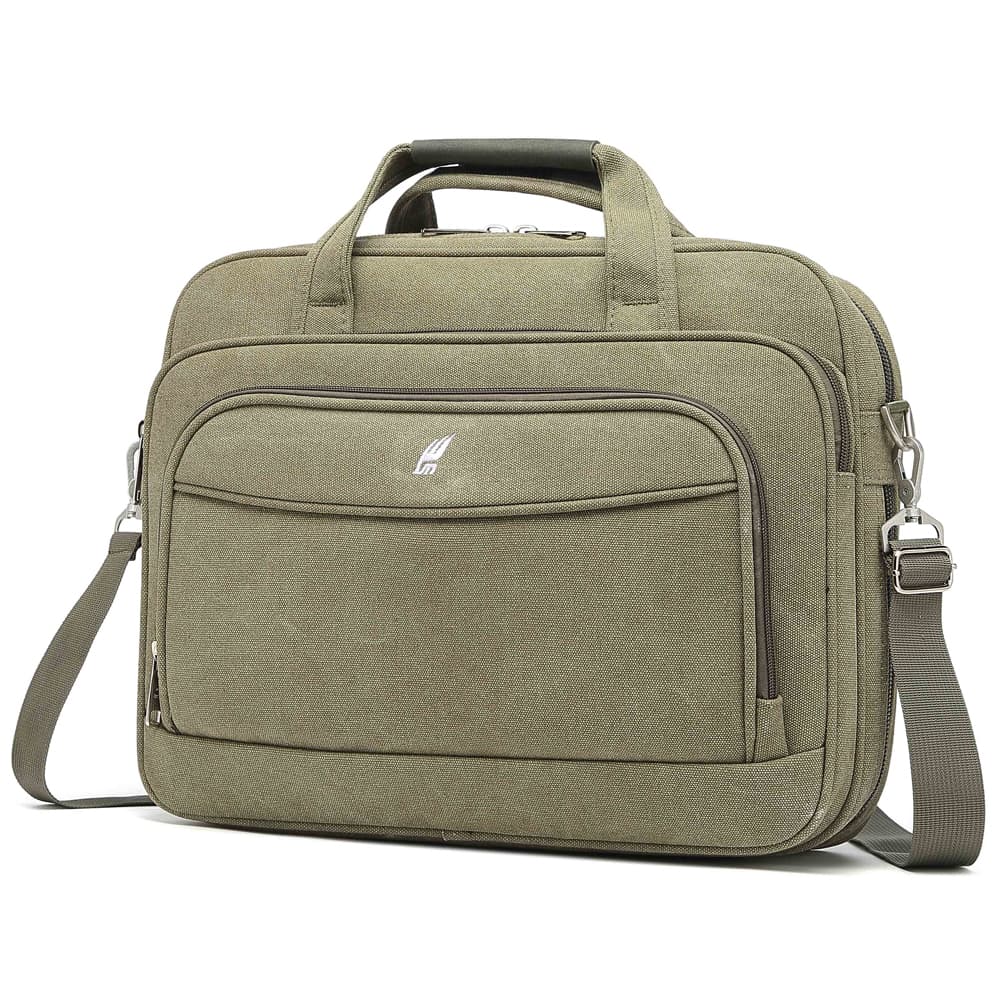
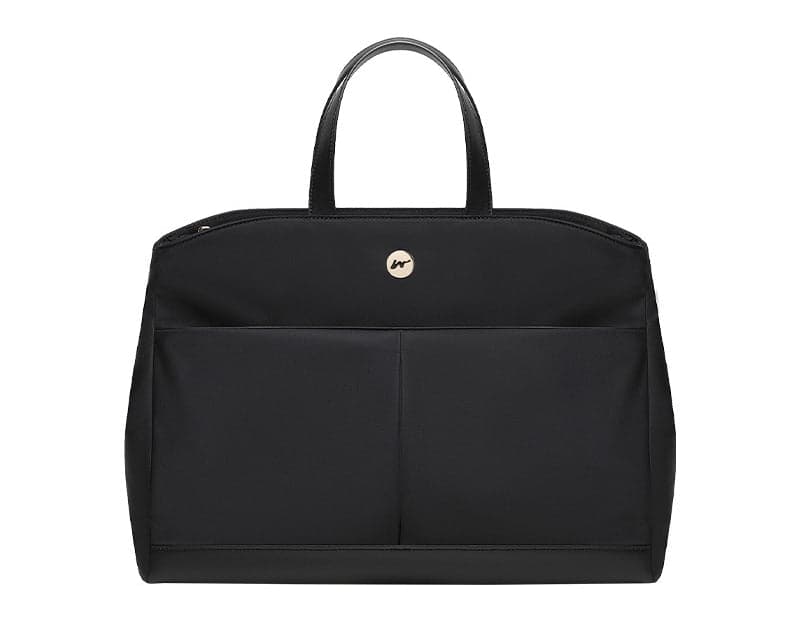
The laptop is already heavy, so the bag shouldn't add much. To give a sense of scale, from the product pages in our catalog: the Flawless Pro briefcase weighs from 320 grams, the Desktop briefcase about 400 grams, the Phylaron Platinum backpack about 550 grams, and The Vintage Pro leather backpack about 1.9 kg. Leather looks great and lasts for years, but it is significantly heavier than fabric, and you feel it at the end of a long day.
Small details that make a difference every day
- A separate tablet compartment: if you carry both a laptop and a tablet you will want two padded compartments, as in the Ventra ProX and The Nordell, which have a tablet sleeve next to the laptop compartment.
- Full opening: on The Nordell the main compartment opens all the way like a small suitcase, so you can see all the contents at once.
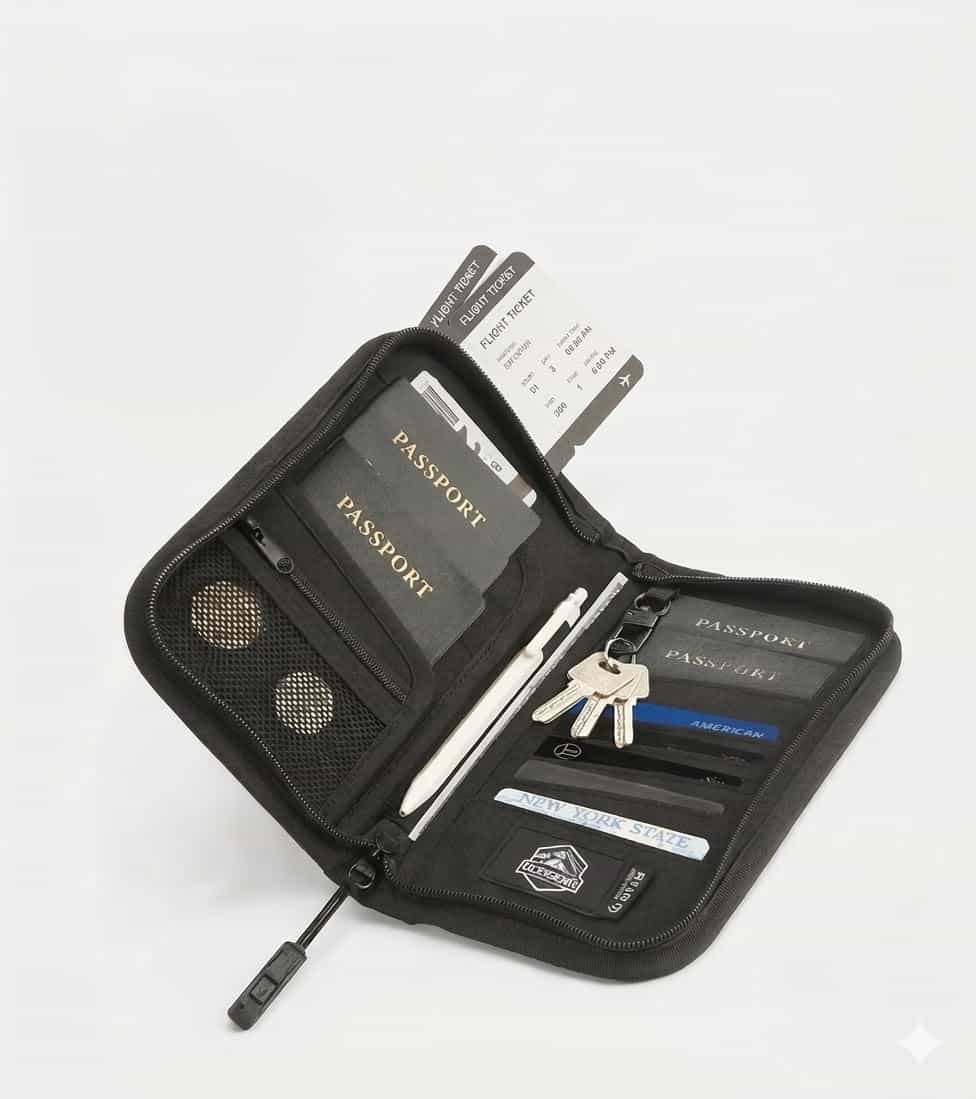
- A hidden back pocket: a zippered pocket against your body for your wallet, passport and boarding pass, which is hard to reach without taking the bag off.
- Expandable volume: on the Desktop briefcase an expansion zipper increases the volume by about 25%, so the same bag works for a day with extra gear too.
- USB port: connect your own power bank inside the bag and charge your phone from the outside. The power bank is not included.
Looking for a bag with a more feminine design? We have gathered models like that in the guide laptop bags for women.
Travel and flights
If the bag flies with you, look for a back strap that slides over the suitcase handle. Many of our backpacks have one, for example Phylaron Platinum and Ventra ProX, and it saves you carrying the bag on your shoulder through all the terminal corridors. Most airlines allow the bag itself as a personal item or carry-on, but the dimensions differ from airline to airline. Check before the flight, for example in our guides to Wizz Air and easyJet, and remember that batteries and power banks stay in your carry-on.
Before you buy
Bags and backpacks come with a 12-month warranty on all components, including zipper pulls, handles and stitching, unless the product page says otherwise.
Products in this guide
Frequently asked questions
Does a 15.6-inch laptop fit in a 16-inch bag?
Yes, usually. A compartment rated up to 16 inches is also built for the common 15.6 models, which is why on our site the two sizes are in the same group. If the laptop is especially thick, compare its dimensions with the compartment dimensions on the product page.
I have a 17-inch laptop. Can I buy a 16-inch bag?
It's not a good idea. A 17-inch laptop is longer and wider, and needs a compartment explicitly rated for 17 or 17.3 inches. We have grouped those bags on the page for 17-inch laptop bags.
Does the USB port on the bag charge the laptop?
No. The outside port connects inside the bag to your own power bank (not included), and is mainly meant for charging your phone on the go. The laptop charges as usual from its own charger.
What is the warranty on a laptop bag?
12 months on all components: zipper pulls, handles and clasps, stitching and manufacturing defects, unless the product page says otherwise. The warranty does not include cosmetic damage, normal wear or damage caused by a third party.


