.png&w=3840&q=75)
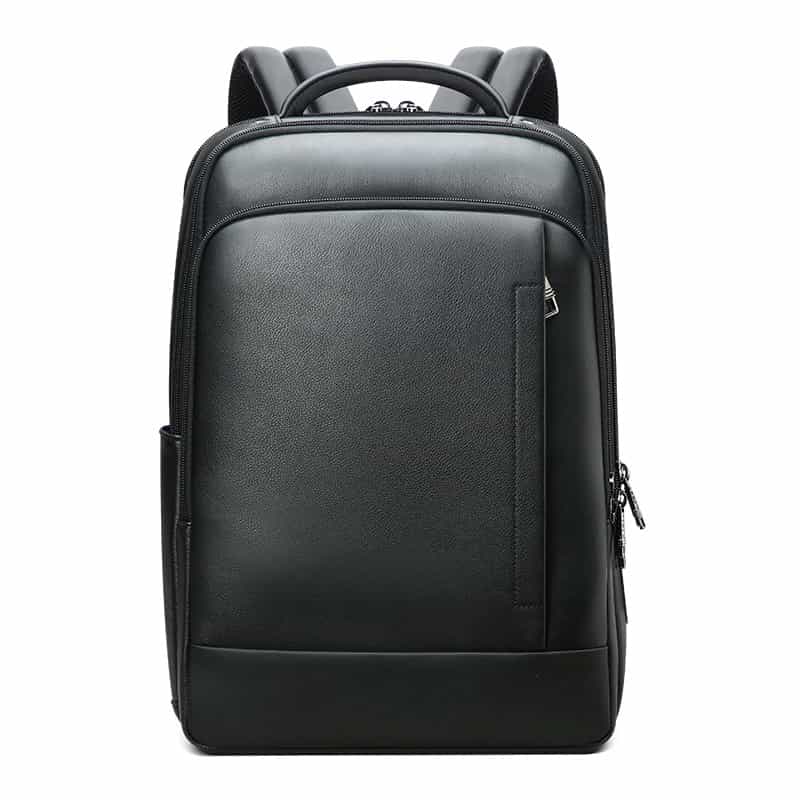
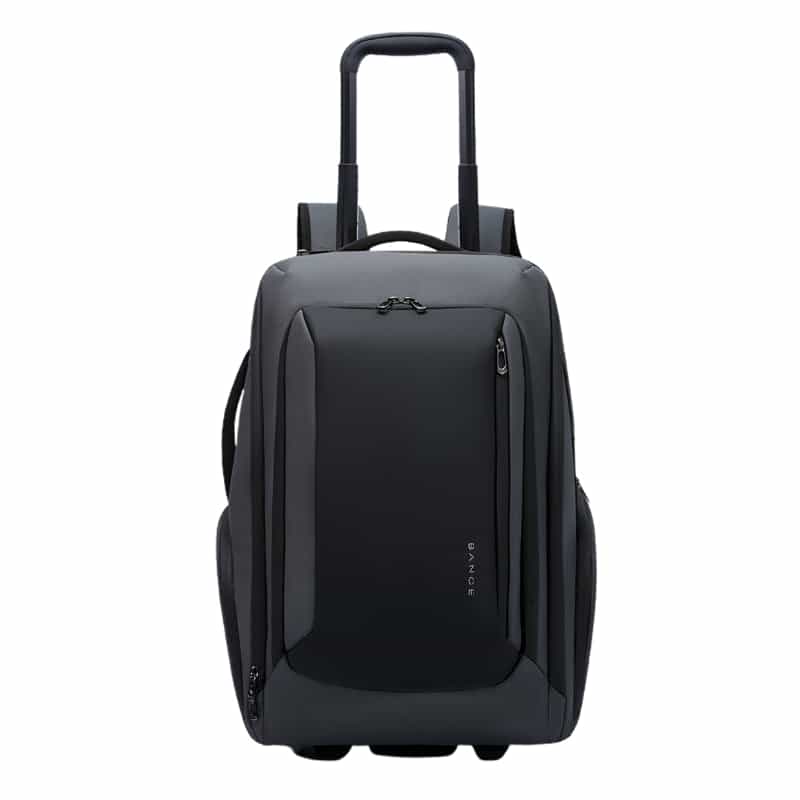
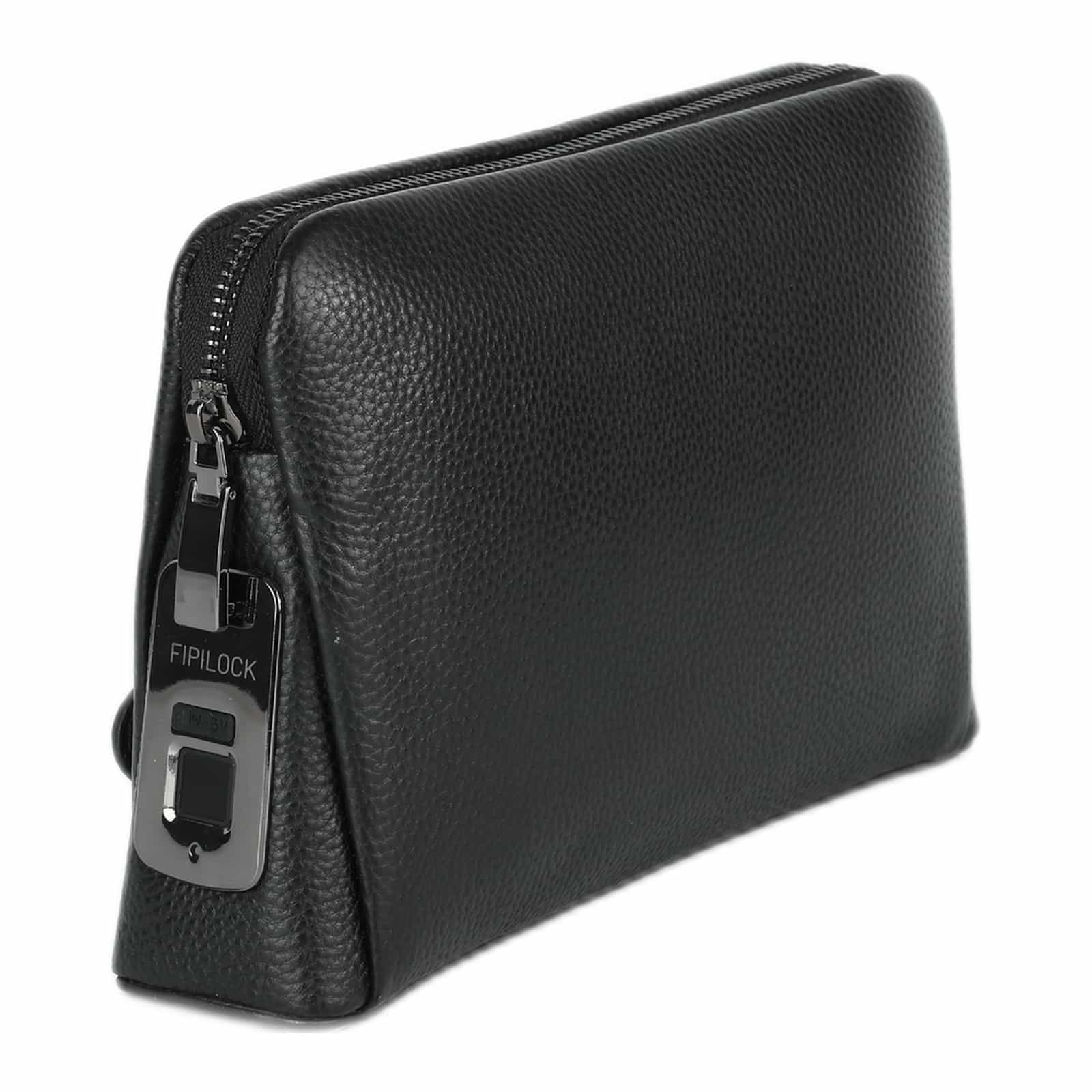
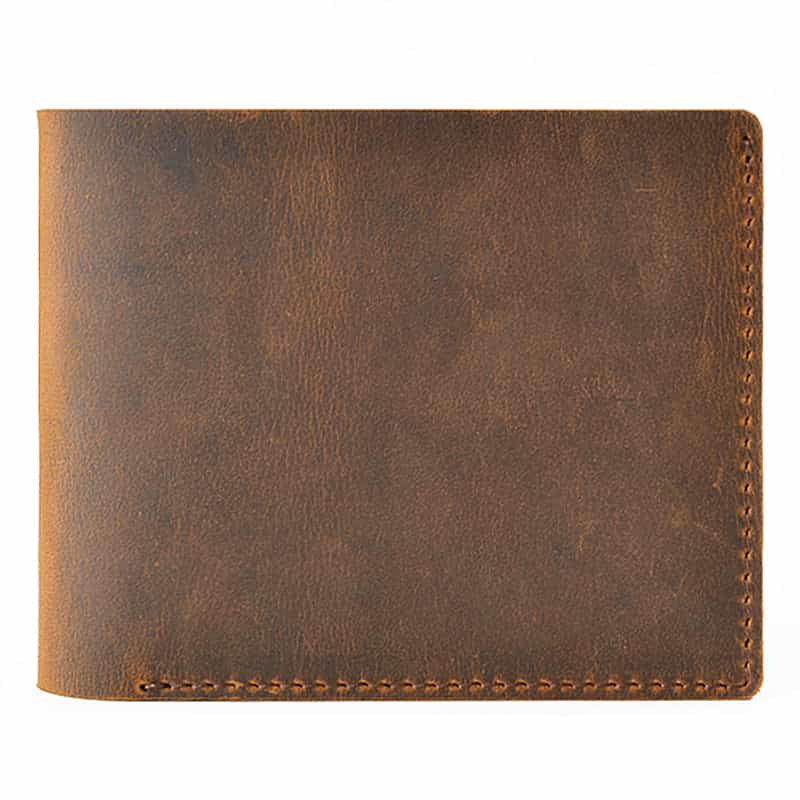
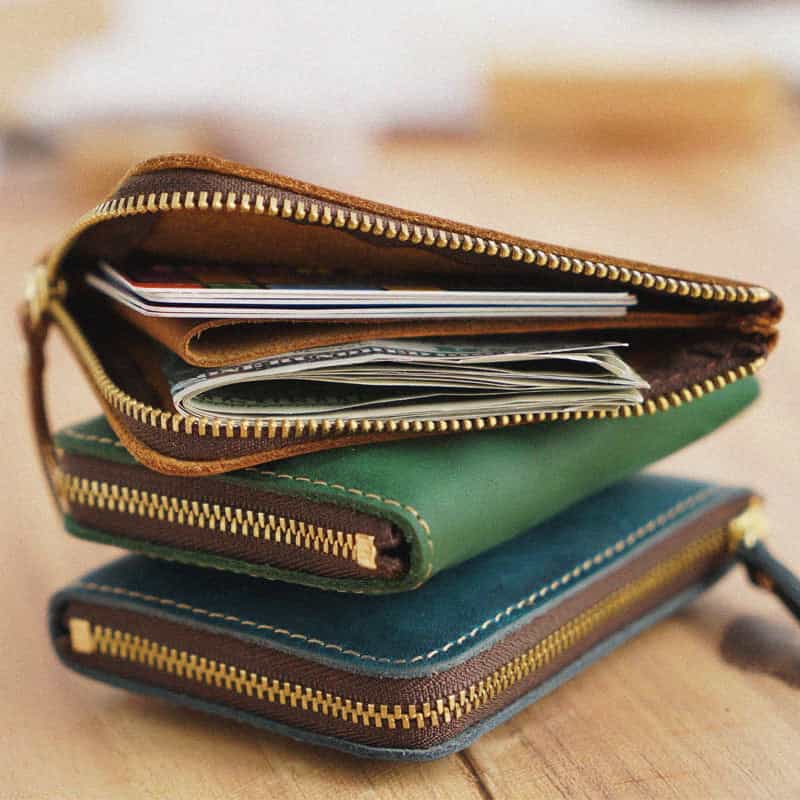
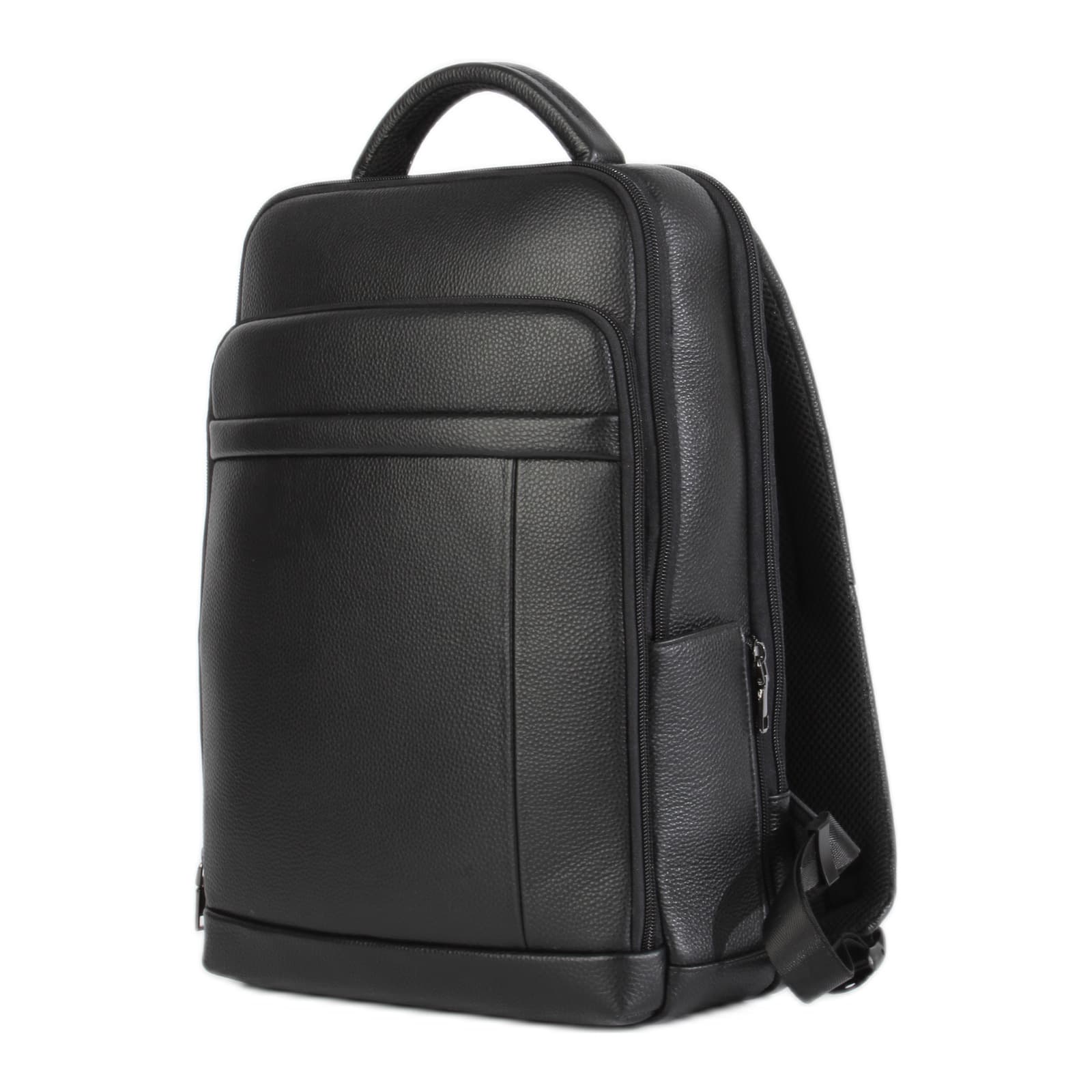



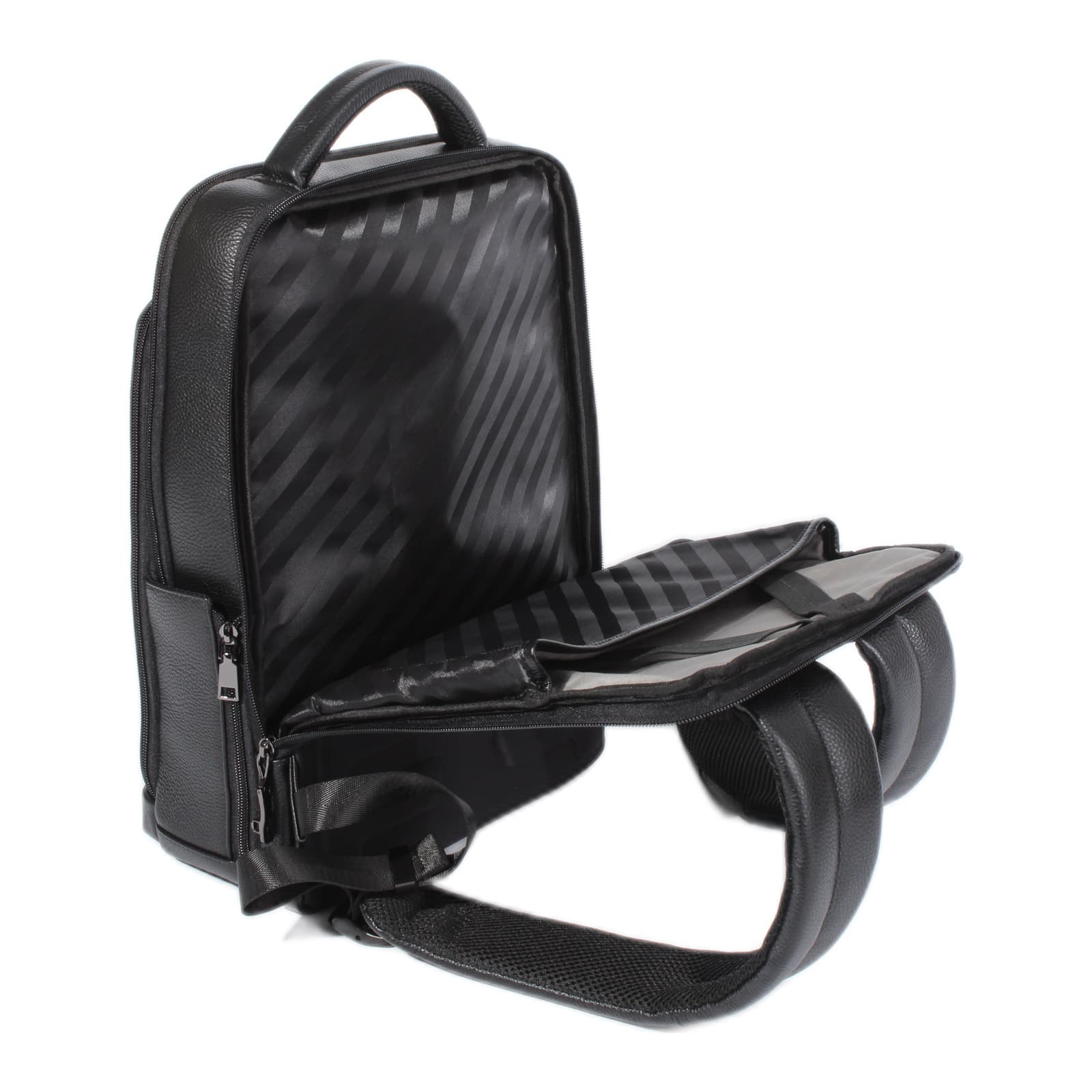
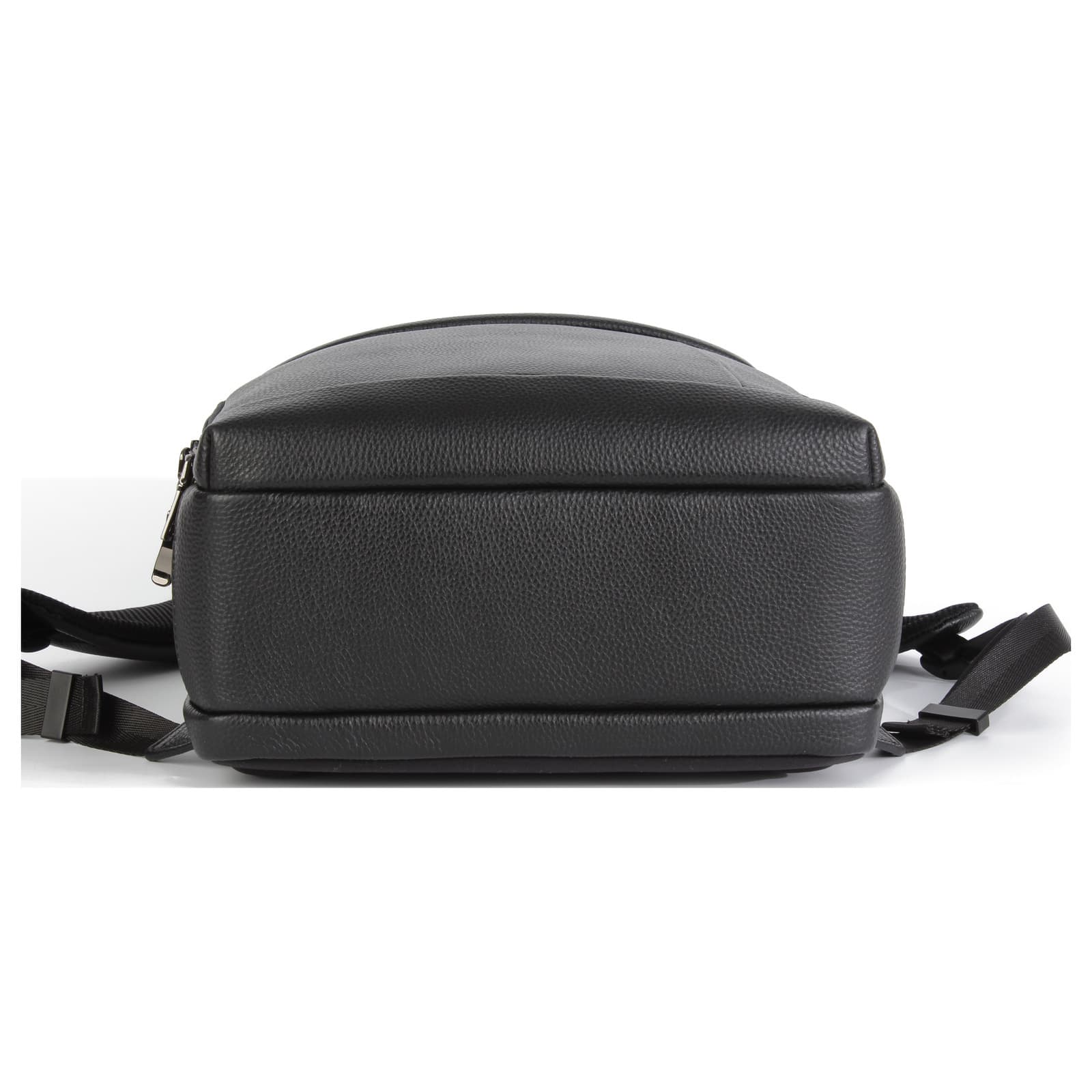
Zurich Genuine Leather Fingerprint Lock Backpack
Free worldwide shipping. No VAT added.
In stock
Free tracked delivery in 7 to 14 business days. Shipping details


Buying in bulk for a business or a store? Business orders
Free worldwide shipping, tracked to your door.
14-day returns and a 12-month warranty. Questions? We answer every message ourselves.
About this product
- Volume
- 16 L
- Weight
- 1230 g
- Dimensions
- 40 × 30 × 13 cm
- FIPILOCK fingerprint lock on the main zipper
- Personal electronic key included with every bag, so it opens without a finger too
- Opens in under a second, no code to remember
- Stores up to 10 fingerprints
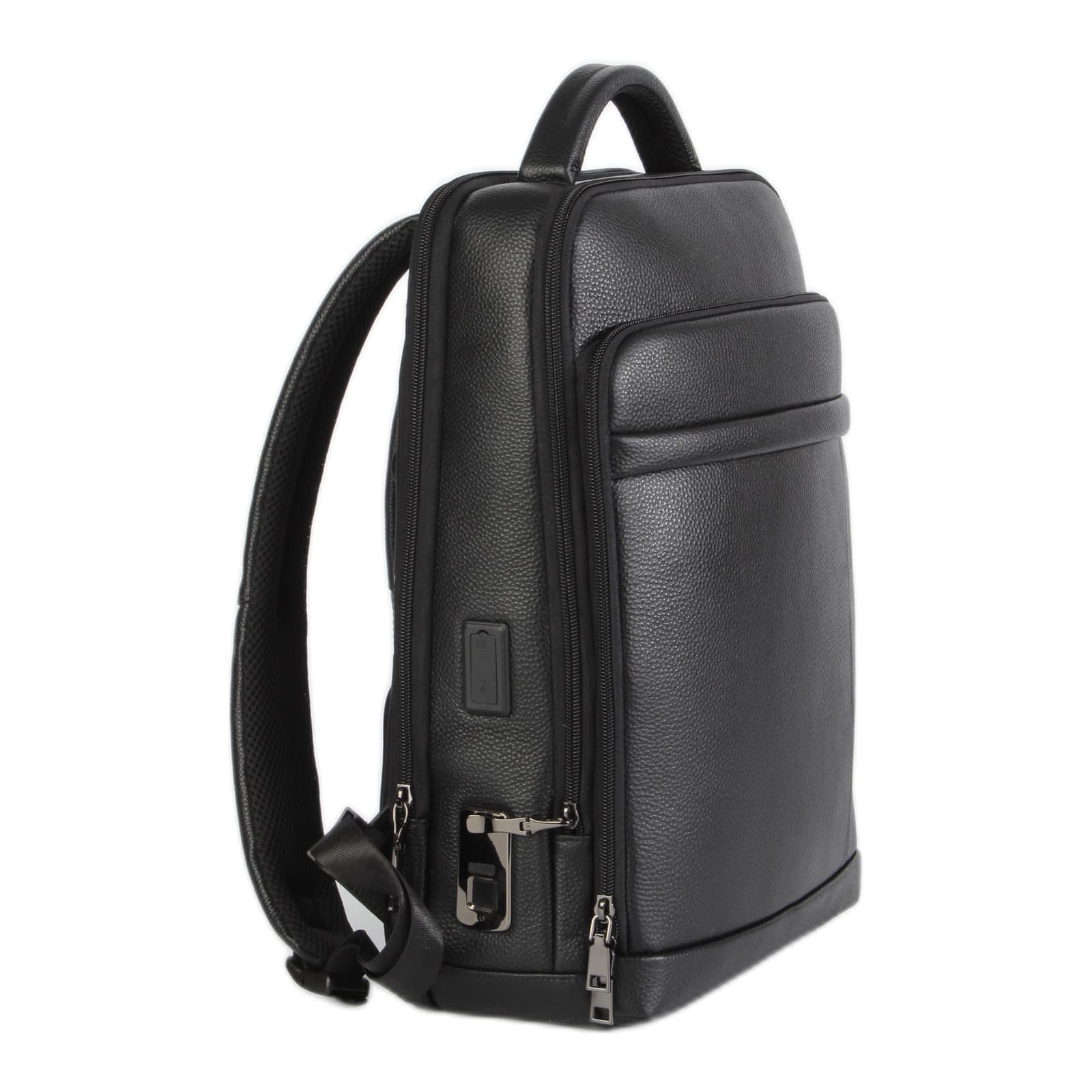
On public transport, at a cafe or at the airport your backpack is behind you, and an open zipper is an invitation. The Zurich locks its main compartment with a FIPILOCK fingerprint lock: only a registered finger opens it, in under a second, with no code to remember and a personal electronic key as backup.
- 16 L, 1,230 g
- The zipper pull tab locks into the FIPILOCK and releases only when a registered finger touches the sensor
- Each bag comes with its own electronic key, paired one to one; plug it into the lock's charging port to erase all fingerprints and register again
- Fingerprint reading in up to half a second, matching in up to a second
- Register up to 10 fingerprints, yours or someone you trust, and delete them at any time
- Charges via USB-C: built-in 3.7 V 120 mAh battery with very low standby draw and blue, green and red indicator lights
- Genuine leather that softens and gains character over the years
Features
- FIPILOCK fingerprint lock on the main zipper
- Personal electronic key included with every bag, so it opens without a finger too
- Opens in under a second, no code to remember
- Stores up to 10 fingerprints
- Charges with a USB-C cable, 3.7V 120mAh battery
- Genuine leather
- 40 × 30 × 13 cm
- 1.23 kg
Specifications
- Dimensions
- 40×30×13 cm
- Materials
- Genuine leather
- Colors
- Black
- Brand
- Camel Mountain
- Model
- Zurich
- Volume
- 16 L
- Lock
- Fingerprint (FIPILOCK)
- Fingerprint memory
- Up to 10
- Electronic key
- Included, a personal key for each bag
Shipping and returns
- Free tracked shipping on every order, to every country we ship to. No VAT added at checkout.
- Free tracked delivery in 7 to 14 business days.
- Returns and exchanges within 14 days of delivery. The item must be unused, with its tags and in its original packaging.
- Return shipping is paid by the customer. We refund the item price to your card once it reaches us.
- Arrived damaged or not what you ordered? Write to us within 7 days with a photo and we will make it right at our cost.
Warranty
Every Camel Mountain product has a 12-month warranty against manufacturing defects, from the day of delivery. If something isn't right, email us your order number and photos of the problem, and we will tell you how we can fix it.
How the fingerprint lock works
The main zipper locks into a FIPILOCK lock that opens only when a registered finger touches the sensor. No code to remember: it opens in under a second, remembers up to 10 fingerprints and charges with a USB-C cable.
With every bag: a personal electronic key, yours only
Every bag comes with its own electronic key, one to one. It stays at home as a backup: if your finger isn't read, plug it into the lock and touch the sensor, and the bag opens. The key works with your bag only (steps 1 and 6 below).
Step 1: Pair the electronic key (once, before anything else)
- Take the electronic key out of the box and plug it into the charging port on the lock.
- Touch the sensor with any finger until the green light flashes for about 2 seconds. The key is now paired with your bag.
- Unplug the key and keep it at home. From now on it works with this bag only, and with no other bag.
Pair the key before you register a fingerprint: pairing erases any fingerprints already saved.
Step 2: Set the owner's fingerprint (once, before first use)
- Press and hold a finger on the sensor for about 3 seconds, until the blue light comes on, then let go.
- Place the same finger on the sensor more than 10 times, at a slightly different angle each time.
- Green light: the fingerprint is saved. From now on only a registered finger opens the lock.
A red light during setup is normal, you can ignore it.
Step 3: Add another person (up to 10 fingerprints)
- Press any finger on the sensor for about 3 seconds, until the blue and red lights flash.
- The owner places their finger once to approve, and the blue light stays on.
- The new person places their finger more than 10 times, until the light goes off.
- Green light: the new fingerprint is saved.
Step 4: Opening and locking, day to day
- To open: touch the sensor with a registered finger, and the zipper pull tab is released from the lock in under a second.
- To lock: push the zipper pull tab back into the lock until it clicks into place.
Step 5: Erase all fingerprints
- Press any finger on the sensor for 8 to 9 seconds, until the red light flashes, then let go.
- The owner places their finger once, and the blue light comes on.
- All fingerprints are erased and the lock is back to its original state, where any finger opens it. You can set a new owner.
Red and blue flashes while erasing are normal.
Step 6: Can't open it? Use the electronic key
- Plug the bag's electronic key into the charging port on the lock.
- Touch the sensor with any finger until the green light flashes for about 2 seconds.
- All fingerprints are erased and the lock is back to its original state: any finger opens it, and the bag opens.
- Register the owner's fingerprint again (step 2) so the bag locks to you only once more.
Useful when your finger isn't read, when the person who registered isn't around, or when you pass the bag on to someone else.
What the lights mean
- Blue: setup mode, or the owner's approval
- Green: the fingerprint is saved
- Red: during setup or erasing, normal
Charging: the lock charges with a USB-C cable (5V) through the port on the lock. Built-in 3.7V 120mAh battery with very low standby use, working from -4°F to 131°F (-20°C to 55°C).
Watch the product video
Also great for
You may also like
New arrivals and our most viewed, all in stock.
 In stock
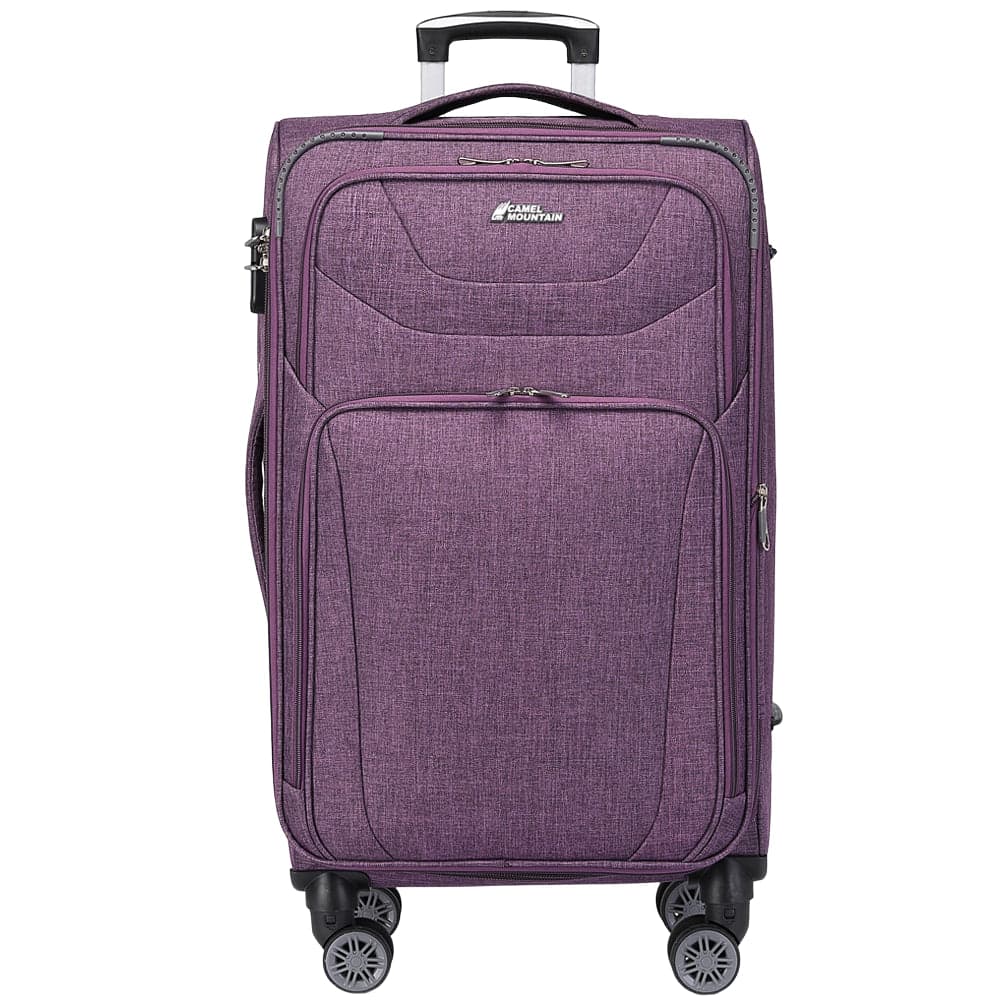
Camel Mountain® Monza 27" Wheeled Duffel, 63 L
$109
 In stock
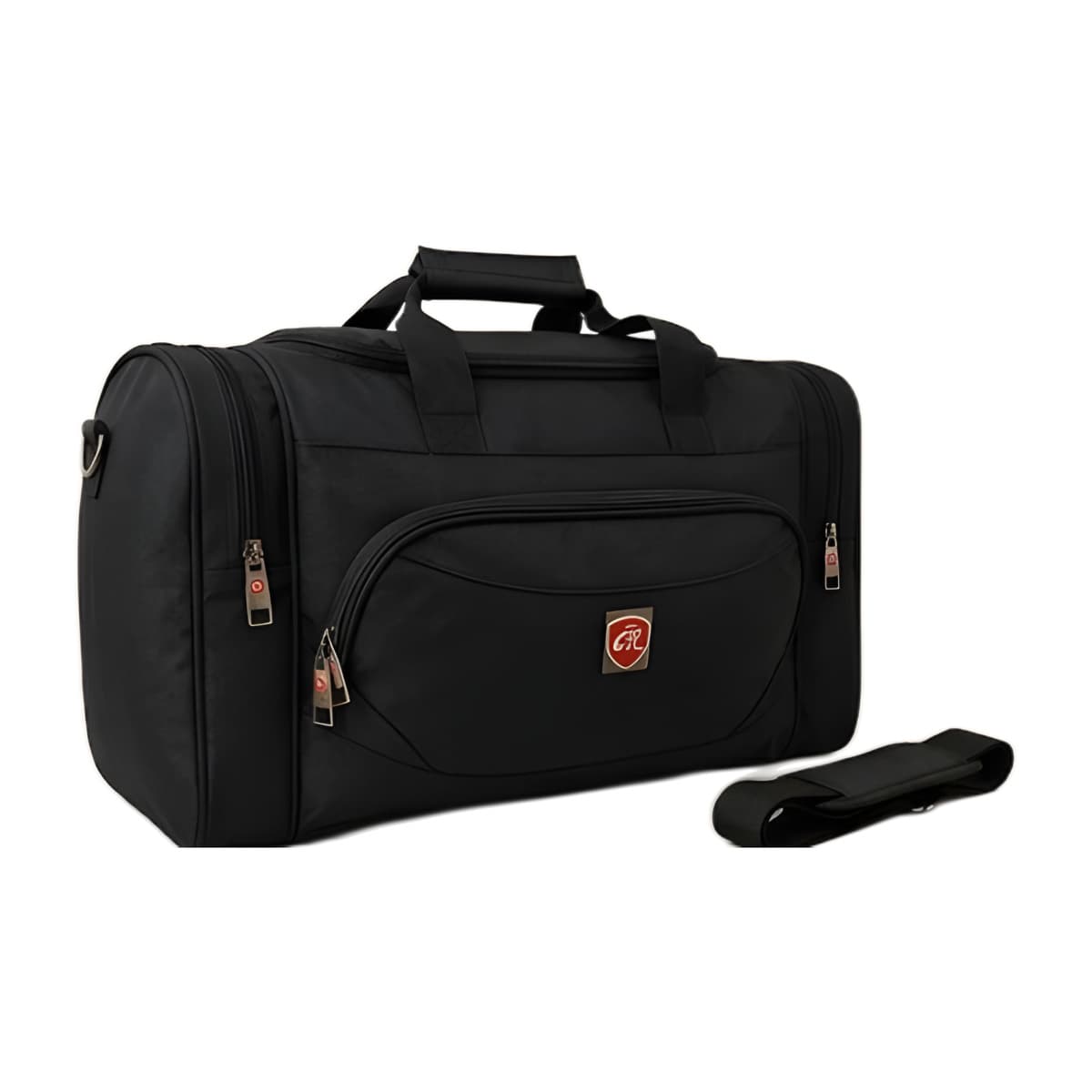
Americano 24" Medium Expandable Suitcase
Rated 5.0 out of 5, 12 reviews
$289
 In stock
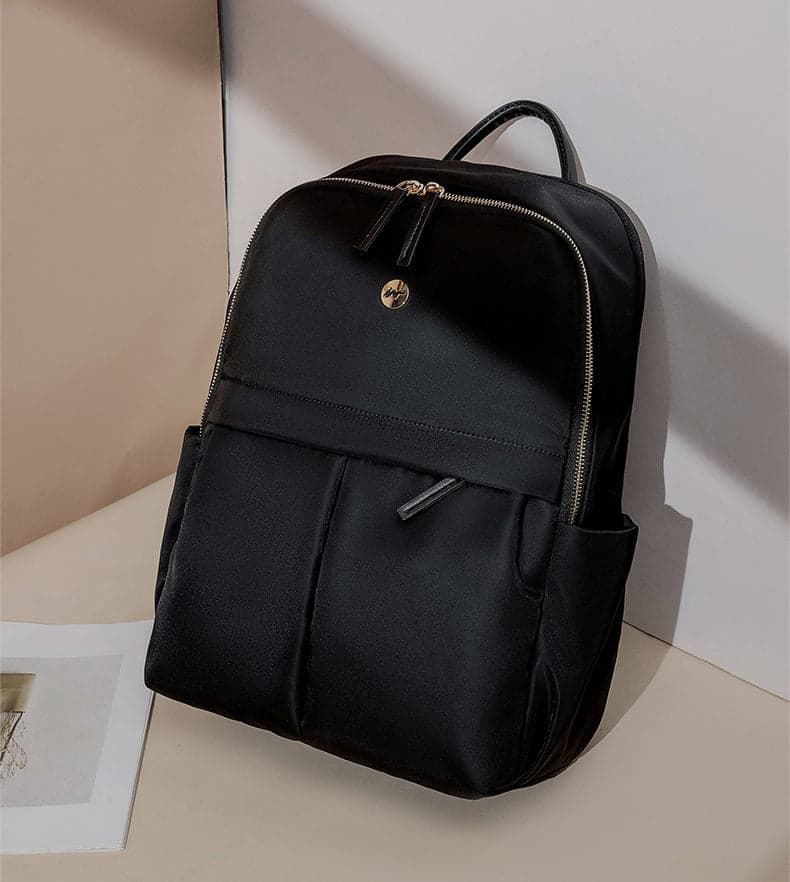
Camel Mountain® Siracusa 20" Travel Duffel, 35 L
$69
 In stock
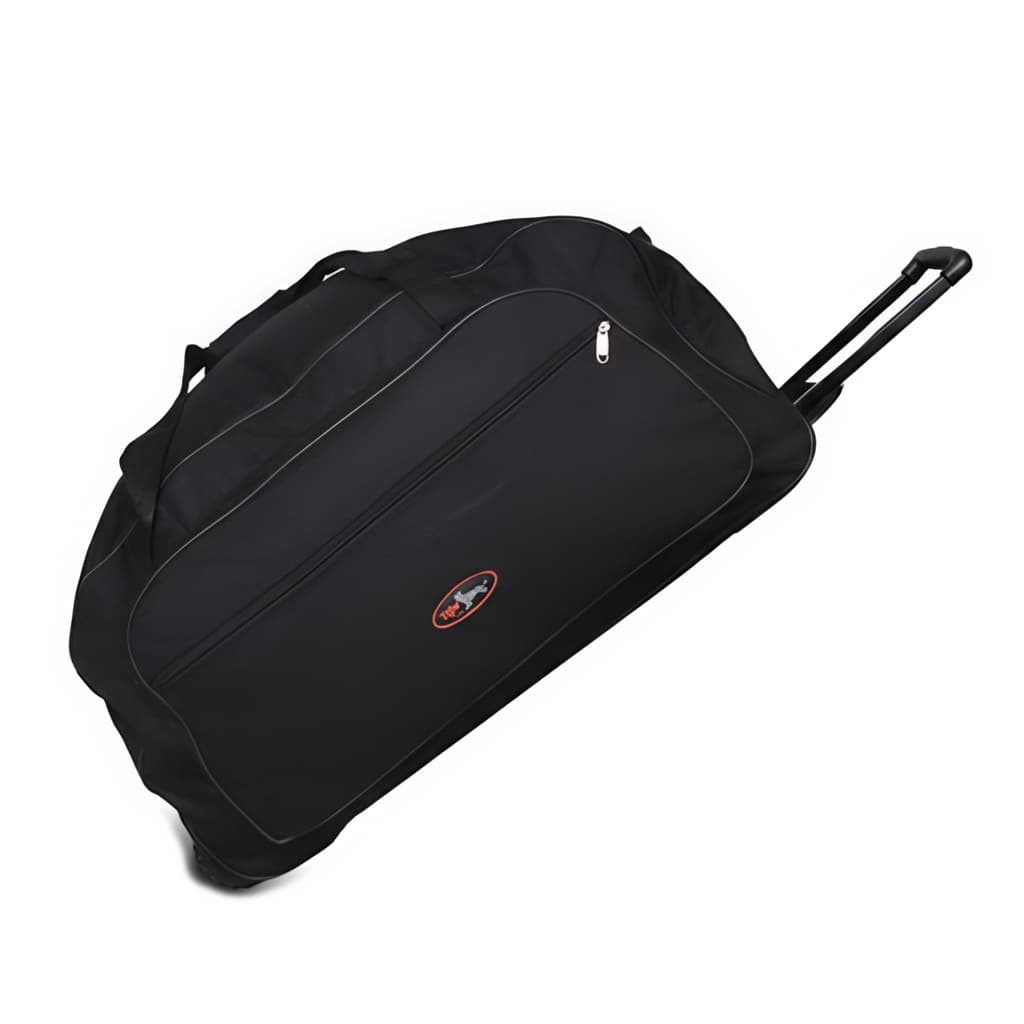
Venture ProX Anti-Theft Laptop Backpack
Rated 4.7 out of 5, 7 reviews
$89
 In stock
Camel Mountain® Tiger 32" Wheeled Duffel, 80 L
Rated 4.3 out of 5, 8 reviews
$119
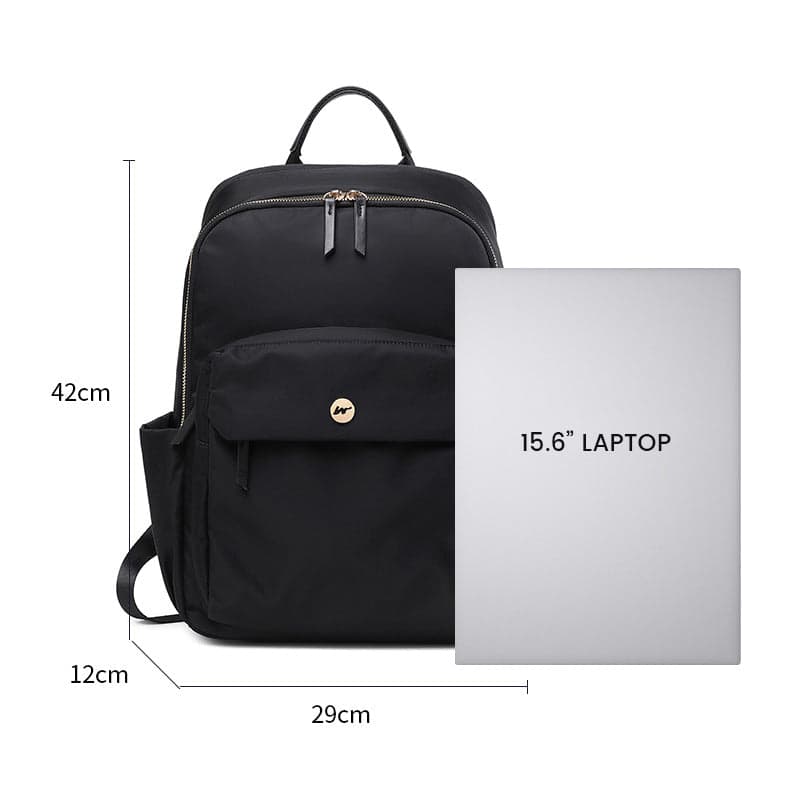 In stock
Aurora 15L Expandable Laptop Backpack
Rated 4.8 out of 5, 8 reviews
$99
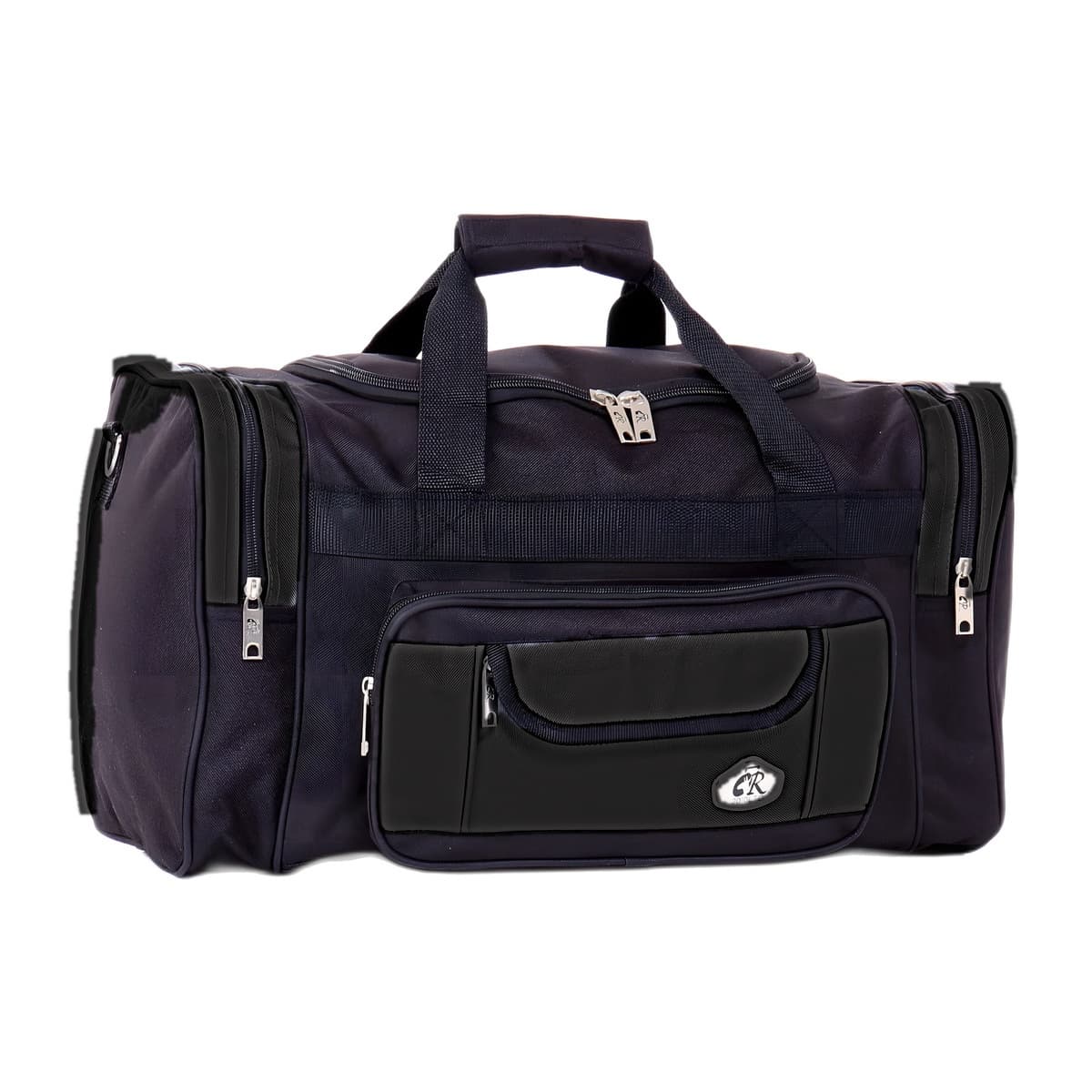 In stock
Camel Mountain® Palermo 32" Travel and Sports Duffel, 144 L
Rated 4.5 out of 5, 8 reviews
$89
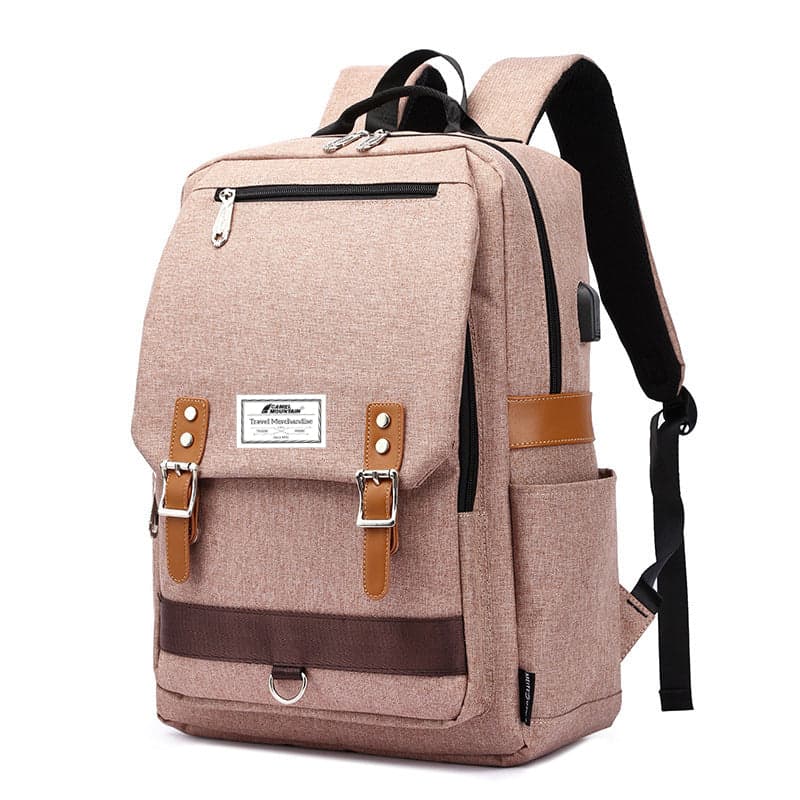 In stock
Asia™ Retro Laptop Backpack with USB Port
Rated 4.9 out of 5, 7 reviews
$119
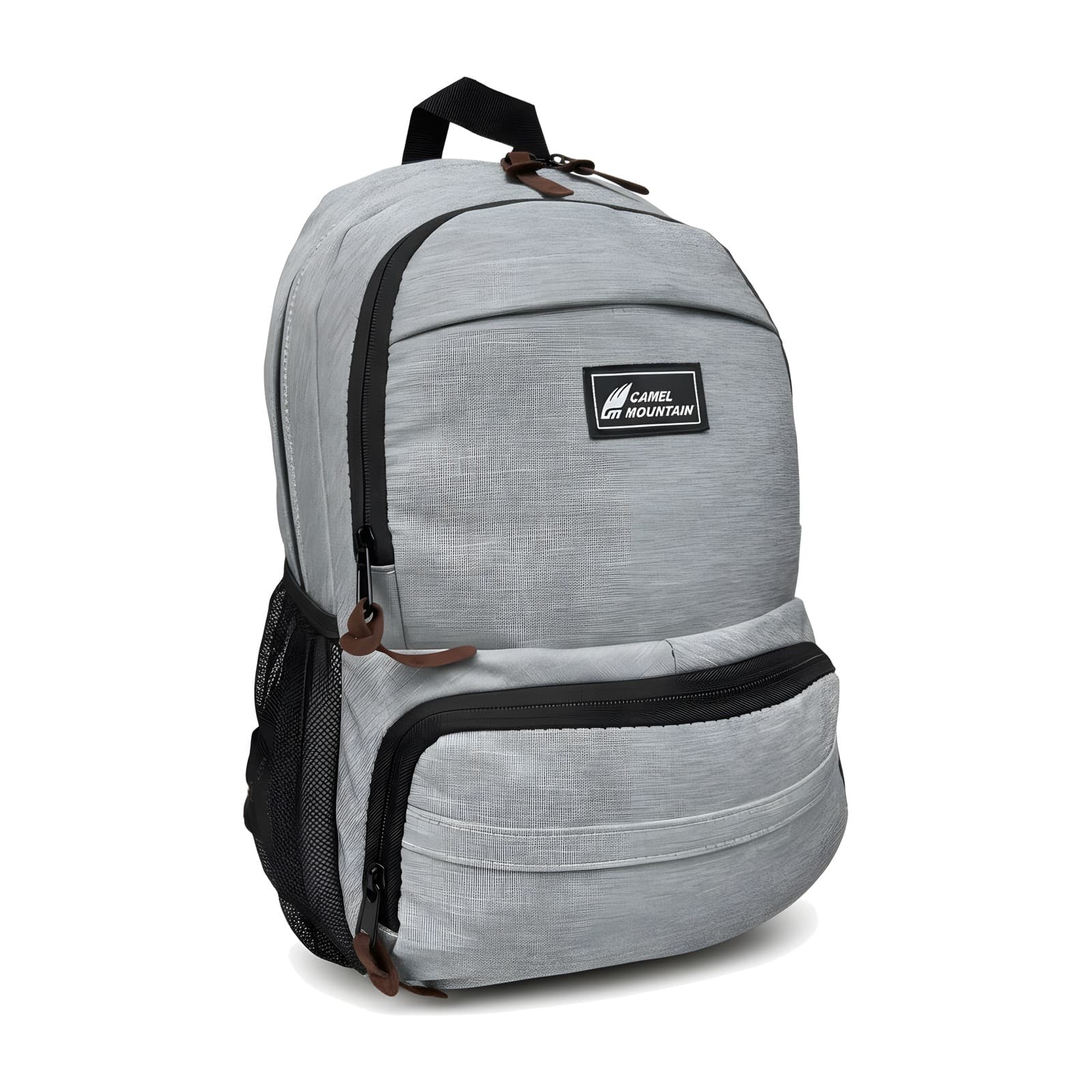 In stock
Camel Mountain WonderWander Kids Backpack for School and Kindergarten, 17 L
Rated 4.7 out of 5, 7 reviews
$59
 In stock
Premier Pro™ Aluminum Suitcase
Rated 4.8 out of 5, 11 reviews
From $369
 In stock
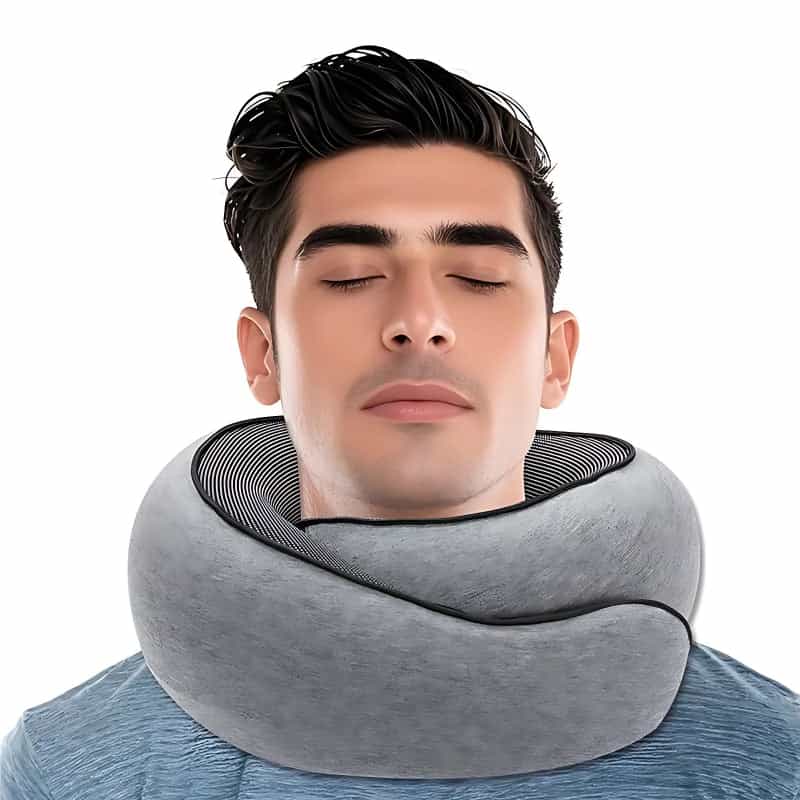
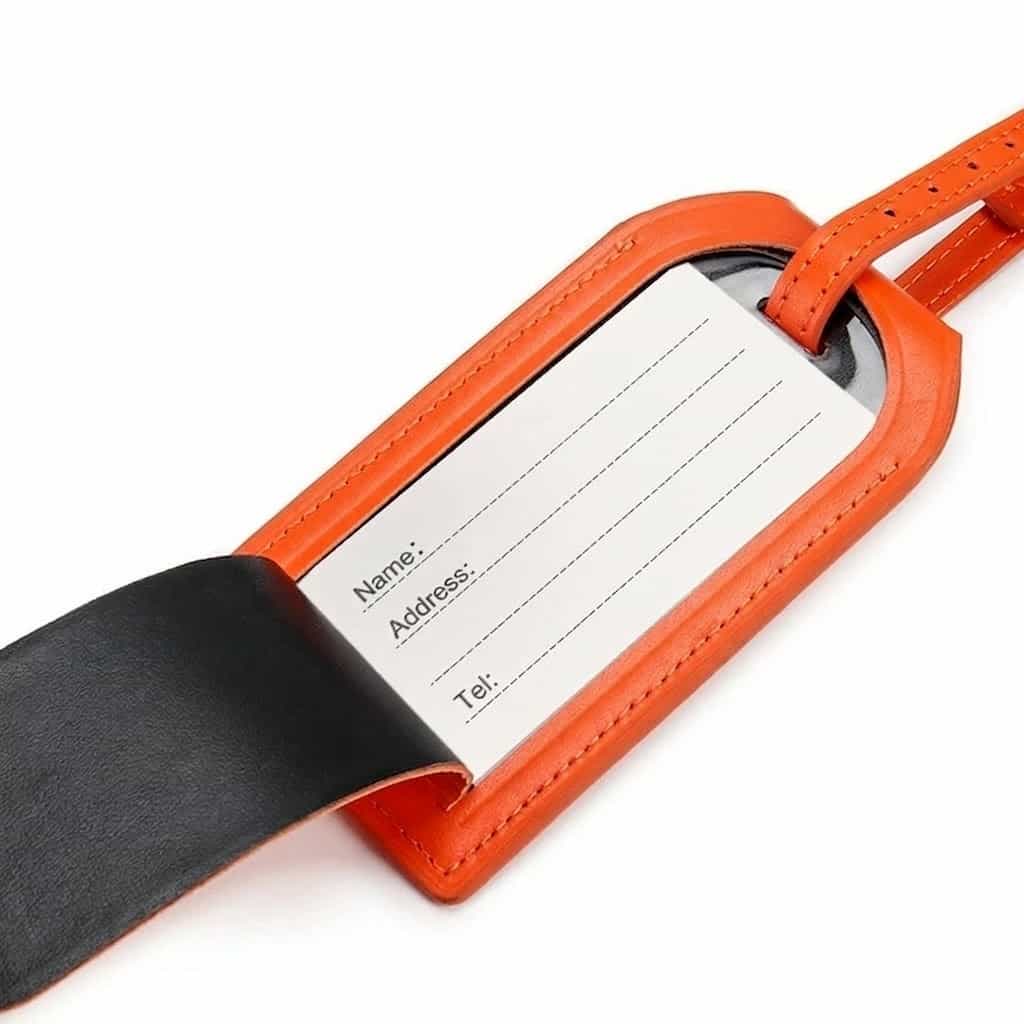
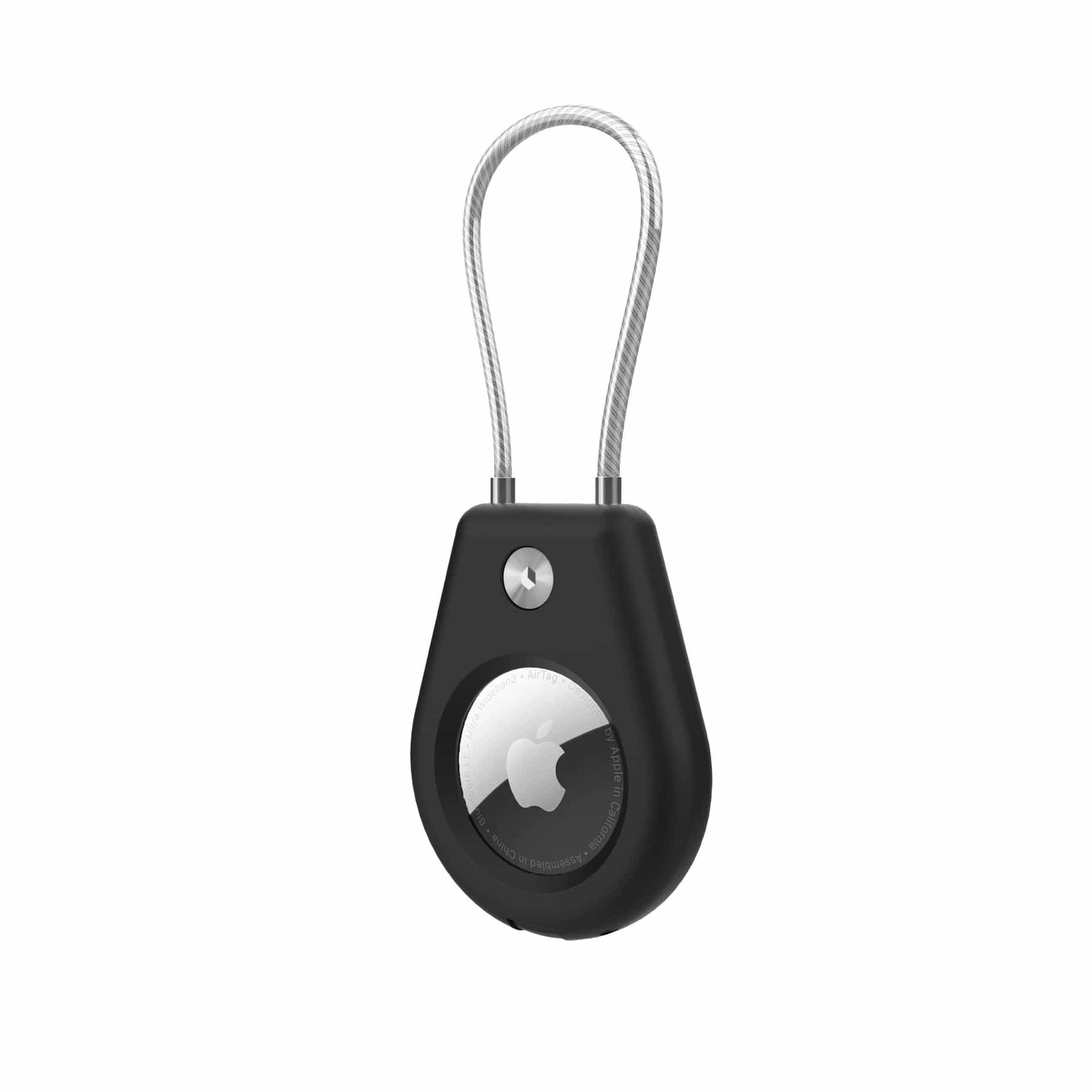
Flight Kit: Trolley Travel Bag, Organizer, Neck Pillow and 3 Accessories (No Suitcase)
$109
 In stock
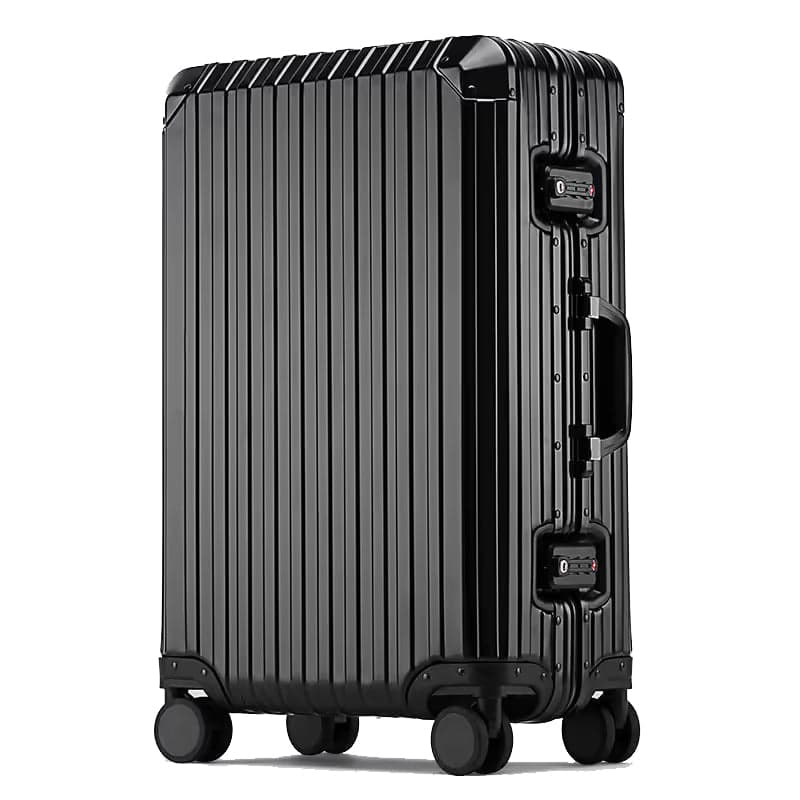
Premier 29" Large Aluminum Suitcase
Rated 4.8 out of 5, 12 reviews
$529
 In stock
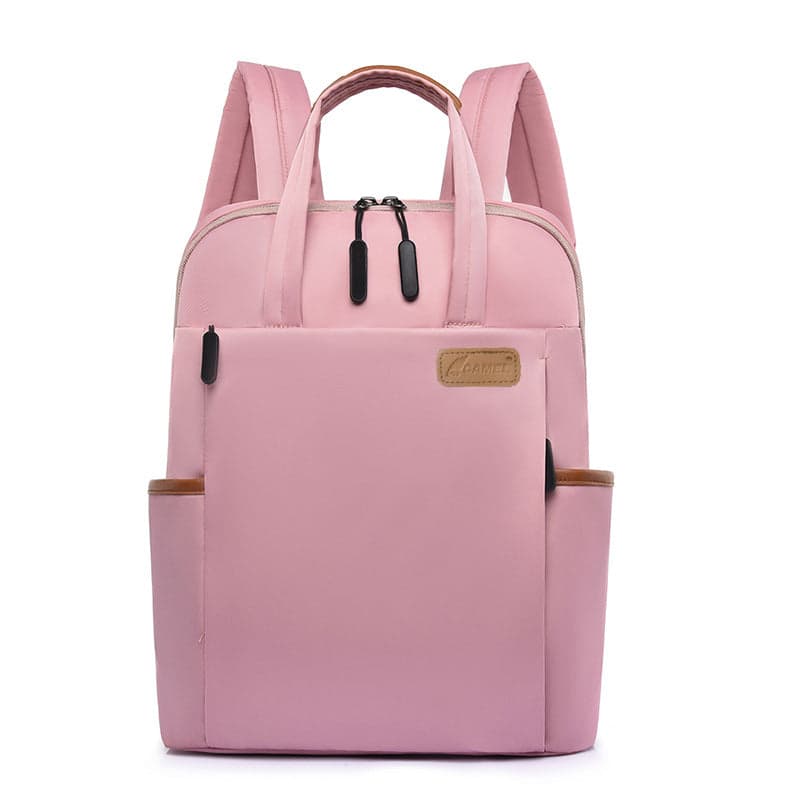
The Intima V2™ Compact Laptop Backpack
Rated 4.7 out of 5, 7 reviews
$49
 In stock
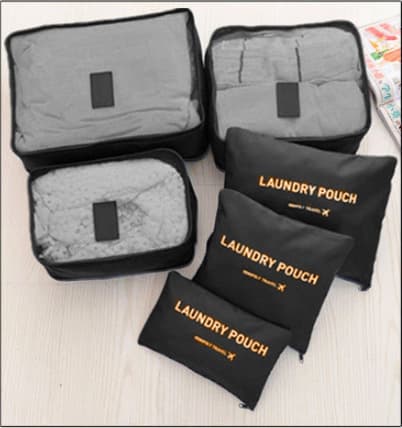
River™ 6-Piece Packing Cube Set
Rated 4.8 out of 5, 6 reviews
$59
 In stock
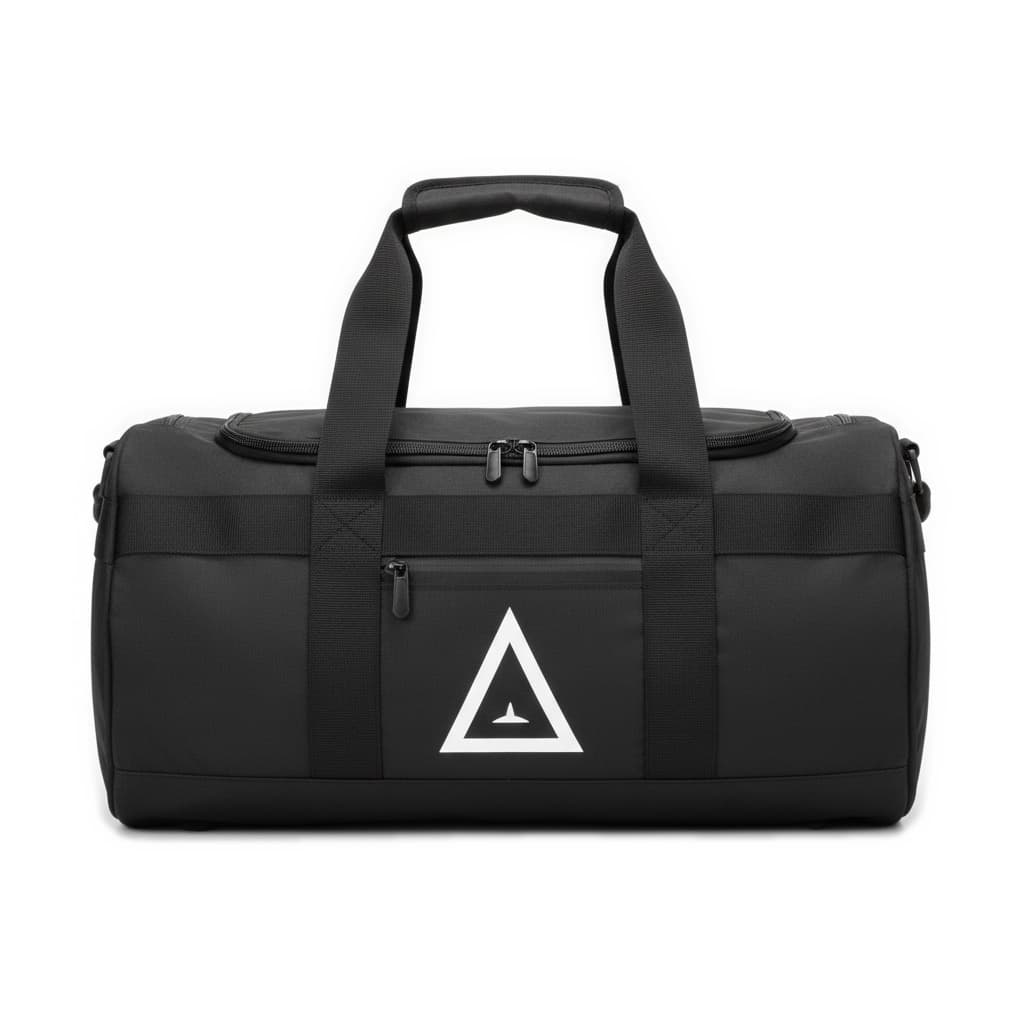
Camel Mountain® Bolzano Duffel Backpack
From $59
 In stock
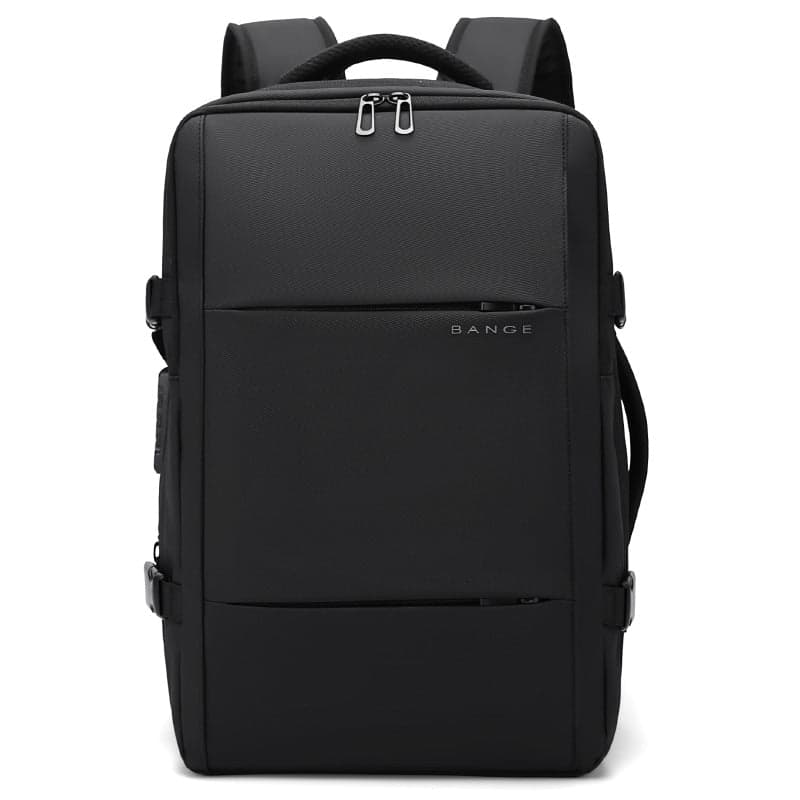
Electron 45L Vacuum Compression Travel Backpack
Rated 4.9 out of 5, 7 reviews
$129
 In stock
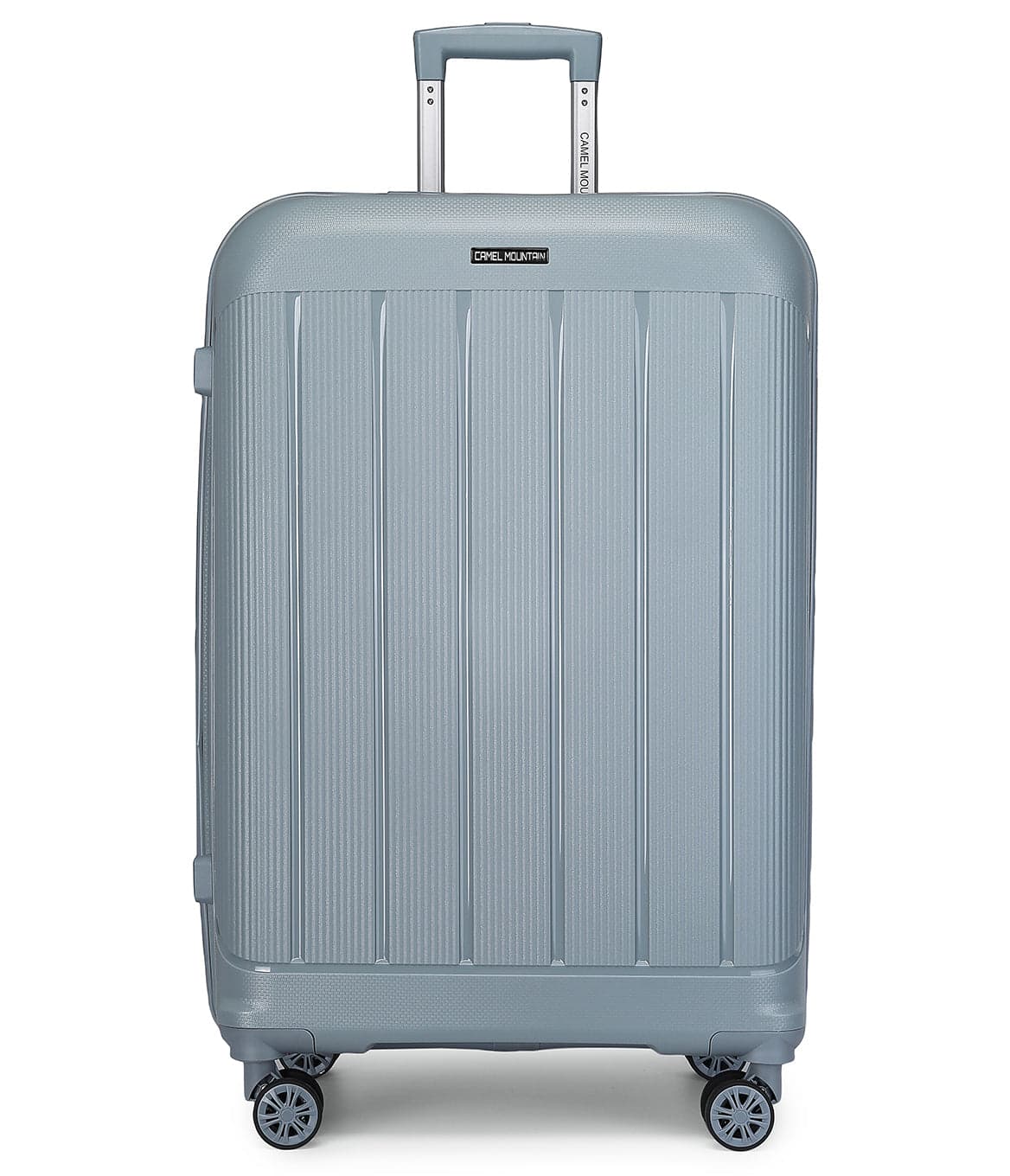
Infinity 24" Medium Hardside Suitcase
Rated 5.0 out of 5, 1 review
$199
 In stock
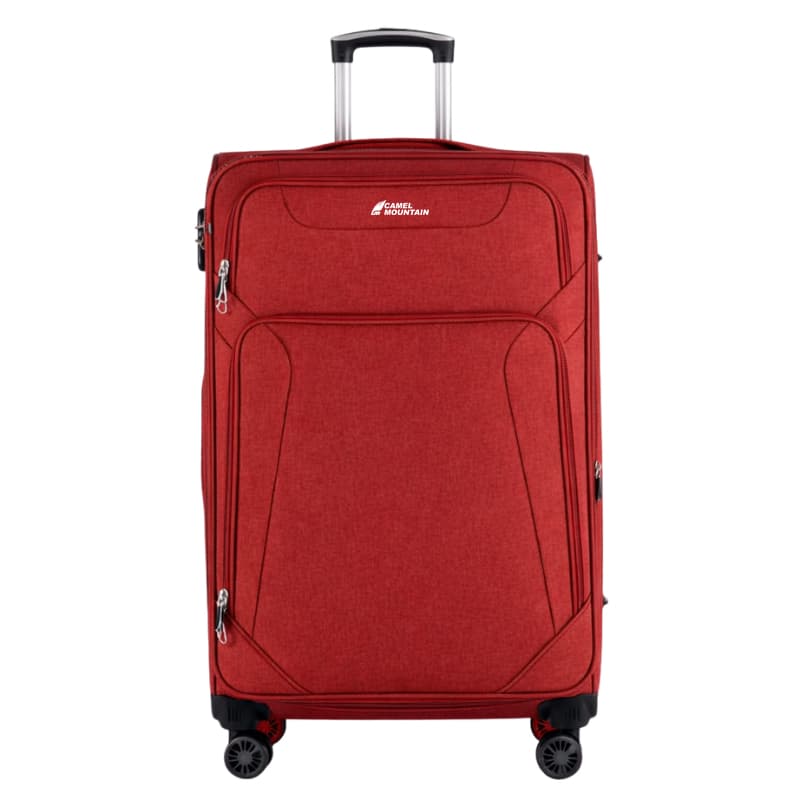
Cosmos DLX 24" Medium Expandable Suitcase
Rated 4.9 out of 5, 9 reviews
$199
 In stock
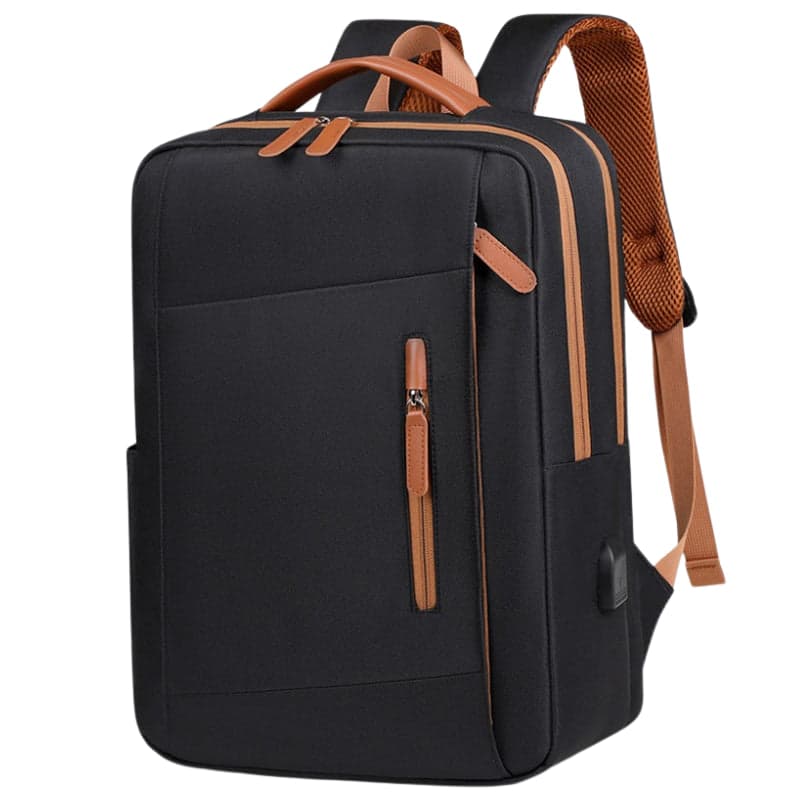
Phylaron Platinum 16L Laptop Backpack with USB Port
Rated 4.9 out of 5, 7 reviews
$89
 In stock
Adelaide Pro Women's Laptop Backpack
Rated 4.7 out of 5, 7 reviews
$149
Guides
Guides to help you choose
What to know before you buy: tips and guides from the Camel Mountain team.

A 15.6 Inch Laptop Bag for Women: Choosing Size, Carry and Style
How to know a 15.6 inch laptop will fit, when to choose a backpack, a work bag or a sleeve for your tote, which pockets really help on a workday, and a checklist before you order.
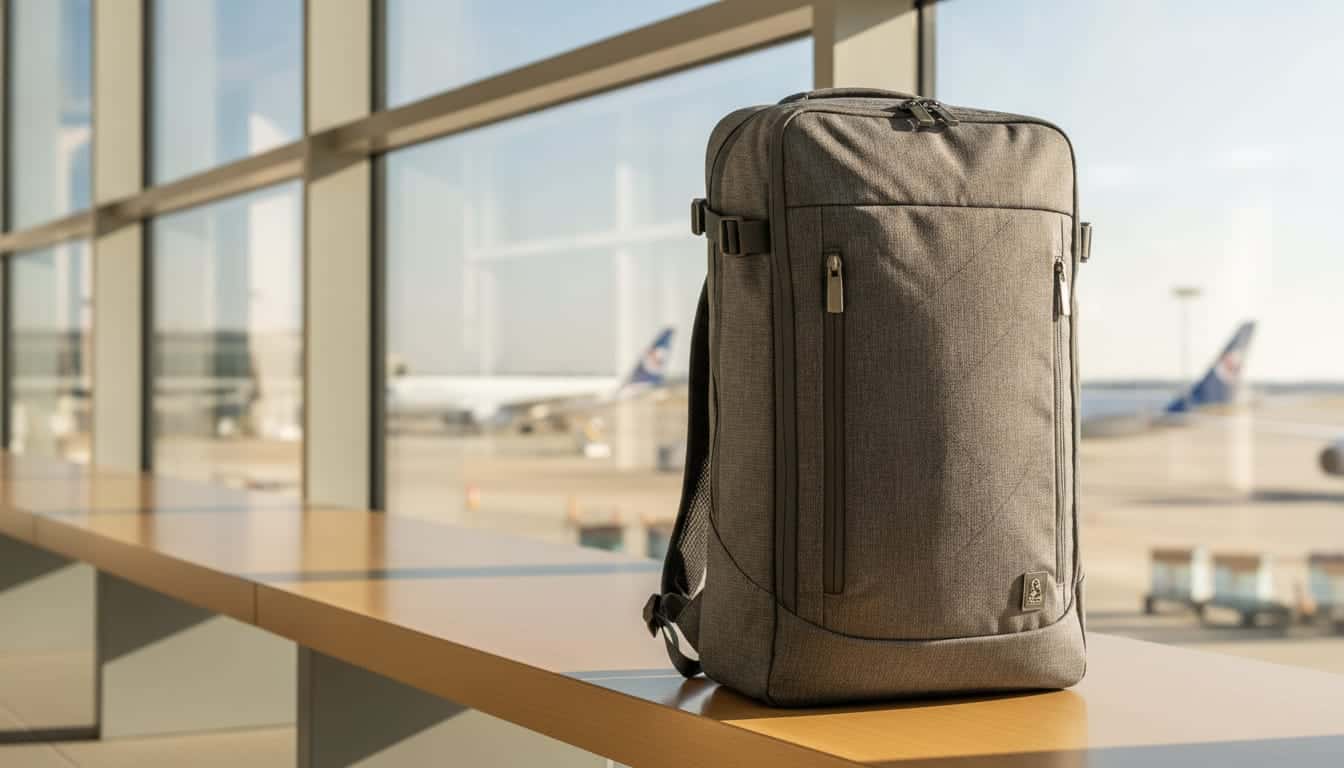
Vacuum Backpack: How Does It Work and How Much Space Does It Save?
A vacuum backpack compresses your clothes in a sealed compartment and frees up to about half their volume. What to know about the pump, the weight and carry-on sizes before you buy.

Leather Bags: How to Spot Real Leather and Choose a Bag That Lasts for Years
Genuine leather, full grain or synthetic? How to read the material line on a leather bag, choose between a backpack, briefcase and crossbody by use and laptop size, know how much it will weigh, and keep it looking good for years.
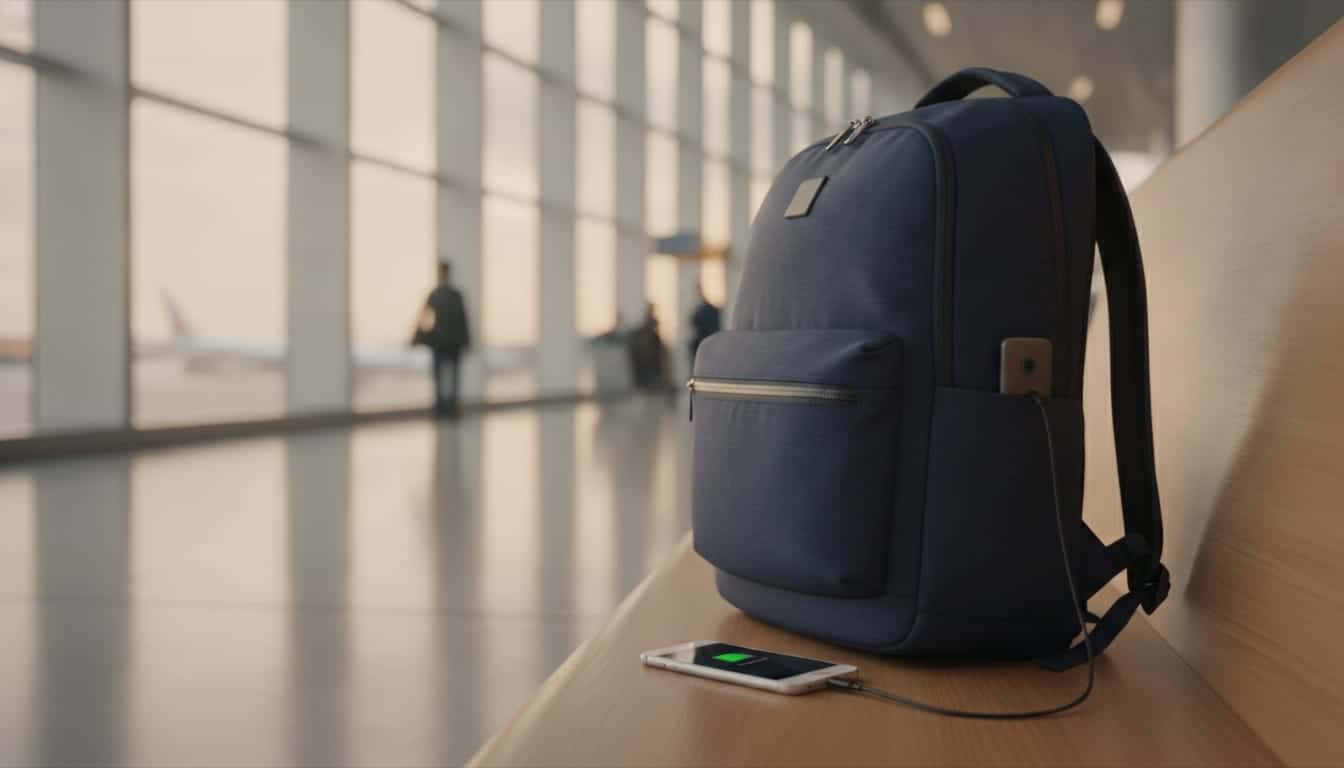
Backpack with a USB Port: How It Works and What to Check Before You Buy
The USB port on a backpack doesn't make power: you plug a power bank in on the inside and your phone cable on the outside. Here's how it works, which cable you need, what's allowed on a flight and what to check before choosing a bag.
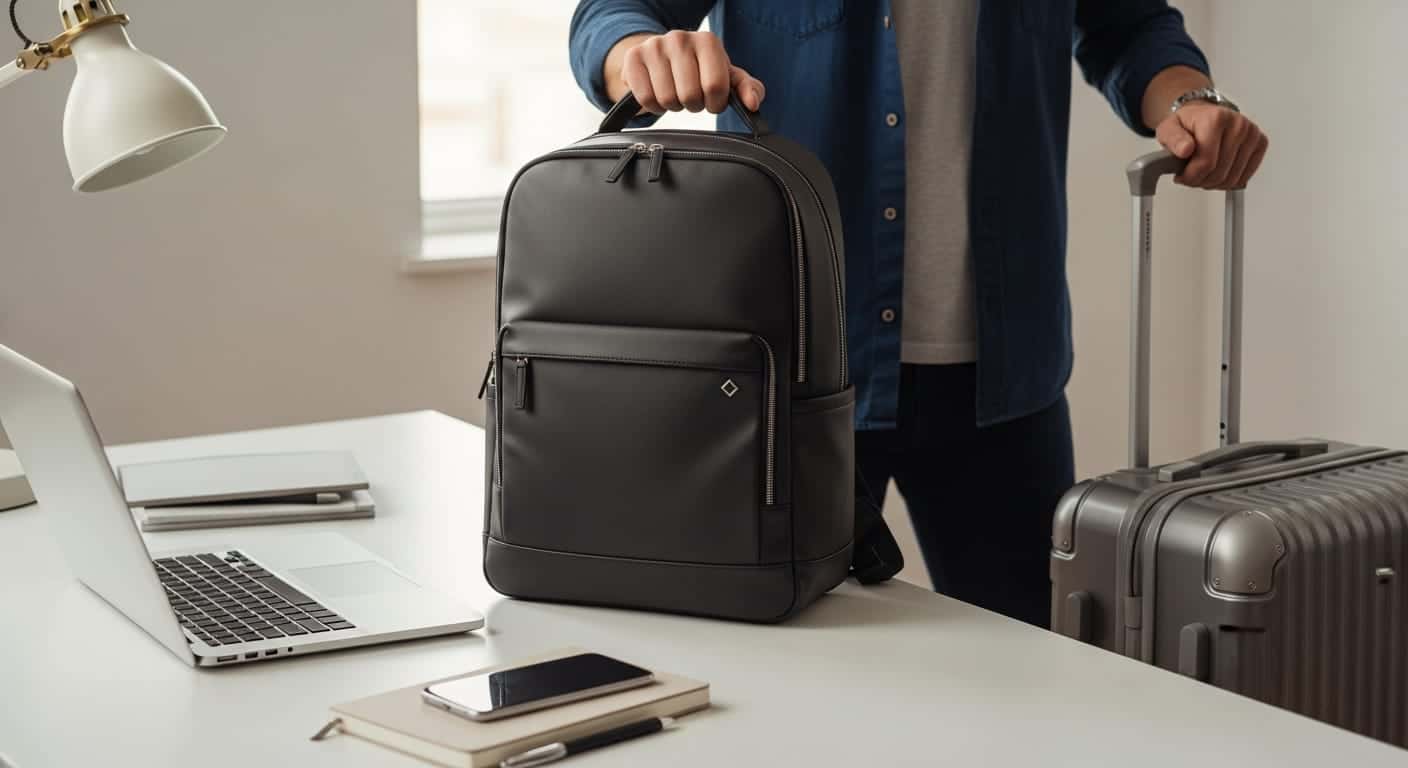
How to Choose a Laptop Bag: Size, Protection and Type of Bag
A laptop bag is chosen by three things: a padded compartment rated for your laptop's size, a type of bag that suits how you get around, and water-repellent fabric. How to choose correctly, with a size table and examples from the catalog.

Shoulder Bag or Laptop Backpack for Work? How to Decide
A shoulder bag looks professional and gives fast access, a backpack spreads the weight and suits walking and public transport. What fits your workday: laptop size, how much you carry, how you get to the office and what about rain.